3D print the Mosque of Muhammad Ali
A free, printable model of the Mosque of Muhammad Ali and the buildings, roads and small green spaces around it, generated from real map data in your browser.
Free, in your browser. Exports a slicer-ready 3MF.
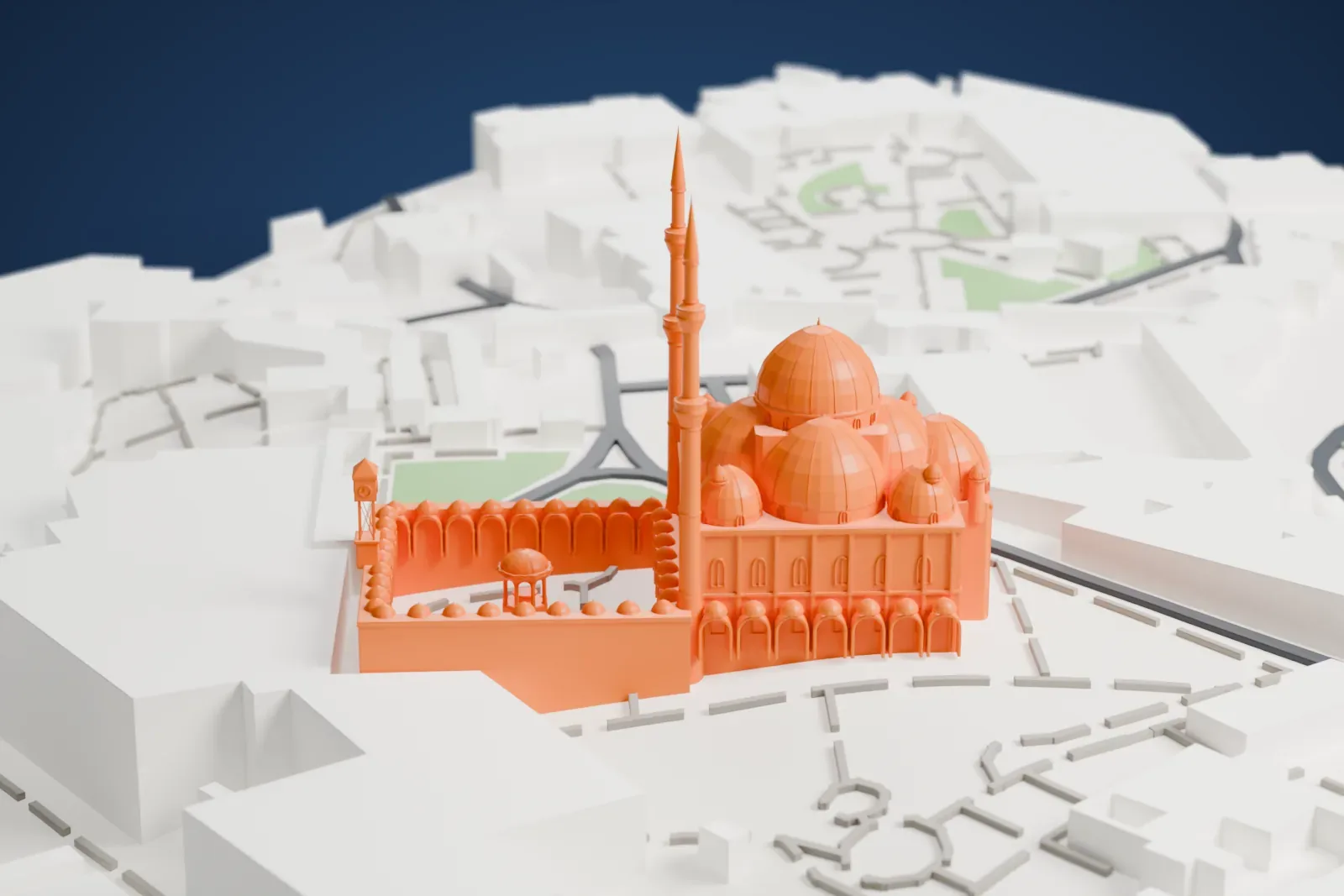
About the Mosque of Muhammad Ali
The Citadel of Cairo, Egypt, is home to the Mosque of Muhammad Ali, which is also called the Muhammad Ali Mosque. Muhammad Ali Pasha commissioned it, and construction ran from 1832 to 1857. It overlooks the city and ranks among the most visible mosques and landmarks on Cairo's skyline. It is sometimes known as the Alabaster Mosque, because alabaster prominently covers its walls.
The mosque is entirely Ottoman in form, while its decoration avoids Mamluk influences and traditional Islamic ornament in favor of European ones, though Qur'anic inscriptions remain. That was a radical break from the earlier blend of Ottoman and Mamluk styles in Cairo. The first plans came from the French architect Pascal Coste, who proposed a neo-Mamluk mosque in 1827, but Muhammad Ali turned his design down. Construction restarted in 1832 on a more Ottoman design by an unknown architect, probably a Greek or an Armenian. Its extensive decoration took until 1857 to finish, in the reign of Sa'id Pasha.
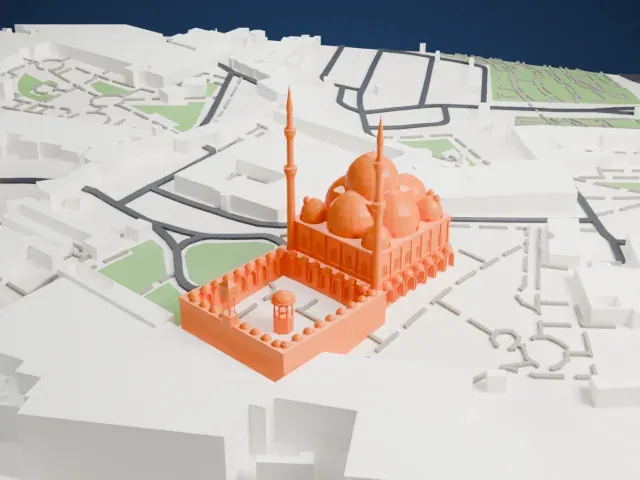
The prayer hall is roofed with a central dome, 21 meters in diameter, ringed by four semi-domes plus four small domes at the corners. Two cylindrical Ottoman-style minarets, each with two balconies and a conical cap, are over 80 meters (260 feet) tall. The courtyard measures 55 by 57 meters (180 by 187 feet) and has an ablutions fountain at its center. Muhammad Ali's tomb is inside the mosque, in the prayer hall's western corner.
How it prints
Make this print opens the generator on a 600 m square around the landmark. Buildings print at close to true scale, so the landmark grows with the print size.
| Print size | Landmark height | Scale |
|---|---|---|
| 160 mm default | 25 mm | 1:3,750 |
| 200 mm | 32 mm | 1:3,000 |
| 256 mm | 40 mm | 1:2,344 |
-
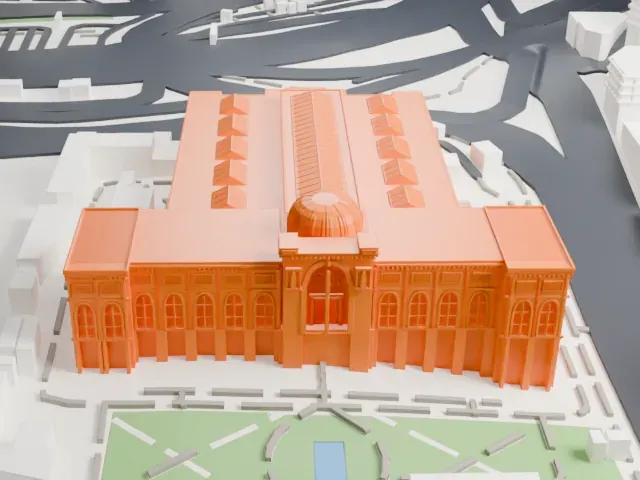
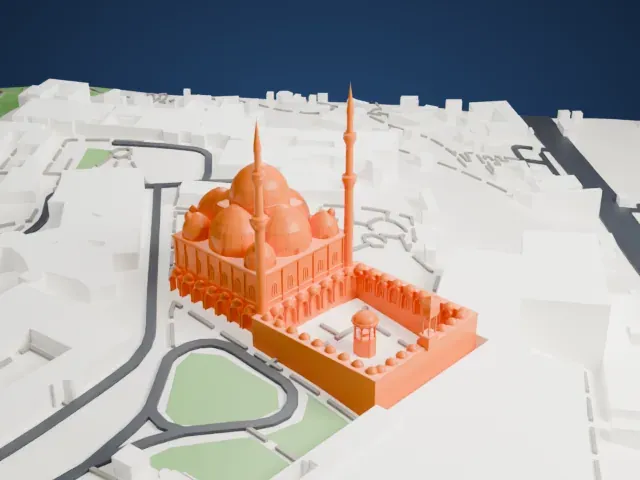 North
North
-
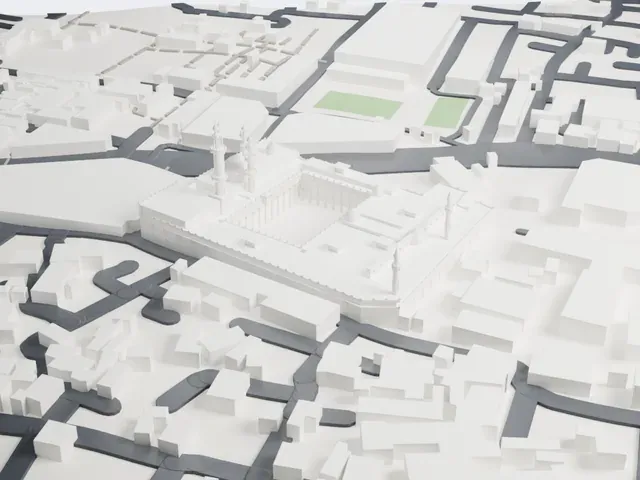
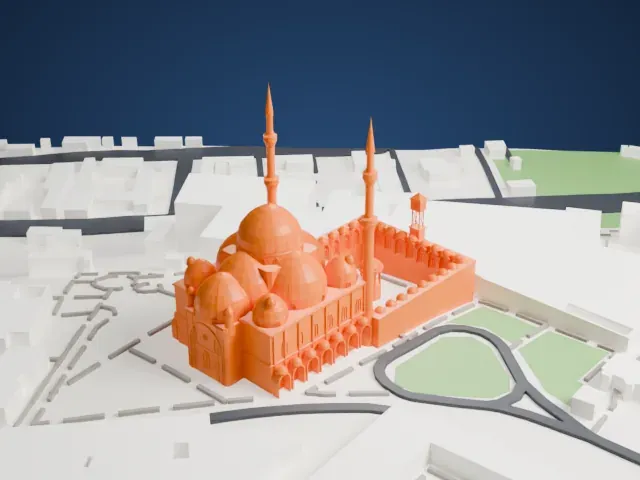 East
East
-
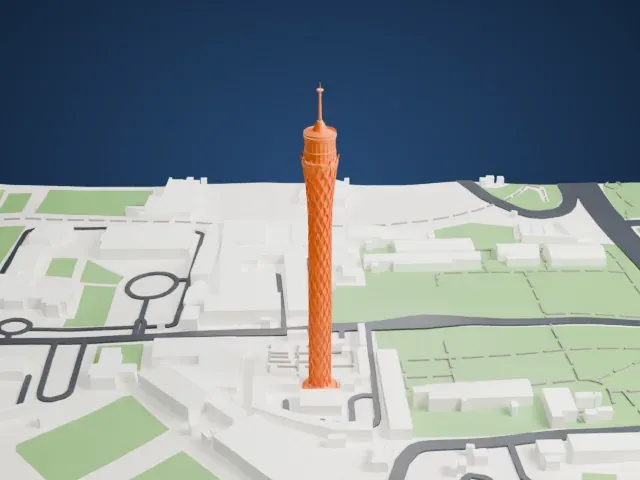
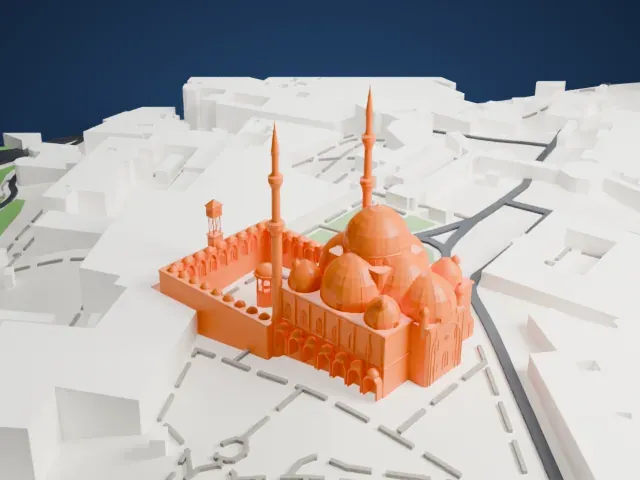 South
South
-
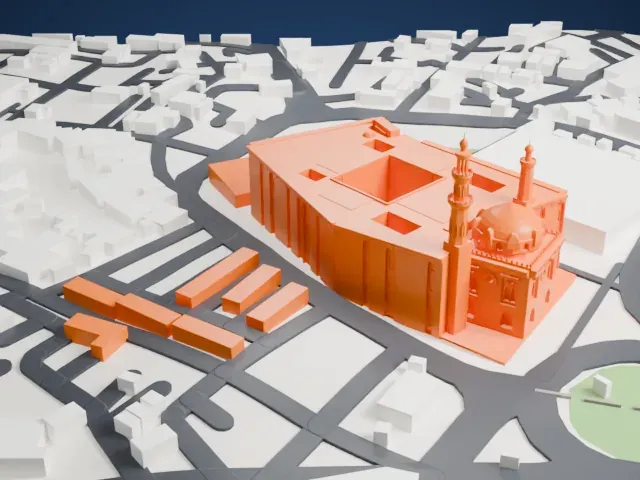
 West
West
- Two slender minarets
- Two tall, thin minarets with pointed caps rise beside the domes. Layers of 0.12 to 0.16 mm keep the tips crisp, and printing slowly helps these tall, thin parts.
- Clusters of small domes
- A cluster of domes covers the prayer hall, and many small domes line the courtyard arcades. Print friendly adapts these small details to the print scale; Full detail keeps them, which suits a larger print.
- Pick the detail for your nozzle
- In the Buildings settings, set Landmark detail to Print friendly to adapt thin parts and small details to the print scale. Full detail keeps every modeled feature, for larger prints or a finer nozzle.
- Colors
- Buildings, roads, water and ground arrive as separate filament slots in the 3MF. The Mosque of Muhammad Ali takes the building color.
- File format
- You get a 3MF for Bambu Studio, OrcaSlicer or PrusaSlicer. Any of them can save it as STL if you need one.
About this model
The Mosque of Muhammad Ali is one of more than 2,300 landmark models in Mini Skyline. They are made with AI, and each one is checked from four sides in its real surroundings before release. Everything around it is built from OpenStreetMap and Overture map data. If you would rather print the shape from map data, turn off Landmark models in the Buildings settings.
Common questions
Is there a Mosque of Muhammad Ali STL I can download?
Mini Skyline builds the file for you in your browser and exports 3MF, which every major slicer opens. If you need an STL, open the 3MF in your slicer and export it from there.
How big can I print it?
Any print size from 40 mm across. The Mosque of Muhammad Ali grows with the print: about 25 mm tall on the default 160 mm print. For a model larger than your printer bed, Project Mode splits the area into tiles.
Is it free?
Yes. Generation runs in your browser, with no account and nothing behind a paywall.