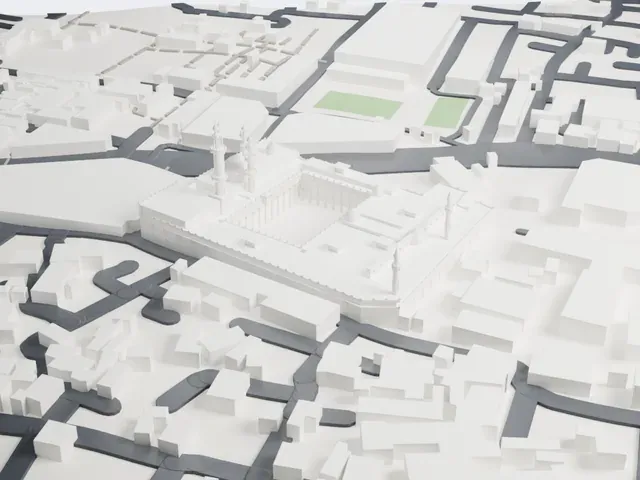
3D print the Egyptian Museum
A free, printable model of the Egyptian Museum and the busy roads, gardens and buildings around it, generated from real map data in your browser.
Free, in your browser. Exports a slicer-ready 3MF.
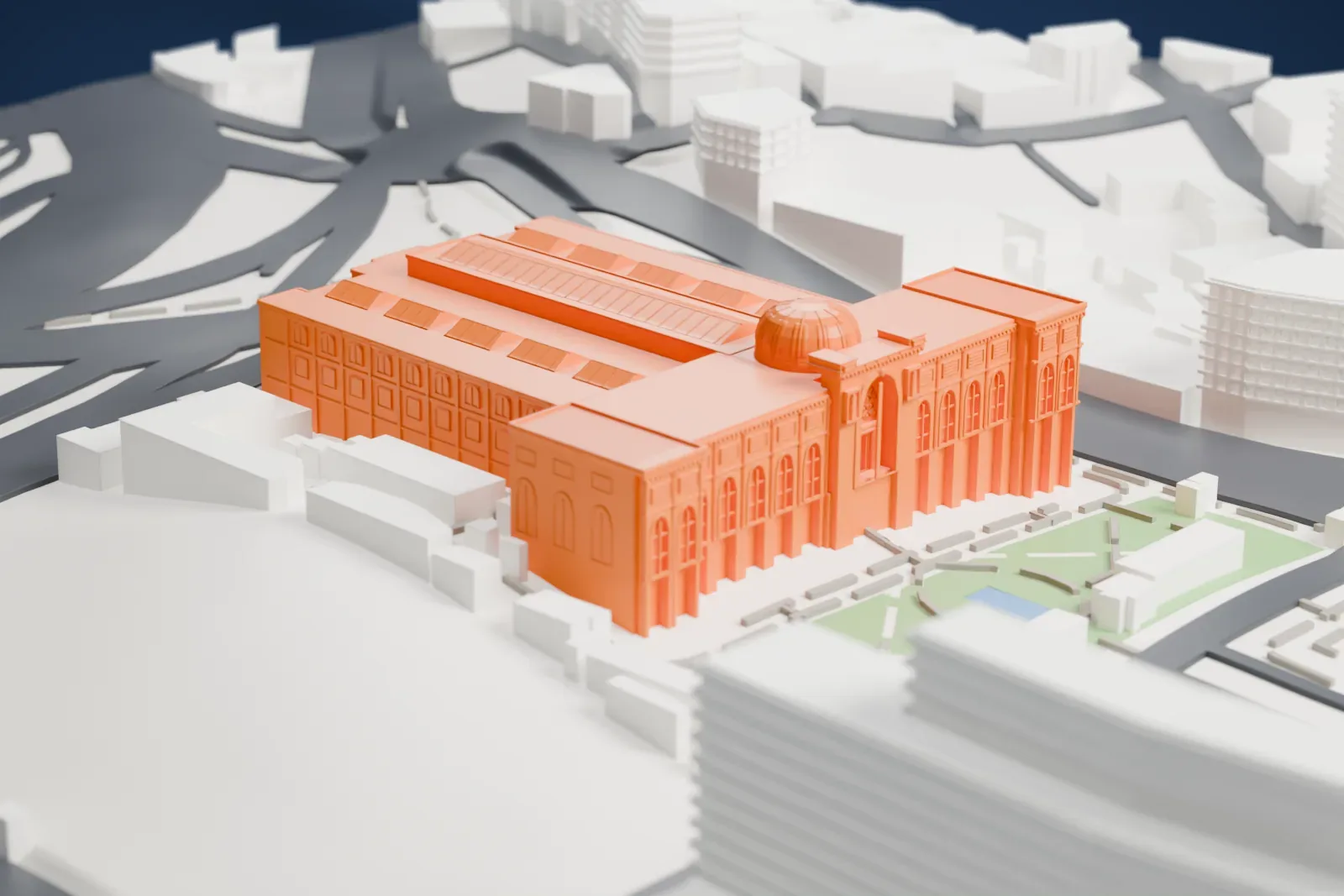
About the Egyptian Museum
Cairo, Egypt, is home to the Museum of Egyptian Antiquities, a national history museum that people usually call the Egyptian Museum or the Cairo Museum. This Egyptological museum holds the world's largest collection of Egyptian antiquities, with over 170,000 items. Its building stands on Tahrir Square, and the museum ranks among the largest in Africa, and it is the Middle East's first national museum.
The French architect Marcel Dourgnon designed the building in 1897, and its foundation stone was laid on April 1, 1897, with Khedive Abbas Hilmi II present. The German architect Hermann Grabe completed the project. Moving the collections from a palace in Giza required five thousand wooden carts, and big artifacts went by two trains. The first shipment alone held roughly 48 stone coffins, weighing more than 1,000 tons. The museum officially opened on November 15, 1902.
Its halls followed a chronological sequence, with large statues on the ground floor and funerary items on the first floor. The museum became so crowded that it ended up resembling a storage facility. Auguste Mariette's tomb was relocated to the museum's garden, since he had wanted burial among the artifacts he collected over much of his life. In 1954, most of the gardens, which once reached the banks of the Nile, were seized for the Cairo Municipality Building. In 1983 the museum building gained registration as a heritage site for its architecture.
How it prints
Make this print opens the generator on a 600 m square around the landmark. Buildings print at close to true scale, so the landmark grows with the print size.
| Print size | Landmark height | Scale |
|---|---|---|
| 160 mm default | 13 mm | 1:3,750 |
| 200 mm | 16 mm | 1:3,000 |
| 256 mm | 20 mm | 1:2,344 |
-
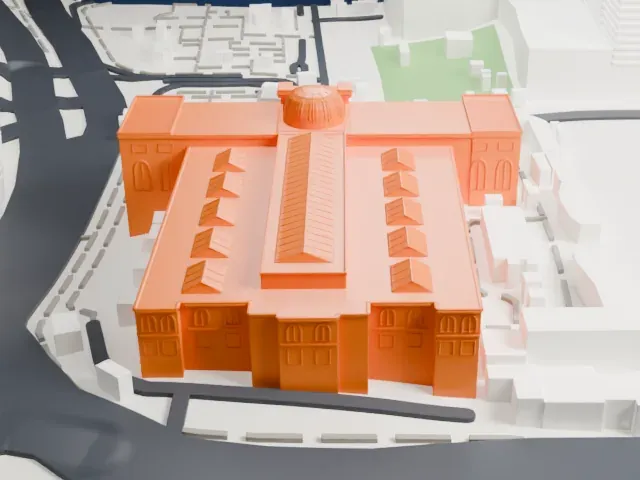 North
North
-
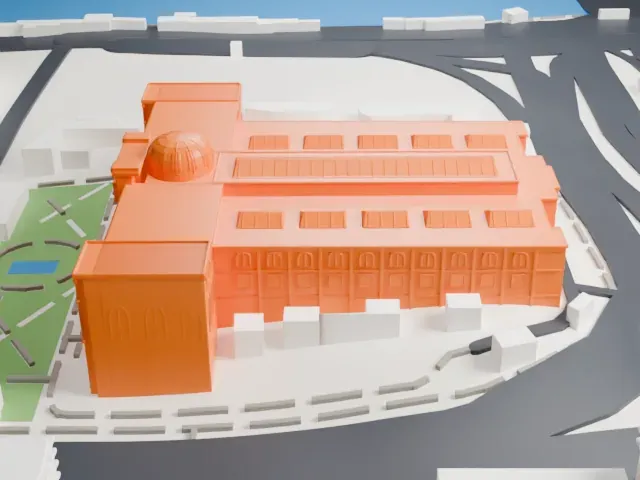 East
East
-
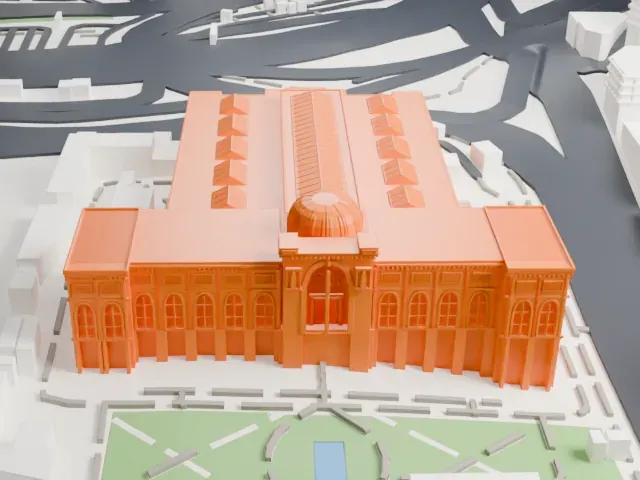 South
South
-
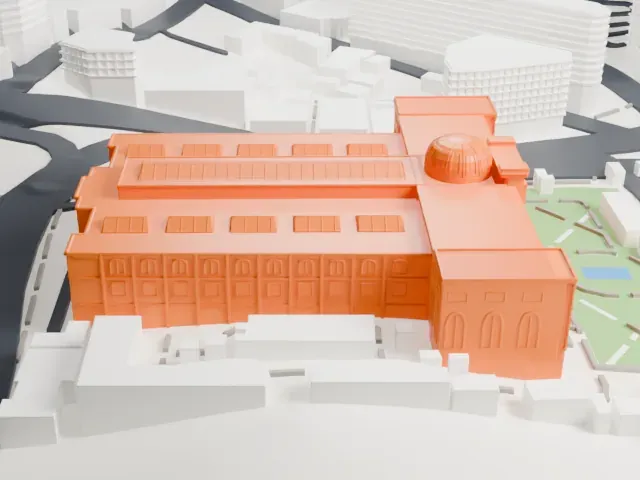 West
West
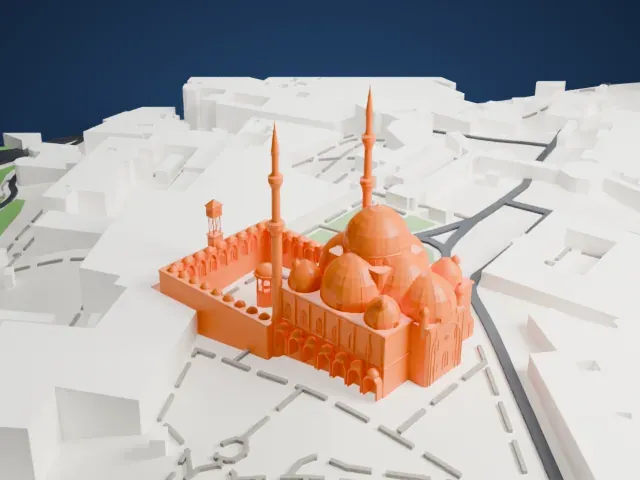
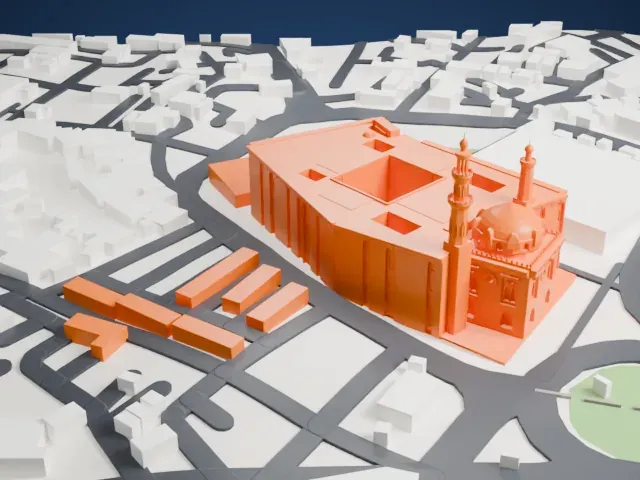
- A shallow dome and arched windows
- The central dome and the tall arched windows on the front are small, shallow details. Print friendly adapts them to the print scale; Full detail keeps them on a larger print.
- Slanted roof panels
- Rows of narrow slanted panels run across the roof. A larger print size and 0.12–0.16 mm layers keep these crisp.
- One piece with the ground
- The Egyptian Museum is joined to the ground in the exported file, and the four-side check found no floating parts, so nothing needs gluing.
- Pick the detail for your nozzle
- In the Buildings settings, set Landmark detail to Print friendly to adapt thin parts and small details to the print scale. Full detail keeps every modeled feature, for larger prints or a finer nozzle.
- Colors
- Buildings, roads, water and ground arrive as separate filament slots in the 3MF. The Egyptian Museum takes the building color.
- File format
- You get a 3MF for Bambu Studio, OrcaSlicer or PrusaSlicer. Any of them can save it as STL if you need one.
About this model
The Egyptian Museum is one of more than 2,300 landmark models in Mini Skyline. They are made with AI, and each one is checked from four sides in its real surroundings before release. Everything around it is built from OpenStreetMap and Overture map data. If you would rather print the shape from map data, turn off Landmark models in the Buildings settings.
Common questions
Is there an Egyptian Museum STL I can download?
Mini Skyline builds the file for you in your browser and exports 3MF, which every major slicer opens. If you need an STL, open the 3MF in your slicer and export it from there.
How big can I print it?
Any print size from 40 mm across. The Egyptian Museum grows with the print: about 13 mm tall on the default 160 mm print. For a model larger than your printer bed, Project Mode splits the area into tiles.
Is it free?
Yes. Generation runs in your browser, with no account and nothing behind a paywall.