Al-Omari Grand Mosque in 3D
The Al-Omari Grand Mosque appears in city models you make here; its design may still be protected, so it isn't offered as a separate download.
-
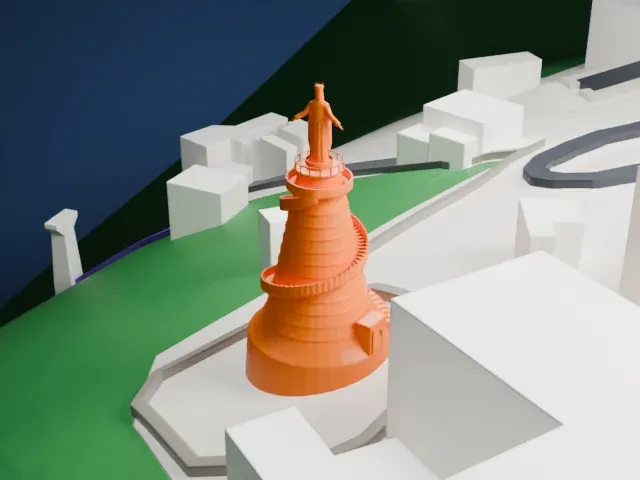
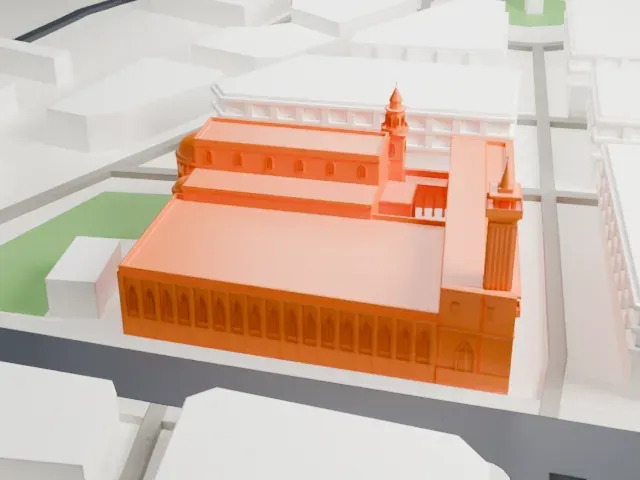 North
-
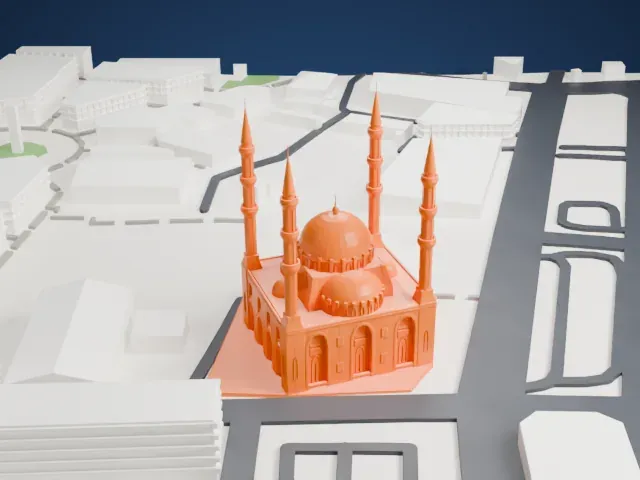
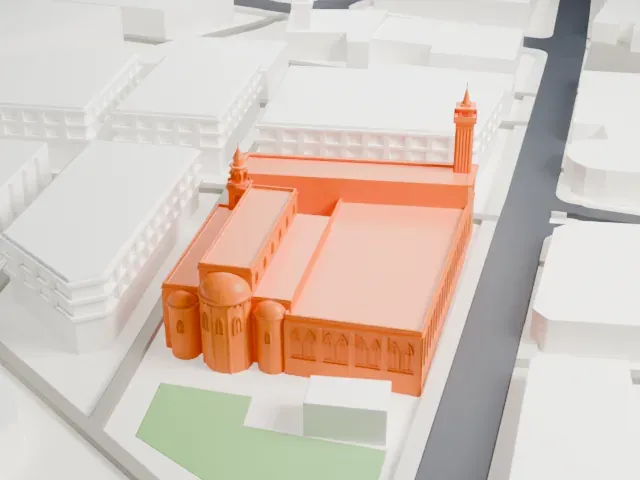 East
-
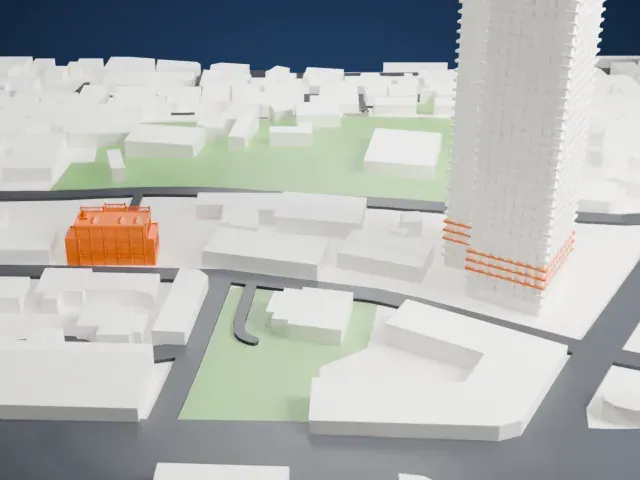
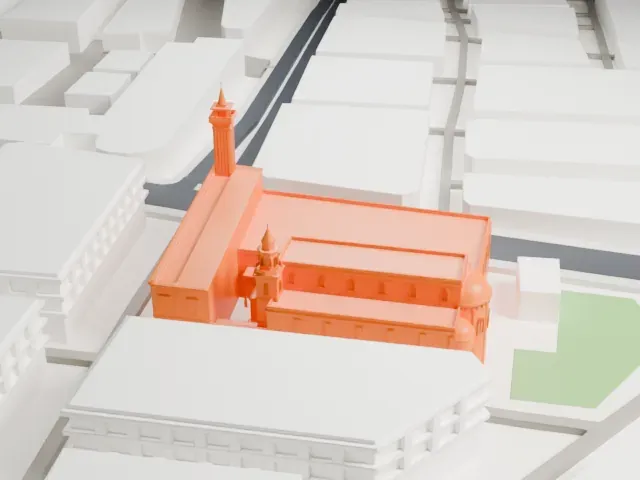 South
-
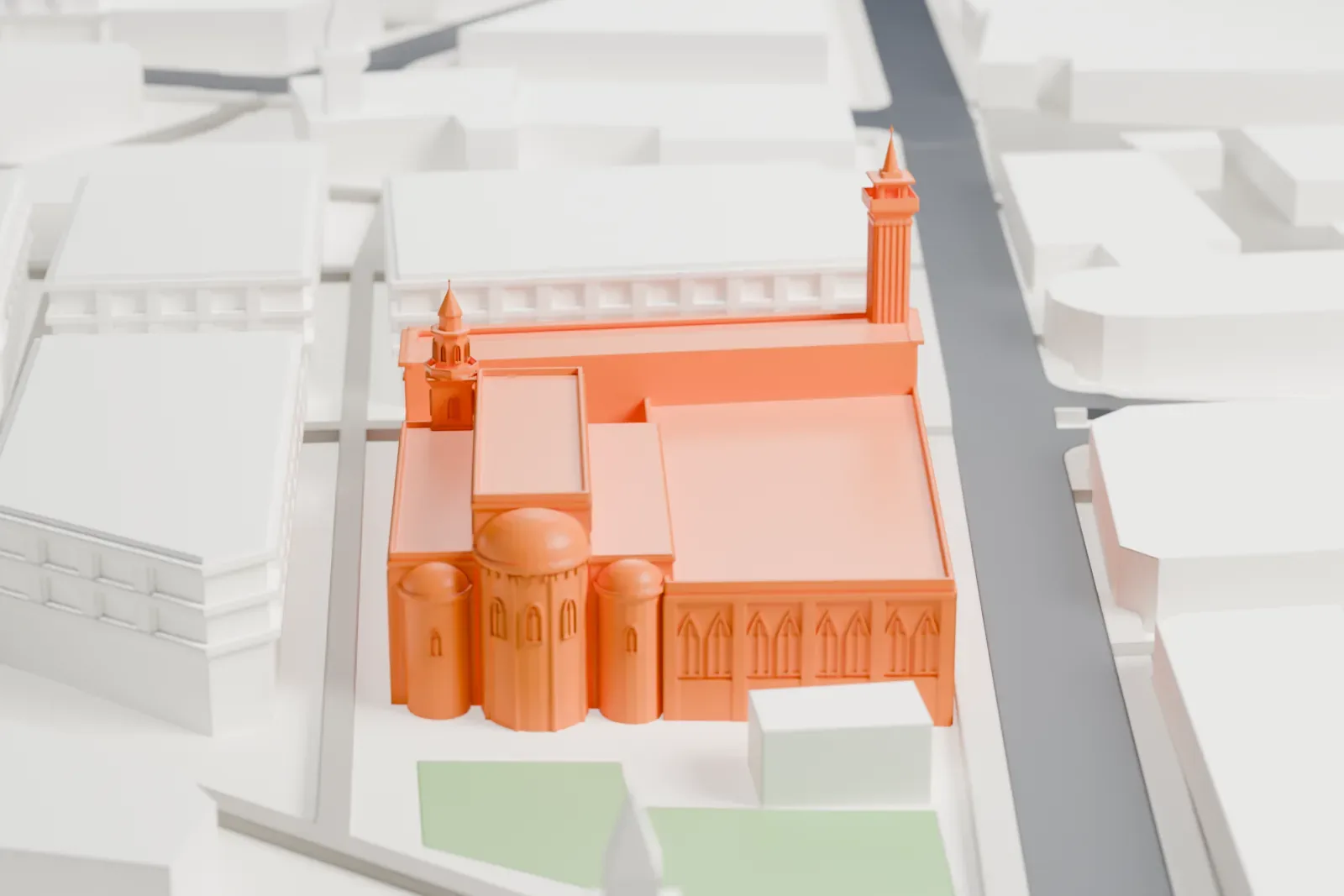
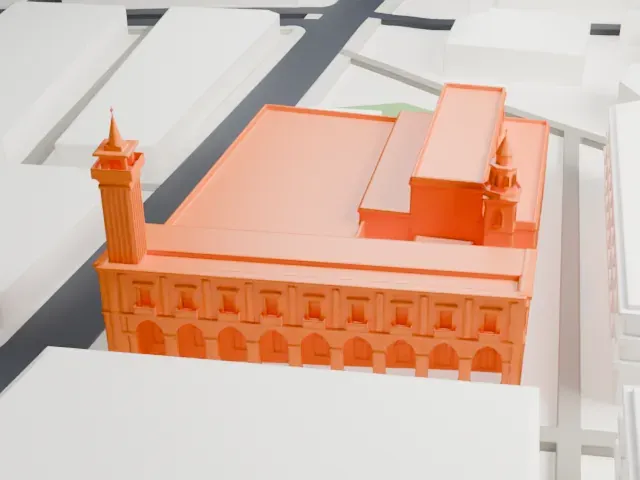 West
Copyright notice
The design of Al-Omari Grand Mosque may still be protected by copyright. It appears in the city models you make here, but it is not offered as a separate model.
- On a 160 mm print
- 9 mm
- Scale
- 1:3,750
9 mm tall on a 160 mm print
Make this print opens the generator on a 600 m square around the landmark. Buildings print at close to true scale, so the landmark grows with the print size.
- Small domes and slender towers
Small domed apses and slender towers rise from a low roofline. Print friendly adapts these thin parts to the print scale; Full detail suits a larger print with 0.12–0.16 mm layers.
- One piece with the ground
The Al-Omari Grand Mosque is joined to the ground in the exported file, and the four-side check found no floating parts, so nothing needs gluing.
- Pick the detail for your nozzle
In the Buildings settings, set Landmark detail to Print friendly to adapt thin parts and small details to the print scale. Full detail keeps every modeled feature, for larger prints or a finer nozzle.
- Colors
Buildings, roads, water and ground arrive as separate filament slots in the 3MF. The Al-Omari Grand Mosque takes the building color.
- File format
You get a 3MF for Bambu Studio, OrcaSlicer or PrusaSlicer. Any of them can save it as STL if you need one.
About the Al-Omari Grand Mosque
The Al-Omari Grand Mosque is a Sunni Islam mosque in the central district of Beirut, Lebanon, and is also known as Jami' Al-Kabir. The site has served as a place of worship through several eras. It began as a Roman temple that was dedicated to the god Jupiter, and Roman influence is still visible in elements such as its columns and foundations.
In Byzantine times the structure became a basilica with intricate mosaics. It was converted into a mosque in the 7th century CE, and one account says it was re-built in 635 CE during the reign of the second caliph, Umar. In the 12th century, while the Crusaders occupied Beirut, it became the Church of Saint John. The Mamluks took Beirut from the last crusader states in 1291, and the church became a mosque again. It was then named Al-Omari Mosque, after Umar, and also took the name "Jami' Al-Kabir", meaning the Great Mosque.
In 1350 a Mamluk-style entrance, domes and minarets were added to the mosque, and they echo the Byzantine style of the earlier church. The Lebanese Civil War left the mosque badly damaged, and its refurbishment, directed by Youssef Haidar, was finished in 2004.
About this model
The Al-Omari Grand Mosque is one of more than 6,500 landmark models in Mini Skyline. They are made with AI, and each one is checked in its real surroundings before release. Each model is written as code from public descriptions, plans, photographs and aerial views used only as references; no image or third-party model is copied into it. Everything around it is built from OpenStreetMap and Overture map data. Rights in the building itself, its name and any brands on it are not granted by Mini Skyline; clear them separately before you sell prints. If you would rather print the shape from map data, turn off Landmark models in the Buildings settings.
Mini Skyline is not affiliated with, or endorsed by, the owners of this building or its names and marks.
Same skyline