3D print the American Surety Building
A free, printable model of the American Surety Building, a stepped, ornamented tower, mostly hidden among much taller neighbors, generated from real map data in your browser.
Free, in your browser. Exports a slicer-ready 3MF.
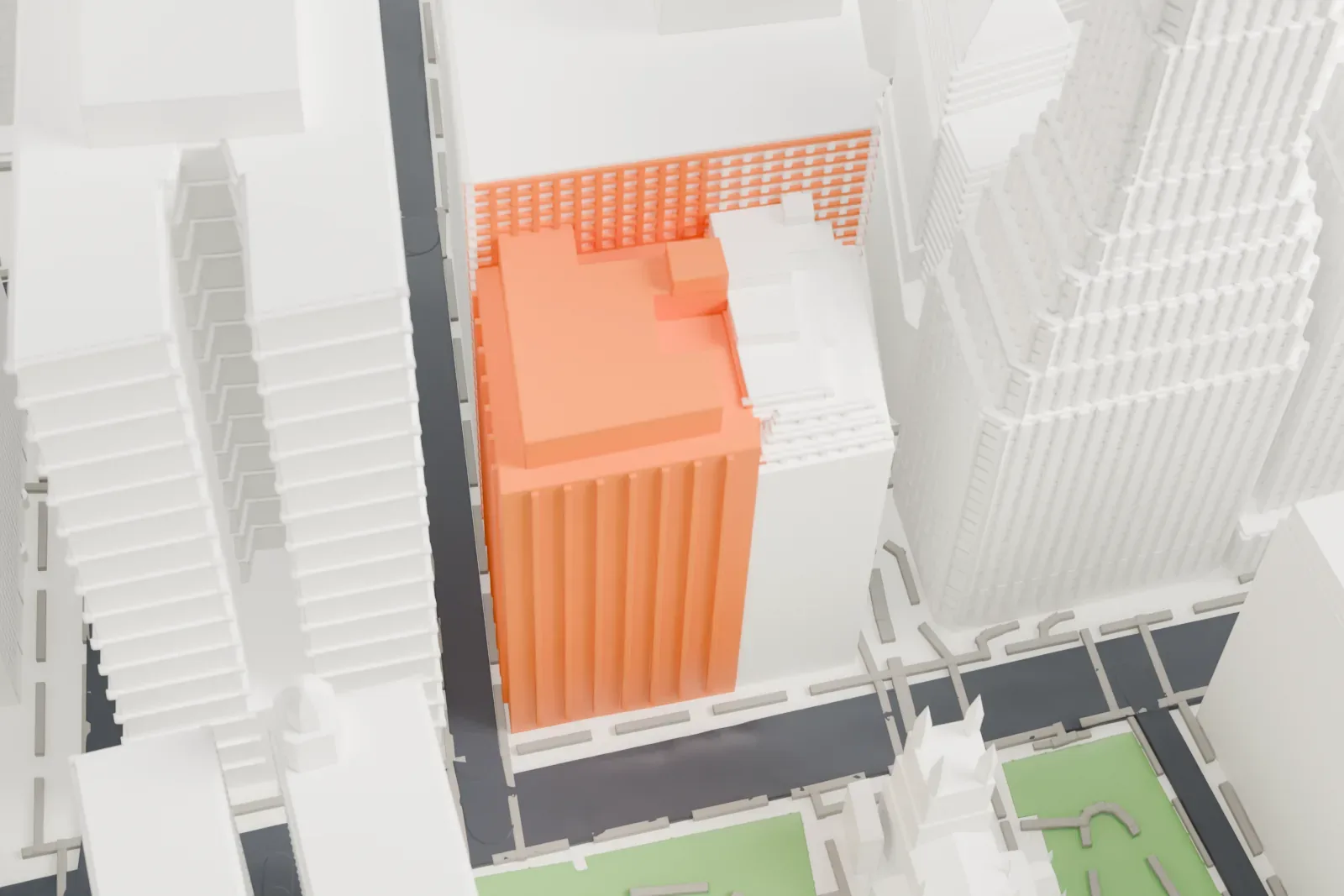
About the American Surety Building
Opposite Trinity Church, at Pine Street and Broadway in Manhattan's Financial District, the American Surety Building is an early skyscraper used as offices, which also goes by 100 Broadway and the Bank of Tokyo Building. Bruce Price gave it a Neo-Renaissance design, and Herman Lee Meader later designed an expansion. Its steel framing and curtain wall construction put it among Manhattan's first buildings of that kind.
Maine granite covers the facade, arranged in three horizontal bands that echo a column's base, shaft and capital. Among the earliest skyscrapers in New York City to be laid out this way, it carries sculptural features that are the work of J. Massey Rhind. A skeleton of structural steel forms the interior, and a cantilevered steel structure supports its foundations.
Construction ran from 1894 to 1896 and produced a 21-story building that, on completion, ranked second in height in New York City. An annex designed by Meader, built from 1920 to 1922, added floor area and two more stories. Later, the Bank of Tokyo, a tenant, engaged Kajima International to restore the lowest 13 stories during 1973 to 1975.
How it prints
Make this print opens the generator on a 600 m square around the landmark. Buildings print at close to true scale, so the landmark grows with the print size.
| Print size | Landmark height | Scale |
|---|---|---|
| 160 mm default | 31 mm | 1:3,750 |
| 200 mm | 39 mm | 1:3,000 |
| 256 mm | 49 mm | 1:2,344 |
-
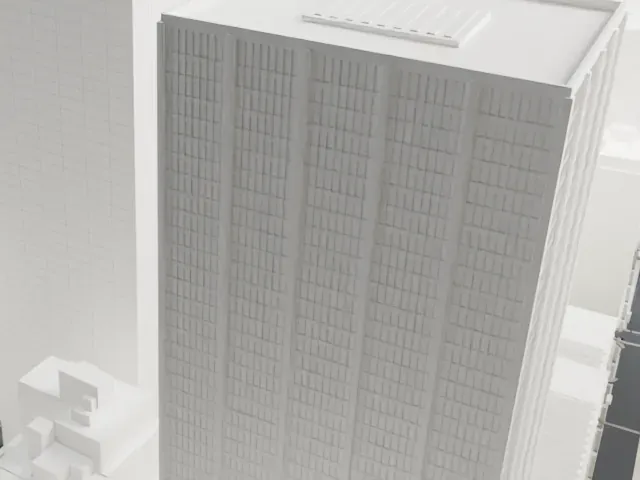 North
North
-
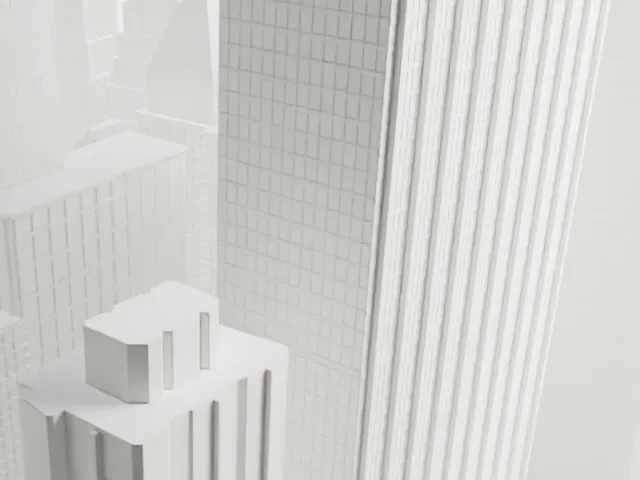 East
East
-
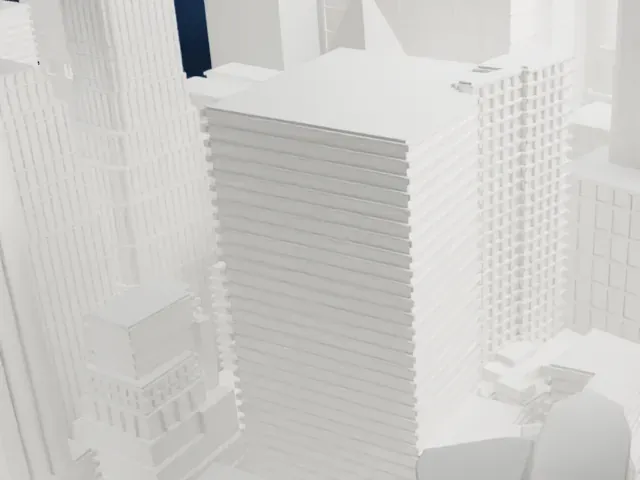 South
South
-
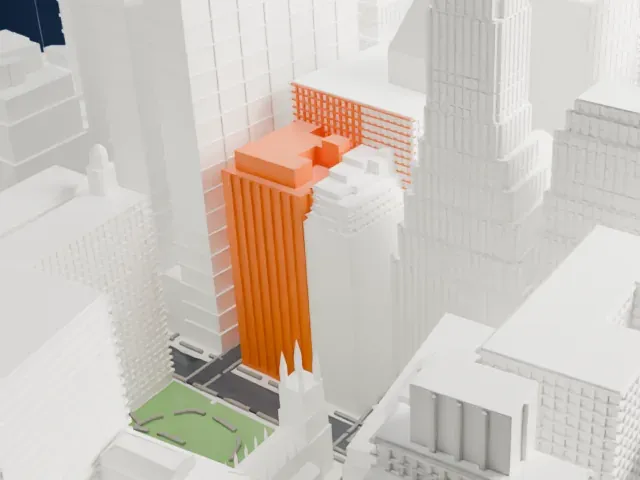 West
West
- Mostly hidden by taller towers
- Much taller buildings crowd the landmark, so only its stepped upper part shows clearly. Print friendly adapts the ornament to the print scale; a larger print size keeps more of the detail.
- One piece with the ground
- The American Surety Building is joined to the ground in the exported file, and the four-side check found no floating parts, so nothing needs gluing.
- Pick the detail for your nozzle
- In the Buildings settings, set Landmark detail to Print friendly to adapt thin parts and small details to the print scale. Full detail keeps every modeled feature, for larger prints or a finer nozzle.
- Colors
- Buildings, roads, water and ground arrive as separate filament slots in the 3MF. The American Surety Building takes the building color.
- File format
- You get a 3MF for Bambu Studio, OrcaSlicer or PrusaSlicer. Any of them can save it as STL if you need one.
About this model
The American Surety Building is one of more than 2,300 landmark models in Mini Skyline. They are made with AI, and each one is checked from four sides in its real surroundings before release. Everything around it is built from OpenStreetMap and Overture map data. If you would rather print the shape from map data, turn off Landmark models in the Buildings settings.
Common questions
Is there an American Surety Building STL I can download?
Mini Skyline builds the file for you in your browser and exports 3MF, which every major slicer opens. If you need an STL, open the 3MF in your slicer and export it from there.
How big can I print it?
Any print size from 40 mm across. The American Surety Building grows with the print: about 31 mm tall on the default 160 mm print. For a model larger than your printer bed, Project Mode splits the area into tiles.
Is it free?
Yes. Generation runs in your browser, with no account and nothing behind a paywall.





