3D print the Avicenna Mausoleum
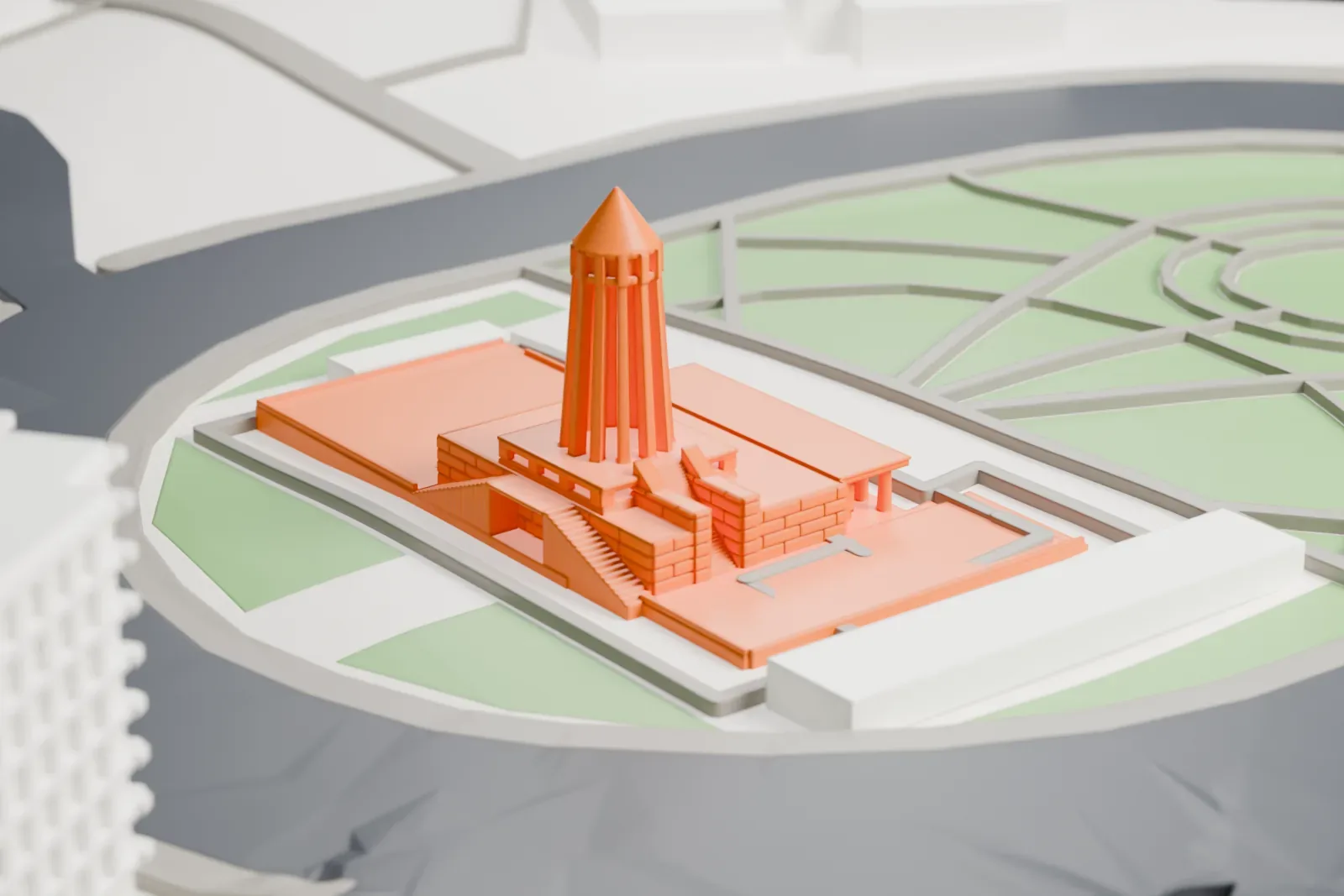
A free, printable model of the Avicenna Mausoleum, with its ribbed tower and columned entrance, generated from real map data in your browser.
-
 North
North
-
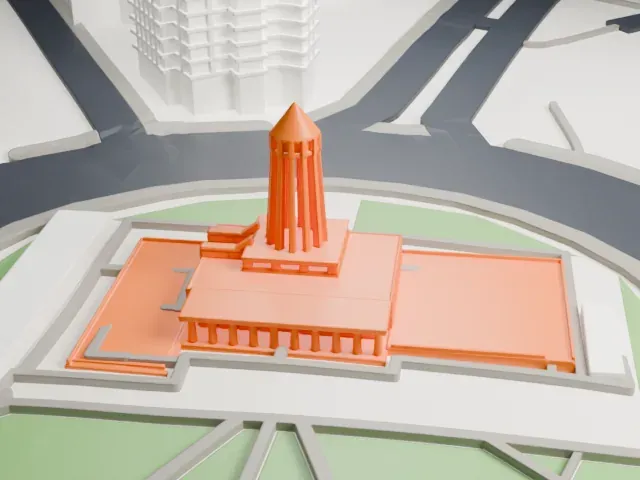 East
East
-
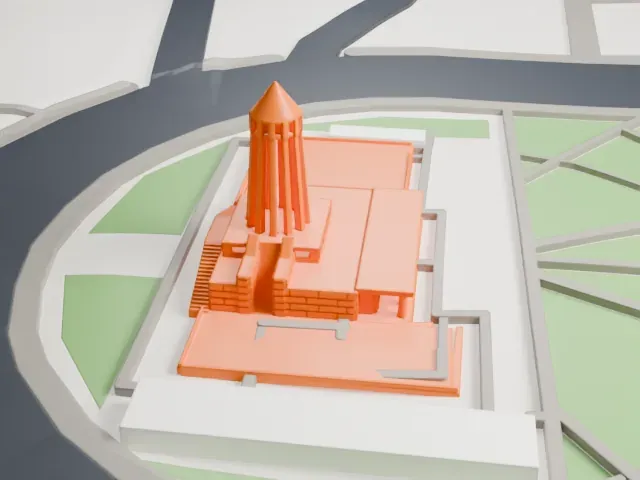 South
South
-
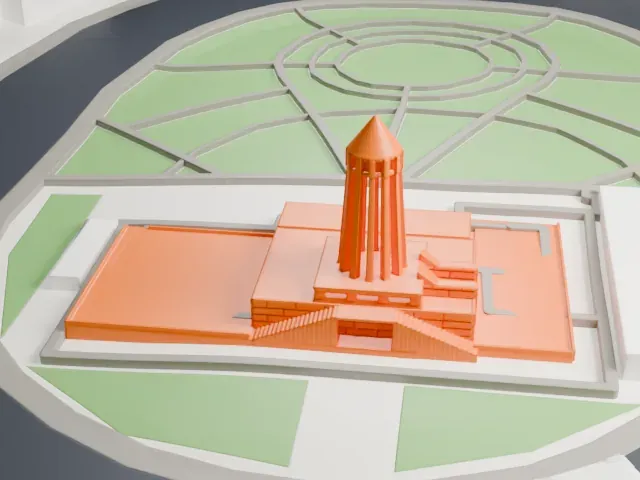 West
West
The model you print
Avicenna Mausoleum in 3D
The landmark on its own, at its size on a 160 mm print. Print friendly thickens thin parts for a 0.4 mm nozzle; Full detail keeps every part.
- Real height
- 28 m
- On a 160 mm print
- 8 mm
- Scale
- 1:3,750
28 m of the Avicenna Mausoleum, 8 mm on your shelf
Make this print opens the generator on a 600 m square around the landmark. Buildings print at close to true scale, so the landmark grows with the print size.
- Leaning ribs and open shaft
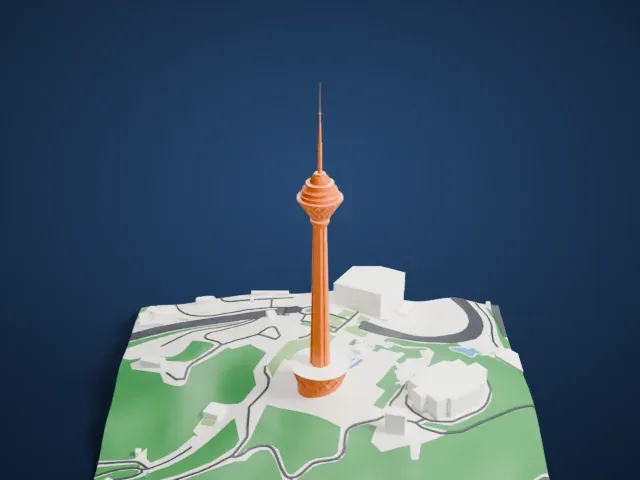
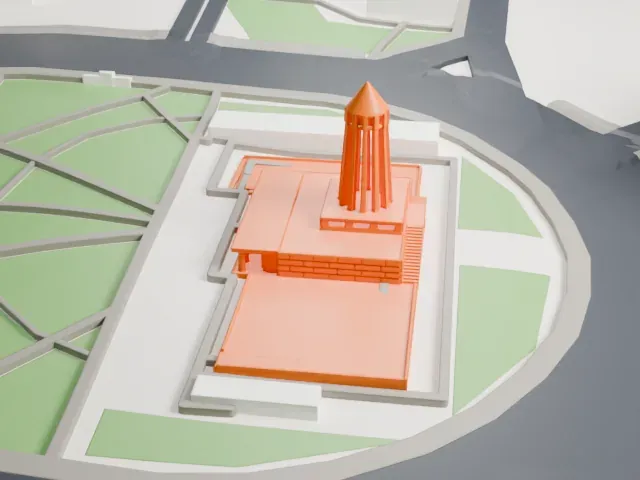
The tower is a cage of twelve inward-leaning blades around an open center, with a pointed cap above. Print friendly adapts the thin blades and recessed crown; a larger print keeps the see-through shaft clearer.
- Columns and stair passages
The entrance portico has ten slender columns beside the raised platform and its stair passages. Use a larger print or Full detail to keep the colonnade and steps distinct.
- One piece with the ground
The Avicenna Mausoleum is joined to the ground in the exported file, and the four-side check found no floating parts, so nothing needs gluing.
- Pick the detail for your nozzle
In the Buildings settings, set Landmark detail to Print friendly to adapt thin parts and small details to the print scale. Full detail keeps every modeled feature, for larger prints or a finer nozzle.
- Colors
Buildings, roads, water and ground arrive as separate filament slots in the 3MF. The Avicenna Mausoleum takes the building color.
- File format
You get a 3MF for Bambu Studio, OrcaSlicer or PrusaSlicer. Any of them can save it as STL if you need one.
About the Avicenna Mausoleum
The Avicenna Mausoleum in Hamadan, Iran, is both a tomb and a history museum complex, set at Avicenna Square. It honors the Persian polymath Avicenna. A library and a small museum sit alongside a spindle-shaped tower of 28 m (92 ft), which takes inspiration from the Ziyarid-era Kavus Tower.
Its main building dates to the Qajar era. The Pahlavi government planned to build the mausoleum from at least 1939. Houshang Seyhoun had won the competitions for the Ferdowsi and Avicenna mausoleums, and in May 1954 the mausoleum was dedicated with a grand ceremony marking the philosopher's millennial birth anniversary; the avenue in front took his name.
Bronze statues of the 1st millennium BCE, ancient relics, gourds, coins, beads and silver from the Sassanide era are displayed in the museum. An anthropology section and Avicenna's books are held in the library. The complex has been on the Iran National Heritage List since May 11, 1997, and Iran's Cultural Heritage, Handicrafts and Tourism Organization administers it.
About this model
The Avicenna Mausoleum is one of more than 4,900 landmark models in Mini Skyline. They are made with AI, and each one is checked from four sides in its real surroundings before release. Everything around it is built from OpenStreetMap and Overture map data. If you would rather print the shape from map data, turn off Landmark models in the Buildings settings.
Keep exploring