3D print the Bank of America Tower
A free, printable model of the Bank of America Tower and the skyscrapers around it, generated from real map data in your browser.
Free, in your browser. Exports a slicer-ready 3MF.
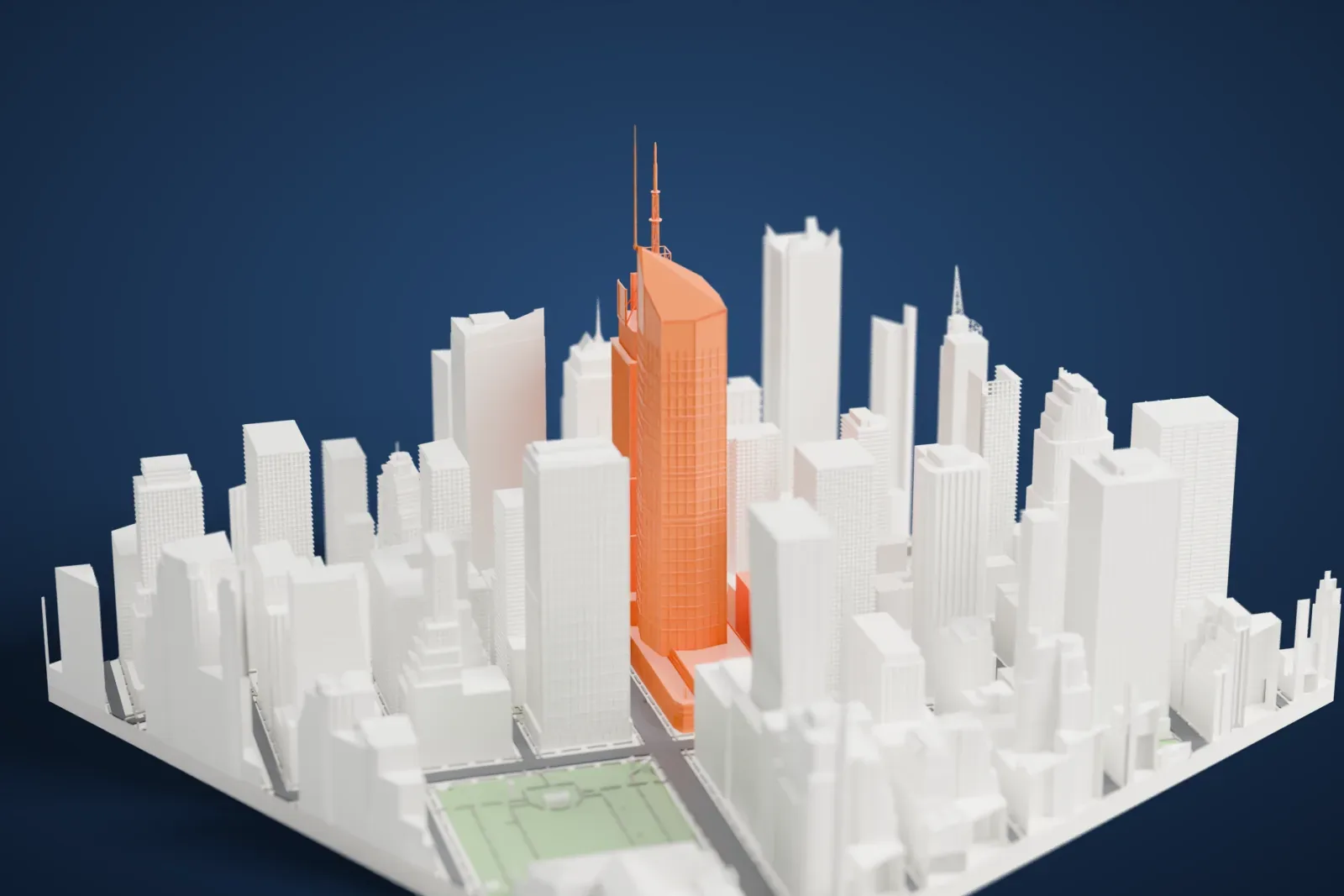
About the Bank of America Tower
The Bank of America Tower is a skyscraper of 55 stories in Midtown Manhattan, New York City, and is also called 1 Bryant Park. It sits at 1111 Avenue of the Americas, which is Sixth Avenue, on the block between 42nd and 43rd Streets, with Bryant Park to its southeast. Cookfox and Adamson Associates designed it, and the Durst Organization developed it for Bank of America. At the south end, an architectural spire reaches 370 m (1,200 ft).
Seymour Durst began buying land on the site in the 1960s, and his son Douglas Durst proposed an office skyscraper early in the 21st century. Work began in 2004, once Bank of America signed on as an anchor tenant, and the building was finished in 2009 for a cost of $1 billion. A base fills the whole plot, with the tower rising above it. The base also contains the Stephen Sondheim Theatre, which the city has designated a landmark.
The tower holds about 200,000 square meters (2.1 million square feet) of office space. Its facade is largely a curtain wall of insulated glass panels, with several diagonal planes designed to reduce wind resistance compared with a rectangular massing. It was the first U.S. commercial skyscraper designed specifically to earn LEED Platinum certification, the top green building rating from LEED.
How it prints
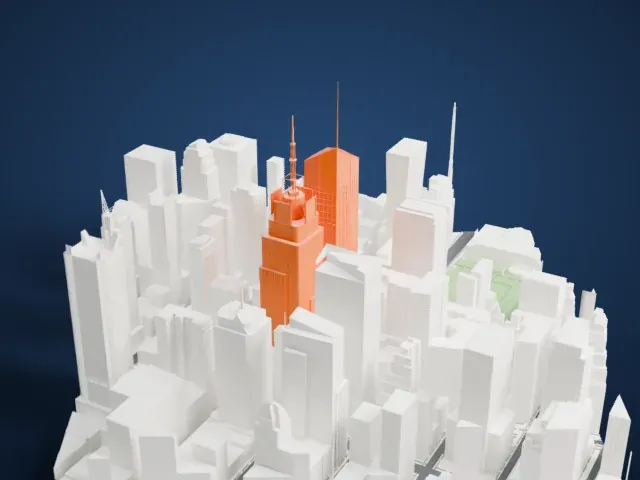
Make this print opens the generator on a 600 m square around the landmark. Buildings print at close to true scale, so the landmark grows with the print size.
| Print size | Landmark height | Scale |
|---|---|---|
| 160 mm default | 99 mm | 1:3,750 |
| 200 mm | 123 mm | 1:3,000 |
| 256 mm | 158 mm | 1:2,344 |
-
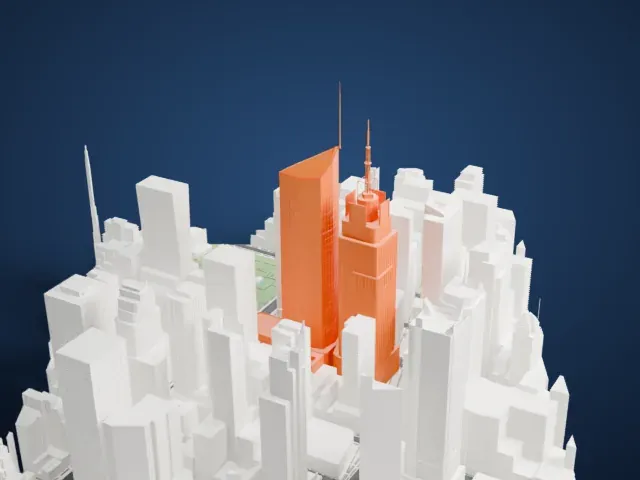 North
North
-
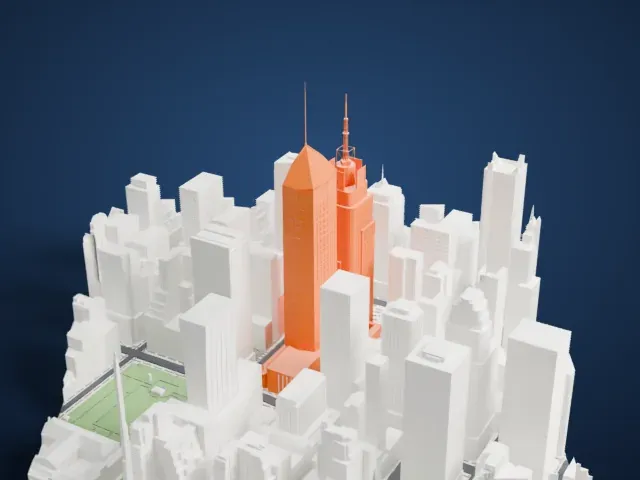 East
East
-
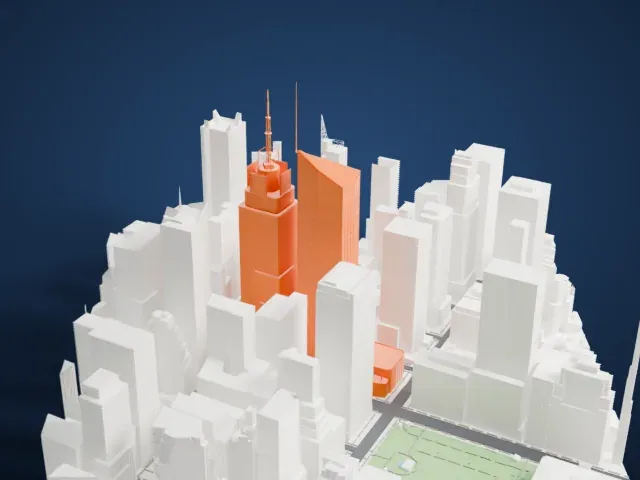 South
South
-
 West
West
- A needle spire
- A very thin spire rises above the slanted crown. Print friendly adapts it to the print scale; Full detail keeps its full length, which suits a larger print. Print slowly, with cooling, for the tip.
- Faceted crown and window grid
- Angled planes cut across the crown, and a fine grid covers the glass walls. A bigger print keeps more of the grid, and layers of 0.12 to 0.16 mm keep the lines crisp.
- One piece with the ground
- The Bank of America Tower is joined to the ground in the exported file, and the four-side check found no floating parts, so nothing needs gluing.
- Pick the detail for your nozzle
- In the Buildings settings, set Landmark detail to Print friendly to adapt thin parts and small details to the print scale. Full detail keeps every modeled feature, for larger prints or a finer nozzle.
- Colors
- Buildings, roads, water and ground arrive as separate filament slots in the 3MF. The Bank of America Tower takes the building color.
- File format
- You get a 3MF for Bambu Studio, OrcaSlicer or PrusaSlicer. Any of them can save it as STL if you need one.
About this model
The Bank of America Tower is one of more than 2,300 landmark models in Mini Skyline. They are made with AI, and each one is checked from four sides in its real surroundings before release. Everything around it is built from OpenStreetMap and Overture map data. If you would rather print the shape from map data, turn off Landmark models in the Buildings settings.
Common questions
Is there a Bank of America Tower STL I can download?
Mini Skyline builds the file for you in your browser and exports 3MF, which every major slicer opens. If you need an STL, open the 3MF in your slicer and export it from there.
How big can I print it?
Any print size from 40 mm across. The Bank of America Tower grows with the print: about 99 mm tall on the default 160 mm print. For a model larger than your printer bed, Project Mode splits the area into tiles.
Is it free?
Yes. Generation runs in your browser, with no account and nothing behind a paywall.





