3D print Bourges Cathedral
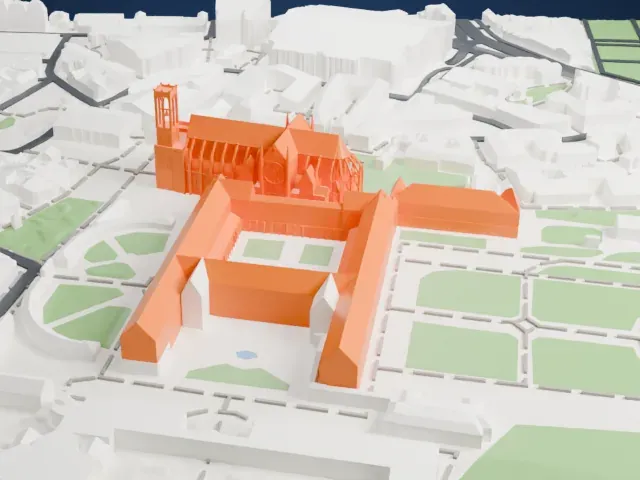
A free, printable model of Bourges Cathedral and the streets, buildings and gardens around it, generated from real map data in your browser.
Free, in your browser. Exports a slicer-ready 3MF.
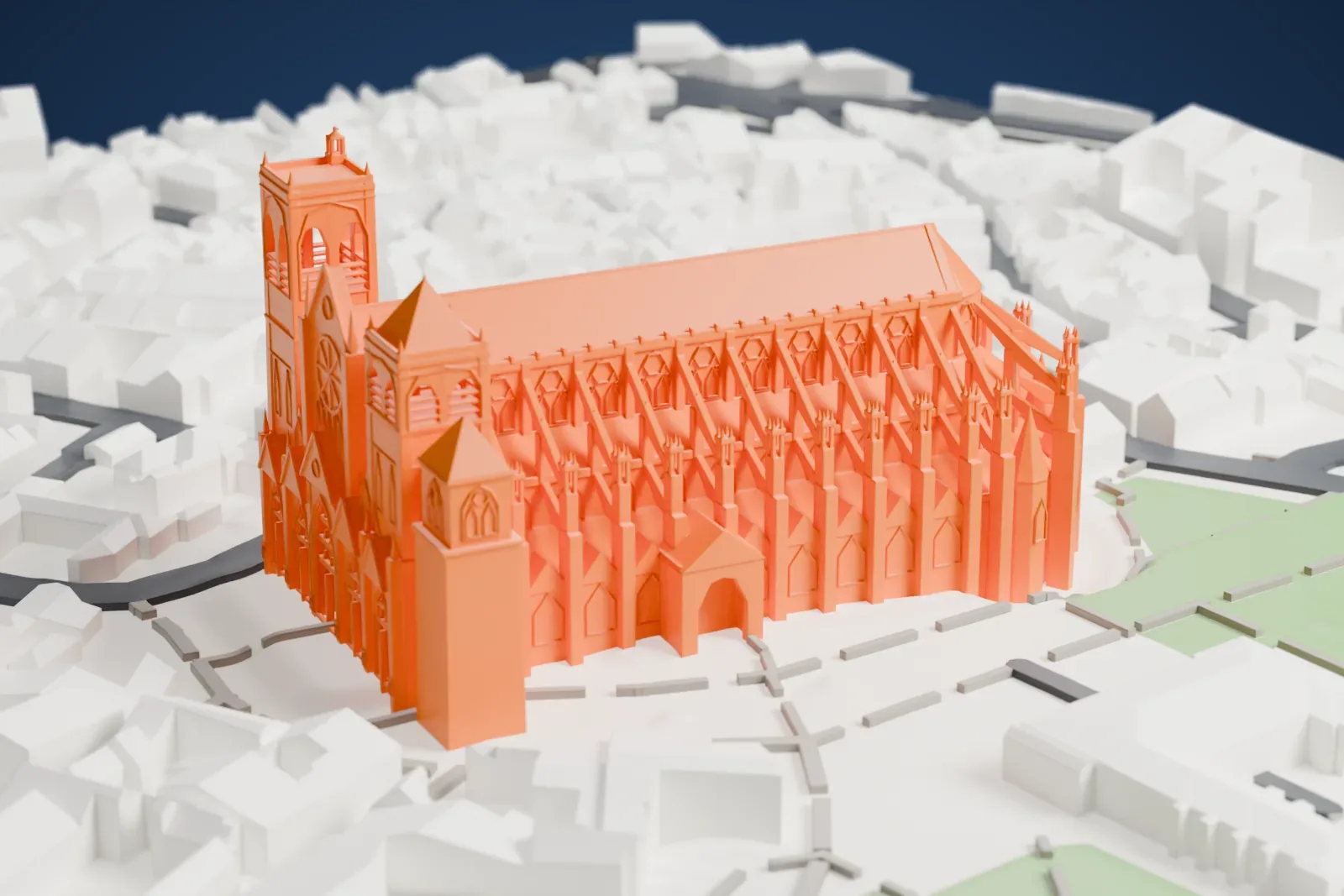
About Bourges Cathedral
Bourges Cathedral is a Roman Catholic church in Bourges, France. The Archbishop of Bourges has his seat there, and the church is dedicated to Saint Stephen. Work over an earlier Romanesque church lasted from 1195 to 1230; the style is largely High Gothic (also called Classic Gothic), and the building rose around the same time as Chartres Cathedral.
Its plan differs from Chartres. Instead of aisles level with the nave, the collateral aisles at Bourges are of different heights and rise in steps from the outside aisle toward the center. The wooden roof framework took from 1240 to 1255 and used the wood of nine hundred oak trees. The long-troubled north tower collapsed on December 31, 1506, and after repairs between 1508 and 1524 it was nicknamed the Butter Tower.
The cathedral is known above all for its large, unified interior, the sculpted decoration of its portals, and a big collection of stained glass windows from the 13th century. Its astronomical clock, added in 1424, has been repaired many times. In 1992 it was declared a World Heritage Site by UNESCO.
How it prints
Make this print opens the generator on a 600 m square around the landmark. Buildings print at close to true scale, so the landmark grows with the print size.
| Print size | Landmark height | Scale |
|---|---|---|
| 160 mm default | 20 mm | 1:3,750 |
| 200 mm | 24 mm | 1:3,000 |
| 256 mm | 31 mm | 1:2,344 |
-
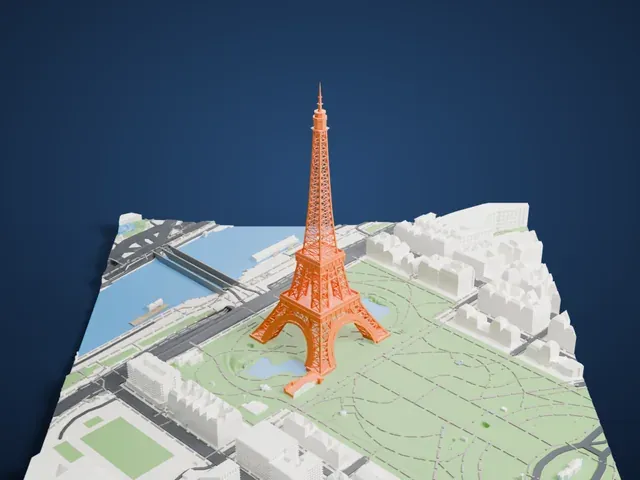
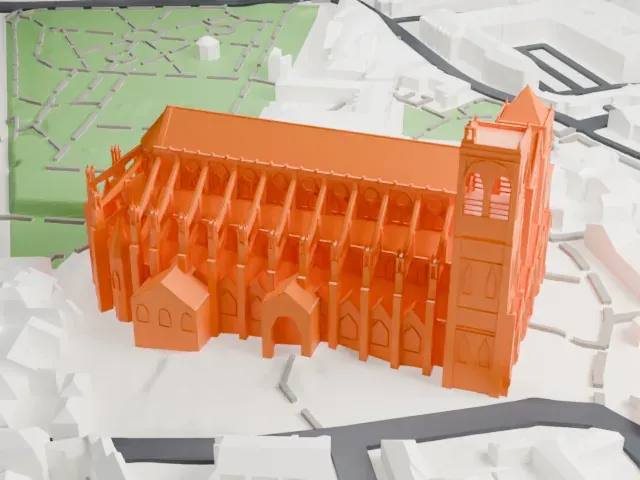 North
North
-
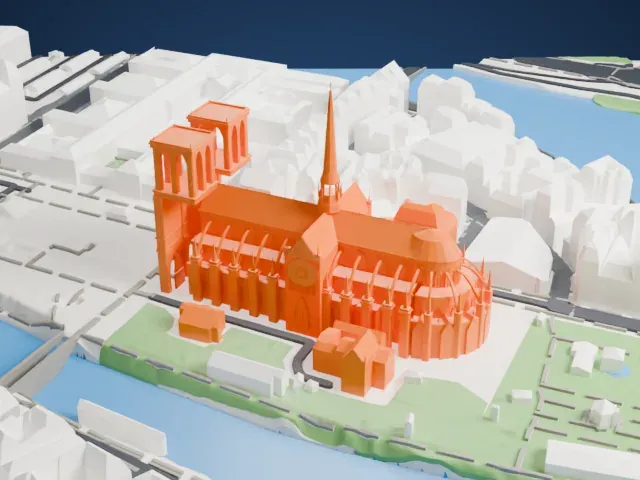
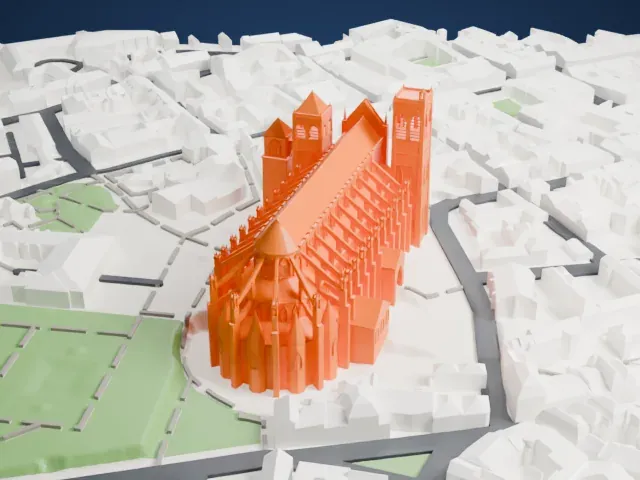 East
East
-
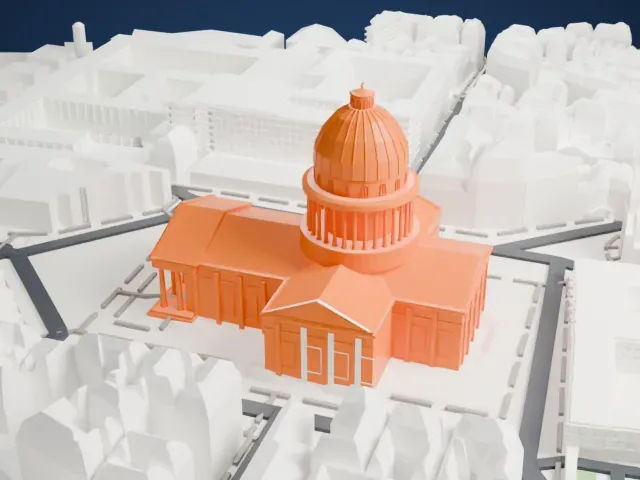
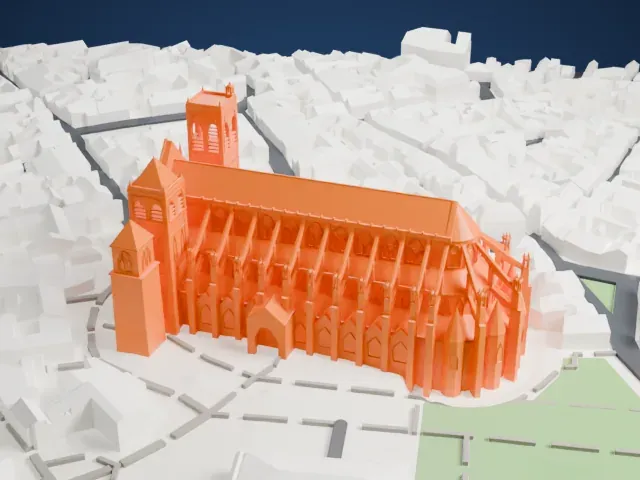 South
South
-
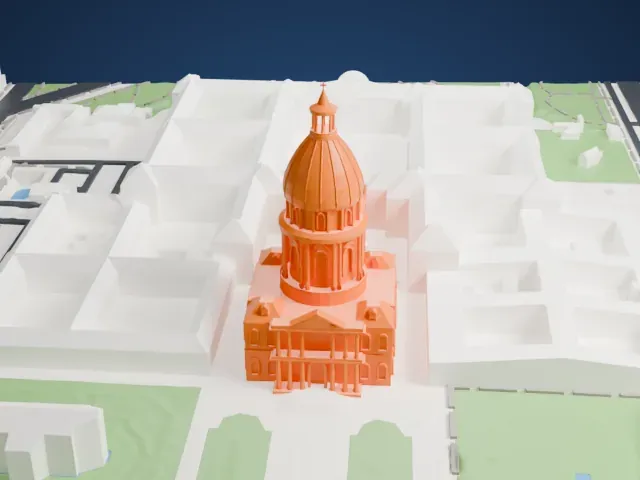
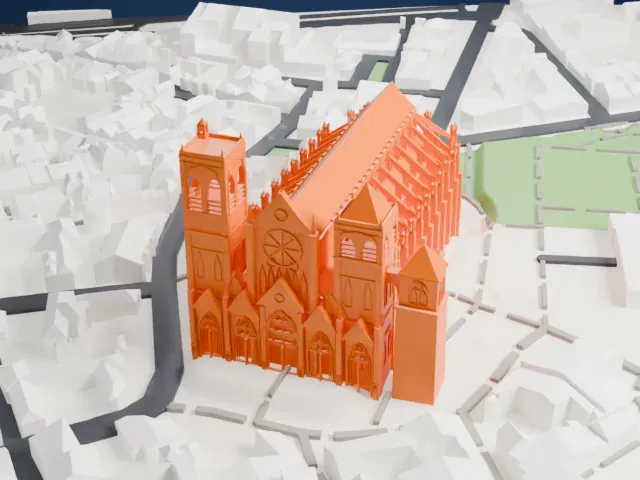 West
West
- Buttresses and pinnacles
- The flanks are lined with slender buttresses and small pinnacles. Print friendly adapts these thin parts to the print scale; Full detail keeps them on larger prints.
- Towers and west front
- The west front has two towers and detailed portals. A layer height of 0.12 to 0.16 mm keeps the vertical detail crisp, and a larger print size preserves more of it.
- One piece with the ground
- Bourges Cathedral is joined to the ground in the exported file, and the four-side check found no floating parts, so nothing needs gluing.
- Pick the detail for your nozzle
- In the Buildings settings, set Landmark detail to Print friendly to adapt thin parts and small details to the print scale. Full detail keeps every modeled feature, for larger prints or a finer nozzle.
- Colors
- Buildings, roads, water and ground arrive as separate filament slots in the 3MF. Bourges Cathedral takes the building color.
- File format
- You get a 3MF for Bambu Studio, OrcaSlicer or PrusaSlicer. Any of them can save it as STL if you need one.
About this model
Bourges Cathedral is one of more than 2,300 landmark models in Mini Skyline. They are made with AI, and each one is checked from four sides in its real surroundings before release. Everything around it is built from OpenStreetMap and Overture map data. If you would rather print the shape from map data, turn off Landmark models in the Buildings settings.
Common questions
Is there a Bourges Cathedral STL I can download?
Mini Skyline builds the file for you in your browser and exports 3MF, which every major slicer opens. If you need an STL, open the 3MF in your slicer and export it from there.
How big can I print it?
Any print size from 40 mm across. Bourges Cathedral grows with the print: about 20 mm tall on the default 160 mm print. For a model larger than your printer bed, Project Mode splits the area into tiles.
Is it free?
Yes. Generation runs in your browser, with no account and nothing behind a paywall.