3D print the Bronx Museum of the Arts
A free, printable model of the Bronx Museum of the Arts, a low building of many stacked volumes, and the streets and buildings around it, generated from real map data in your browser.
Free, in your browser. Exports a slicer-ready 3MF.
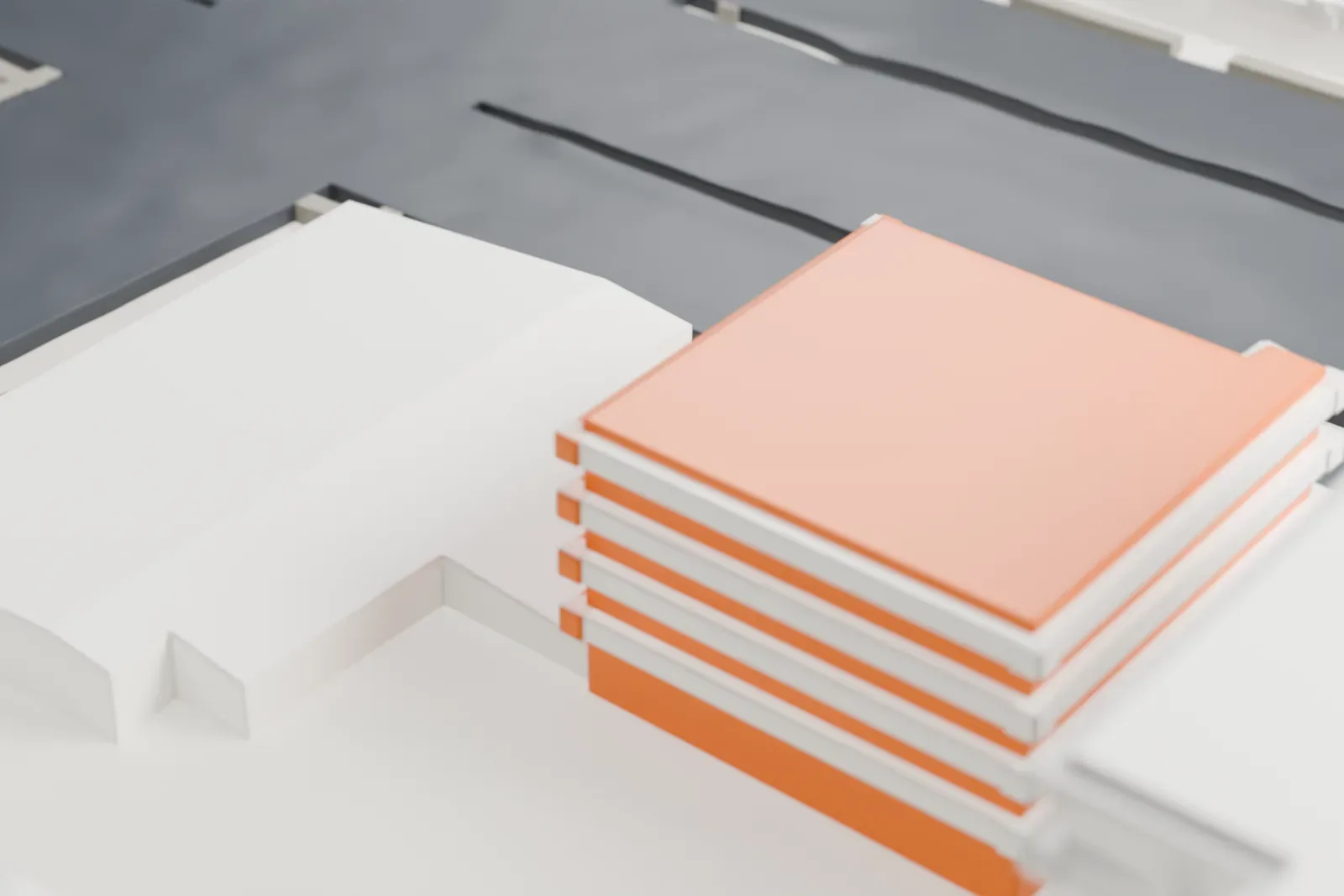
About the Bronx Museum of the Arts
In the Concourse neighborhood of the Bronx, New York, on the northeast corner where 165th Street meets the Grand Concourse, stands the Bronx Museum of the Arts, known as BxMA. Its main subject is contemporary and 20th-century American art, with additional shows of design and art drawn from Latin America, Africa and Asia. The permanent collection numbers more than 800 works: works on paper, photographs, sculptures and paintings. The museum lies within the Grand Concourse Historic District.
Its opening came on May 11, 1971, as a joint effort of the Metropolitan Museum of Art and the Bronx Council on the Arts, and its first home was the rotunda of the Bronx County Courthouse. In 1982 New York City bought an empty synagogue on the present corner, and the museum opened there in May 1983. That building began as the Young Israel Synagogue, put up between 1959 and 1961 to plans by the Ukrainian-born architect Simon B. Zelnick.
A 1988 expansion by Castro-Blanco, Piscioneri & Feder added black granite and metal on the exterior, long ribbon windows, and a three-story glass atrium at a corner. In 2006 the Miami firm Arquitectonica added a three-story North Wing with a pleated aluminum facade made of seven irregular vertical pieces joined by fritted glass, likened to an accordion or paper fan. The expansion project, which opened in October 2006, doubled the museum's size to 3,100 m2 (33,000 square feet).
How it prints
Make this print opens the generator on a 600 m square around the landmark. Buildings print at close to true scale, so the landmark grows with the print size.
| Print size | Landmark height | Scale |
|---|---|---|
| 160 mm default | 5 mm | 1:3,750 |
| 200 mm | 6 mm | 1:3,000 |
| 256 mm | 8 mm | 1:2,344 |
-
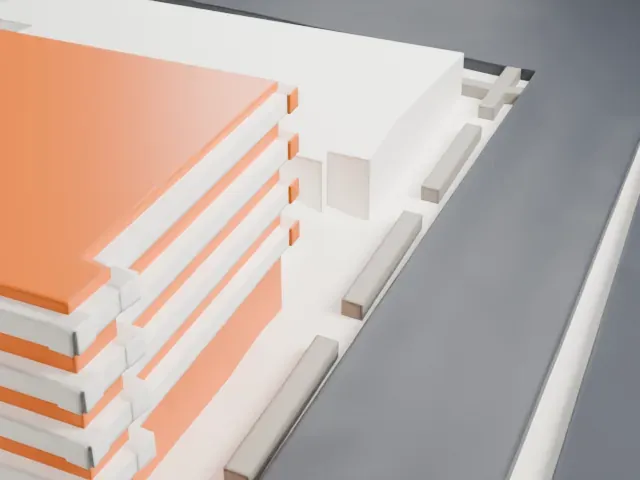 North
North
-
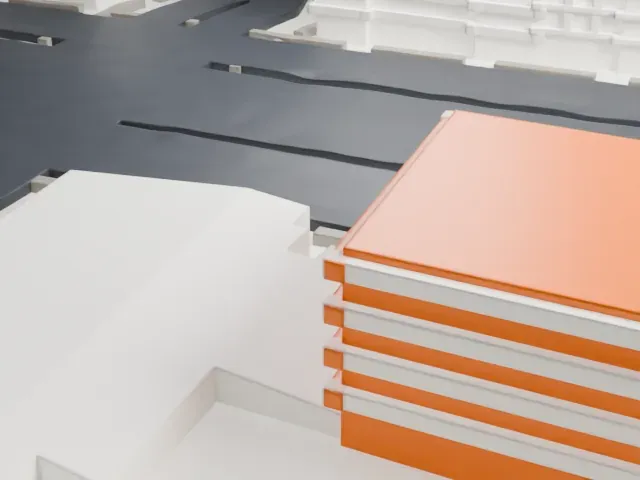 East
East
-
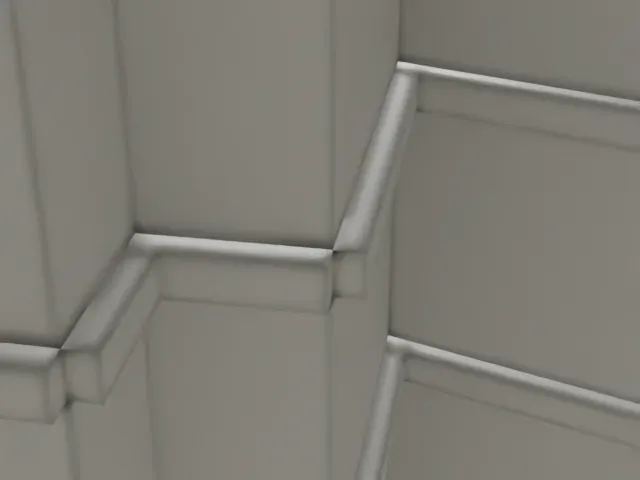 South
South
-
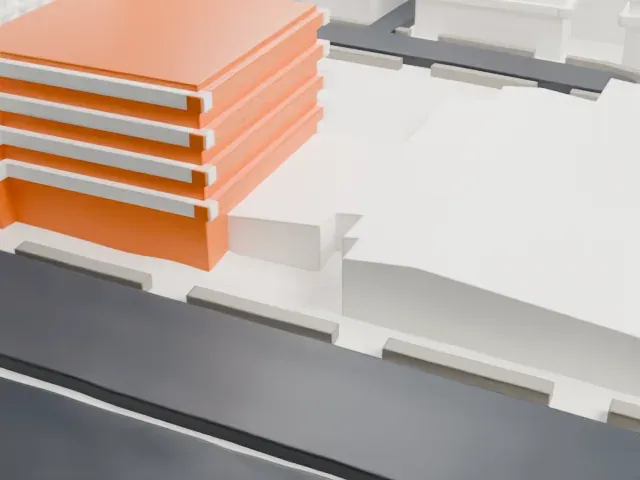 West
West
- Many small roof volumes
- The roof is crowded with small boxes and low blocks. "Print friendly" adapts the smallest to the print scale; "Full detail" keeps each one, which suits a larger print.
- Angled corner glazing
- One corner has a slanted, ribbed glazed form. A layer height of 0.12–0.16 mm keeps its ribs distinct on a low, wide model like this one.
- One piece with the ground
- The Bronx Museum of the Arts is joined to the ground in the exported file, and the four-side check found no floating parts, so nothing needs gluing.
- Pick the detail for your nozzle
- In the Buildings settings, set Landmark detail to Print friendly to adapt thin parts and small details to the print scale. Full detail keeps every modeled feature, for larger prints or a finer nozzle.
- Colors
- Buildings, roads, water and ground arrive as separate filament slots in the 3MF. The Bronx Museum of the Arts takes the building color.
- File format
- You get a 3MF for Bambu Studio, OrcaSlicer or PrusaSlicer. Any of them can save it as STL if you need one.
About this model
The Bronx Museum of the Arts is one of more than 2,300 landmark models in Mini Skyline. They are made with AI, and each one is checked from four sides in its real surroundings before release. Everything around it is built from OpenStreetMap and Overture map data. If you would rather print the shape from map data, turn off Landmark models in the Buildings settings.
Common questions
Is there a Bronx Museum of the Arts STL I can download?
Mini Skyline builds the file for you in your browser and exports 3MF, which every major slicer opens. If you need an STL, open the 3MF in your slicer and export it from there.
How big can I print it?
Any print size from 40 mm across. The Bronx Museum of the Arts grows with the print: about 5 mm tall on the default 160 mm print. For a model larger than your printer bed, Project Mode splits the area into tiles.
Is it free?
Yes. Generation runs in your browser, with no account and nothing behind a paywall.





