3D print the Brooklyn Museum
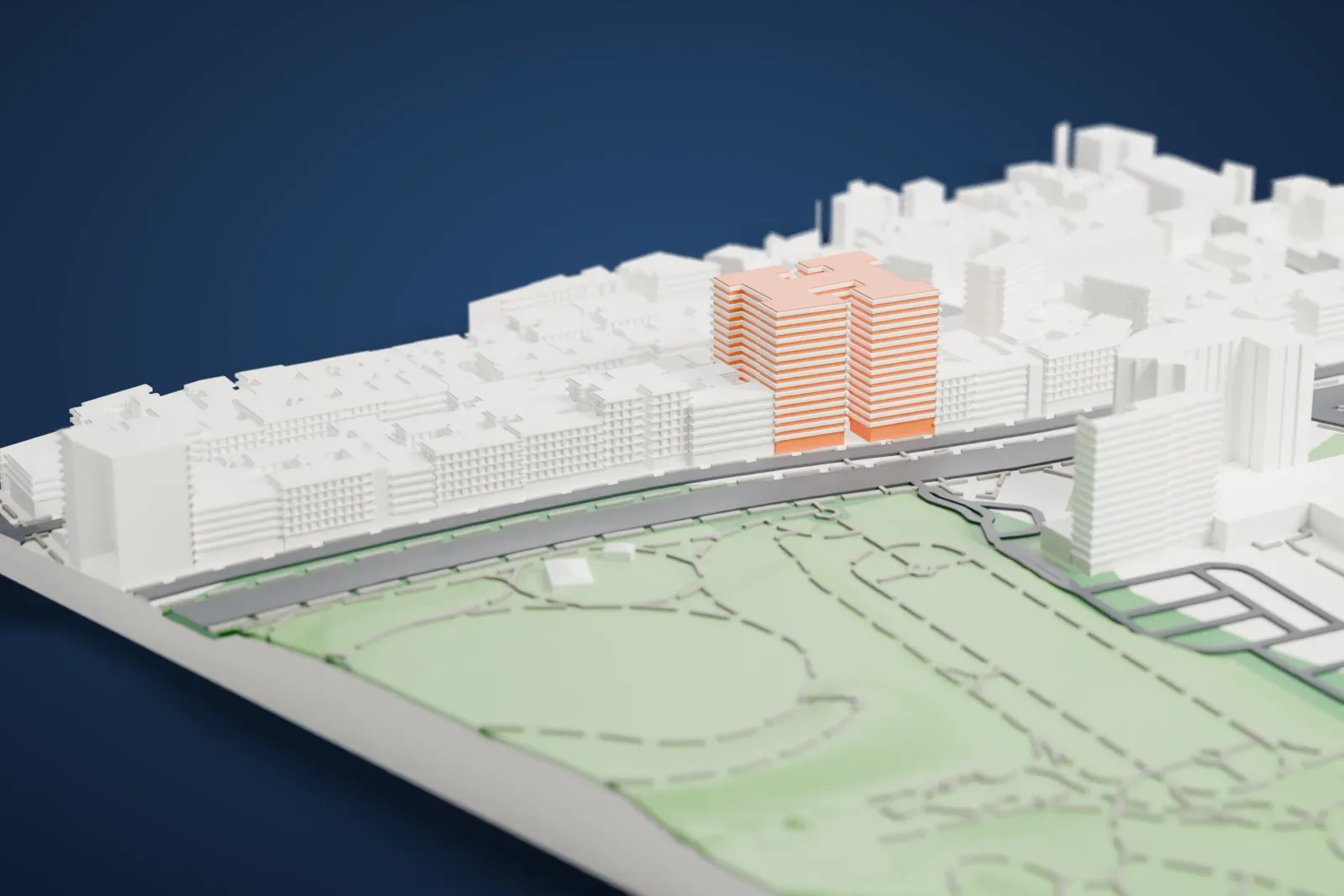
A free, printable model of the Brooklyn Museum, a wide building with a central dome and curved front steps, set in green park land and streets, generated from real map data in your browser.
Free, in your browser. Exports a slicer-ready 3MF.
About the Brooklyn Museum
In Brooklyn, one of the boroughs of New York City, the Brooklyn Museum covers 52,000 m2 (560,000 sq ft), which makes it the second largest museum in the city, and its art collection has around 500,000 objects. McKim, Mead & White designed its Beaux-Arts building. It lies close to several neighborhoods, including Park Slope, Flatbush, Crown Heights and Prospect Heights. Its site lies east of Prospect Park, on Eastern Parkway's south side.
The institution began in August 1823 as the Brooklyn Apprentices' Library, founded by citizens including Augustus Graham, and it joined the Brooklyn Institute in 1843. A fire destroyed its Washington Street building in 1891. Fundraising for a new museum had begun in 1889, and an architectural design competition was won by McKim, Mead & White. Work on the west wing started on September 14, 1895. The museum had its formal opening on October 2, 1897, which makes it one of the final big structures raised in the city of Brooklyn before Greater New York was formed in 1898.
The collection's Egyptian antiquities cover a span of more than 3,000 years, and there are also notable European, African, Oceanic and Japanese holdings. American art is heavily represented, starting from the Colonial period. Mark Rothko, Edward Hopper and Norman Rockwell appear among the artists, as do Judy Chicago and Winslow Homer, along with Max Weber, Georgia O'Keeffe and Edgar Degas.
How it prints
Make this print opens the generator on a 600 m square around the landmark. Buildings print at close to true scale, so the landmark grows with the print size.
| Print size | Landmark height | Scale |
|---|---|---|
| 160 mm default | 13 mm | 1:3,750 |
| 200 mm | 16 mm | 1:3,000 |
| 256 mm | 21 mm | 1:2,344 |
-
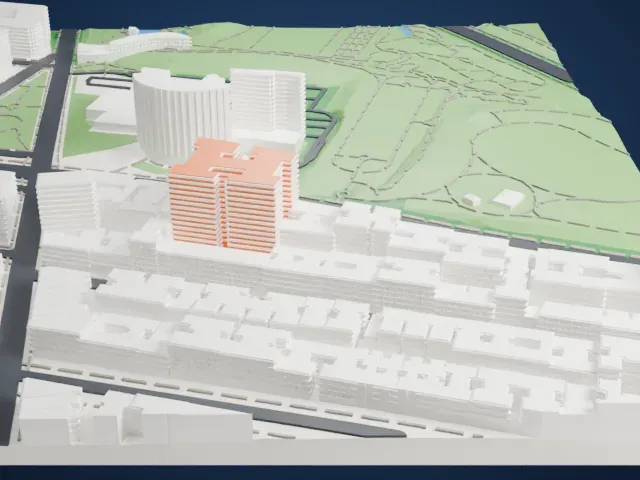 North
North
-
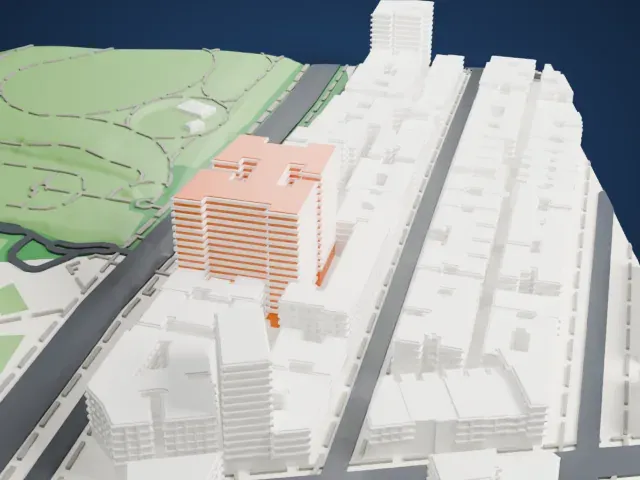 East
East
-
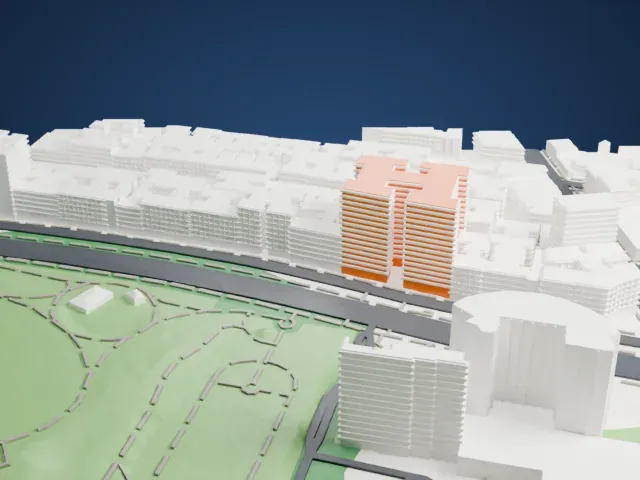 South
South
-
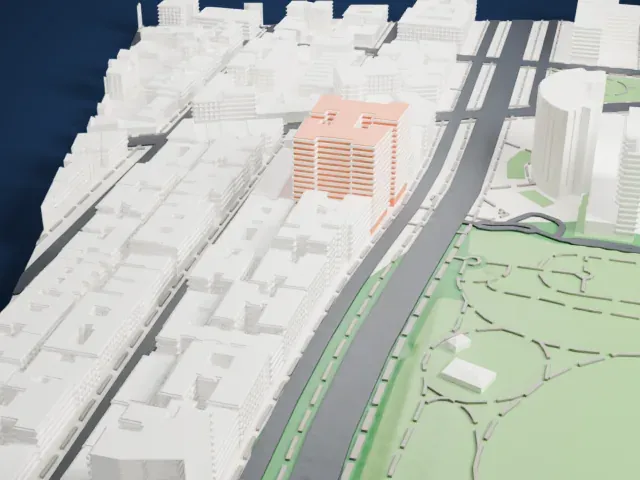 West
West
- Columns, dome and curved steps
- The entrance pavilion combines a row of columns, a dome and curved steps. Full detail keeps them on a large print; Print friendly adapts the thin columns at small sizes.
- Wings around open courtyards
- The wings enclose open courtyards, so there are long roof edges to print. Layers of 0.12 to 0.16 mm help keep the walls and cornices crisp.
- One piece with the ground
- The Brooklyn Museum is joined to the ground in the exported file, and the four-side check found no floating parts, so nothing needs gluing.
- Pick the detail for your nozzle
- In the Buildings settings, set Landmark detail to Print friendly to adapt thin parts and small details to the print scale. Full detail keeps every modeled feature, for larger prints or a finer nozzle.
- Colors
- Buildings, roads, water and ground arrive as separate filament slots in the 3MF. The Brooklyn Museum takes the building color.
- File format
- You get a 3MF for Bambu Studio, OrcaSlicer or PrusaSlicer. Any of them can save it as STL if you need one.
About this model
The Brooklyn Museum is one of more than 2,300 landmark models in Mini Skyline. They are made with AI, and each one is checked from four sides in its real surroundings before release. Everything around it is built from OpenStreetMap and Overture map data. If you would rather print the shape from map data, turn off Landmark models in the Buildings settings.
Common questions
Is there a Brooklyn Museum STL I can download?
Mini Skyline builds the file for you in your browser and exports 3MF, which every major slicer opens. If you need an STL, open the 3MF in your slicer and export it from there.
How big can I print it?
Any print size from 40 mm across. The Brooklyn Museum grows with the print: about 13 mm tall on the default 160 mm print. For a model larger than your printer bed, Project Mode splits the area into tiles.
Is it free?
Yes. Generation runs in your browser, with no account and nothing behind a paywall.





