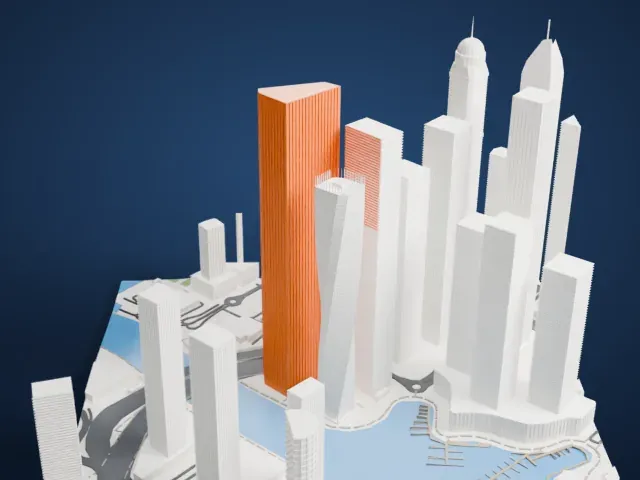
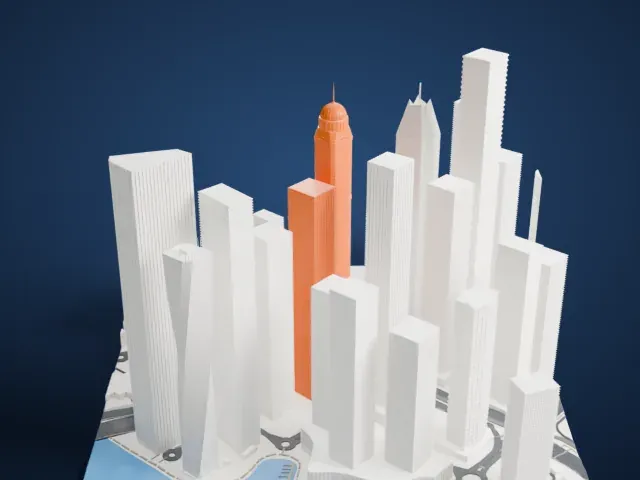
3D print the Burj Al Arab
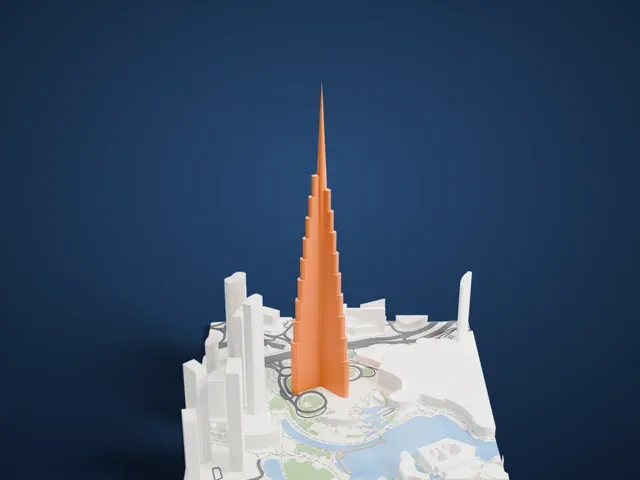
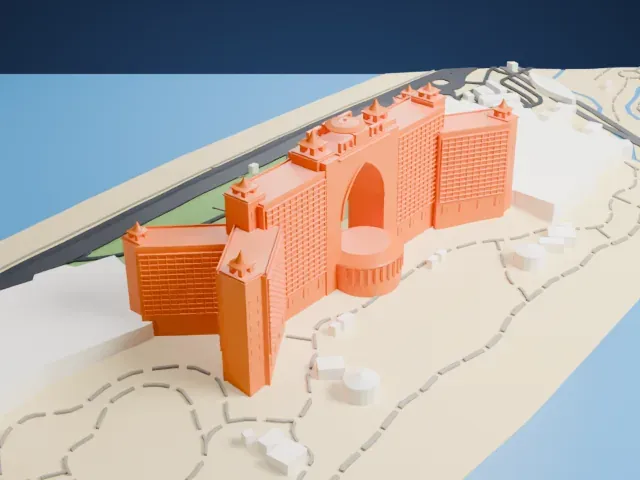
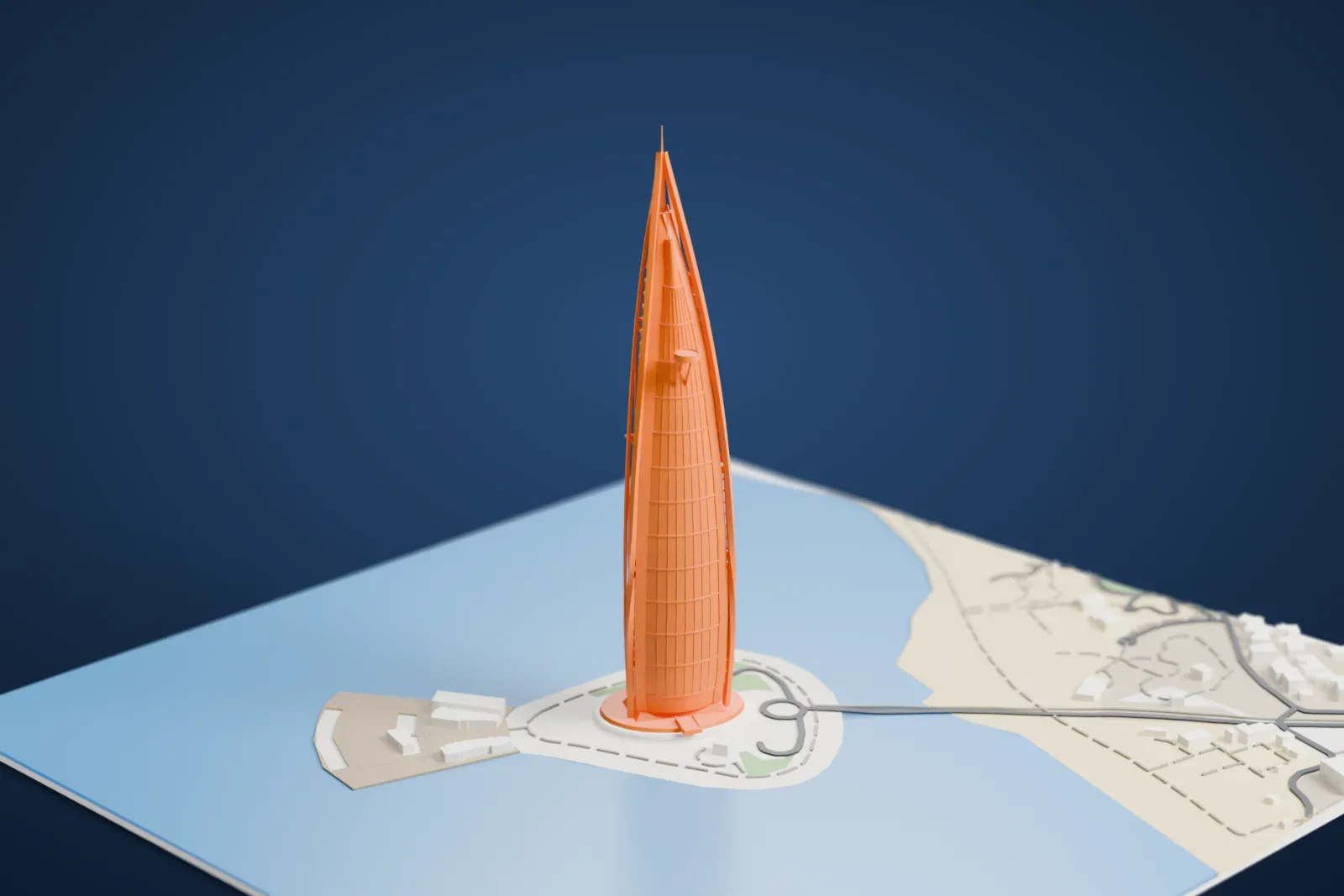
A free, printable model of the Burj Al Arab on its small artificial island, with the curving bridge, the surrounding sea and the nearby shoreline, generated from real map data in your browser.
Free, in your browser. Exports a slicer-ready 3MF.
About the Burj Al Arab
The city of Dubai, in the United Arab Emirates, is home to the Burj Al Arab, a luxury hotel that Jumeirah developed and manages. Its full name is the Jumeirah Burj Al Arab, and its Arabic name literally means 'Arab Tower'. The hotel stands on an artificial island that lies 280 m (920 ft) off Jumeirah Beach, and a private curving bridge links the island with the shore. Its silhouette is designed to look like the sail of a dhow. At 321 m (1,053 ft), it is among the tallest hotels in the world, though 39% of its total height is non-occupiable space.
The British multidisciplinary consultancy Atkins designed the hotel, with architect Tom Wright of WKA leading the design. Its signature translucent fiberglass facade protects against the desert sun by day and works as a screen for lighting at night. Two wings spread in a V shape and form a large mast, and a massive atrium fills the space between them; the atrium stands 180 m (590 ft) high. Work on the island started in 1994, and the hotel opened on December 1, 1999.
The hotel rests on the artificial island, where the builders drove 230 concrete piles, each 40 m (130 ft) long, into the sand. A ground layer of large rocks, circled by a concrete honeycomb pattern, protects the foundation from erosion. Reclaiming the land took three years, and the building itself took less than three. Al Muntaha, a restaurant, sits 200 m (660 ft) over the Persian Gulf and is supported by a full cantilever reaching out 27 m (89 ft) on each side of the mast. A helipad stands 210 m (689 ft) over the ground.
How it prints
Make this print opens the generator on a 600 m square around the landmark. Buildings print at close to true scale, so the landmark grows with the print size.
| Print size | Landmark height | Scale |
|---|---|---|
| 160 mm default | 86 mm | 1:3,750 |
| 200 mm | 107 mm | 1:3,000 |
| 256 mm | 137 mm | 1:2,344 |
-
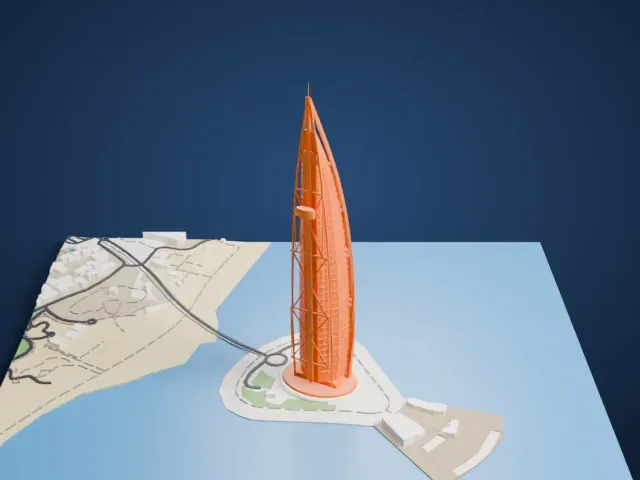 North
North
-
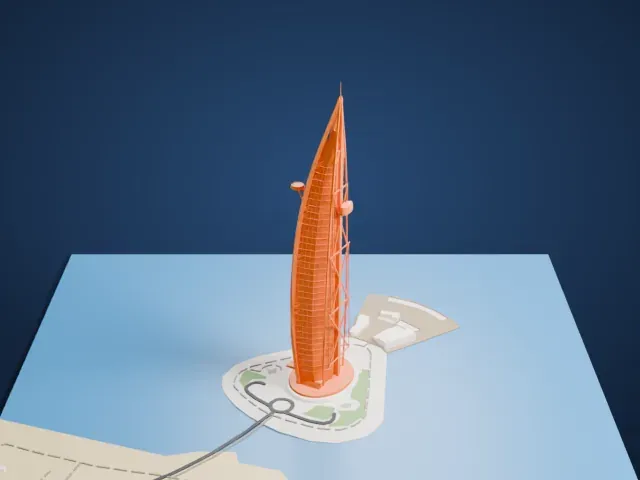 East
East
-
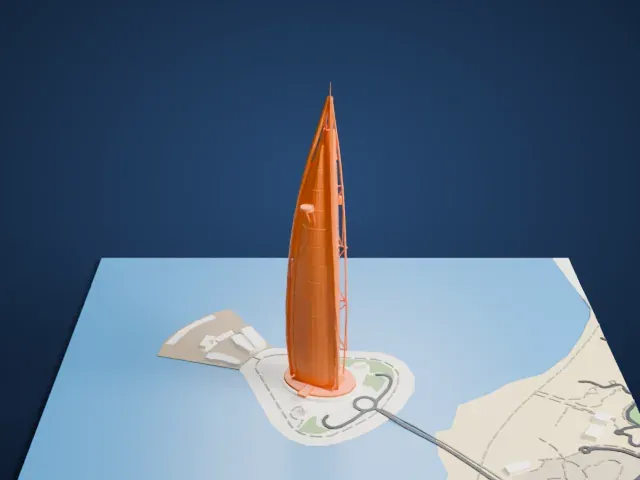 South
South
-
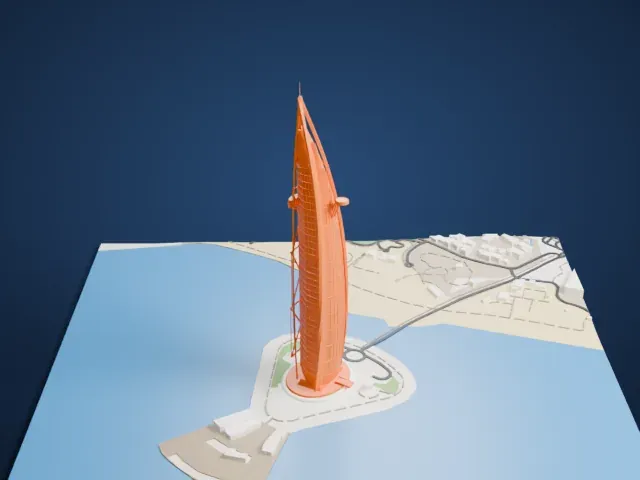 West
West
- Slender mast and spire
- The tall, narrow tower ends in a thin spire, with open bracing along the mast side. Print friendly adapts these thin parts to the print scale; printing slowly with cooling keeps the tip clean.
- Small discs near the top
- The helipad and the restaurant project from the mast as small discs. Full detail keeps them on larger prints, and 0.12 to 0.16 mm layers keep their edges crisp.
- One piece with the ground
- The Burj Al Arab is joined to the ground in the exported file, and the four-side check found no floating parts, so nothing needs gluing.
- Pick the detail for your nozzle
- In the Buildings settings, set Landmark detail to Print friendly to adapt thin parts and small details to the print scale. Full detail keeps every modeled feature, for larger prints or a finer nozzle.
- Colors
- Buildings, roads, water and ground arrive as separate filament slots in the 3MF. The Burj Al Arab takes the building color.
- File format
- You get a 3MF for Bambu Studio, OrcaSlicer or PrusaSlicer. Any of them can save it as STL if you need one.
About this model
The Burj Al Arab is one of more than 2,300 landmark models in Mini Skyline. They are made with AI, and each one is checked from four sides in its real surroundings before release. Everything around it is built from OpenStreetMap and Overture map data. If you would rather print the shape from map data, turn off Landmark models in the Buildings settings.
Common questions
Is there a Burj Al Arab STL I can download?
Mini Skyline builds the file for you in your browser and exports 3MF, which every major slicer opens. If you need an STL, open the 3MF in your slicer and export it from there.
How big can I print it?
Any print size from 40 mm across. The Burj Al Arab grows with the print: about 86 mm tall on the default 160 mm print. For a model larger than your printer bed, Project Mode splits the area into tiles.
Is it free?
Yes. Generation runs in your browser, with no account and nothing behind a paywall.