3D print the Carnegie Hall Tower
A free, printable model of Carnegie Hall Tower, a very slender tall tower with a gridded facade, and the Midtown skyscrapers packed around it, generated from real map data in your browser.
Free, in your browser. Exports a slicer-ready 3MF.
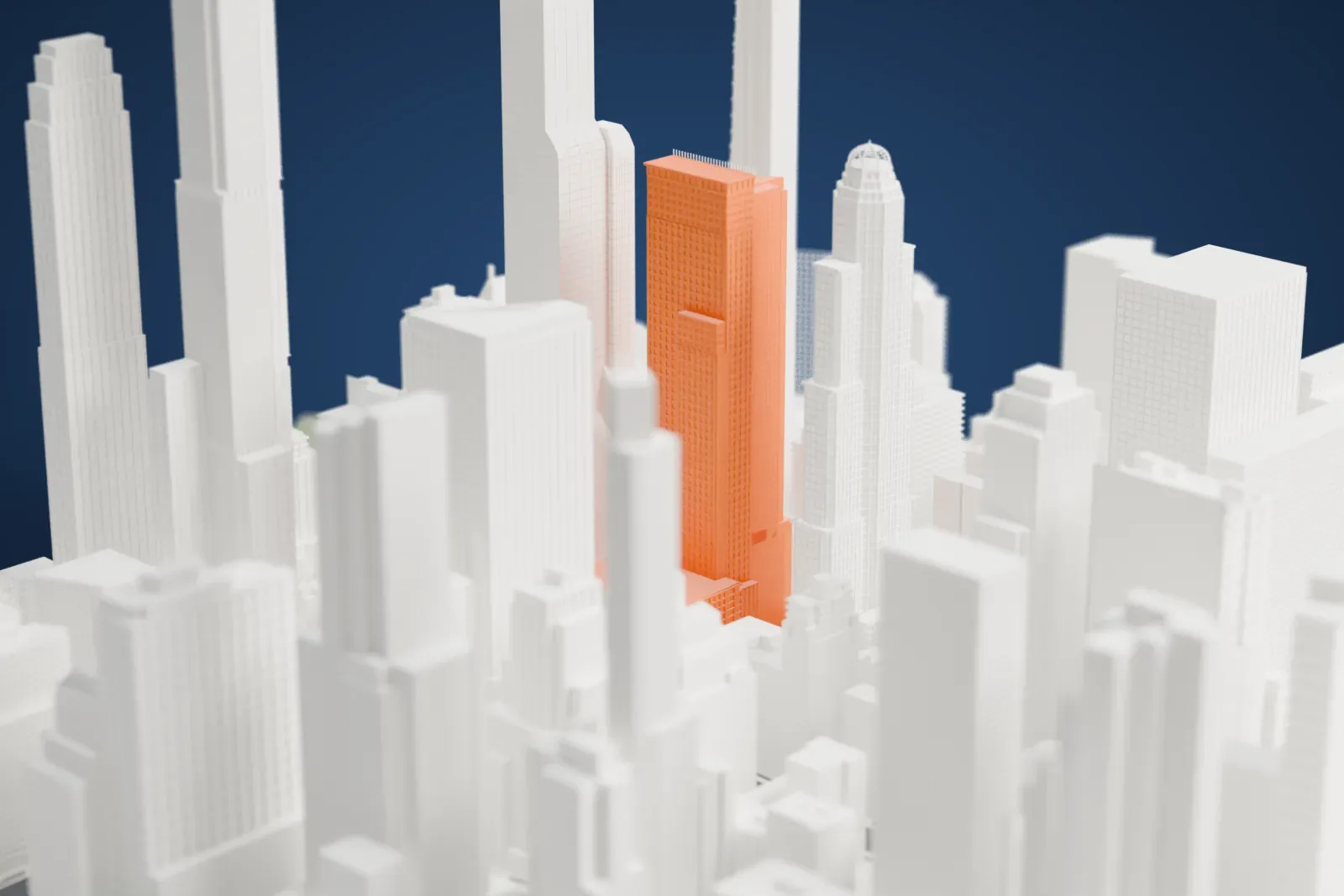
About the Carnegie Hall Tower
Carnegie Hall Tower is a skyscraper whose address is 152 West 57th Street, in Midtown Manhattan, New York City. César Pelli designed it, and it was completed in 1990. It is 231 meters (757 ft) tall with 60 stories. Because the Russian Tea Room and Carnegie Hall occupy the neighboring sites, the tower is only 15 meters (50 ft) wide on 57th Street, and it was one of the most slender skyscrapers in the world when it was completed.
The facade is red-and-orange brick with cast-concrete decorations, and the brick was meant to complement the Roman brick of Carnegie Hall. A six-story base, set back from 57th Street, carries the main tower. The plan is L-shaped through the 42nd floor and rectangular above it. The superstructure is concrete, with a core of two joined concrete tubes. The brick comes in 11 colors.
The site held the Rembrandt Apartments until 1963 and then served as a parking lot. Rockrose Development Corporation was selected as developer in May 1985, and construction began in late 1987. The architect of record was Brennan Beer Gorman. When finished, it ranked as the second-tallest concrete building in New York City and the eighth-tallest in the world.
How it prints
Make this print opens the generator on a 600 m square around the landmark. Buildings print at close to true scale, so the landmark grows with the print size.
| Print size | Landmark height | Scale |
|---|---|---|
| 160 mm default | 62 mm | 1:3,750 |
| 200 mm | 78 mm | 1:3,000 |
| 256 mm | 100 mm | 1:2,344 |
-
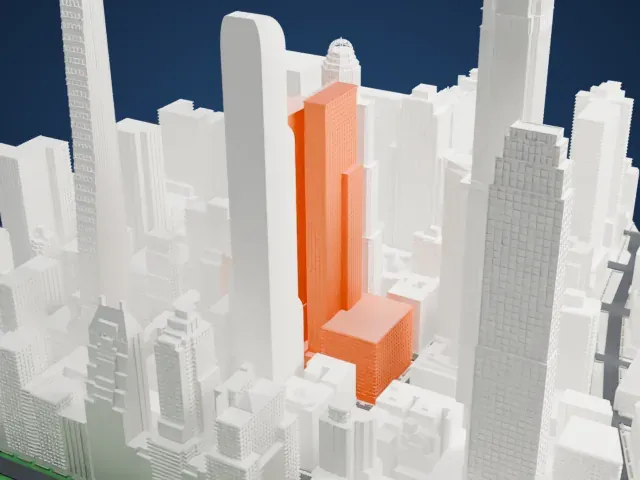 North
North
-
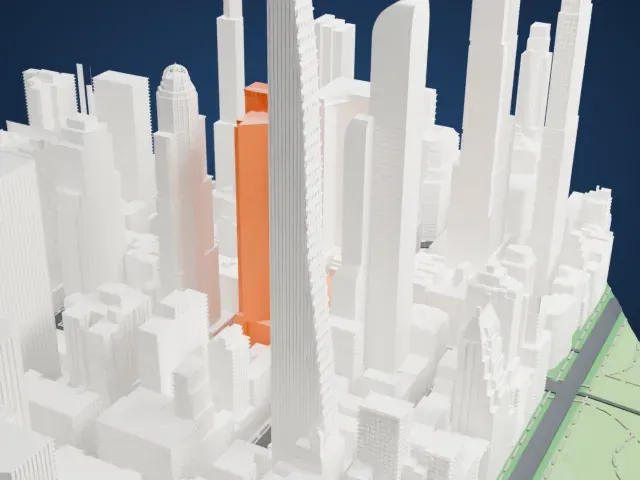 East
East
-
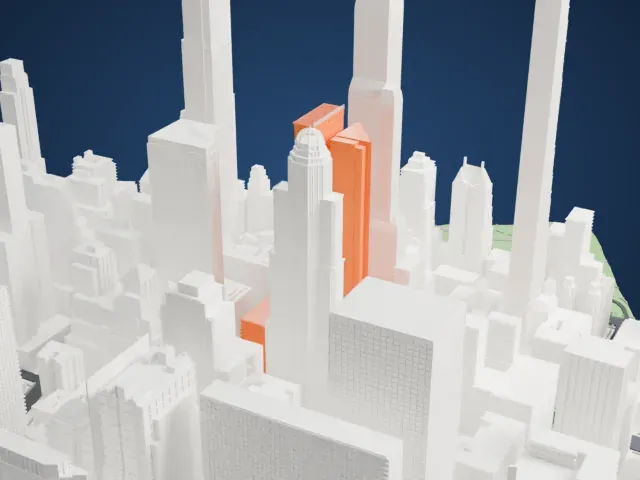 South
South
-
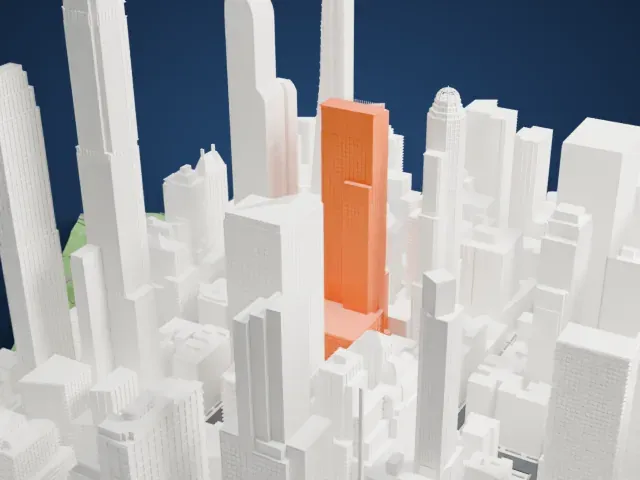 West
West
- A very slim shaft
- The tower is only a narrow slab among much bulkier neighbors. Print slowly with good cooling, and a larger print size gives the slender shaft more strength.
- Gridded facade
- Rows of small windows and horizontal bands run up the shaft. Layers of 0.12–0.16 mm keep them crisp, and Full detail suits a larger print.
- One piece with the ground
- The Carnegie Hall Tower is joined to the ground in the exported file, and the four-side check found no floating parts, so nothing needs gluing.
- Pick the detail for your nozzle
- In the Buildings settings, set Landmark detail to Print friendly to adapt thin parts and small details to the print scale. Full detail keeps every modeled feature, for larger prints or a finer nozzle.
- Colors
- Buildings, roads, water and ground arrive as separate filament slots in the 3MF. The Carnegie Hall Tower takes the building color.
- File format
- You get a 3MF for Bambu Studio, OrcaSlicer or PrusaSlicer. Any of them can save it as STL if you need one.
About this model
The Carnegie Hall Tower is one of more than 2,300 landmark models in Mini Skyline. They are made with AI, and each one is checked from four sides in its real surroundings before release. Everything around it is built from OpenStreetMap and Overture map data. If you would rather print the shape from map data, turn off Landmark models in the Buildings settings.
Common questions
Is there a Carnegie Hall Tower STL I can download?
Mini Skyline builds the file for you in your browser and exports 3MF, which every major slicer opens. If you need an STL, open the 3MF in your slicer and export it from there.
How big can I print it?
Any print size from 40 mm across. The Carnegie Hall Tower grows with the print: about 62 mm tall on the default 160 mm print. For a model larger than your printer bed, Project Mode splits the area into tiles.
Is it free?
Yes. Generation runs in your browser, with no account and nothing behind a paywall.





