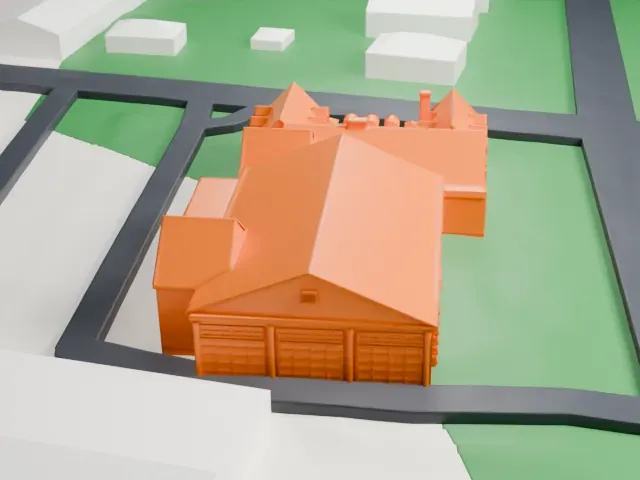
3D print the Carnegie Library, Montclair
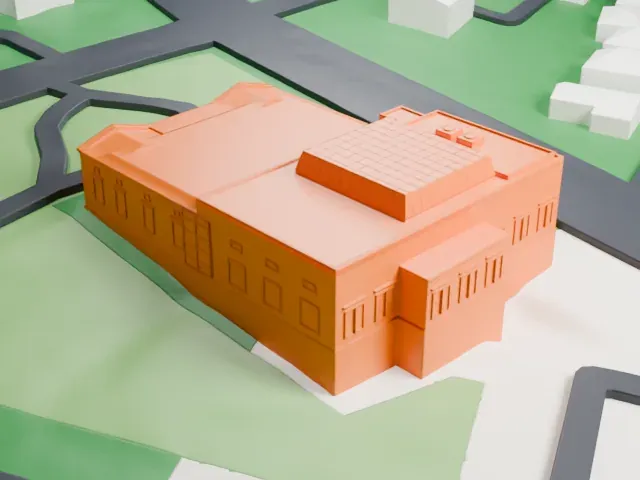
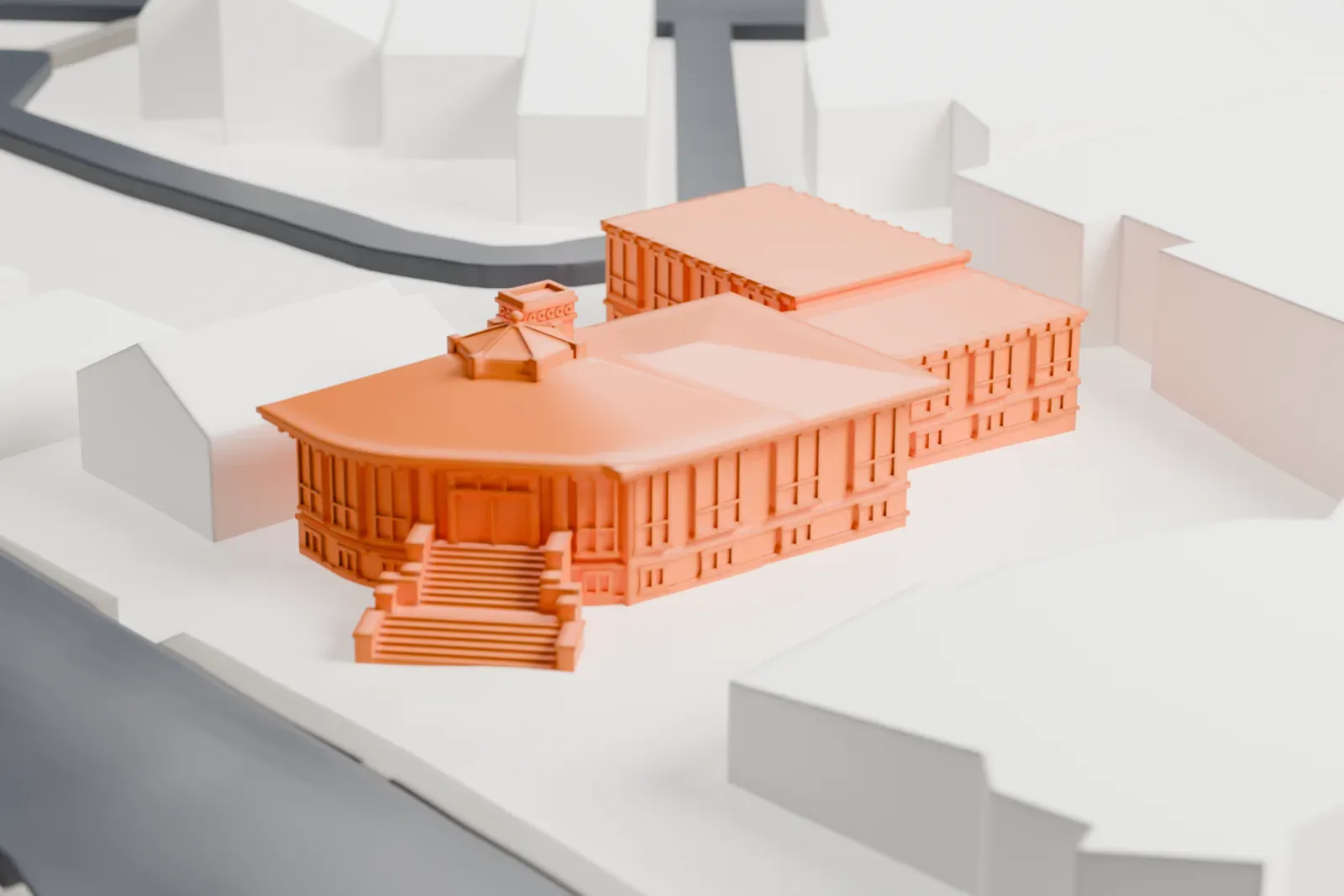
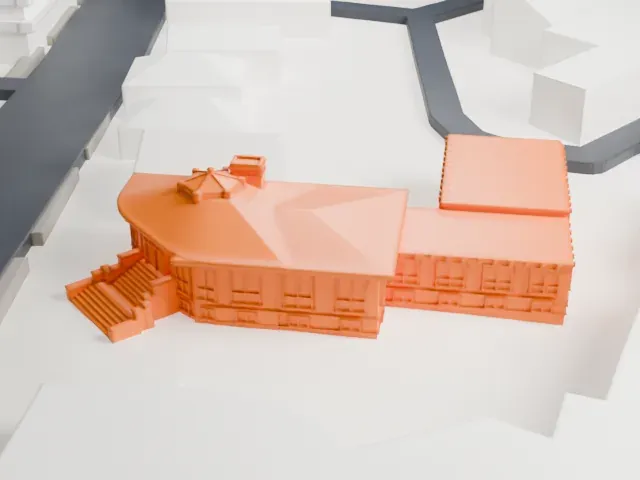
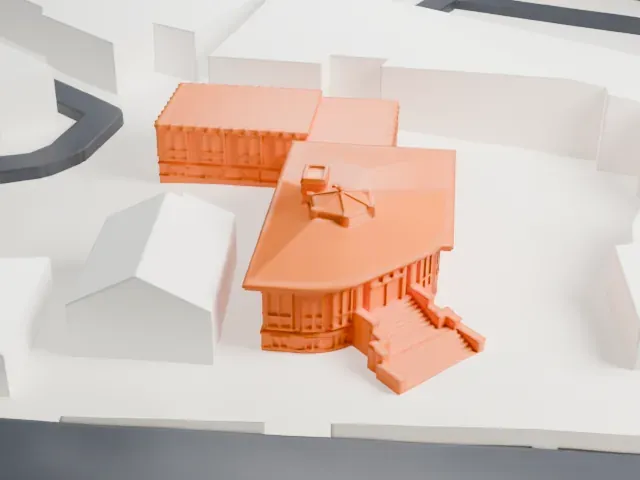
A free, printable model of the library with its curved front, entrance steps and small cupola, among the buildings and streets around it, generated from real map data in your browser.
-
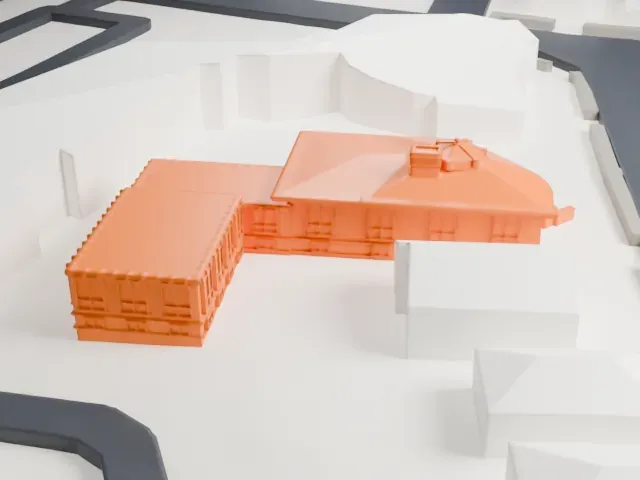 North
North
-
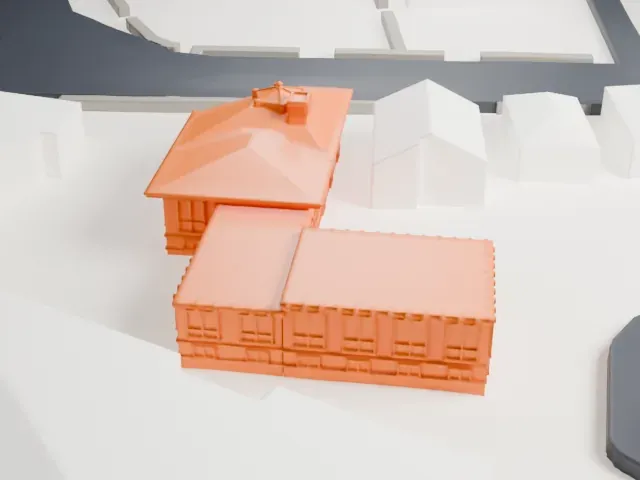 East
East
-
 South
South
-
 West
West
- On a 160 mm print
- 3 mm
- Scale
- 1:3,750
3 mm tall on a 160 mm print
Make this print opens the generator on a 600 m square around the landmark. Buildings print at close to true scale, so the landmark grows with the print size.
- A rooftop cupola and entrance steps
The small cupola on the roof and the broad entrance steps are fine details. Print friendly adapts them to the print scale; Full detail keeps them on larger prints.
- One piece with the ground
The Carnegie Library, Montclair is joined to the ground in the exported file, and the four-side check found no floating parts, so nothing needs gluing.
- Pick the detail for your nozzle
In the Buildings settings, set Landmark detail to Print friendly to adapt thin parts and small details to the print scale. Full detail keeps every modeled feature, for larger prints or a finer nozzle.
- Colors
Buildings, roads, water and ground arrive as separate filament slots in the 3MF. The Carnegie Library, Montclair takes the building color.
- File format
You get a 3MF for Bambu Studio, OrcaSlicer or PrusaSlicer. Any of them can save it as STL if you need one.
About the Carnegie Library, Montclair
The Carnegie Library stands where Church Street meets Valley Road, in Montclair, Essex County, New Jersey. It was built in 1904. Its place on the National Register of Historic Places dates to July 1, 1988, and rests on its significance in architecture.
California architect John G. Howard designed the library, giving it a blend of Bungalow and Prairie School styles, described as an eclectic mix. It is part of a Montclair multiple property submission, in its Public Buildings category. The Unitarian Universalist Congregation at Montclair uses the building.
About this model
The Carnegie Library, Montclair is one of more than 4,300 landmark models in Mini Skyline. They are made with AI, and each one is checked from four sides in its real surroundings before release. Everything around it is built from OpenStreetMap and Overture map data. If you would rather print the shape from map data, turn off Landmark models in the Buildings settings.
Same skyline