3D print the Chanin Building
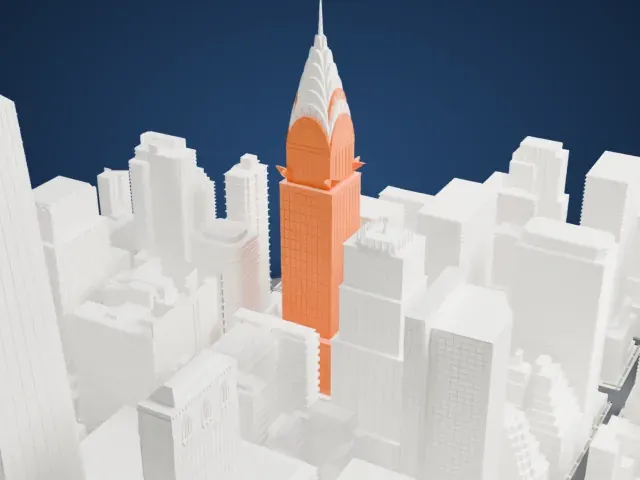
A free, printable model of the Chanin Building, with its stepped setbacks, and the dense skyscrapers around it, generated from real map data in your browser.
Free, in your browser. Exports a slicer-ready 3MF.
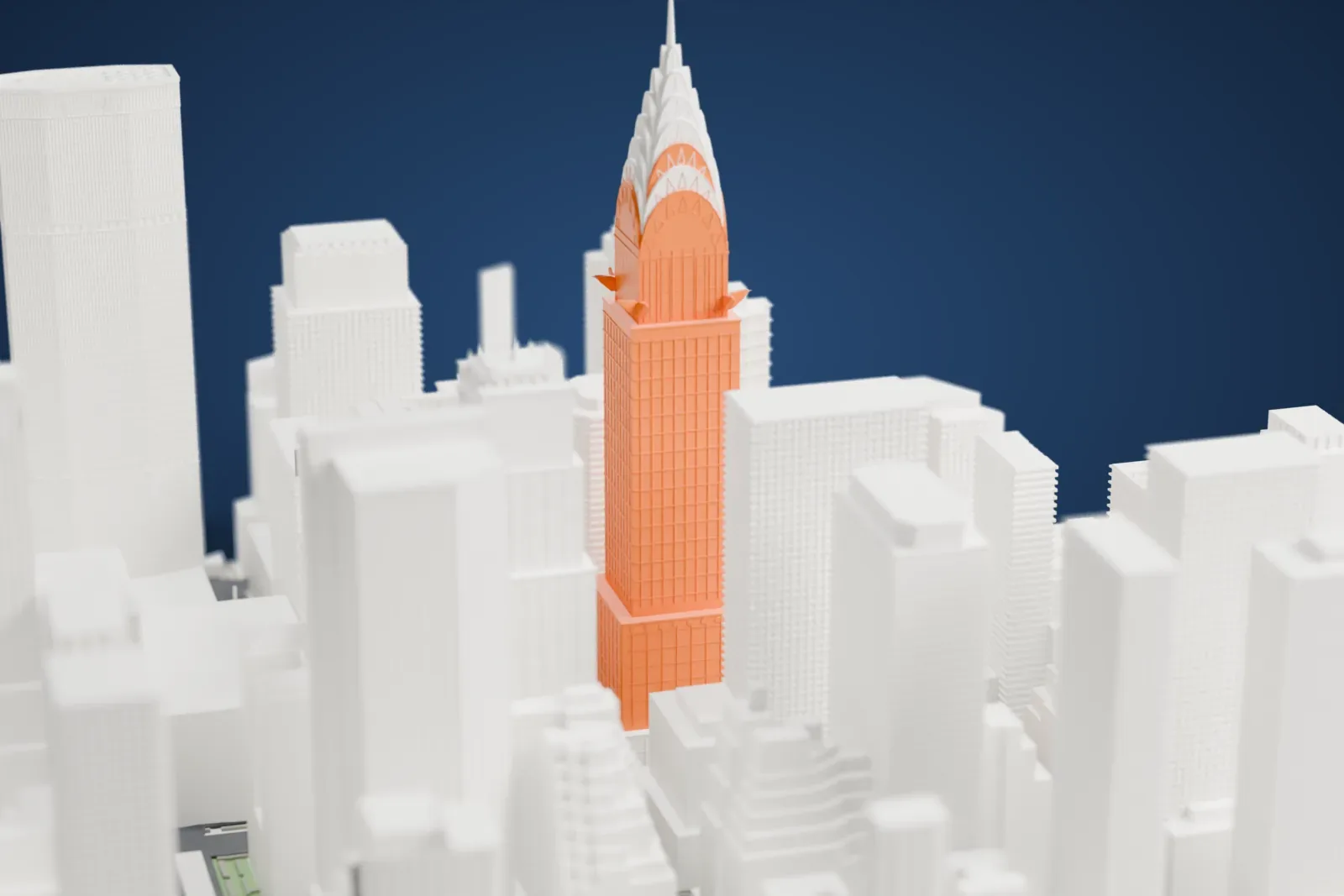
About the Chanin Building
Midtown Manhattan's Chanin Building, also called 122 East 42nd Street, is an office skyscraper with 56 stories. It stands where Lexington Avenue meets 42nd Street, on the southwest corner, with Grand Central Terminal nearby to the north. Irwin S. Chanin, the developer, is its namesake. Construction ran from 1927 to 1929 on a former warehouse lot, among the last undeveloped parcels around Grand Central Terminal. When it opened it was nearly fully rented and ranked as the third tallest in the city.
Sloan & Robertson, the firm of John Sloan and T. Markoe Robertson, designed it in the Art Deco style, assisted by Chanin's architect, Jacques Delamarre. Rene Paul Chambellan supplied the architectural sculpture. The facade is brick and terracotta. The tower reaches 210 m (680 ft), with a roof at 198 m (649 ft) topped by a 9.4 m (31 ft) spire. Setbacks required by the 1916 Zoning Resolution end in a "vigorous, toothed" pinnacle, and the massing took inspiration from Eliel Saarinen's unbuilt proposal for the Tribune Tower in Chicago.
The crown originally held 212 artificial candles, together equal to 30 million candlepower, and on cloudless nights their glow could be seen from over 64 km (40 miles) away. The lobby first housed a bus terminal run by the Baltimore and Ohio Railroad. New York City designated the building a landmark in 1978, and in 1980 it was listed on the National Register of Historic Places.
How it prints
Make this print opens the generator on a 600 m square around the landmark. Buildings print at close to true scale, so the landmark grows with the print size.
| Print size | Landmark height | Scale |
|---|---|---|
| 160 mm default | 55 mm | 1:3,750 |
| 200 mm | 69 mm | 1:3,000 |
| 256 mm | 88 mm | 1:2,344 |
-
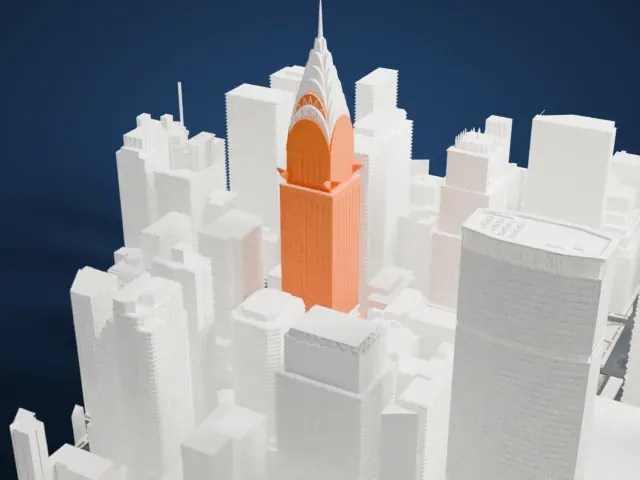 North
North
-
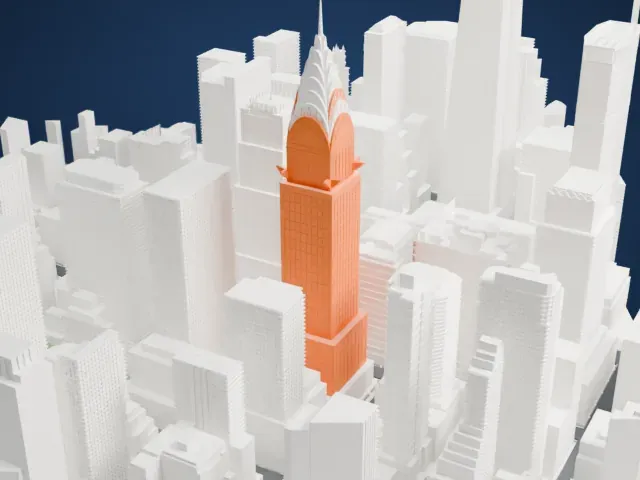 East
East
-
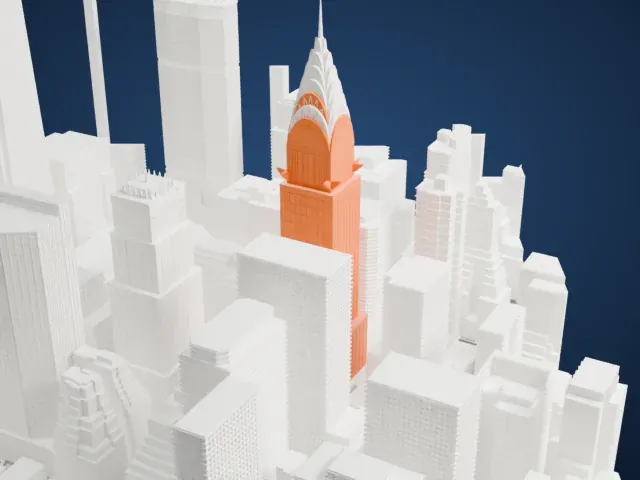 South
South
-
 West
West
- Pinnacles on the crown
- The top of the tower carries a cluster of small pointed pinnacles. Print friendly adapts them to the print scale; Full detail keeps them, which suits a larger print or a fine nozzle.
- Stepped setbacks up the tower
- The tower narrows in stages as it rises, with a fine window grid on each step. Print slowly with good cooling, and use layers of 0.12–0.16 mm to keep the steps crisp.
- One piece with the ground
- The Chanin Building is joined to the ground in the exported file, and the four-side check found no floating parts, so nothing needs gluing.
- Pick the detail for your nozzle
- In the Buildings settings, set Landmark detail to Print friendly to adapt thin parts and small details to the print scale. Full detail keeps every modeled feature, for larger prints or a finer nozzle.
- Colors
- Buildings, roads, water and ground arrive as separate filament slots in the 3MF. The Chanin Building takes the building color.
- File format
- You get a 3MF for Bambu Studio, OrcaSlicer or PrusaSlicer. Any of them can save it as STL if you need one.
About this model
The Chanin Building is one of more than 2,300 landmark models in Mini Skyline. They are made with AI, and each one is checked from four sides in its real surroundings before release. Everything around it is built from OpenStreetMap and Overture map data. If you would rather print the shape from map data, turn off Landmark models in the Buildings settings.
Common questions
Is there a Chanin Building STL I can download?
Mini Skyline builds the file for you in your browser and exports 3MF, which every major slicer opens. If you need an STL, open the 3MF in your slicer and export it from there.
How big can I print it?
Any print size from 40 mm across. The Chanin Building grows with the print: about 55 mm tall on the default 160 mm print. For a model larger than your printer bed, Project Mode splits the area into tiles.
Is it free?
Yes. Generation runs in your browser, with no account and nothing behind a paywall.





