3D print the Flame Towers
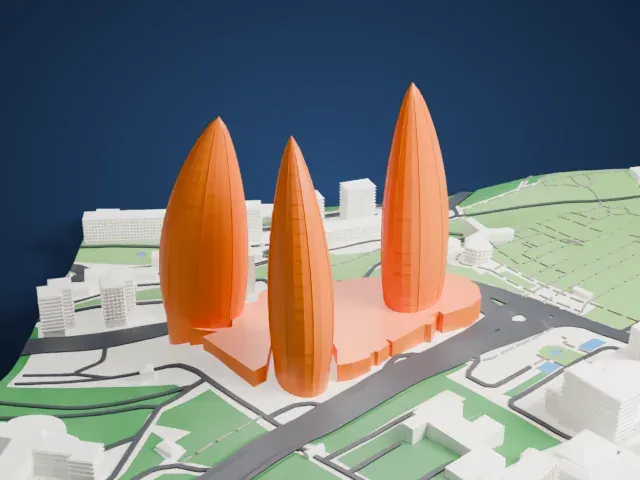
A free, printable model of the three flame-shaped towers on their shared base, with the green hillside, roads and buildings around them, generated from real map data in your browser.
Free, in your browser. Exports a slicer-ready 3MF.
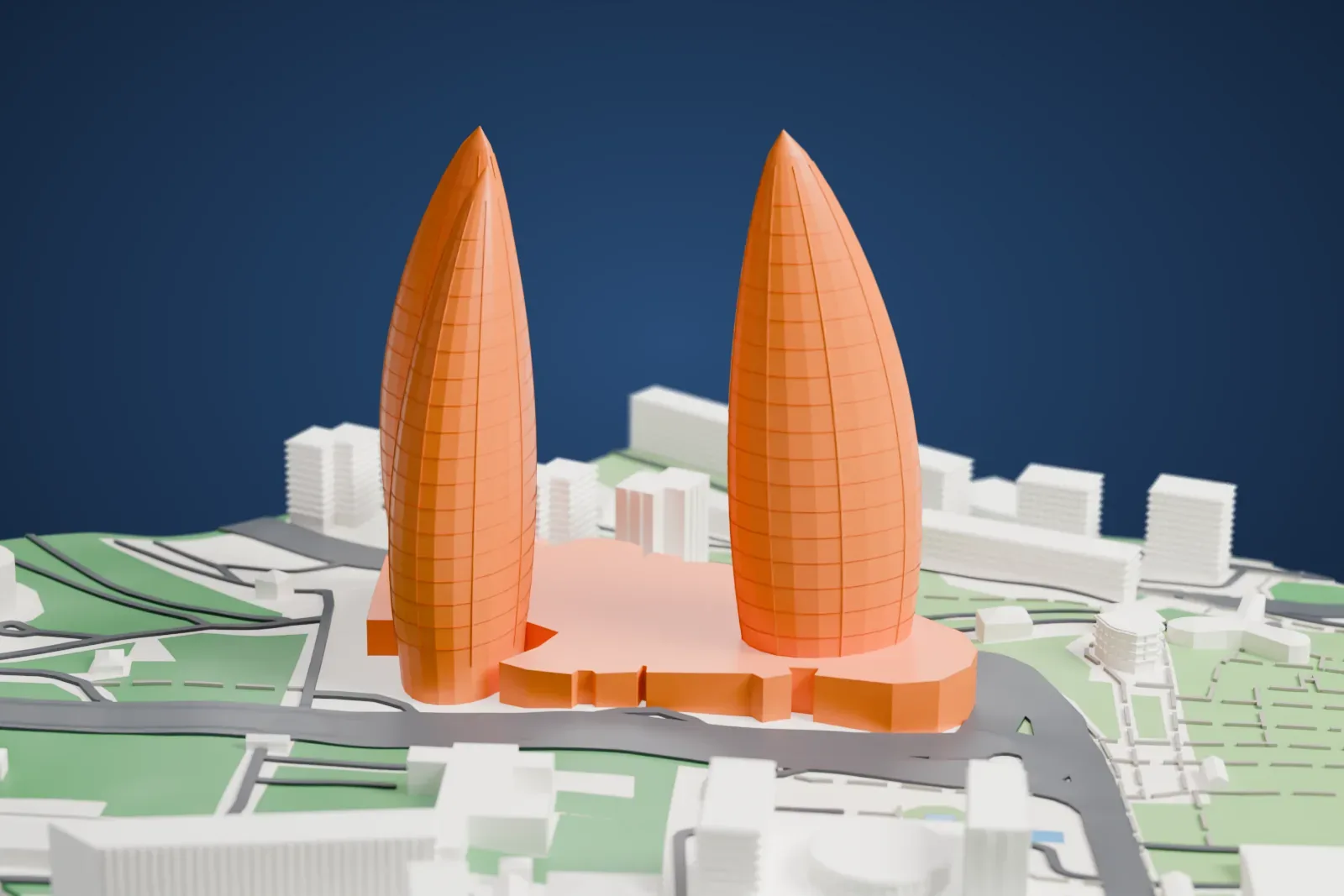
About the Flame Towers
Three skyscrapers make up the Flame Towers in Baku, Azerbaijan, known in Azerbaijani as Alov qüllələri. The tallest reaches 182 m (597 ft). Each tower is shaped like a flame, meant to evoke fire and to echo the country's nickname, the Land of Fire. That nickname goes back to a region where burning natural gas escapes from the ground, and where Zoroastrian worshipers saw flames as a sign of the divine, with Yanar Dag and the Ateshgah of Baku named as notable examples.
The South, East and West buildings between them contain 130 residential apartments spread over 33 floors, plus a Fairmont hotel tower that has 250 rooms and 61 serviced apartments, along with office blocks totaling 33,114 square meters of net space. The architect was HOK. DIA Holdings handled design and construction as the design-build contractor, with Hill International managing the project. The estimated cost was US$350 million, and construction ran from 2007 to 2012.
A skin of LED screens covers each tower and plays the movement of flames, a show that can be seen from the city's farthest corners. The facades work as huge display screens thanks to over 10,000 high-power LED luminaires from Traxon Technologies, an Osram subsidiary, and Vetas Electric Lighting. Its sequences include giant flames, the colors of the Azerbaijani flag, a flag-waving figure and tanks of water filling up, with transitions that last roughly two minutes.
How it prints
Make this print opens the generator on a 600 m square around the landmark. Buildings print at close to true scale, so the landmark grows with the print size.
| Print size | Landmark height | Scale |
|---|---|---|
| 160 mm default | 54 mm | 1:3,750 |
| 200 mm | 68 mm | 1:3,000 |
| 256 mm | 87 mm | 1:2,344 |
-
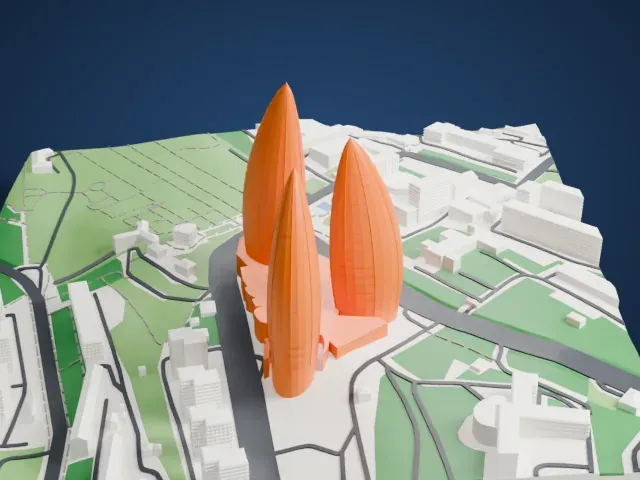 North
North
-
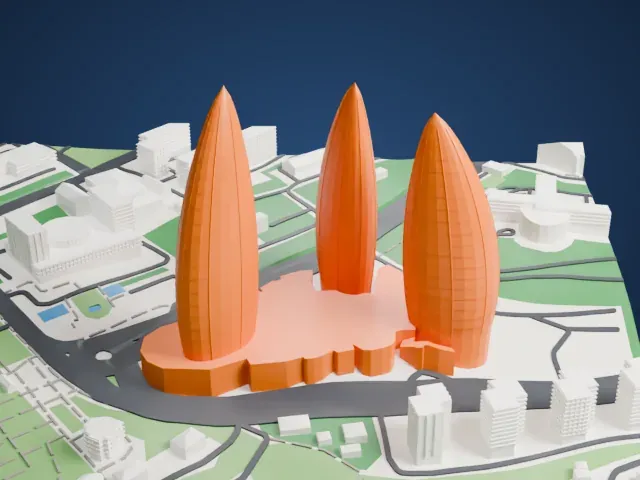 East
East
-
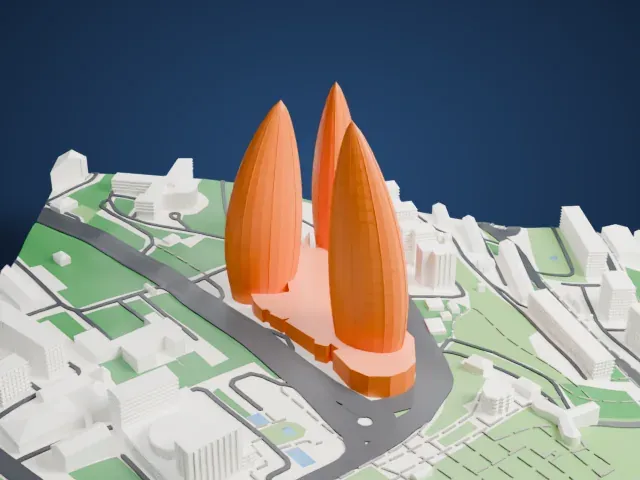 South
South
-
 West
West
- Tapering flame tips
- Each tower narrows toward a pointed top. Print friendly adapts those tops to the print scale, while Full detail keeps them on larger prints. Printing slowly with good cooling helps the top of each tower.
- Smooth curved sides
- The curved, tapering sides stay smoothest at 0.12 to 0.16 mm layers. A larger print size also keeps more of the surface detail.
- One piece with the ground
- The Flame Towers is joined to the ground in the exported file, and the four-side check found no floating parts, so nothing needs gluing.
- Pick the detail for your nozzle
- In the Buildings settings, set Landmark detail to Print friendly to adapt thin parts and small details to the print scale. Full detail keeps every modeled feature, for larger prints or a finer nozzle.
- Colors
- Buildings, roads, water and ground arrive as separate filament slots in the 3MF. The Flame Towers takes the building color.
- File format
- You get a 3MF for Bambu Studio, OrcaSlicer or PrusaSlicer. Any of them can save it as STL if you need one.
About this model
The Flame Towers is one of more than 2,300 landmark models in Mini Skyline. They are made with AI, and each one is checked from four sides in its real surroundings before release. Everything around it is built from OpenStreetMap and Overture map data. If you would rather print the shape from map data, turn off Landmark models in the Buildings settings.
Common questions
Is there a Flame Towers STL I can download?
Mini Skyline builds the file for you in your browser and exports 3MF, which every major slicer opens. If you need an STL, open the 3MF in your slicer and export it from there.
How big can I print it?
Any print size from 40 mm across. The Flame Towers grows with the print: about 54 mm tall on the default 160 mm print. For a model larger than your printer bed, Project Mode splits the area into tiles.
Is it free?
Yes. Generation runs in your browser, with no account and nothing behind a paywall.