3D print the Gate to the East
A free, printable model of the Gate to the East and the surrounding streets and buildings of Suzhou, generated from real map data in your browser.
-
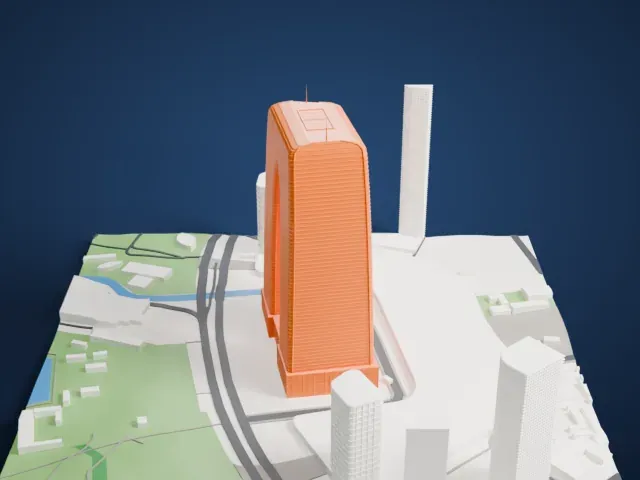 North
North
-
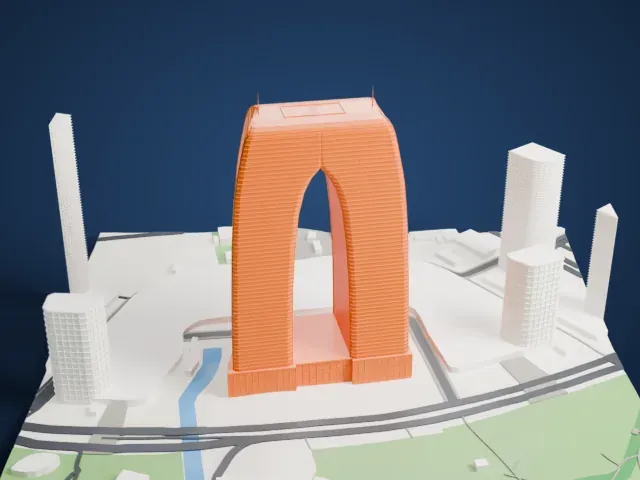 East
East
-
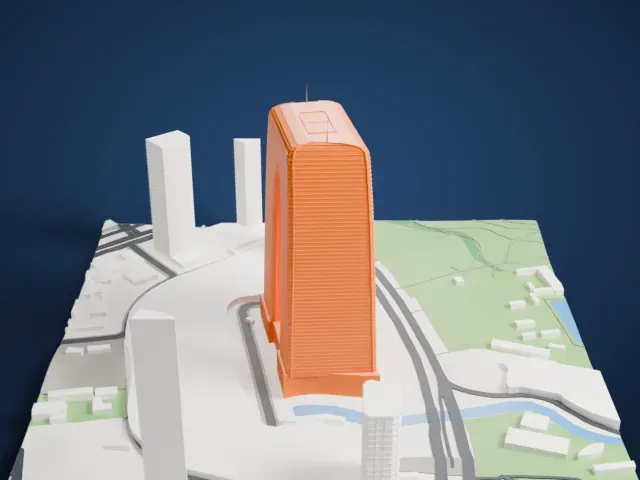 South
South
-
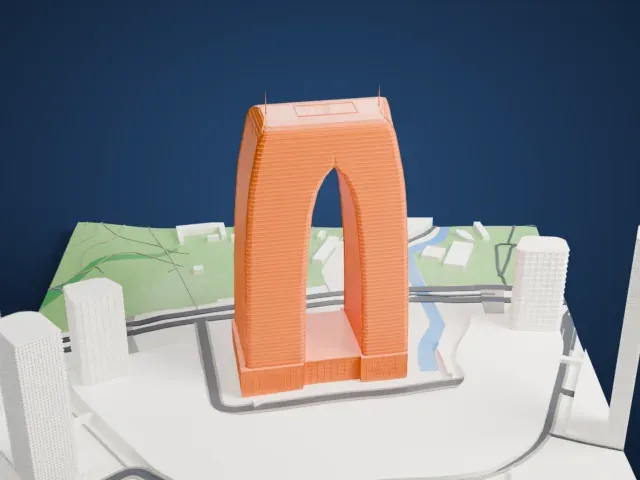 West
West
The model you print
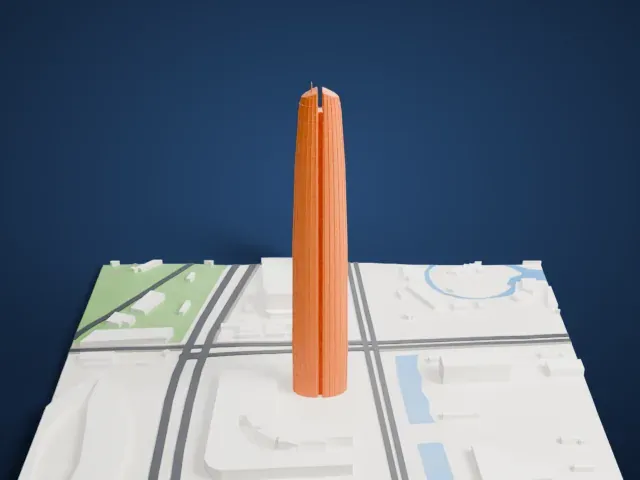
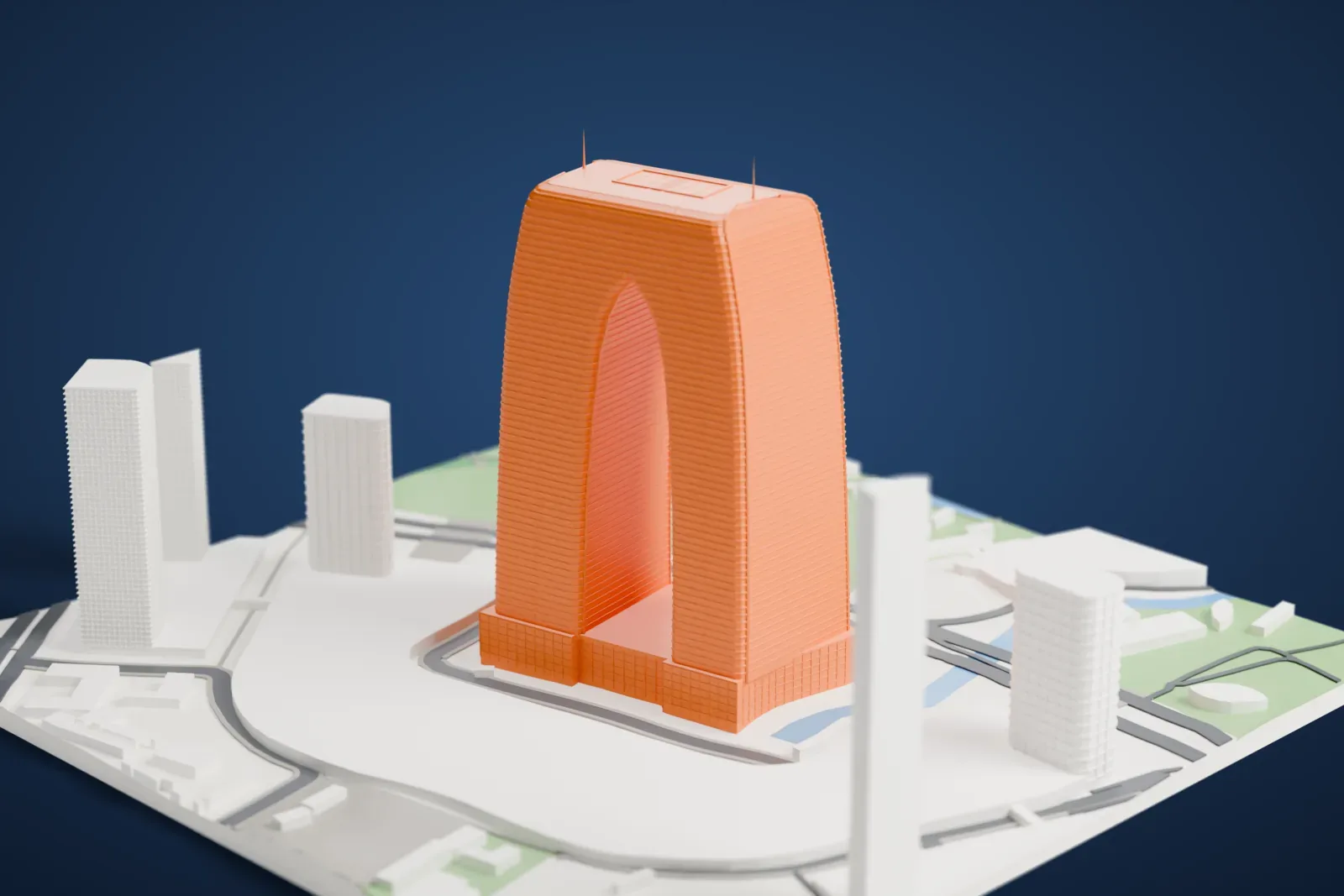
Gate to the East in 3D
The landmark on its own, at its size on a 160 mm print. Print friendly thickens thin parts for a 0.4 mm nozzle; Full detail keeps every part.
- Real height
- 302 m
- On a 160 mm print
- 82 mm
- Scale
- 1:3,750
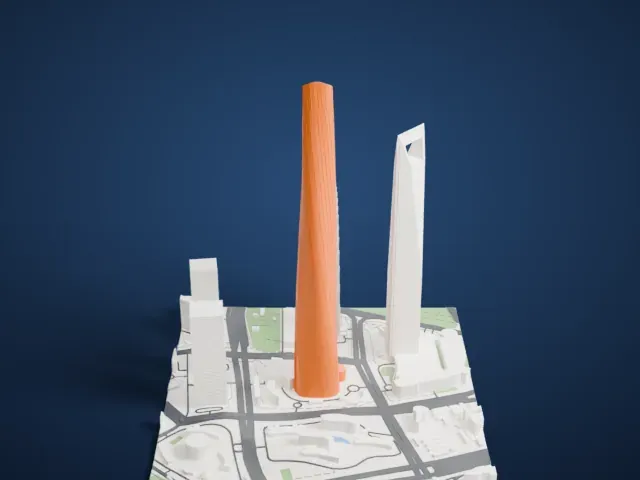
302 m of the Gate to the East, 82 mm on your shelf
Make this print opens the generator on a 600 m square around the landmark. Buildings print at close to true scale, so the landmark grows with the print size.
- The open gateway
Two curving legs meet at a high crown with twin spires, leaving a real opening through the middle. Print friendly keeps the thin spires and curved shoulders legible.
- Horizontal curtain-wall bands
Closely spaced bands wrap the curved faces. Full detail preserves their rhythm; larger prints and a fine nozzle keep the narrow strips crisp.
- One piece with the ground
The Gate to the East is joined to the ground in the exported file, and the four-side check found no floating parts, so nothing needs gluing.
- Pick the detail for your nozzle
In the Buildings settings, set Landmark detail to Print friendly to adapt thin parts and small details to the print scale. Full detail keeps every modeled feature, for larger prints or a finer nozzle.
- Colors
Buildings, roads, water and ground arrive as separate filament slots in the 3MF. The Gate to the East takes the building color.
- File format
You get a 3MF for Bambu Studio, OrcaSlicer or PrusaSlicer. Any of them can save it as STL if you need one.
About the Gate to the East
The Gate to the East, also called the Gate of the Orient, is a skyscraper in Suzhou, Jiangsu, China. At 301.8 meters (990 ft), it is the second tallest building in the city, behind Suzhou IFS. It stands in the China–Singapore Suzhou Industrial Park, near where the old town's east-west axis meets the west bank of Jinji Lake.
Construction started in 2004 and finished in 2016 at a cost of $700 million. The design was meant to work as a gateway symbol for the city, stressing Suzhou's continuing importance in modern China. A low-rise wing extends from its base; together they form a mixed-use development with offices, a large shopping mall, serviced apartments and a luxury hotel.
The design has drawn mockery from Chinese internet users and Western media, who say it resembles a pair of trousers, and it has prompted many online parodies. The tower has 68 floors above ground, and Dongfangzhimen Station on the Suzhou Metro serves it. RMJM was the architect.
About this model
The Gate to the East is one of more than 4,900 landmark models in Mini Skyline. They are made with AI, and each one is checked from four sides in its real surroundings before release. Everything around it is built from OpenStreetMap and Overture map data. If you would rather print the shape from map data, turn off Landmark models in the Buildings settings.
Keep exploring