3D print the General Electric Building
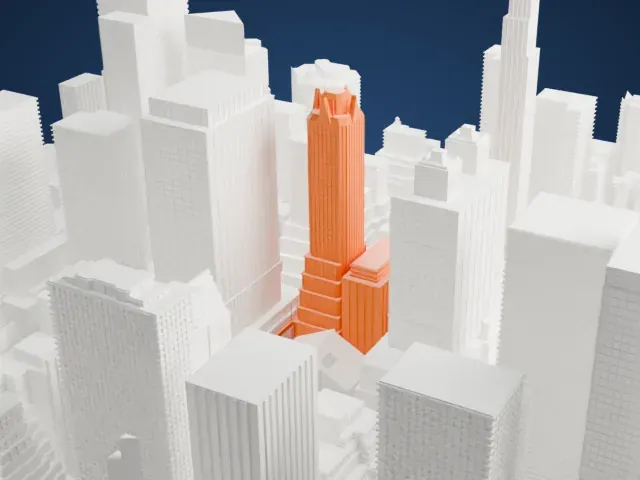
A free, printable model of the General Electric Building, a slender tower with a spiked crown, and the dense towers of Midtown around it, generated from real map data in your browser.
Free, in your browser. Exports a slicer-ready 3MF.
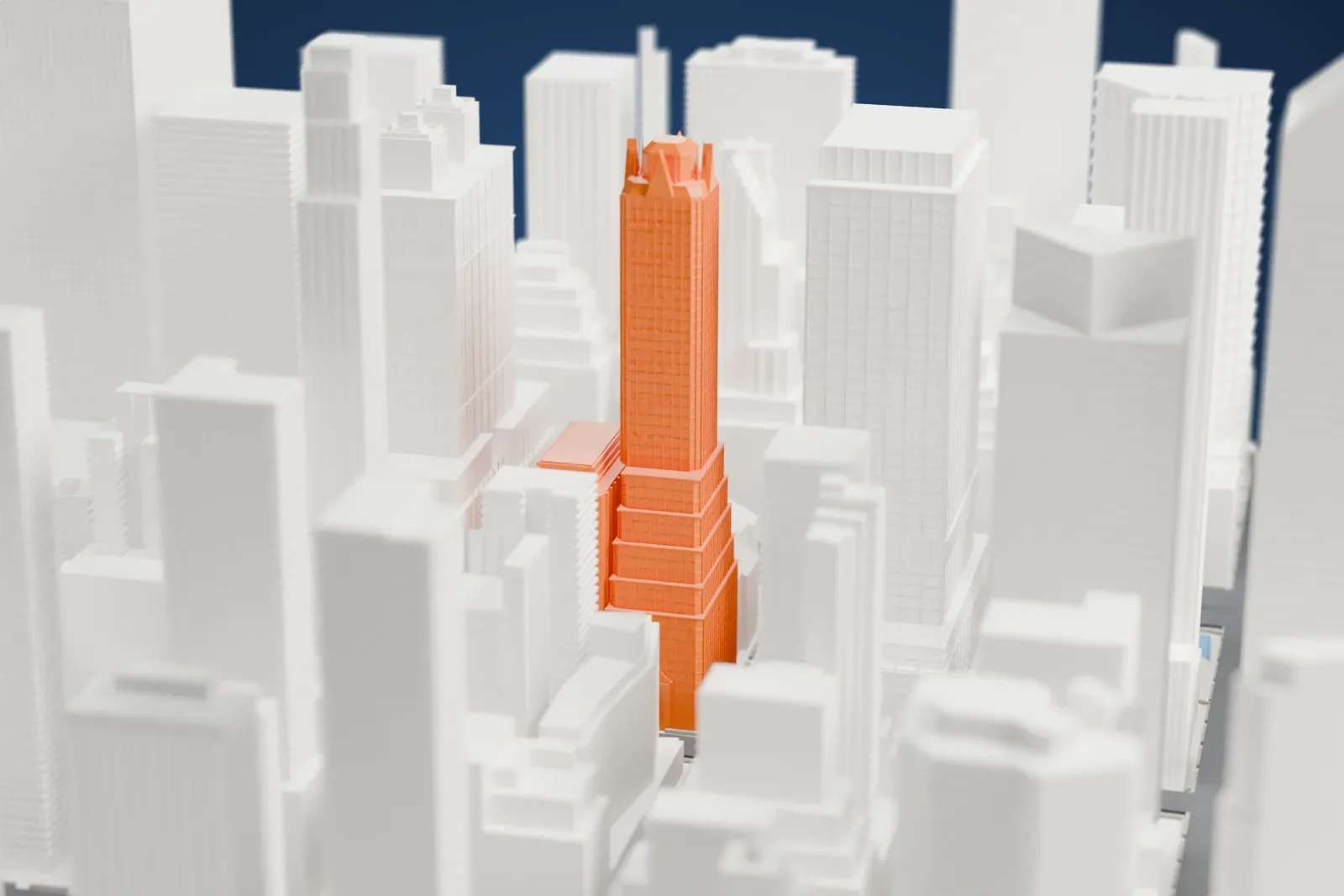
About the General Electric Building
The General Electric Building, also called 570 Lexington Avenue, is a skyscraper in Midtown Manhattan, on the southwest corner where Lexington Avenue meets 51st Street. Cross & Cross designed it. Plans were made public in 1929, and the building was finished in 1931. It was first commissioned for RCA and carried the name RCA Victor Building during construction; when RCA relocated to 30 Rockefeller Plaza part-way through, the building passed to General Electric. People sometimes use its address so as not to confuse it with 30 Rockefeller Plaza, a building that was once called the GE Building.
Of its 50 stories, 46 are office floors and four are mechanical. The lowest stories carry elaborate masonry and figural sculpture, and one corner is rounded, facing the street junction. Above a series of gradual setbacks, it rises into an octagonal brick tower in a stylized Gothic form, decorated in Art Deco style with lightning bolts that show the power of electricity. The tower rises 25 stories above the setbacks, and its crown, an example of Gothic tracery, is meant to represent electricity and radio waves.
The design was meant to harmonize with St. Bartholomew's Episcopal Church next door, whose low Byzantine dome shares its brick color and terracotta decoration. The brick comes in orange, tawny and buff, laid randomly in American bond, which from a distance gives a rich bronze effect. Fourteen-carat gold was sprayed onto the terracotta of the upper stories. A clock on the corner above the main entrance bears the GE logo in cursive, along with two silver arms holding bolts of electricity.
How it prints
Make this print opens the generator on a 600 m square around the landmark. Buildings print at close to true scale, so the landmark grows with the print size.
| Print size | Landmark height | Scale |
|---|---|---|
| 160 mm default | 53 mm | 1:3,750 |
| 200 mm | 66 mm | 1:3,000 |
| 256 mm | 84 mm | 1:2,344 |
-
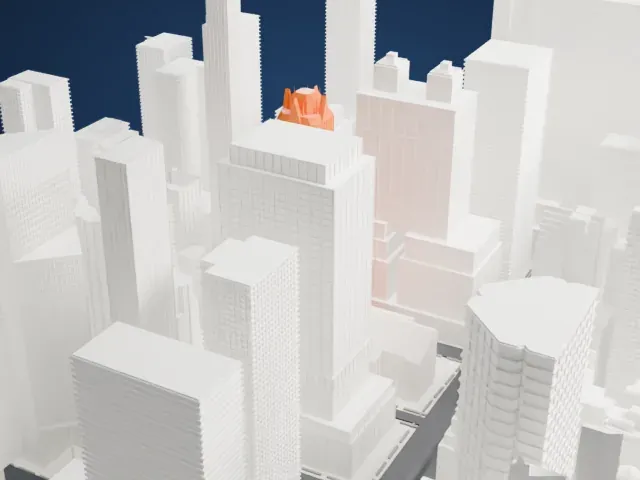 North
North
-
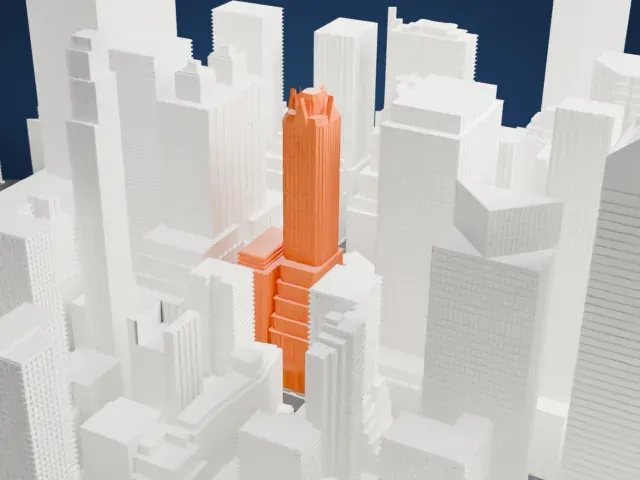 East
East
-
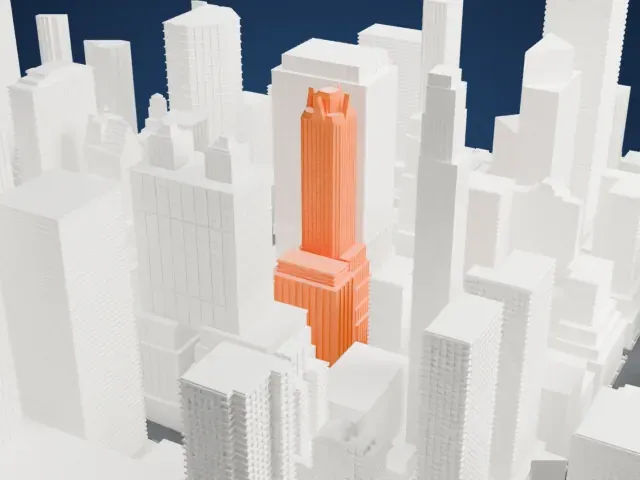 South
South
-
 West
West
- Spiked Gothic crown
- The crown ends in small pointed pinnacles. Print slowly with good cooling and use 0.12–0.16 mm layers, and Print friendly adapts these thin points to the print scale.
- Slim tower among taller neighbors
- The tower is tall and narrow, with other tall buildings close on every side. Fine vertical piers run up its walls, so a larger print size keeps them distinct, and Full detail keeps them on a fine nozzle.
- Pick the detail for your nozzle
- In the Buildings settings, set Landmark detail to Print friendly to adapt thin parts and small details to the print scale. Full detail keeps every modeled feature, for larger prints or a finer nozzle.
- Colors
- Buildings, roads, water and ground arrive as separate filament slots in the 3MF. The General Electric Building takes the building color.
- File format
- You get a 3MF for Bambu Studio, OrcaSlicer or PrusaSlicer. Any of them can save it as STL if you need one.
About this model
The General Electric Building is one of more than 2,300 landmark models in Mini Skyline. They are made with AI, and each one is checked from four sides in its real surroundings before release. Everything around it is built from OpenStreetMap and Overture map data. If you would rather print the shape from map data, turn off Landmark models in the Buildings settings.
Common questions
Is there a General Electric Building STL I can download?
Mini Skyline builds the file for you in your browser and exports 3MF, which every major slicer opens. If you need an STL, open the 3MF in your slicer and export it from there.
How big can I print it?
Any print size from 40 mm across. The General Electric Building grows with the print: about 53 mm tall on the default 160 mm print. For a model larger than your printer bed, Project Mode splits the area into tiles.
Is it free?
Yes. Generation runs in your browser, with no account and nothing behind a paywall.





