3D print the General Motors Building
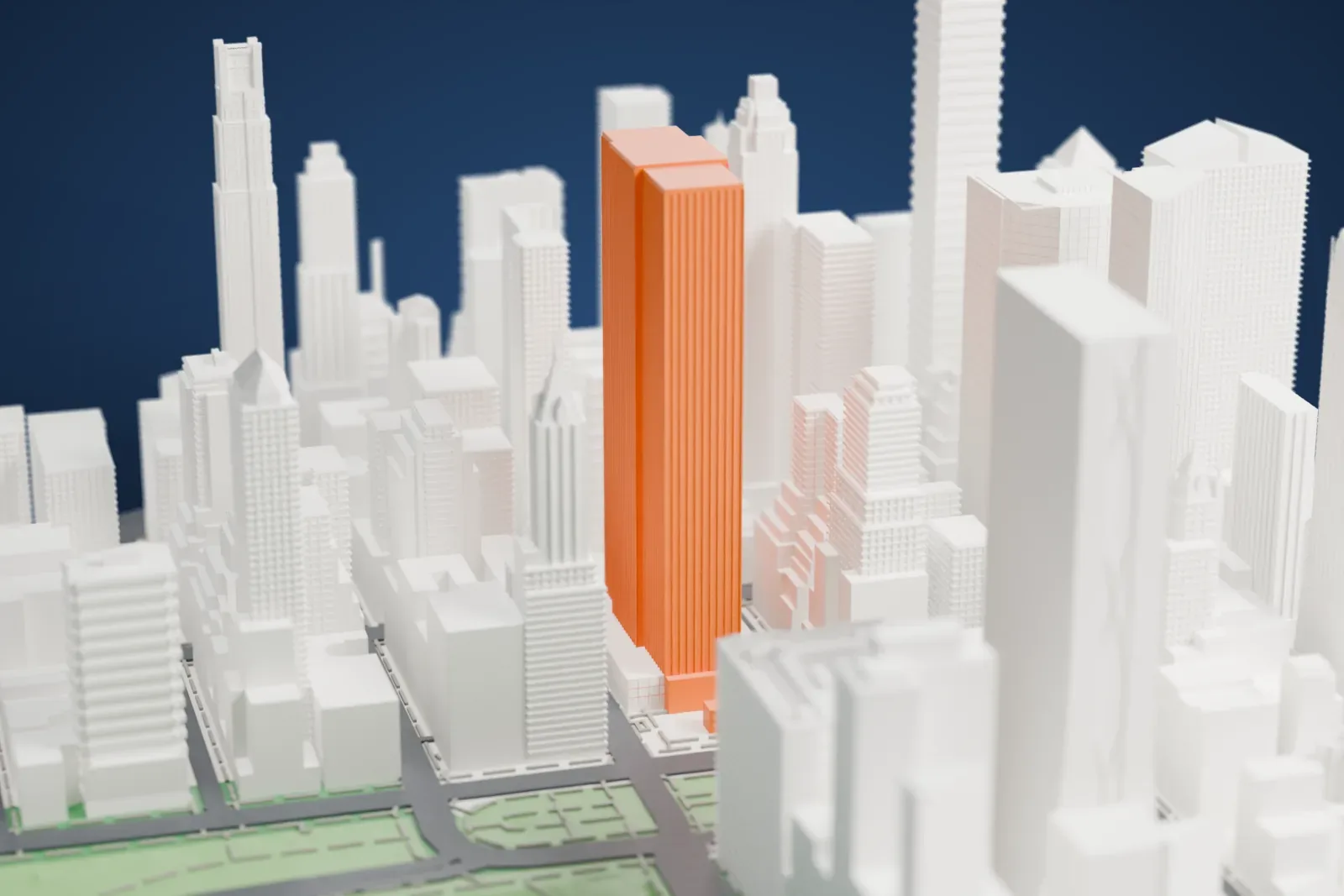
A free, printable model of the General Motors Building, a tall tower with vertical stripes, and the dense skyscrapers and green park around it in Midtown Manhattan, generated from real map data in your browser.
Free, in your browser. Exports a slicer-ready 3MF.
About the General Motors Building
At 767 Fifth Avenue, on Grand Army Plaza at Central Park's southeast corner, stands the General Motors Building, also known as the GM Building: a 50-story office tower 215 m (705 ft) tall in Midtown Manhattan. It takes up a full city block, with 59th Street on the north, Fifth Avenue on the west, 58th Street on the south and Madison Avenue on the east; the Savoy-Plaza Hotel once stood there. Edward Durell Stone & Associates and Emery Roth & Sons designed it in the International Style, and it was finished in 1968. London Merchant Securities developed it, and General Motors occupied half of it upon its opening.
Its facade pairs white Georgia marble piers, set vertically, with bands of glass between them. Stone said he picked white marble since many neighboring buildings wore similar cladding at their bases. At installation, ten of the original large windows at the ground and second stories, each 2.7 m (9 feet) in width, were the largest single windows made for any building to that point. The tower holds roughly 160,000 m² (1.7 million sq ft) of space, 35 elevators and floor plates of 2,800 m² (30,000 sq ft).
The Fifth Avenue public plaza began sunken 3.7 m (12 ft) beneath grade. Around 1999 it was brought up to street level, and around 2005 it was rebuilt for Apple Fifth Avenue. The store's entrance is a glass cube 9.8 m (32 ft) tall that people have compared to the Louvre Pyramid. Critics including Ada Louise Huxtable and Paul Goldberger were widely disapproving when it was completed.
How it prints
Make this print opens the generator on a 600 m square around the landmark. Buildings print at close to true scale, so the landmark grows with the print size.
| Print size | Landmark height | Scale |
|---|---|---|
| 160 mm default | 58 mm | 1:3,750 |
| 200 mm | 72 mm | 1:3,000 |
| 256 mm | 92 mm | 1:2,344 |
-
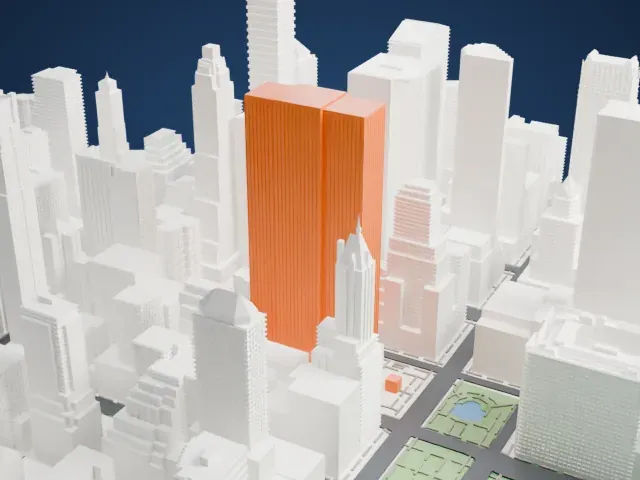 North
North
-
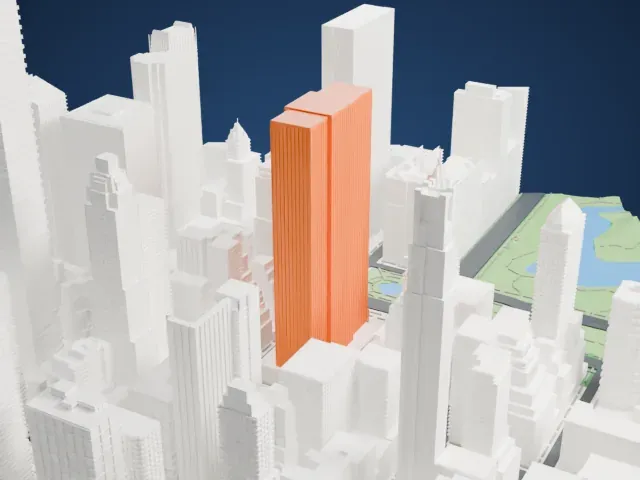 East
East
-
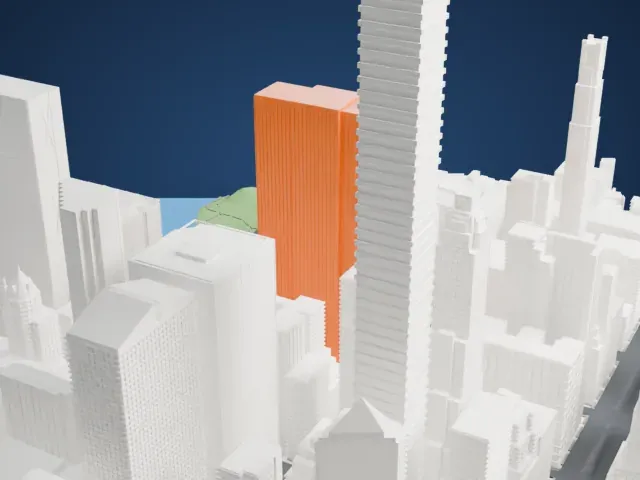 South
South
-
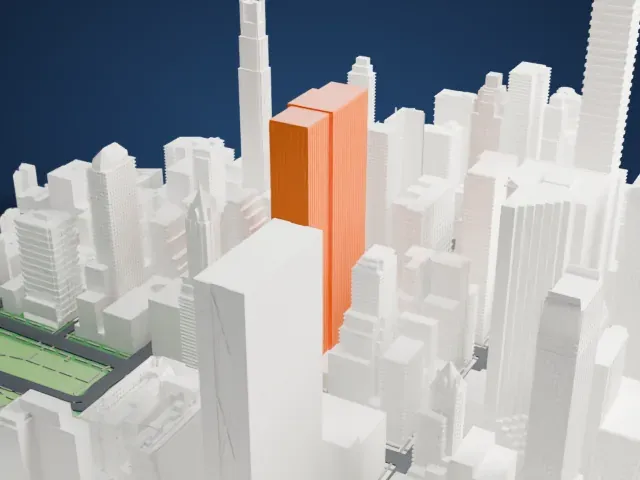 West
West
- Fine vertical piers
- The facade carries many closely spaced vertical piers. Print friendly adapts them to the print scale; Full detail keeps them on a larger print, ideally with 0.12–0.16 mm layers.
- A tall, narrow tower
- The tower is very tall for its footprint. Print slowly with good cooling so it stays straight, and pick a larger print size for a sturdier shaft.
- One piece with the ground
- The General Motors Building is joined to the ground in the exported file, and the four-side check found no floating parts, so nothing needs gluing.
- Pick the detail for your nozzle
- In the Buildings settings, set Landmark detail to Print friendly to adapt thin parts and small details to the print scale. Full detail keeps every modeled feature, for larger prints or a finer nozzle.
- Colors
- Buildings, roads, water and ground arrive as separate filament slots in the 3MF. The General Motors Building takes the building color.
- File format
- You get a 3MF for Bambu Studio, OrcaSlicer or PrusaSlicer. Any of them can save it as STL if you need one.
About this model
The General Motors Building is one of more than 2,300 landmark models in Mini Skyline. They are made with AI, and each one is checked from four sides in its real surroundings before release. Everything around it is built from OpenStreetMap and Overture map data. If you would rather print the shape from map data, turn off Landmark models in the Buildings settings.
Common questions
Is there a General Motors Building STL I can download?
Mini Skyline builds the file for you in your browser and exports 3MF, which every major slicer opens. If you need an STL, open the 3MF in your slicer and export it from there.
How big can I print it?
Any print size from 40 mm across. The General Motors Building grows with the print: about 58 mm tall on the default 160 mm print. For a model larger than your printer bed, Project Mode splits the area into tiles.
Is it free?
Yes. Generation runs in your browser, with no account and nothing behind a paywall.





