3D print Halim Perdanakusuma Airport Main Terminal
A free, printable model of the Halim Perdanakusuma Airport main terminal and the surrounding streets and buildings of Jakarta, generated from real map data in your browser.
-
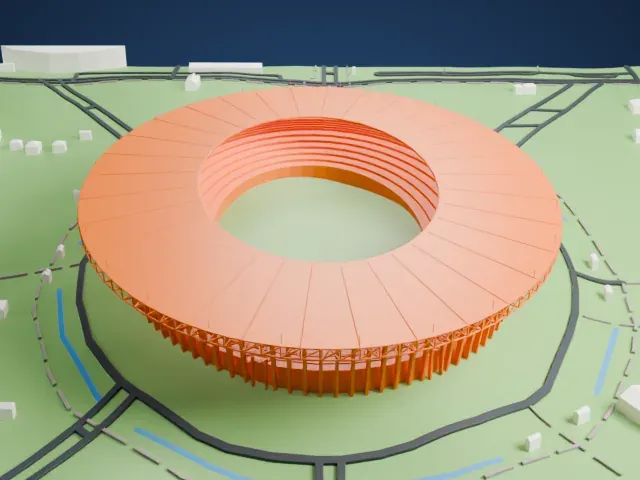
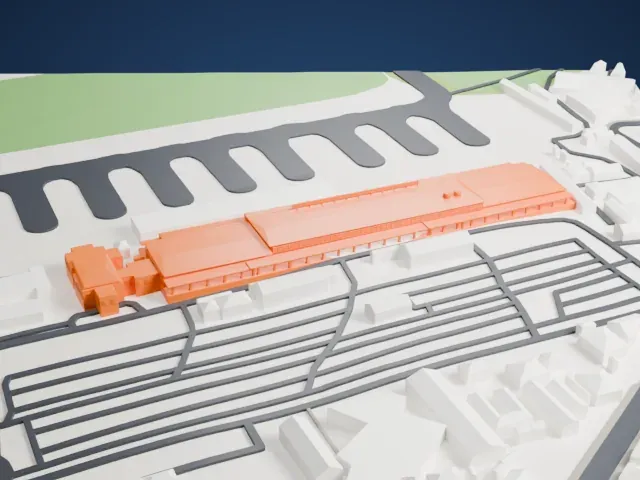 North
North
-
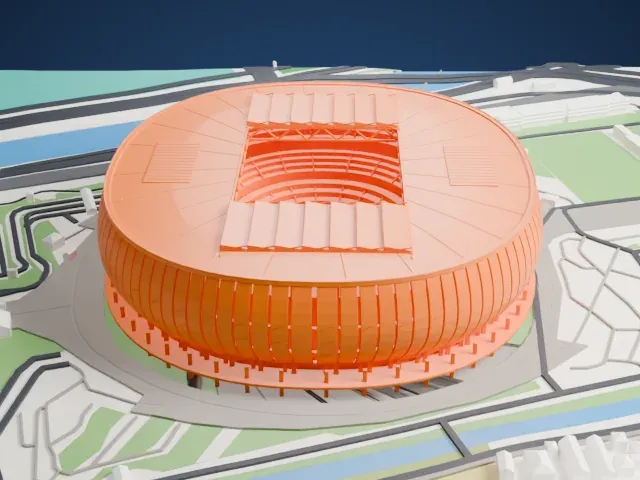
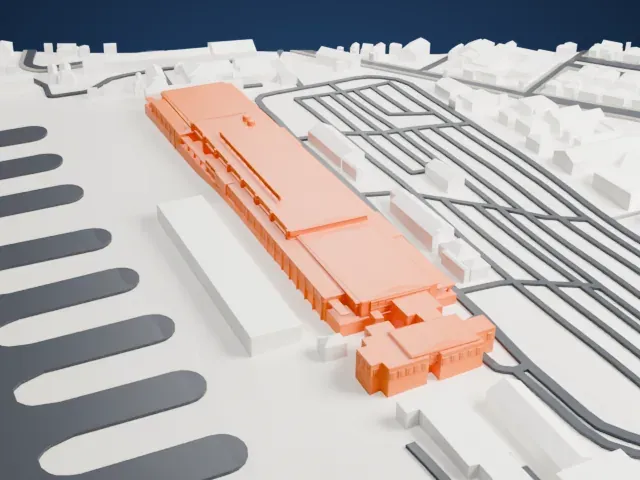 East
East
-
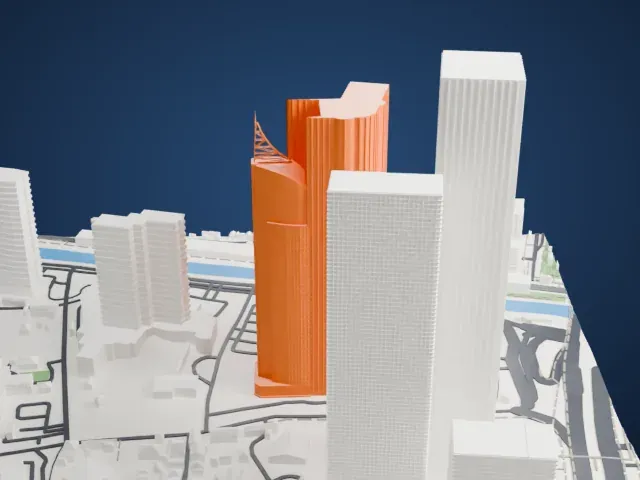
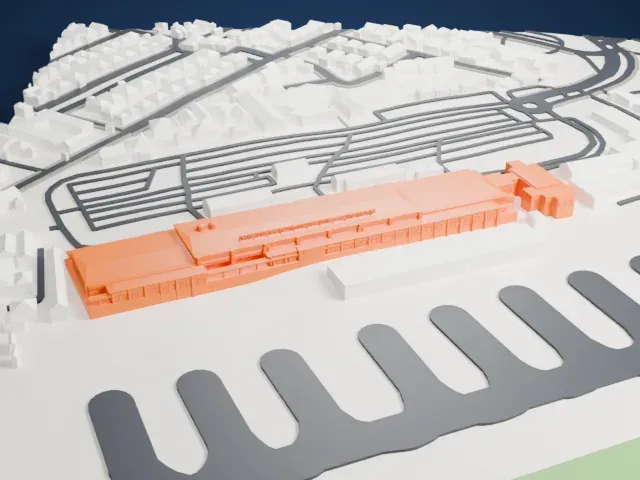 South
South
-
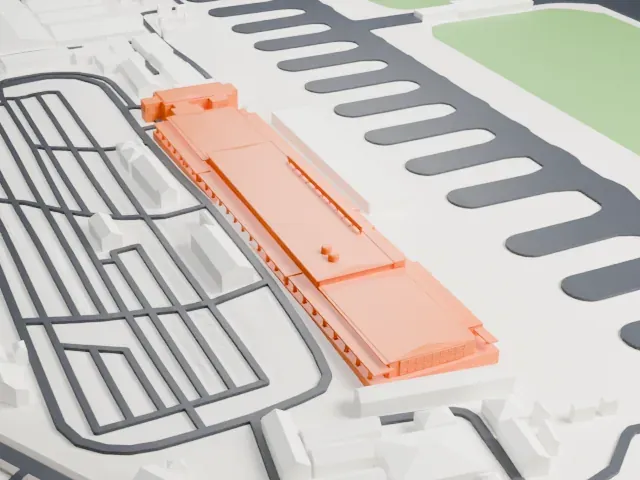 West
West
The model you print
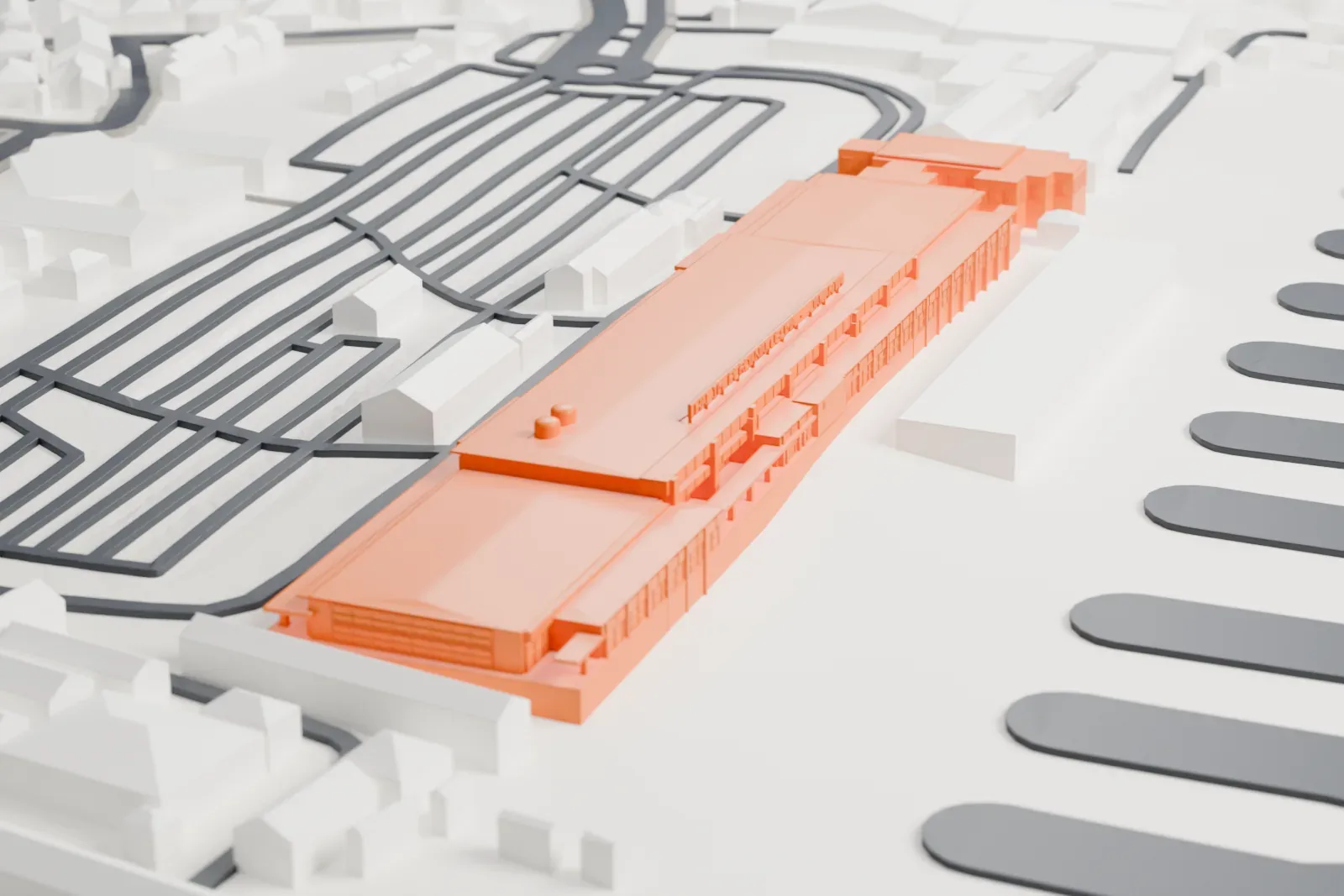
Halim Perdanakusuma Airport Main Terminal in 3D
The landmark on its own, at its size on a 160 mm print. Print friendly thickens thin parts for a 0.4 mm nozzle; Full detail keeps every part.
- On a 160 mm print
- 6 mm
- Scale
- 1:4,063
6 mm tall on a 160 mm print
Make this print opens the generator on a 650 m square around the landmark. Buildings print at close to true scale, so the landmark grows with the print size.
- Roof and facade detail
Print friendly adapts thin parts and small details to the print scale. A larger print or Full detail keeps more of the roof and facade detail, and a 0.12–0.16 mm layer height keeps it crisp.
- One piece with the ground
Halim Perdanakusuma Airport Main Terminal is joined to the ground in the exported file, and the four-side check found no floating parts, so nothing needs gluing.
- Pick the detail for your nozzle
In the Buildings settings, set Landmark detail to Print friendly to adapt thin parts and small details to the print scale. Full detail keeps every modeled feature, for larger prints or a finer nozzle.
- Colors
Buildings, roads, water and ground arrive as separate filament slots in the 3MF. Halim Perdanakusuma Airport Main Terminal takes the building color.
- File format
You get a 3MF for Bambu Studio, OrcaSlicer or PrusaSlicer. Any of them can save it as STL if you need one.
About Halim Perdanakusuma Airport Main Terminal
Halim Perdanakusuma International Airport serves Jakarta, the capital city of Indonesia. Its name honors Halim Perdanakusuma (1922–1947), who served as an officer in the Indonesian Air Force and is recognized as a national hero. The airport lies in East Jakarta, close to Bekasi in West Java, about 12 kilometers (7.5 miles) from the city center. It is Jakarta's secondary airport, alongside Soekarno–Hatta International Airport, which is larger and lies in Tangerang, and it mainly handles domestic flights.
The airfield was built around 1924 as Tjililitan Airfield, named after its borough, and is the first airfield in Jakarta, which was then called Batavia. It stands on part of a former rubber plantation known as Tandjoeng Ost. Operations began on November 1, 1928, under the Dutch airline KNILM. On June 20, 1950, the Netherlands handed the air base over to the Indonesian government, and on August 17, 1952, it was renamed Halim Perdanakusuma Air Base.
International flights started using the airport in 1974, and it stayed a key route for international travelers to Jakarta until Soekarno–Hatta International Airport opened in 1985. The facilities are shared with Halim Perdanakusuma Air Force Base, among the biggest air force installations in Indonesia. InJourney Airports operates the civilian facilities, while the Indonesian Air Force owns the land.
About this model
Halim Perdanakusuma Airport Main Terminal is one of more than 5,500 landmark models in Mini Skyline. They are made with AI, and each one is checked from four sides in its real surroundings before release. Each model is written as code from public descriptions, plans, photographs and aerial views used only as references; no image or third-party model is copied into it. Everything around it is built from OpenStreetMap and Overture map data. Rights in the building itself, its name and any brands on it are not granted by Mini Skyline; clear them separately before you sell prints. If you would rather print the shape from map data, turn off Landmark models in the Buildings settings.
Same skyline