3D print Jakarta landmarks
Free printable models of Jakarta landmarks, made from real map data in your browser, in Indonesia's capital, rebuilt as Batavia by the Dutch East India Company in 1619.
2 landmark models · 2 with a print guide · Indonesia
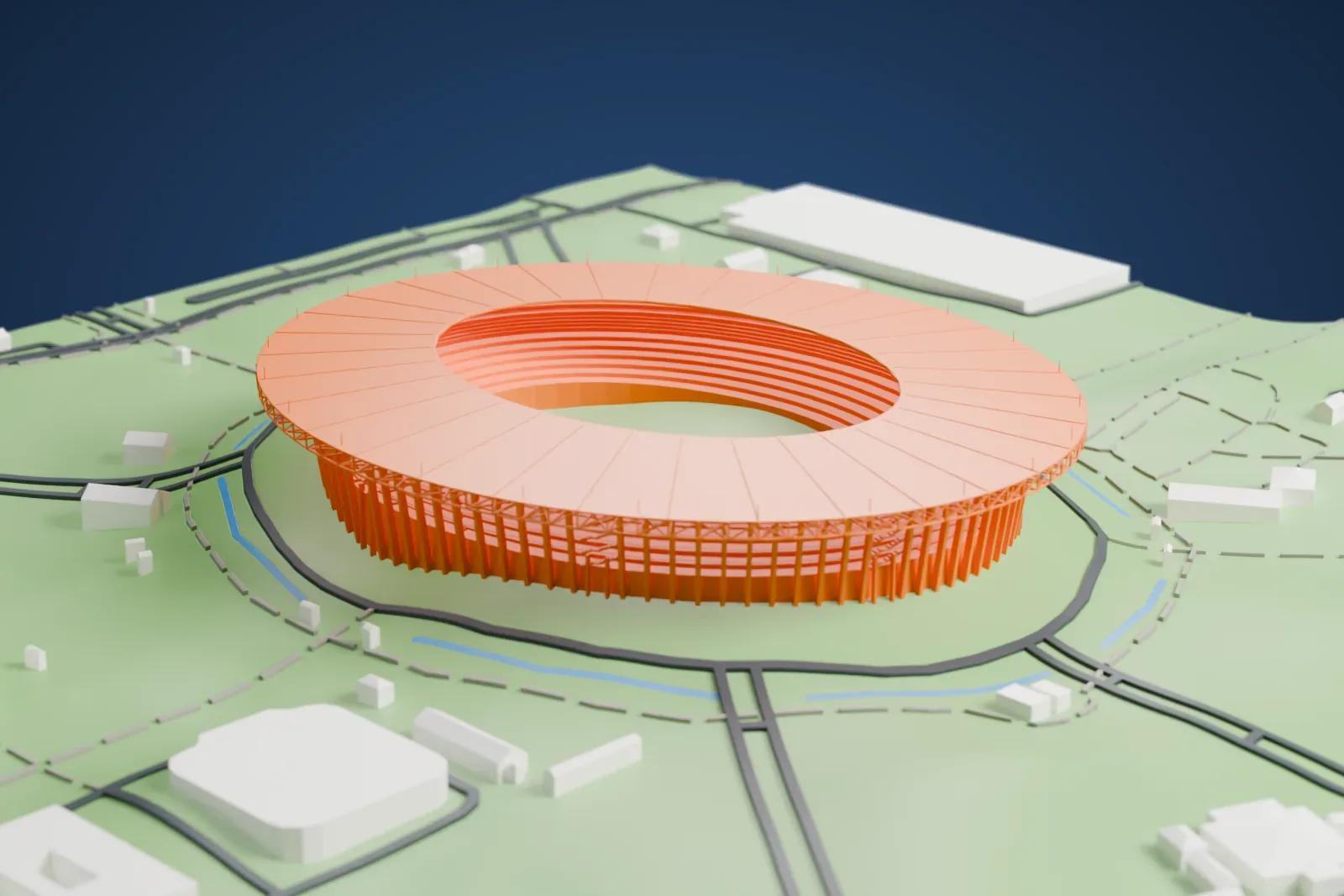
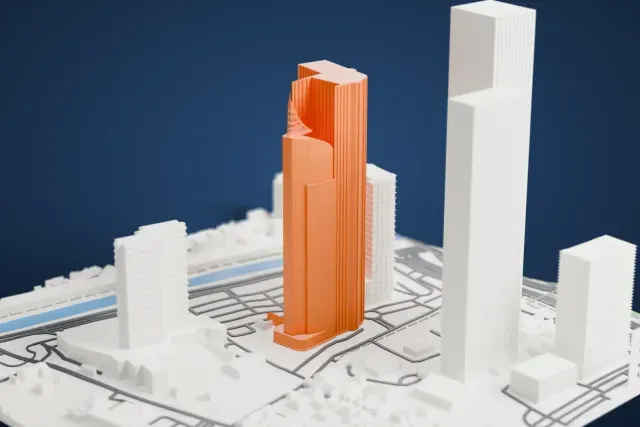
Landmarks with a print guide
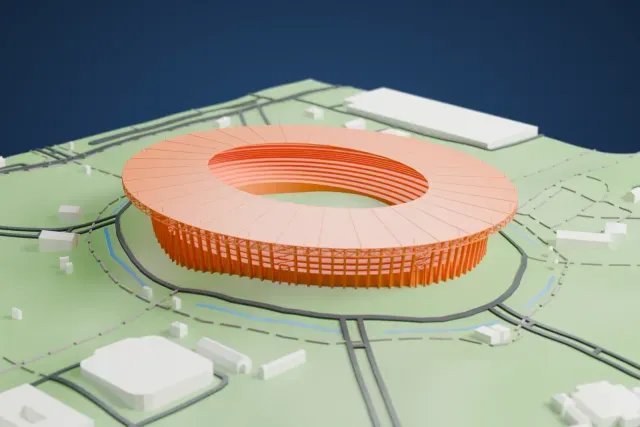
About Jakarta
Jakarta is Indonesia's capital and largest city, with the status of a province, and is officially named the Special Capital Region of Jakarta. It sits on Java's northwestern coast, next to West Java and Banten, and covers about 662 square kilometers (256 square miles), with 11 million registered residents in 2025. The area was long tied to the port of the Sunda Kingdom, Sunda Kelapa; after Islamic forces captured Kalapa in 1527 it became Jayakarta, and in 1619 the Dutch East India Company took the settlement and rebuilt it under the name Batavia. In 1950, after the Indonesian National Revolution, it became the unitary republic's capital.
Early in the 19th century, the colonial government of the Dutch relocated from old Batavia southward to Weltevreden. Development along the road linking the two formed a north–south urban corridor. Menteng, developed in the 1910s for the middle class as a healthy residential district, combined garden-city planning with homes suited to the tropical climate. After independence, Sukarno relied on large public works for nation-building, among them the National Monument and the Senayan sports complex. Jakarta has three centers with different roles: Sudirman-Thamrin-Kuningan serves as the main business district, with many commercial skyscrapers, while Medan Merdeka–Gambir has government and monumental buildings.
About these models
The 2 models on this page are among more than 2,300 landmark models in Mini Skyline. They are made with AI, and each one is checked from four sides in its real surroundings before release. Everything around them is built from OpenStreetMap and Overture map data. If you would rather print the shapes from map data, turn off Landmark models in the Buildings settings.
Want the whole skyline? Make a city print
Common questions
Are these Jakarta landmark models free?
Yes. All 2 models on this page are free. Generation runs in your browser, with no account and nothing behind a paywall.
Can I download Jakarta landmark STL files?
Mini Skyline builds each file for you in your browser and exports 3MF, which every major slicer opens. If you need an STL, open the 3MF in your slicer and export it from there.
How tall do the Jakarta landmarks print?
On the default 160 mm print they stand between about 9 and 70 mm tall. Each landmark grows with the print size, and Make this print opens the generator with its area already selected. For a model larger than your printer bed, Project Mode splits the area into tiles.