3D print the Hillbrow Tower
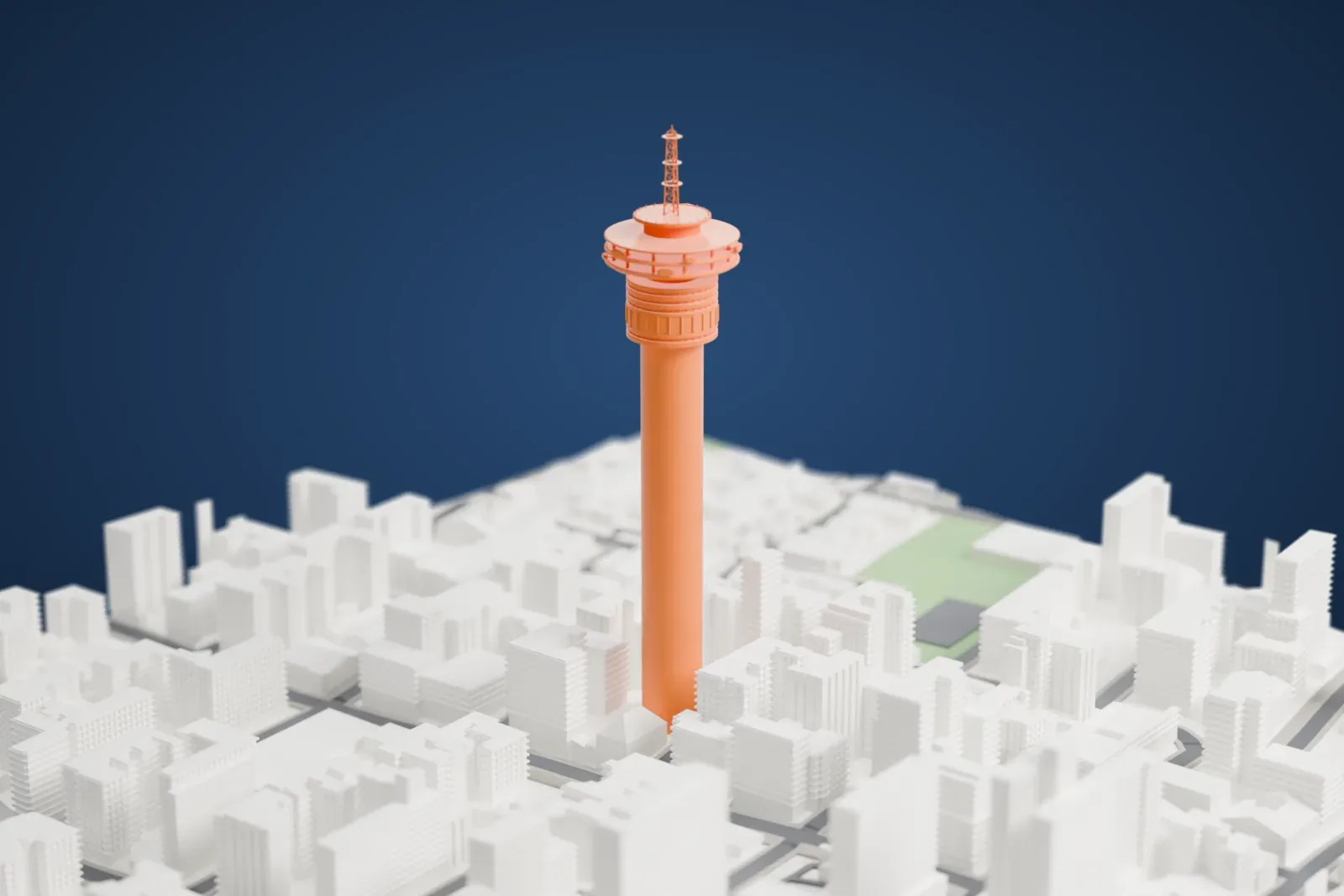
A free, printable model of the Hillbrow Tower, a slender circular shaft with stacked galleries and a lattice antenna, with surrounding city buildings, generated from real map data in your browser.
-
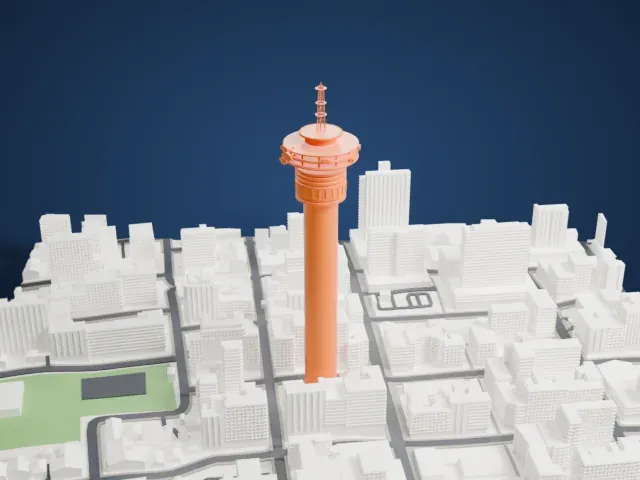 North
North
-
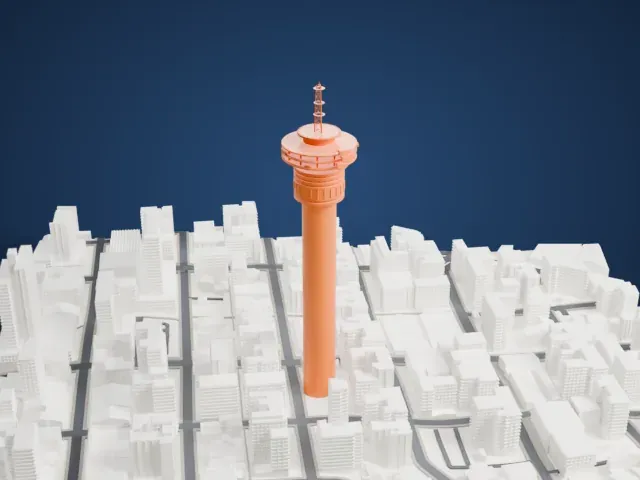 East
East
-
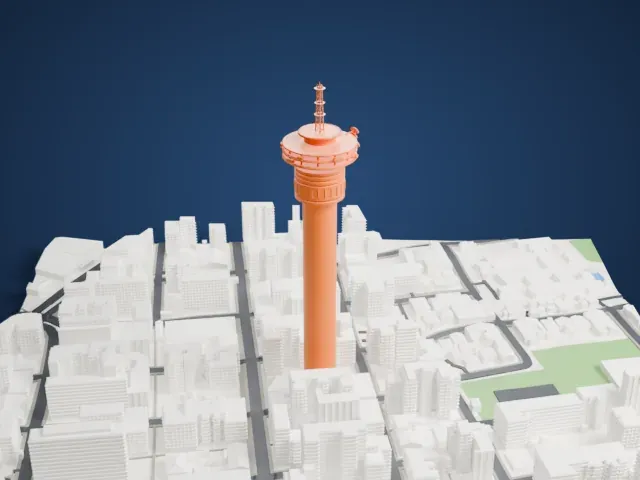 South
South
-
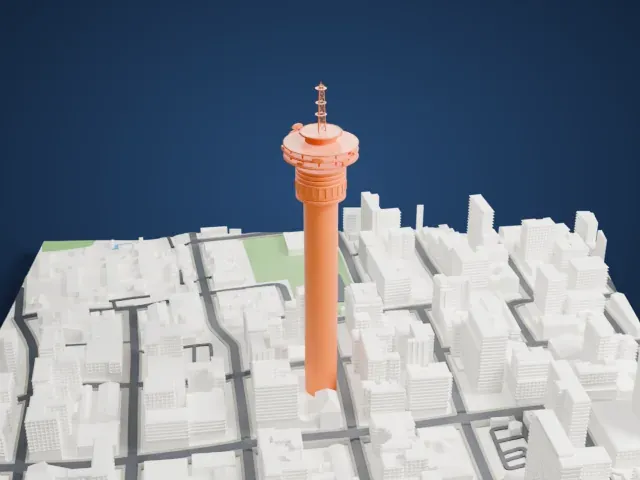 West
West
The model you print
Hillbrow Tower in 3D
The landmark on its own, at its size on a 160 mm print. Print friendly thickens thin parts for a 0.4 mm nozzle; Full detail keeps every part.
- Real height
- 269 m
- On a 160 mm print
- 72 mm
- Scale
- 1:3,750
269 m of the Hillbrow Tower, 72 mm on your shelf
Make this print opens the generator on a 600 m square around the landmark. Buildings print at close to true scale, so the landmark grows with the print size.
- Galleries and dishes
Three projecting gallery rims ring the upper tower, with microwave dishes mounted around them. Print friendly adapts the rims and dishes; Full detail keeps their open supports for a larger print.
- Open lattice mast
The open lattice mast and thin circular shaft need steady cooling. Print slowly, and use 0.12 to 0.16 mm layers so the bracing and the lower window belts stay crisp.
- One piece with the ground
The Hillbrow Tower is joined to the ground in the exported file, and the four-side check found no floating parts, so nothing needs gluing.
- Pick the detail for your nozzle
In the Buildings settings, set Landmark detail to Print friendly to adapt thin parts and small details to the print scale. Full detail keeps every modeled feature, for larger prints or a finer nozzle.
- Colors
Buildings, roads, water and ground arrive as separate filament slots in the 3MF. The Hillbrow Tower takes the building color.
- File format
You get a 3MF for Bambu Studio, OrcaSlicer or PrusaSlicer. Any of them can save it as STL if you need one.
About the Hillbrow Tower
Johannesburg's Hillbrow Tower carries the official name Telkom Joburg Tower and stands as a telecommunications tower in the city's Hillbrow suburb, South Africa. It reaches 269 meters (883 ft) and was built between June 1968 and April 1971 for the South African Posts & Telecommunications service, the forerunner of Telkom.
For 50 years it was Africa's tallest tower, until Egypt's New Administrative Capital gained a taller tower in 2021. For eleven years it also ranked as the continent's tallest structure, and for another two years it held the title of tallest free-standing structure in Africa, before the Sasol III Steam Plant chimney passed it in 1984. No other telecommunications tower in Africa is taller.
The tower closed to visitors in 1981, mainly for security reasons. Before that it ranked among Johannesburg's biggest tourist attractions, with six public floors at the top, a revolving restaurant called Heinrich's Restaurant, a discotheque called Cloud 9, and an observation floor at 197 m. It was first named the JG Strijdom Tower, after South African Prime Minister JG (Hans) Strijdom, and took the name Telkom Joburg Tower on May 31, 2005.
About this model
The Hillbrow Tower is one of more than 4,900 landmark models in Mini Skyline. They are made with AI, and each one is checked from four sides in its real surroundings before release. Everything around it is built from OpenStreetMap and Overture map data. If you would rather print the shape from map data, turn off Landmark models in the Buildings settings.
Same skyline