3D print the Immaculate Conception Cathedral, Apia
A free, printable model of the Immaculate Conception Cathedral, Apia, with surrounding streets, buildings, and water, generated from real map data in your browser.
-
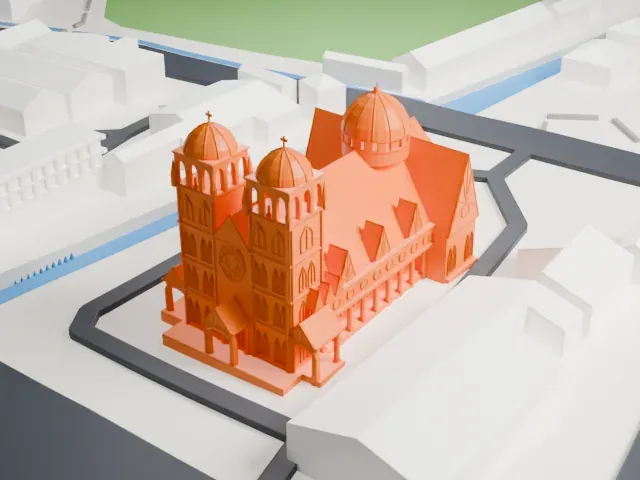 North
North
-
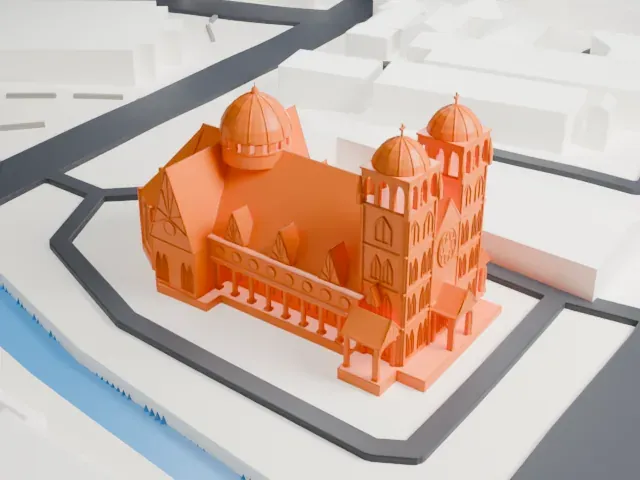 East
East
-
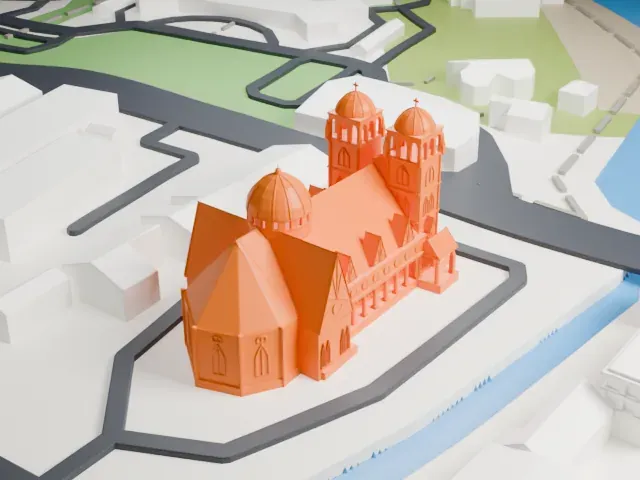 South
South
-
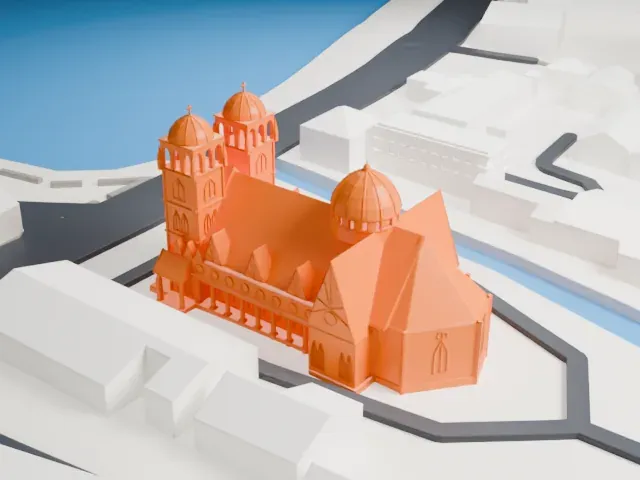 West
West
- On a 160 mm print
- 11 mm
- Scale
- 1:3,750
11 mm tall on a 160 mm print
Make this print opens the generator on a 600 m square around the landmark. Buildings print at close to true scale, so the landmark grows with the print size.
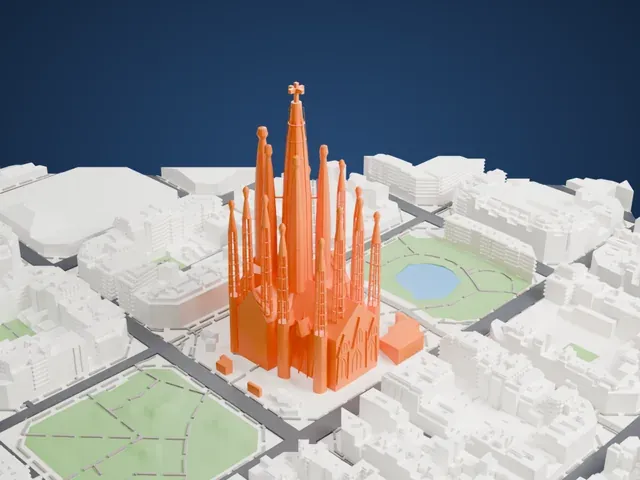
- Watch the tower crosses
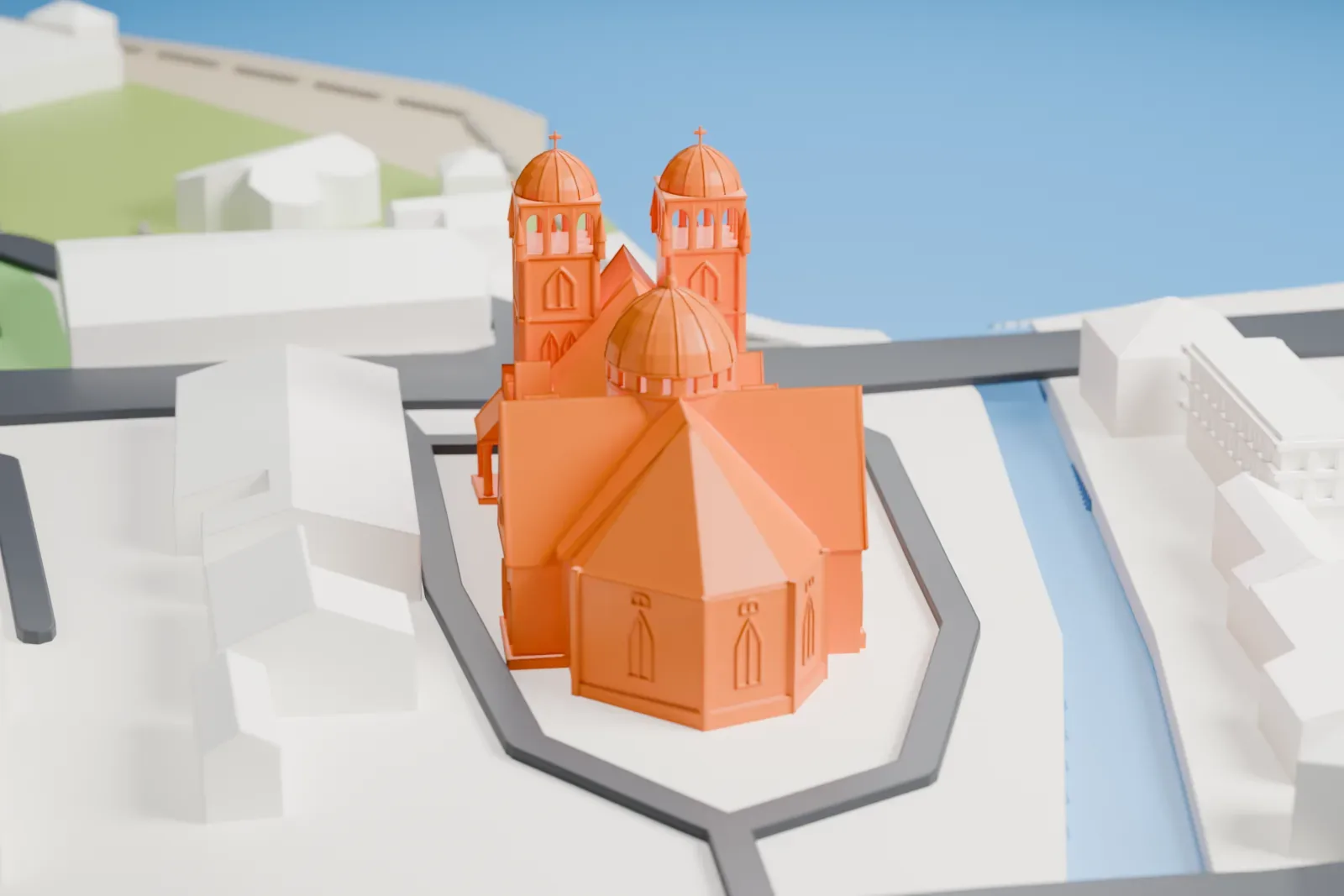
Small crosses sit on the two domed front towers. Choose Print friendly for small prints, and print slowly with cooling to help the slender crosses retain their shape.
- Retain the side columns
Slender columns line both sides below the steep roof, while ribs trace the domes. A larger print with Full detail preserves the columns; a layer height of 0.12–0.16 mm keeps the dome curves and roof details crisp.
- One piece with the ground
The Immaculate Conception Cathedral, Apia is joined to the ground in the exported file, and the four-side check found no floating parts, so nothing needs gluing.
- Pick the detail for your nozzle
In the Buildings settings, set Landmark detail to Print friendly to adapt thin parts and small details to the print scale. Full detail keeps every modeled feature, for larger prints or a finer nozzle.
- Colors
Buildings, roads, water and ground arrive as separate filament slots in the 3MF. The Immaculate Conception Cathedral, Apia takes the building color.
- File format
You get a 3MF for Bambu Studio, OrcaSlicer or PrusaSlicer. Any of them can save it as STL if you need one.
About the Immaculate Conception Cathedral, Apia
Immaculate Conception Cathedral, Apia, is a Catholic cathedral in Samoa's capital. It is also known as Mulivai Cathedral or the Cathedral of Apia. Its congregation uses the Roman, or Latin, rite, and the cathedral serves as the mother church for the Archdiocese of Samoa–Apia, established by Pope Paul VI in 1966. An earthquake damaged the building in 2009. Restoration and expansion followed, and the rebuilt cathedral opened to visitors on June 2, 2014, after three years of repair work.
The cathedral occupies the site of an earlier church completed in 1857. Its history began with William Pritchard's sale of land in Mulivai to Bishop Bataillon in 1852. The bishop's brother, Jacques, started construction of a church and parish house there. On December 8, 1852, the bishop blessed the first stone. Epidemics interrupted the work, as did a tropical cyclone in 1854. That storm damaged plantations and disrupted the food supply. The original church was eventually completed on the site where the rebuilt cathedral stands.
About this model
The Immaculate Conception Cathedral, Apia is one of more than 4,300 landmark models in Mini Skyline. They are made with AI, and each one is checked from four sides in its real surroundings before release. Everything around it is built from OpenStreetMap and Overture map data. If you would rather print the shape from map data, turn off Landmark models in the Buildings settings.
Keep exploring