3D print the Kobe Port Tower
A free, printable model of the Kobe Port Tower in its port city, with the surrounding streets and buildings, generated from real map data in your browser.
-
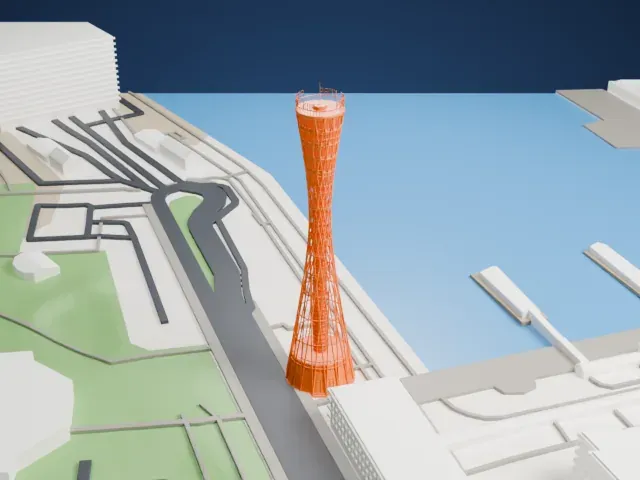 North
North
-
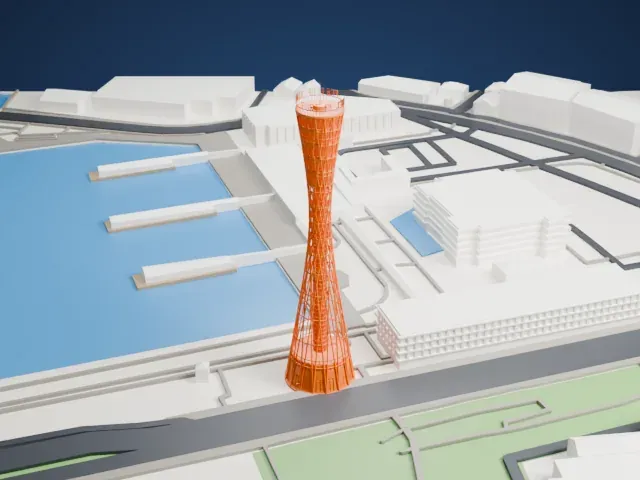 East
East
-
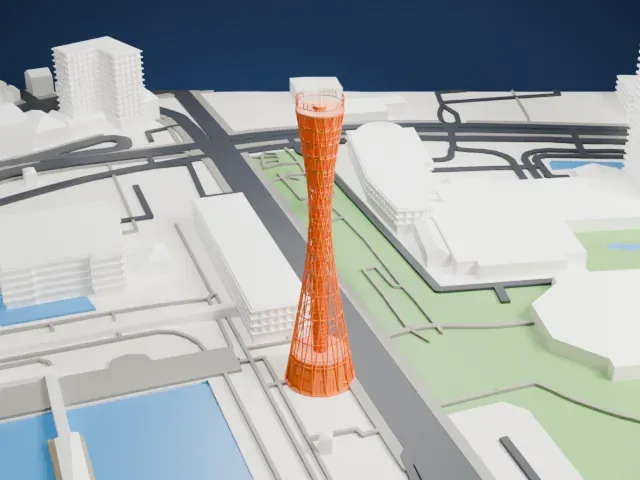 South
South
-
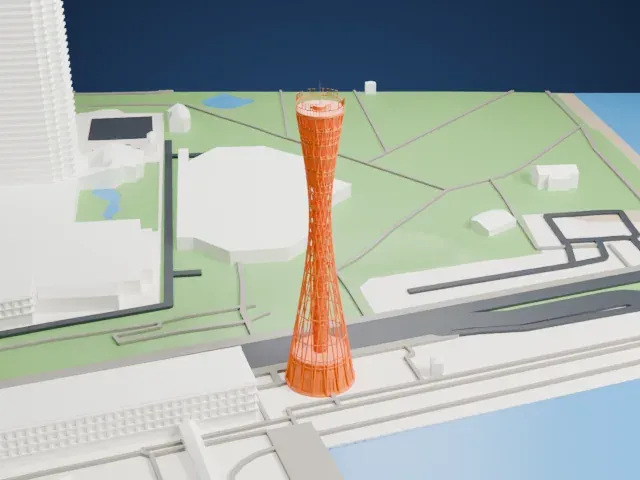 West
West
The model you print
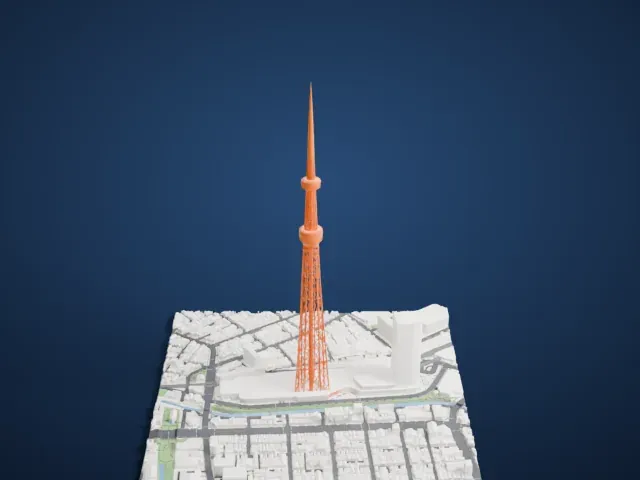
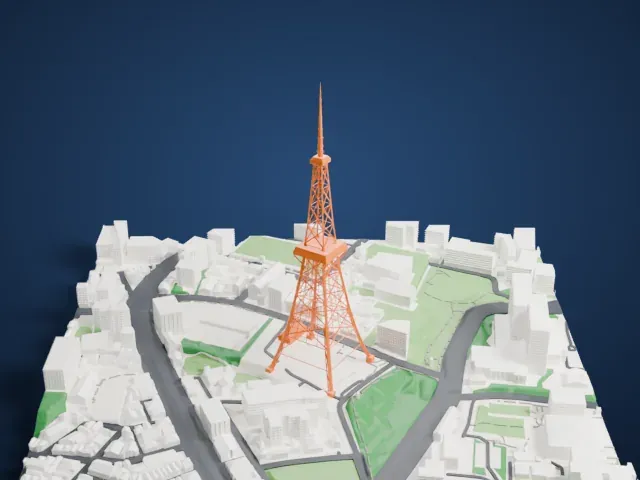
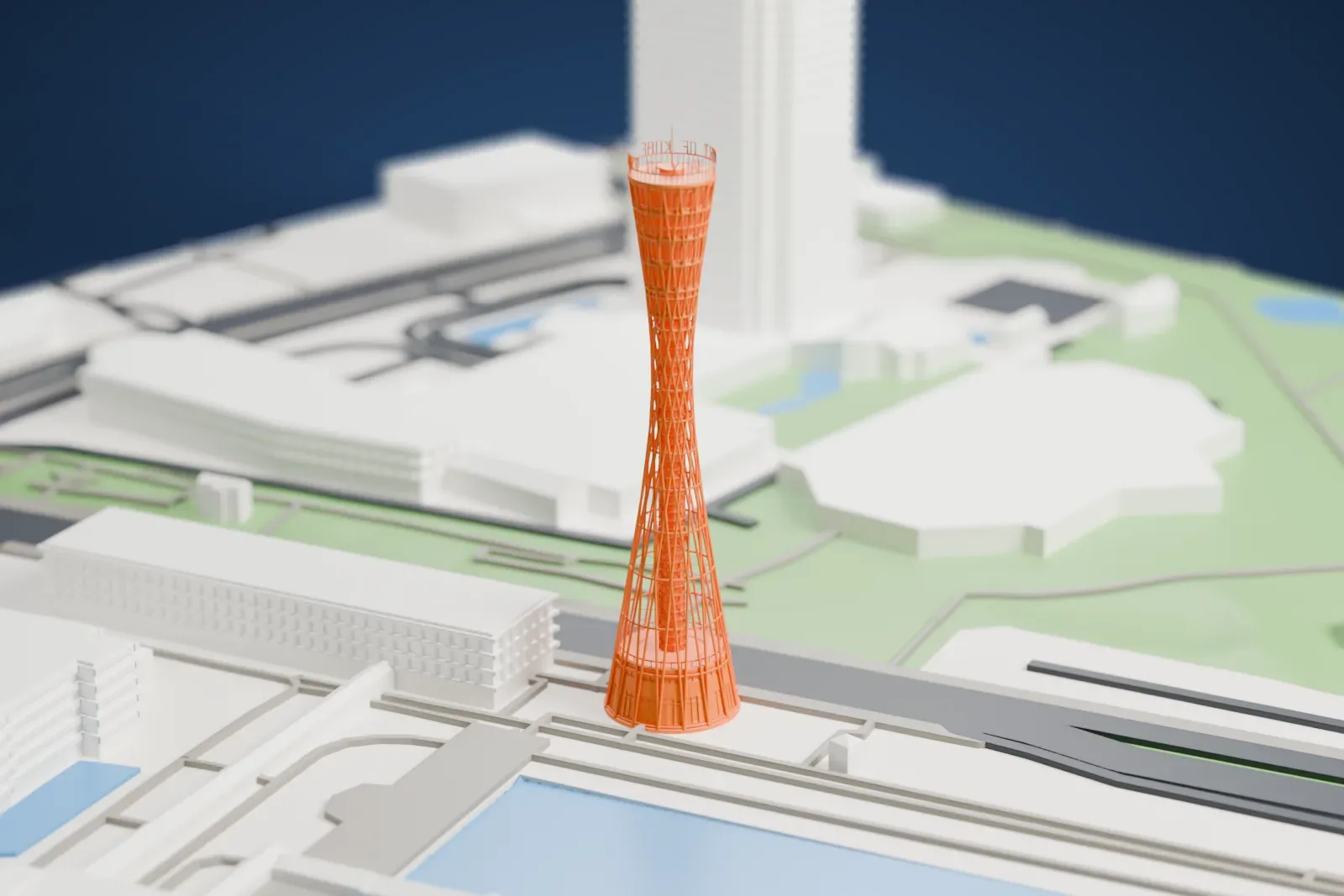
Kobe Port Tower in 3D
The landmark on its own, at its size on a 160 mm print. Print friendly thickens thin parts for a 0.4 mm nozzle; Full detail keeps every part.
- Real height
- 108 m
- On a 160 mm print
- 29 mm
- Scale
- 1:3,750
108 m of the Kobe Port Tower, 29 mm on your shelf
Make this print opens the generator on a 600 m square around the landmark. Buildings print at close to true scale, so the landmark grows with the print size.
- Lattice cage and open core
The tower is built around 32 thin diagonal staves with an open central core. Print friendly adapts them to the print scale; Full detail keeps every member for a large print or a fine nozzle.
- Thin crown mast
The crown carries raised sign letters on an open perimeter rail, with a slender lightning rod above the roof. Layers of 0.12–0.16 mm keep them crisp, and printing slowly with good cooling helps tall thin parts.
- One piece with the ground
The Kobe Port Tower is joined to the ground in the exported file, and the four-side check found no floating parts, so nothing needs gluing.
- Pick the detail for your nozzle
In the Buildings settings, set Landmark detail to Print friendly to adapt thin parts and small details to the print scale. Full detail keeps every modeled feature, for larger prints or a finer nozzle.
- Colors
Buildings, roads, water and ground arrive as separate filament slots in the 3MF. The Kobe Port Tower takes the building color.
- File format
You get a 3MF for Bambu Studio, OrcaSlicer or PrusaSlicer. Any of them can save it as STL if you need one.
About the Kobe Port Tower
The Kobe Port Tower is a landmark in Kobe, a port city in Japan, and it stands in Chuo-ku, Hyōgo Prefecture. Nikken Sekkei Company designed the sightseeing tower, which was finished in 1963; it has since closed twice for renovation, first from late 2009 to April 2010 and again from 2021 to 2024.
The tower rises 108 m (354 ft) and is built in a total of eight layers shaped to resemble a tsuzumi, a Japanese drum. It is described as the first tower built with a pipe lattice, and 32 red steel staves surround the structure, meant to welcome vessels back to shore.
Inside, the lower floors hold shops, restaurants and the ticket office, while the upper sightseeing section has viewing decks, a cafe that turns a full circle in 20 minutes, and an observation area at 75 m (250 ft). The tower reopened on April 26, 2024, after renovation and seismic retrofitting.
About this model
The Kobe Port Tower is one of more than 4,900 landmark models in Mini Skyline. They are made with AI, and each one is checked from four sides in its real surroundings before release. Everything around it is built from OpenStreetMap and Overture map data. If you would rather print the shape from map data, turn off Landmark models in the Buildings settings.
Keep exploring