3D print the Mausoleum of Omar Khayyám
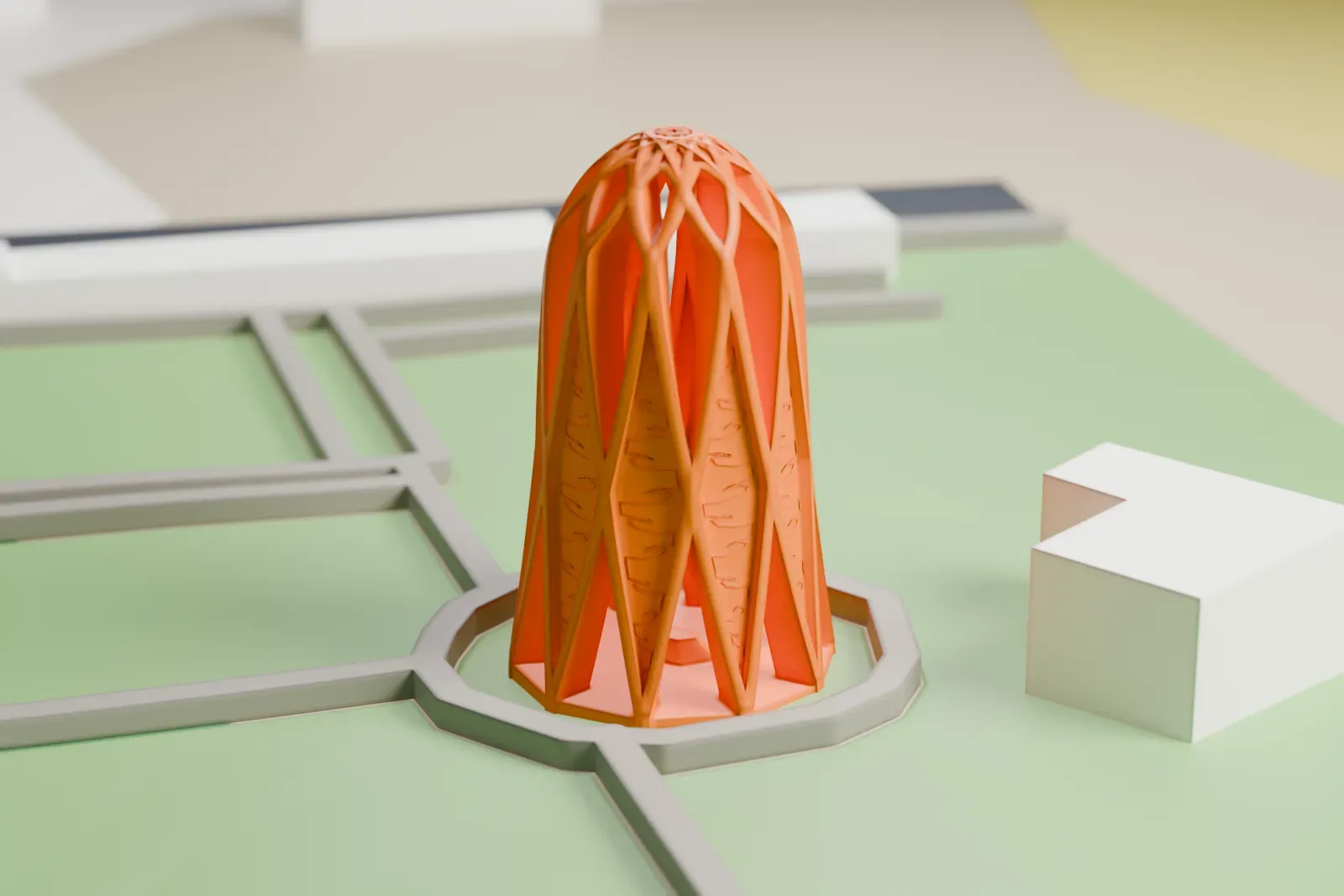
A free, printable model of the mausoleum, a bell-shaped openwork tower with a star-patterned top, with the paths, grounds and buildings around it, generated from real map data in your browser.
-
 North
North
-
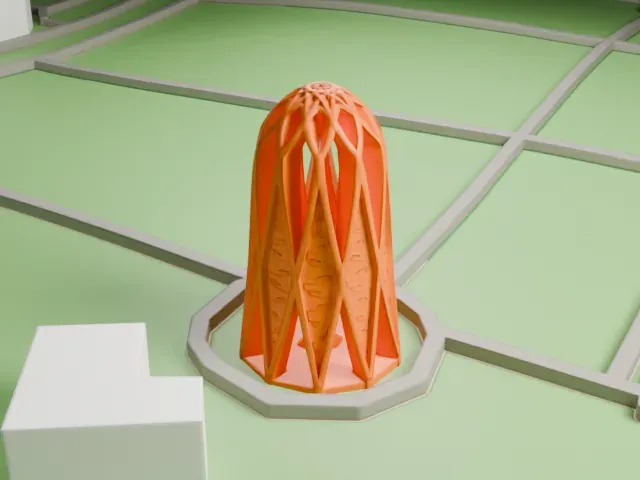 East
East
-
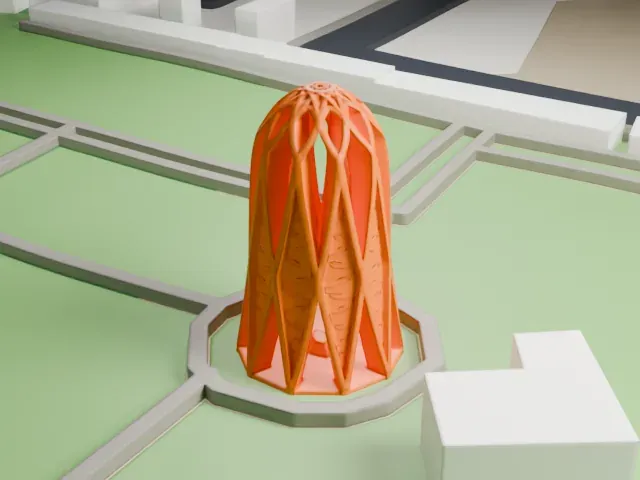 South
South
-
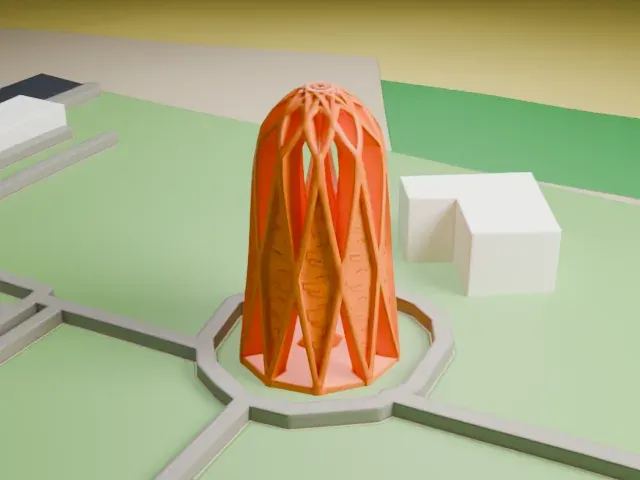 West
West
The model you print
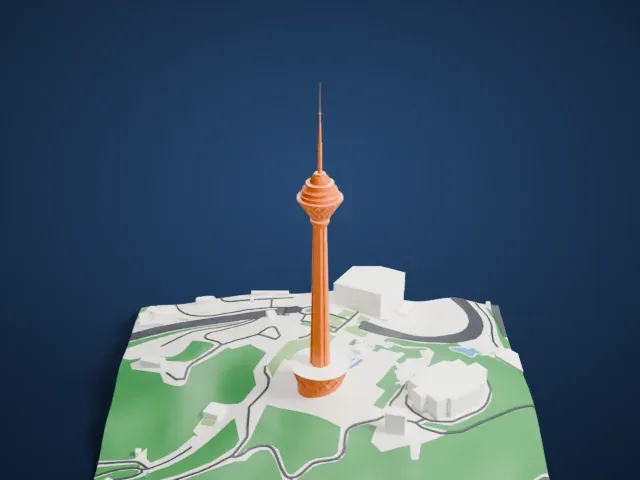
Mausoleum of Omar Khayyám in 3D
The landmark on its own, at its size on a 160 mm print. Print friendly thickens thin parts for a 0.4 mm nozzle; Full detail keeps every part.
- On a 160 mm print
- 6 mm
- Scale
- 1:3,750
6 mm tall on a 160 mm print
Make this print opens the generator on a 600 m square around the landmark. Buildings print at close to true scale, so the landmark grows with the print size.
- Openwork walls and star top
The tower is made of crossing ribs with openings between them, and a star pattern crowns the top. Print friendly adapts the thin ribs to the print scale; Full detail keeps every one on a larger print.
- Layer height for the ribs
A layer height of 0.12–0.16 mm keeps the narrow ribs and the top pattern crisp, and a bigger print size gives them more material.
- One piece with the ground
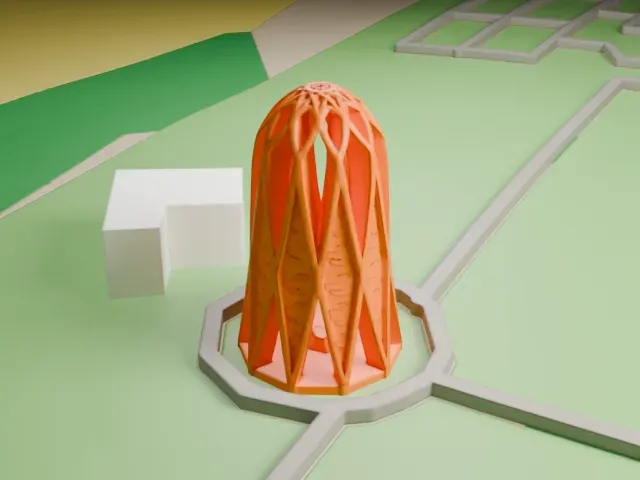
The Mausoleum of Omar Khayyám is joined to the ground in the exported file, and the four-side check found no floating parts, so nothing needs gluing.
- Pick the detail for your nozzle
In the Buildings settings, set Landmark detail to Print friendly to adapt thin parts and small details to the print scale. Full detail keeps every modeled feature, for larger prints or a finer nozzle.
- Colors
Buildings, roads, water and ground arrive as separate filament slots in the 3MF. The Mausoleum of Omar Khayyám takes the building color.
- File format
You get a 3MF for Bambu Studio, OrcaSlicer or PrusaSlicer. Any of them can save it as STL if you need one.
About the Mausoleum of Omar Khayyám
The Mausoleum of Omar Khayyám is a white marble monument built over the poet's headstone, on the south-east side of Nishapur in the province of Razavi Khorasan, in northeastern Iran. Reza Shah commissioned the monument and the architect Hooshang Seyhoun designed it; it was finished in 1963, in the Pahlavi period.
The grave itself is much older. Khayyám's pupil Nizami Aruzi visited it in 1135-6, which is the earliest account of the resting place. Over the following centuries the grave ended up inside an open wing of a shrine to the saint Imamzadeh Muhammad Mahruk. Reza Shah's government ordered the rebuilding in 1934, at the time of Ferdowsi's millenary, and the tomb was separated from the shrine.
Seyhoun drew on Khayyám's work as a poet, mathematician and astronomer. A pathway runs from the garden to the tomb so that flowers can fall on it each spring, and a star-shaped feature opens to the sky. Tiles inscribed with Khayyám's poems decorate the structure. On December 9, 1975, the mausoleum joined the Iran National Heritage List.
About this model
The Mausoleum of Omar Khayyám is one of more than 4,900 landmark models in Mini Skyline. They are made with AI, and each one is checked from four sides in its real surroundings before release. Everything around it is built from OpenStreetMap and Overture map data. If you would rather print the shape from map data, turn off Landmark models in the Buildings settings.
Keep exploring