3D print the MetLife Building
A free, printable model of the MetLife Building, its tall octagonal tower and fine window grid, with the dense skyscrapers around it, generated from real map data in your browser.
Free, in your browser. Exports a slicer-ready 3MF.
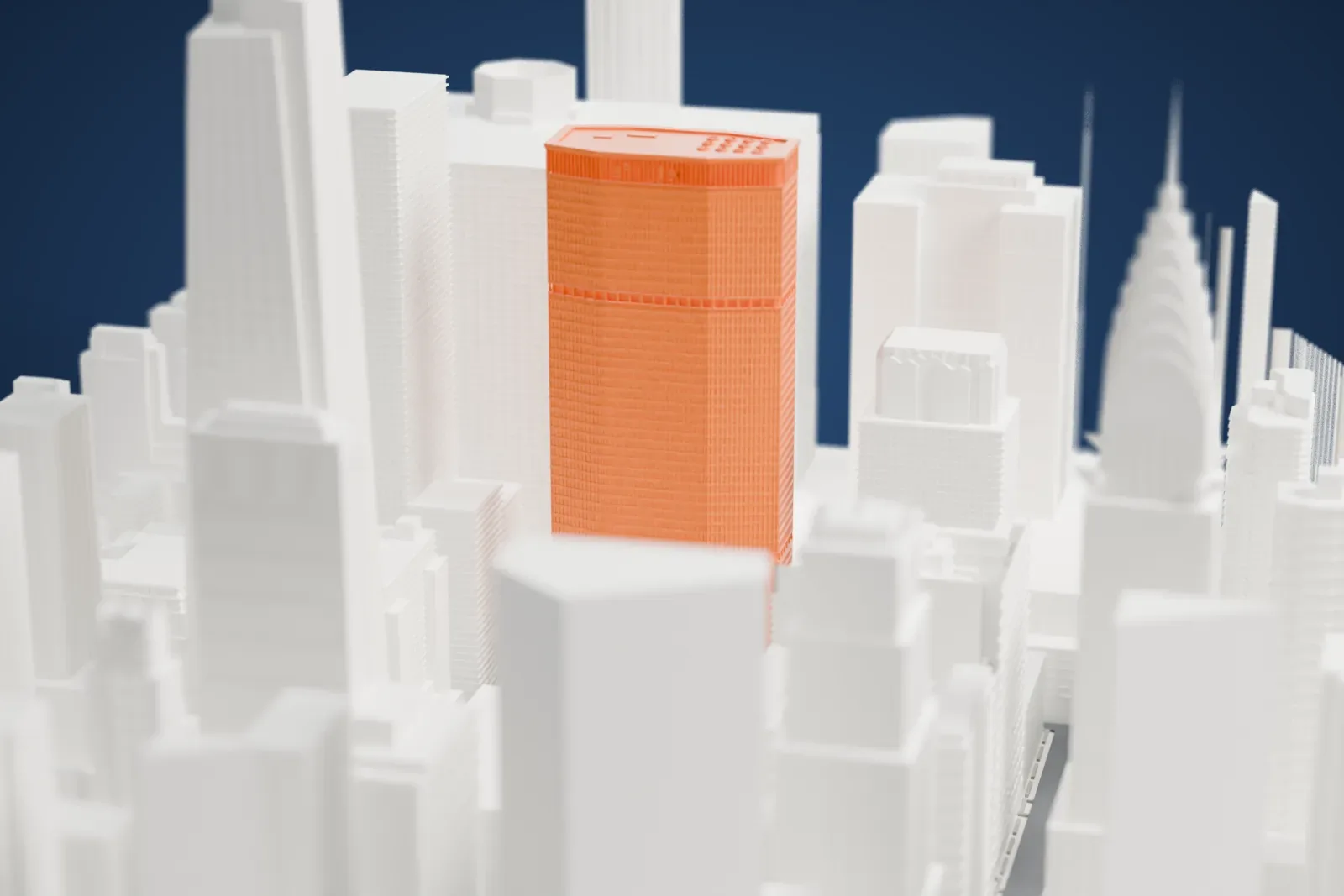
About the MetLife Building
The MetLife Building, formerly the Pan Am Building and also known as 200 Park Avenue, stands at Park Avenue and 45th Street in Midtown Manhattan, just north of Grand Central Terminal. Walter Gropius, Richard Roth and Pietro Belluschi designed it in the International style. The tower rises 246 meters (808 feet) over 59 stories. When it opened, it was advertised as the largest commercial office space in the world, measured by square footage, offering 220,000 m² (2.4 million square feet) of usable office space.
In 1954 a tower on the Grand Central Terminal site was proposed as a way to bring in money for the struggling railroads that ran the terminal. Plans then moved to a building that would go up behind the terminal and leave it standing. Work began in 1959 under the name Grand Central City, and the building formally opened on March 7, 1963, named for Pan American World Airways, which made it its headquarters. MetLife, the Metropolitan Life Insurance Company, bought it in 1981 and used it as its headquarters until selling it in 2005.
The tower's floors are shaped as an elongated octagon, and the building stands on top of two levels of tracks that lead into Grand Central Terminal. It was among the first New York buildings to have an exterior wall of precast concrete, made of roughly nine thousand light-tan Mo-Sai panels, each framing a window. Recesses at the 21st and 46th stories, which hold mechanical space, give the impression of deep shadows. A pedestrian passage in the lobby leads to Grand Central's Main Concourse.
How it prints
Make this print opens the generator on a 600 m square around the landmark. Buildings print at close to true scale, so the landmark grows with the print size.
| Print size | Landmark height | Scale |
|---|---|---|
| 160 mm default | 66 mm | 1:3,750 |
| 200 mm | 83 mm | 1:3,000 |
| 256 mm | 106 mm | 1:2,344 |
-
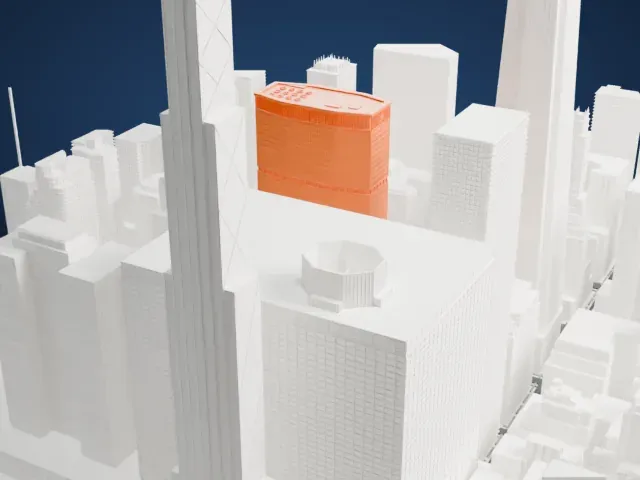 North
North
-
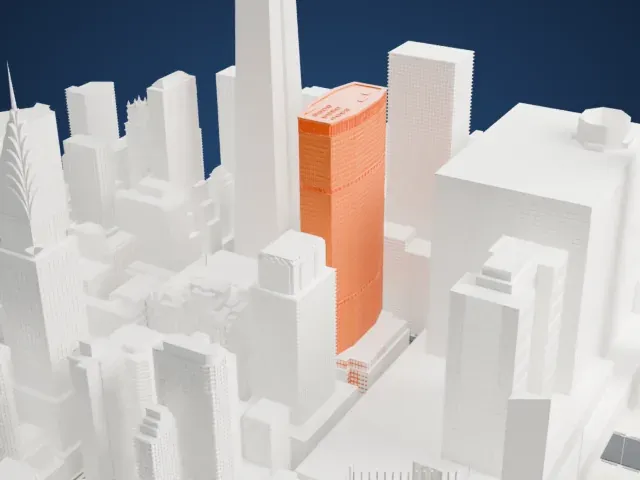 East
East
-
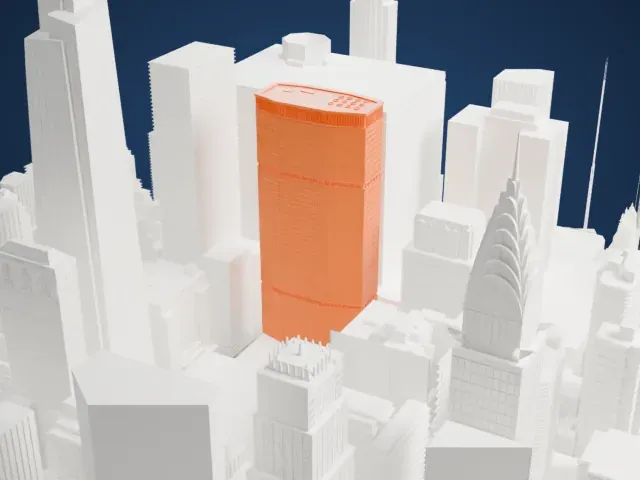 South
South
-
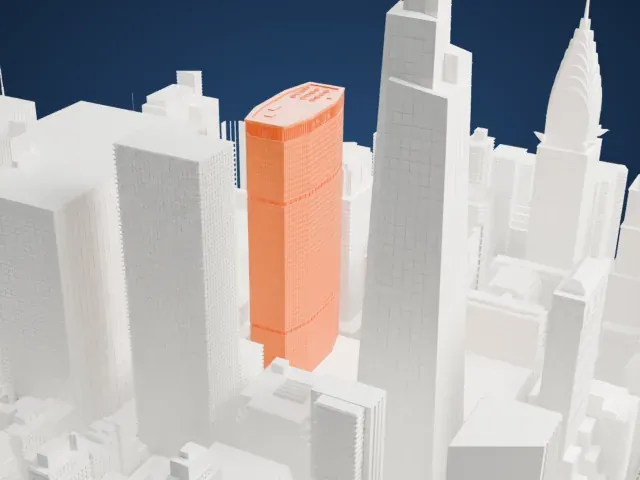 West
West
- Dense window grid
- The facade is a tight grid of panels and narrow vertical mullions. Print friendly adapts small details like these to your print scale; Full detail keeps them, and a larger print keeps them easier to read.
- Small rooftop equipment details
- Small units sit on the roof, and horizontal bands mark the recessed floors. A layer height of 0.12 to 0.16 mm keeps these small details crisp.
- Pick the detail for your nozzle
- In the Buildings settings, set Landmark detail to Print friendly to adapt thin parts and small details to the print scale. Full detail keeps every modeled feature, for larger prints or a finer nozzle.
- Colors
- Buildings, roads, water and ground arrive as separate filament slots in the 3MF. The MetLife Building takes the building color.
- File format
- You get a 3MF for Bambu Studio, OrcaSlicer or PrusaSlicer. Any of them can save it as STL if you need one.
About this model
The MetLife Building is one of more than 2,300 landmark models in Mini Skyline. They are made with AI, and each one is checked from four sides in its real surroundings before release. Everything around it is built from OpenStreetMap and Overture map data. If you would rather print the shape from map data, turn off Landmark models in the Buildings settings.
Common questions
Is there a MetLife Building STL I can download?
Mini Skyline builds the file for you in your browser and exports 3MF, which every major slicer opens. If you need an STL, open the 3MF in your slicer and export it from there.
How big can I print it?
Any print size from 40 mm across. The MetLife Building grows with the print: about 66 mm tall on the default 160 mm print. For a model larger than your printer bed, Project Mode splits the area into tiles.
Is it free?
Yes. Generation runs in your browser, with no account and nothing behind a paywall.





