3D print the New York Life Insurance Building
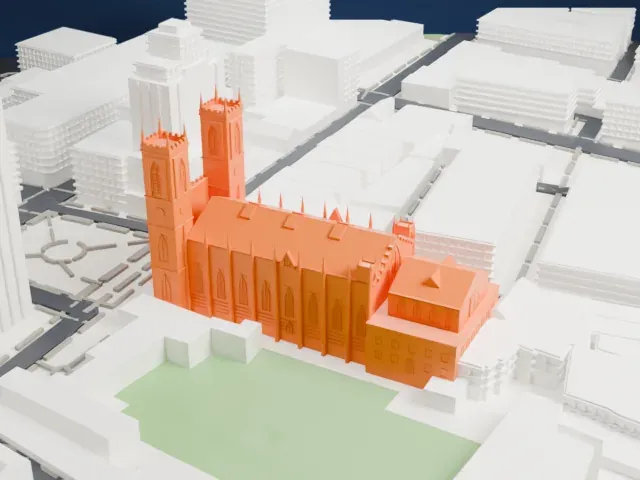
A free, printable 3D model of the New York Life Insurance Building in Old Montreal and the surrounding streets and buildings, generated from real map data in your browser.
-
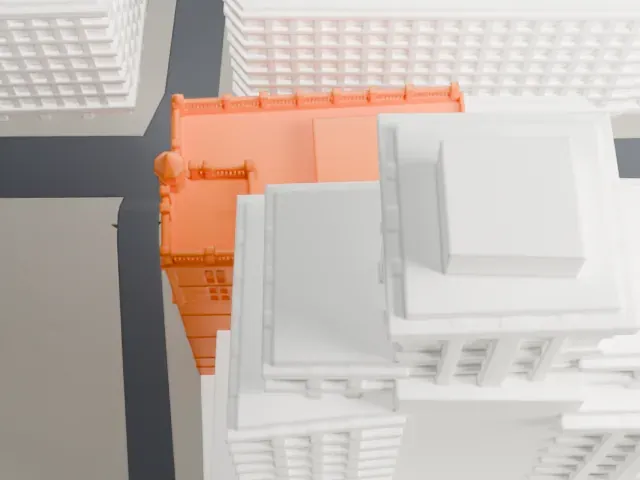
 North
North
-
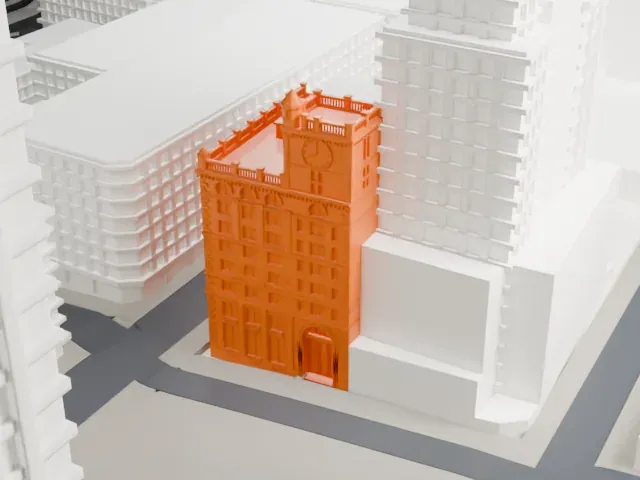
 East
East
-
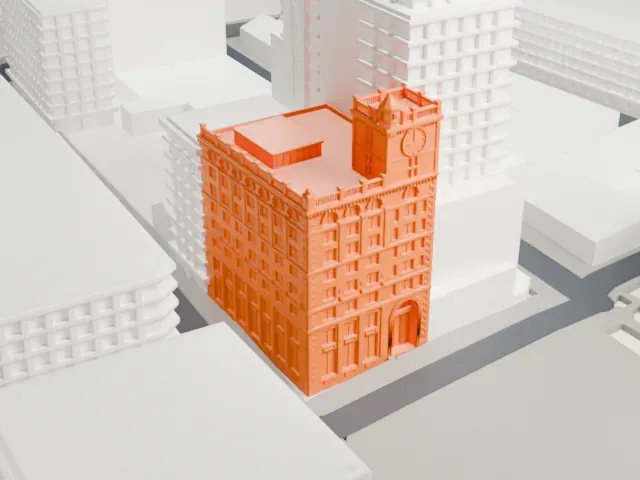
 South
South
-
 West
West
The model you print
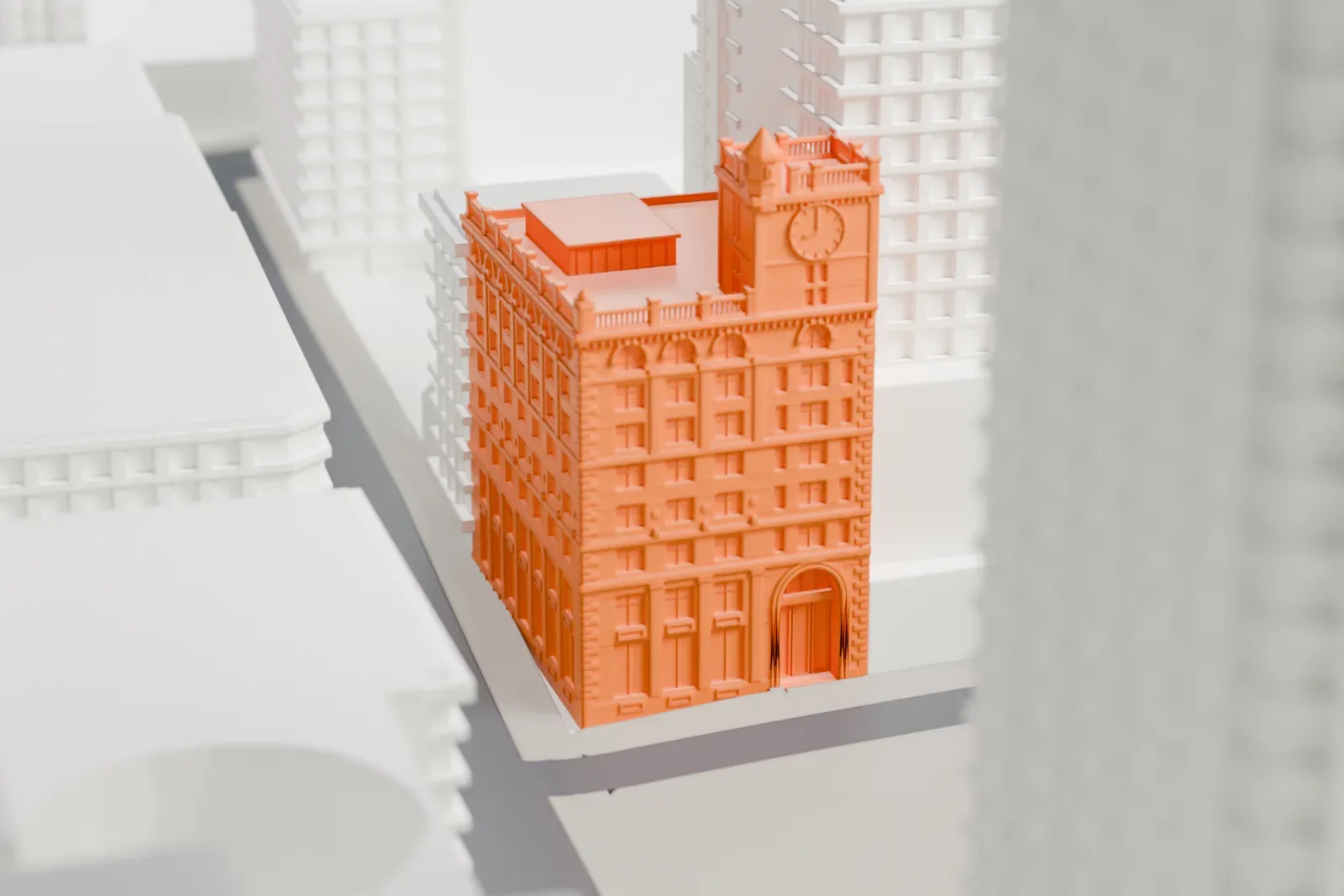
New York Life Insurance Building in 3D
The landmark on its own, at its size on a 160 mm print. Print friendly thickens thin parts for a 0.4 mm nozzle; Full detail keeps every part.
- Real height
- 46 m
- On a 160 mm print
- 13 mm
- Scale
- 1:3,750
46 m of the New York Life Insurance Building, 13 mm on your shelf
Make this print opens the generator on a 600 m square around the landmark. Buildings print at close to true scale, so the landmark grows with the print size.
- Clock tower at the top
The clock tower is a small detail at the top. A layer height of 0.12–0.16 mm and a slower speed keep it crisp, and Print friendly adapts it at small sizes.
- One piece with the ground
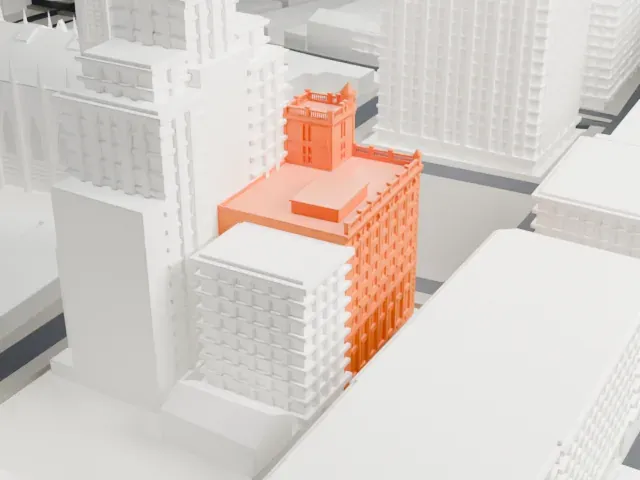
The New York Life Insurance Building is joined to the ground in the exported file, and the four-side check found no floating parts, so nothing needs gluing.
- Pick the detail for your nozzle
In the Buildings settings, set Landmark detail to Print friendly to adapt thin parts and small details to the print scale. Full detail keeps every modeled feature, for larger prints or a finer nozzle.
- Colors
Buildings, roads, water and ground arrive as separate filament slots in the 3MF. The New York Life Insurance Building takes the building color.
- File format
You get a 3MF for Bambu Studio, OrcaSlicer or PrusaSlicer. Any of them can save it as STL if you need one.
About the New York Life Insurance Building
Offices fill the New York Life Insurance Building, which stands on Place d'Armes in Old Montreal, Quebec, Canada, and is also called the Quebec Bank Building. It went up between 1887 and 1889, and at completion it was Montreal's tallest commercial building. Babb, Cook and Willard were the architects and Peter Lyall the contractor, building it as the Canadian office of the insurer New York Life. The final cost was $750,000.
Its design was inspired by Italian Renaissance and New York buildings. It was among Montreal's first major buildings to use imported red sandstone, brought from Dumfriesshire, Scotland, instead of the local gray stone. It combines an iron frame with load-bearing brick walls, and Henry Beaumont carved decorative elements including the entrance archway's arabesque. The building is 46.3 m (152 ft) tall including its clock tower.
Quebec Bank bought the building in 1909 and used the ground floor until the Royal Bank of Canada absorbed it in 1917. The bank's name is still carved over the entrance. A restoration in 2006–2007 added two residential penthouses on the roof. The building is next to the Aldred Building.
About this model
The New York Life Insurance Building is one of more than 5,500 landmark models in Mini Skyline. They are made with AI, and each one is checked from four sides in its real surroundings before release. Each model is written as code from public descriptions, plans, photographs and aerial views used only as references; no image or third-party model is copied into it. Everything around it is built from OpenStreetMap and Overture map data. Rights in the building itself, its name and any brands on it are not granted by Mini Skyline; clear them separately before you sell prints. If you would rather print the shape from map data, turn off Landmark models in the Buildings settings.
Same skyline