3D print the Rinku Gate Tower Building
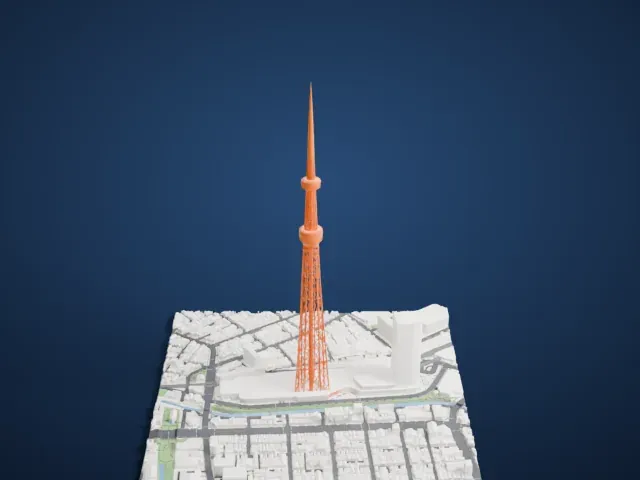
A free, printable model of the Rinku Gate Tower Building, a tall tower stepping in at each of three sections, with the surrounding roads and buildings, generated from real map data in your browser.
-
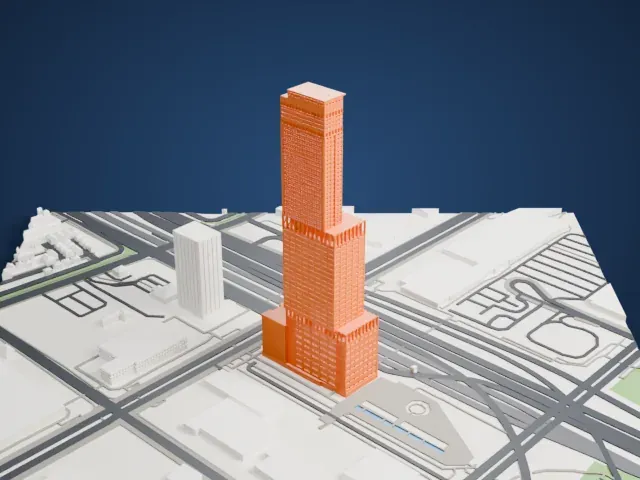 North
North
-
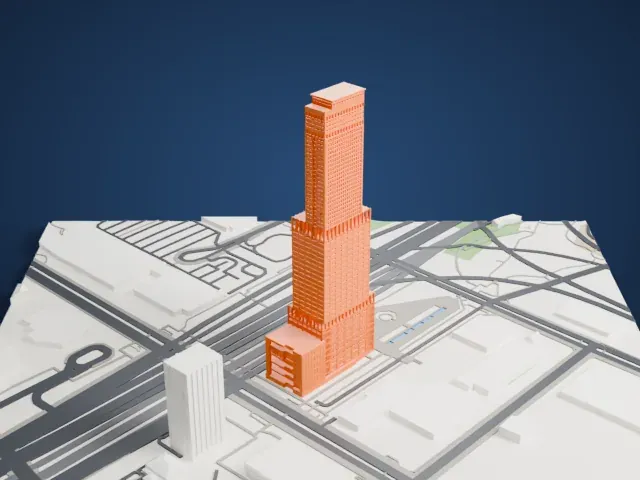 East
East
-
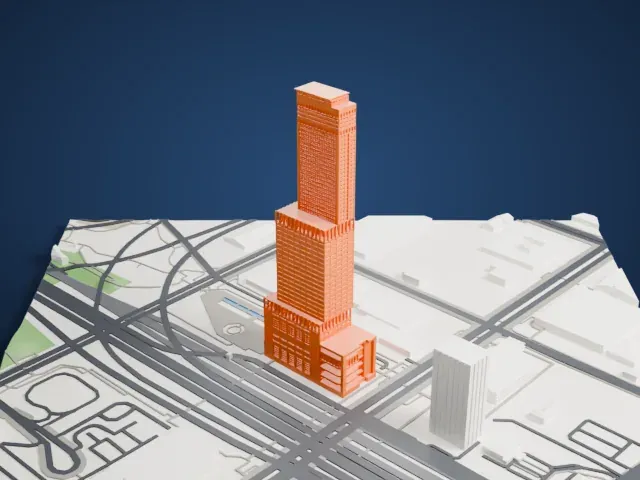 South
South
-
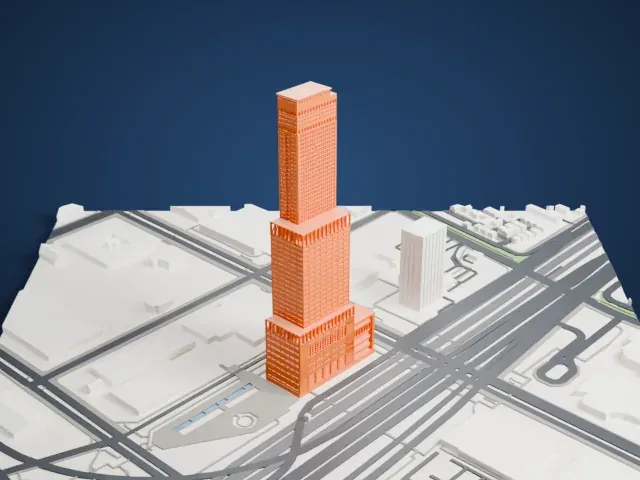 West
West
The model you print
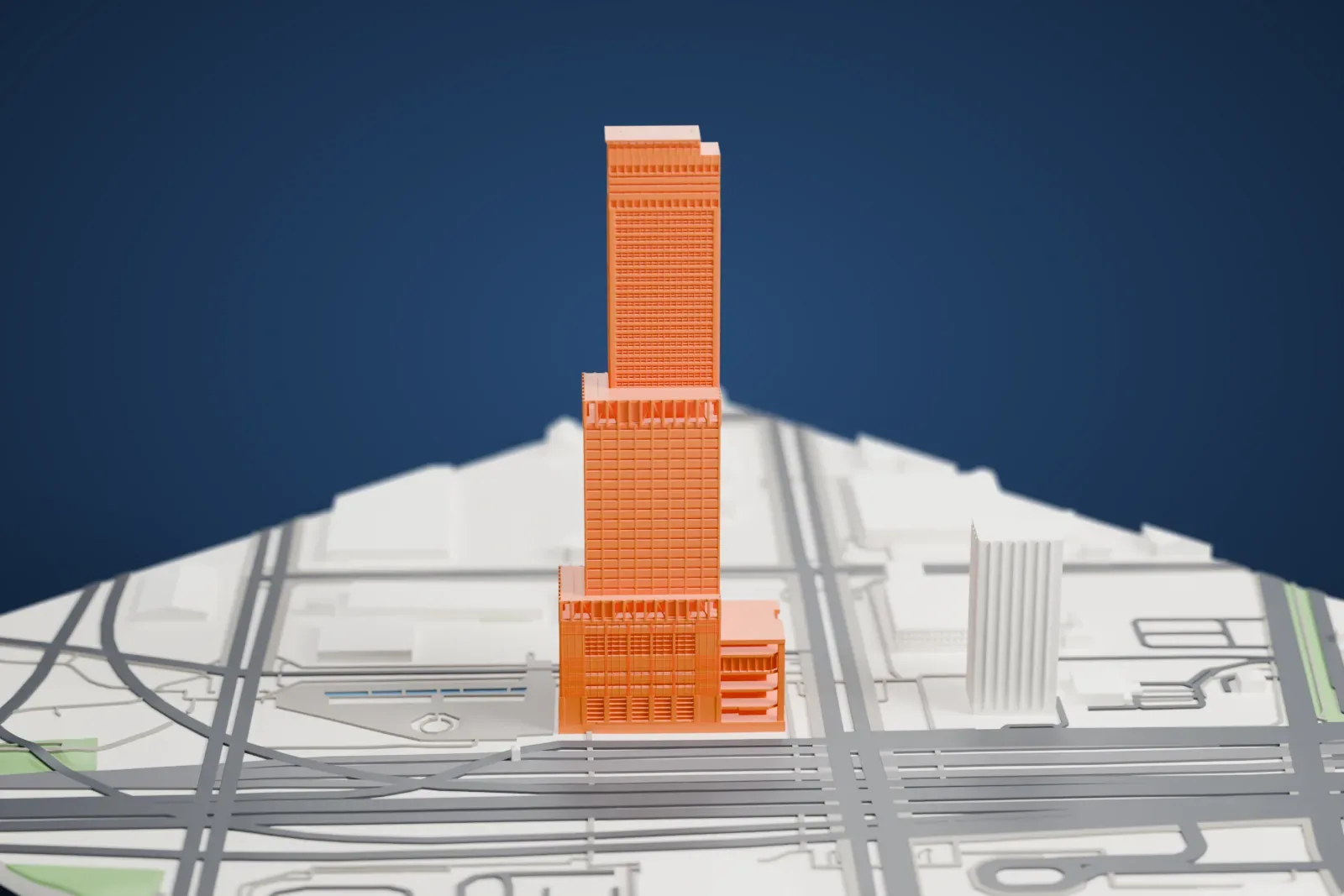
Rinku Gate Tower Building in 3D
The landmark on its own, at its size on a 160 mm print. Print friendly thickens thin parts for a 0.4 mm nozzle; Full detail keeps every part.
- Real height
- 256 m
- On a 160 mm print
- 69 mm
- Scale
- 1:3,750
256 m of the Rinku Gate Tower Building, 69 mm on your shelf
Make this print opens the generator on a 600 m square around the landmark. Buildings print at close to true scale, so the landmark grows with the print size.
- Three stepped sections
The tower narrows in steps, with a slim top section and small projecting bands where the sections meet. Print friendly adapts these small parts to the print scale; Full detail keeps them on a larger print.
- Dense window bands
Fine horizontal window bands run up all three sections. A layer height of 0.12–0.16 mm and a bigger print size keep them crisp.
- One piece with the ground
The Rinku Gate Tower Building is joined to the ground in the exported file, and the four-side check found no floating parts, so nothing needs gluing.
- Pick the detail for your nozzle
In the Buildings settings, set Landmark detail to Print friendly to adapt thin parts and small details to the print scale. Full detail keeps every modeled feature, for larger prints or a finer nozzle.
- Colors
Buildings, roads, water and ground arrive as separate filament slots in the 3MF. The Rinku Gate Tower Building takes the building color.
- File format
You get a 3MF for Bambu Studio, OrcaSlicer or PrusaSlicer. Any of them can save it as STL if you need one.
About the Rinku Gate Tower Building
In Rinku Town, Izumisano, Osaka, the Rinku Gate Tower Building rises 256 m (840 ft) over 56 stories. Nikken Sekkei and Yasui Architects & Engineers designed it, and it was completed in August 1996. The tower is made of three stacked parts: the lowest holds an international conference hall, the middle holds offices for businesses, and the slender top part is a hotel.
The hotel stands at the end of the Sky Gate Bridge, which runs to Kansai International Airport, and it connects to Rinkū Town Station on the JR Hanwa Line and the Nankai Main Line. The building has an observation level with views of the ocean, the bridge and Rinku Town's Ferris wheel. Two underground floors form a car park with 365 spaces.
The idea arose in the mid-1980s while Kansai International Airport was being planned. First came a plan for twin towers that together would act as a "gate" to the airport. Building started in 1992, once the Japanese asset price bubble had burst, and the plan for a second tower was scrapped.
About this model
The Rinku Gate Tower Building is one of more than 4,900 landmark models in Mini Skyline. They are made with AI, and each one is checked from four sides in its real surroundings before release. Everything around it is built from OpenStreetMap and Overture map data. If you would rather print the shape from map data, turn off Landmark models in the Buildings settings.
Keep exploring