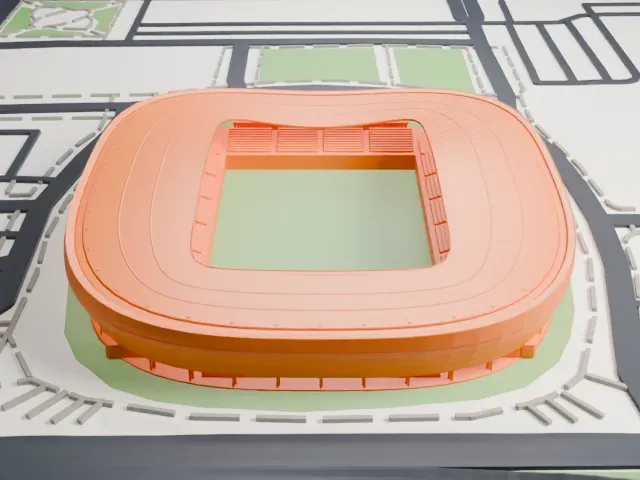
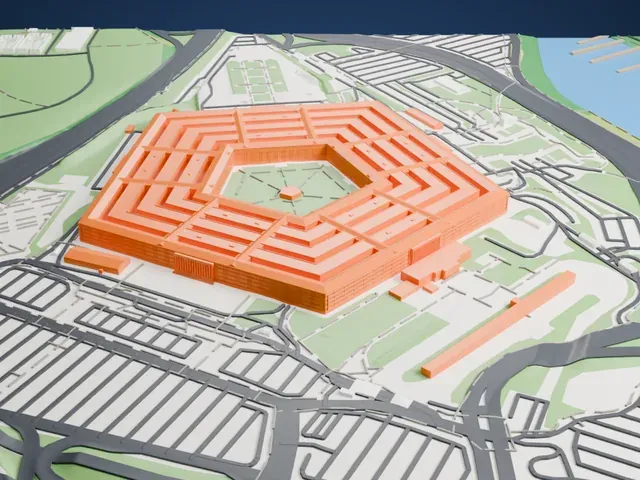
3D print Riverside Hangar
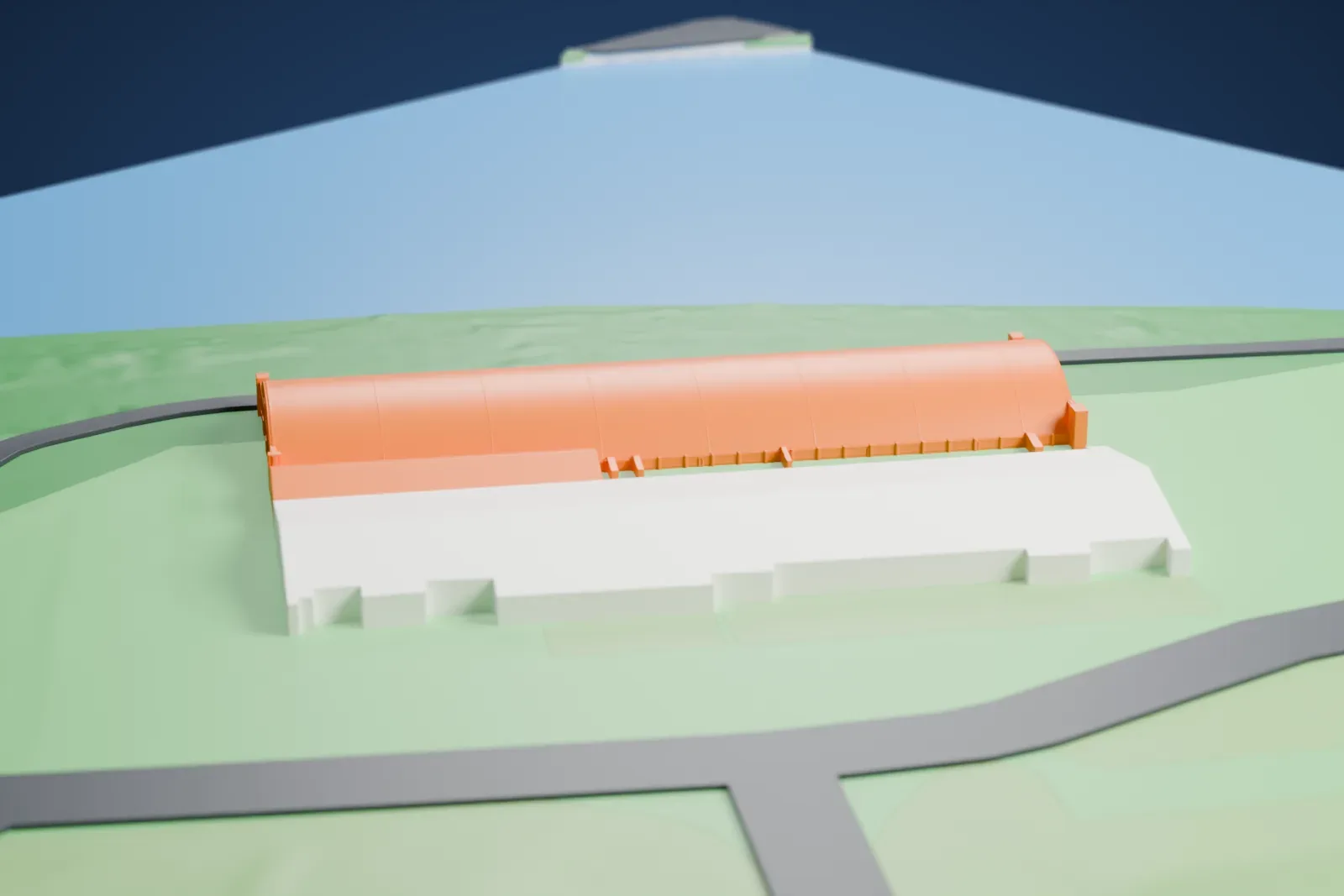
A free, printable model of the Riverside Hangar's long arched roof, with the second hangar beside it and the water and green land around it, generated from real map data in your browser.
Free, in your browser. Exports a slicer-ready 3MF.
About Riverside Hangar
Saint Paul, Minnesota, is home to the Riverside Hangar, a historic complex of two parallel hangars at the St. Paul Downtown Airport, joined by a connecting structure and a few additions. It went up in 1942 on a bank of the Mississippi River, as a piece of a bomber modification center that the airport hosted during World War II.
Wartime steel shortages inspired the building method, and both hangars rest on arches of glued laminated timber. Half of the arches came from Unit Structures, Inc. of Peshtigo, WI, and half from Rilco Laminated Products, Inc. of Albert Lea, MN. The design stood out for its low cost and for how quickly unskilled workers could put it up.
The two hangars are the same size, each 180 m (600 ft) long, 51 m (168 ft) wide and 15 m (50 ft) high, and a wooden structure sits in the 23 m (74 ft) space separating them. The complex has a place in the National Register of Historic Places, which recognized its state-level significance in engineering; it was nominated as among Minnesota's leading examples of building with glued laminated timber.
How it prints
Make this print opens the generator on a 600 m square around the landmark. Buildings print at close to true scale, so the landmark grows with the print size.
| Print size | Landmark height | Scale |
|---|---|---|
| 160 mm default | 4 mm | 1:3,750 |
| 200 mm | 5 mm | 1:3,000 |
| 256 mm | 7 mm | 1:2,344 |
-
 North
North
-
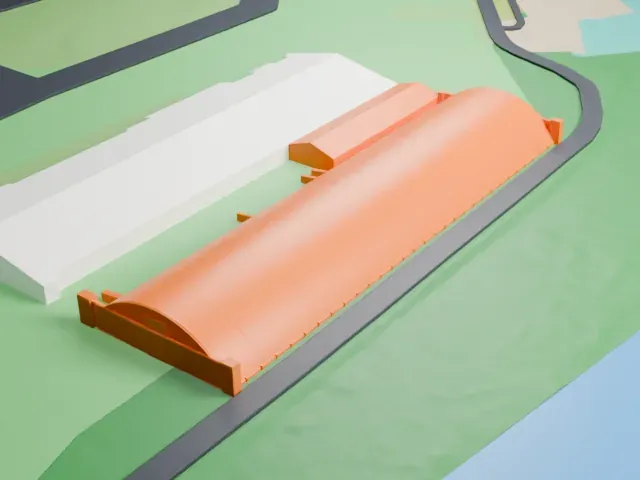 East
East
-
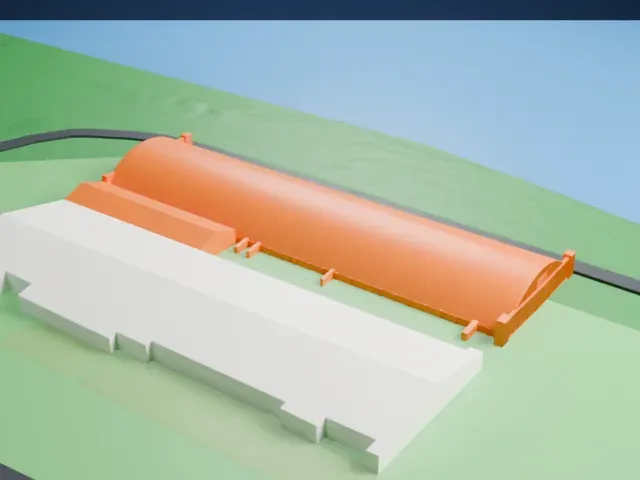 South
South
-
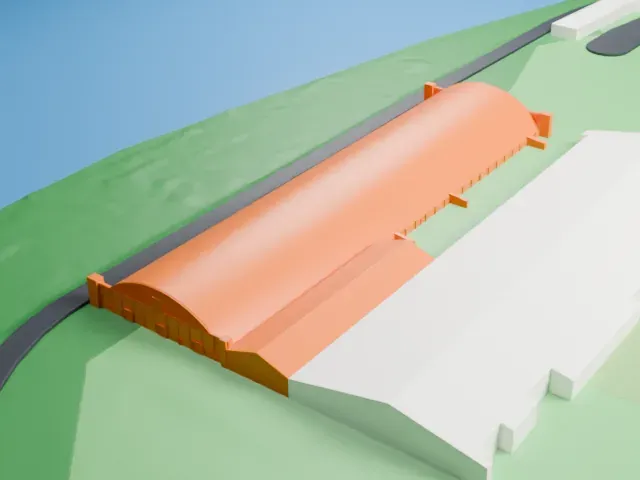 West
West
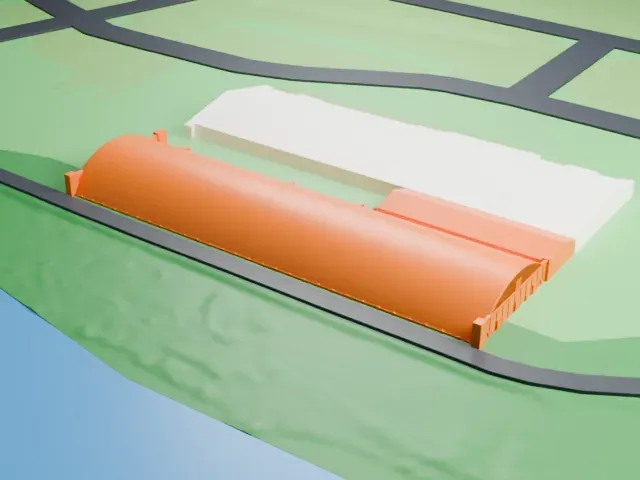
- One long arched roof
- The roof is one long arch. Layers of 0.12 to 0.16 mm keep the curve smooth rather than visibly stepped, and a bigger print size keeps the faint ribs along the vault.
- Slim posts at each end
- Slim posts and fins stand across each end of the vault. Print friendly adapts thin parts to the print scale; Full detail keeps them, which suits a larger print.
- One piece with the ground
- Riverside Hangar is joined to the ground in the exported file, and the four-side check found no floating parts, so nothing needs gluing.
- Pick the detail for your nozzle
- In the Buildings settings, set Landmark detail to Print friendly to adapt thin parts and small details to the print scale. Full detail keeps every modeled feature, for larger prints or a finer nozzle.
- Colors
- Buildings, roads, water and ground arrive as separate filament slots in the 3MF. Riverside Hangar takes the building color.
- File format
- You get a 3MF for Bambu Studio, OrcaSlicer or PrusaSlicer. Any of them can save it as STL if you need one.
About this model
Riverside Hangar is one of more than 2,300 landmark models in Mini Skyline. They are made with AI, and each one is checked from four sides in its real surroundings before release. Everything around it is built from OpenStreetMap and Overture map data. If you would rather print the shape from map data, turn off Landmark models in the Buildings settings.
Common questions
Is there a Riverside Hangar STL I can download?
Mini Skyline builds the file for you in your browser and exports 3MF, which every major slicer opens. If you need an STL, open the 3MF in your slicer and export it from there.
How big can I print it?
Any print size from 40 mm across. Riverside Hangar grows with the print: about 4 mm tall on the default 160 mm print. For a model larger than your printer bed, Project Mode splits the area into tiles.
Is it free?
Yes. Generation runs in your browser, with no account and nothing behind a paywall.