3D print the Secretariat Building, New Delhi
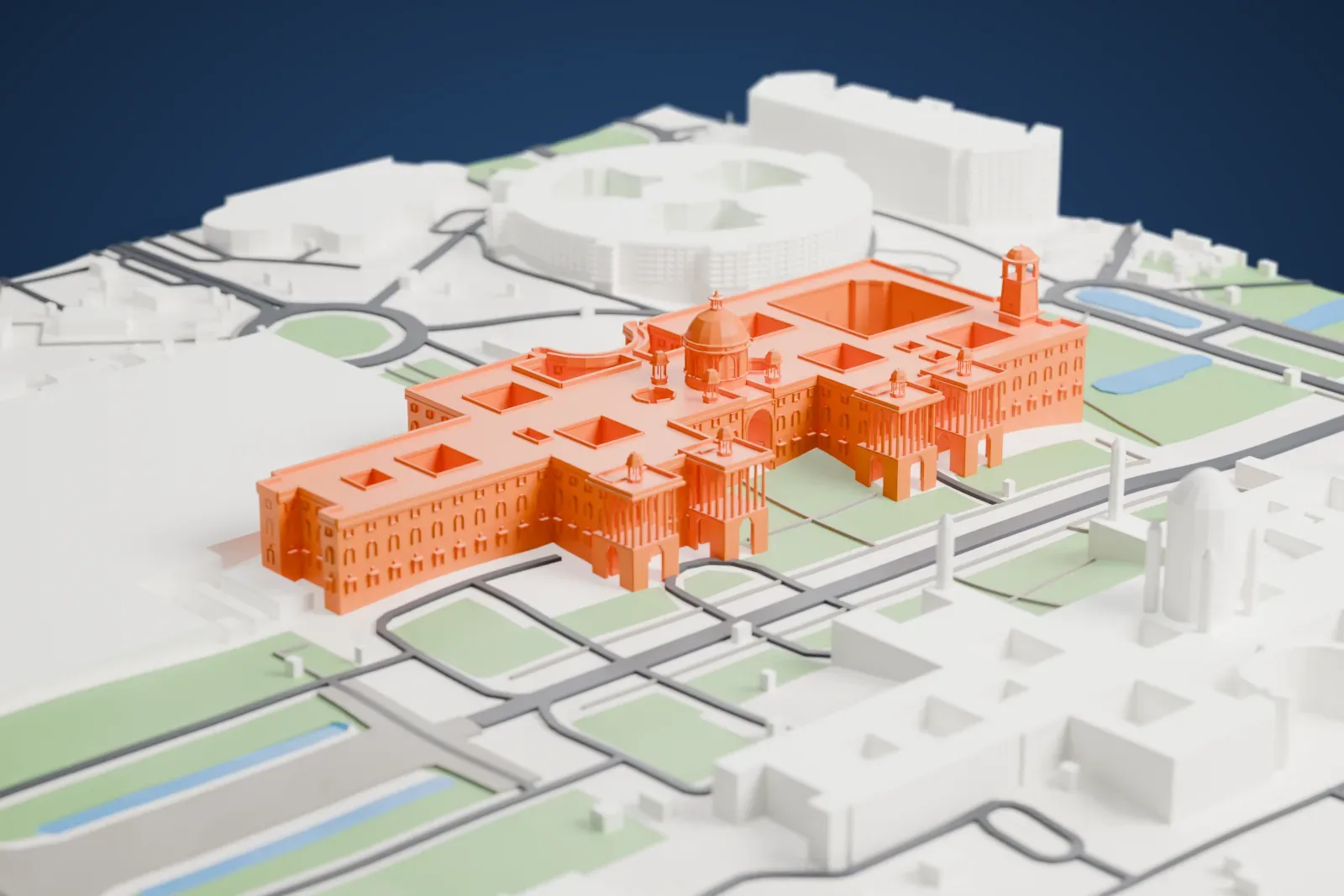
A free, printable model of the Secretariat Building in New Delhi, with its central dome and long sandstone wings, plus the surrounding streets and buildings, generated from real map data in your browser.
-
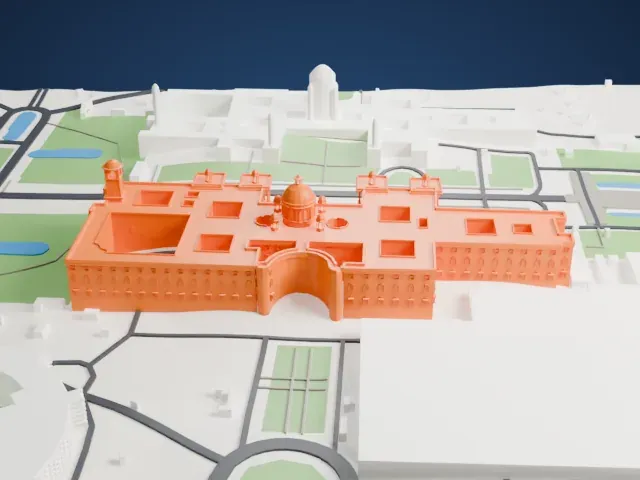 North
North
-
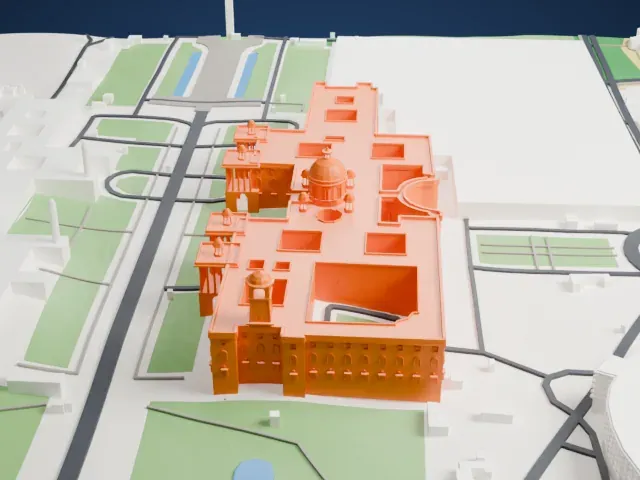 East
East
-
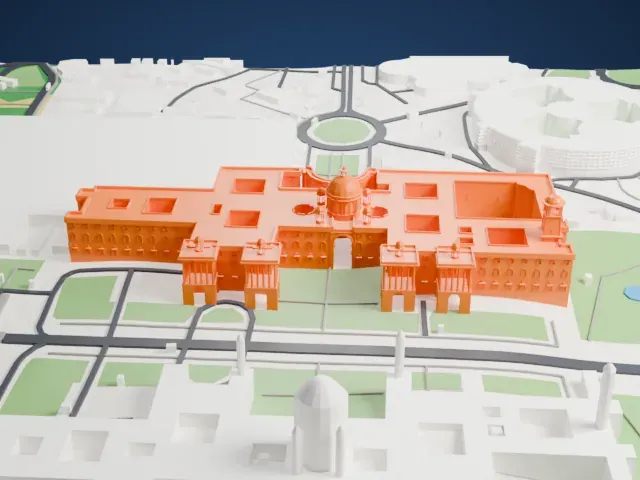 South
South
-
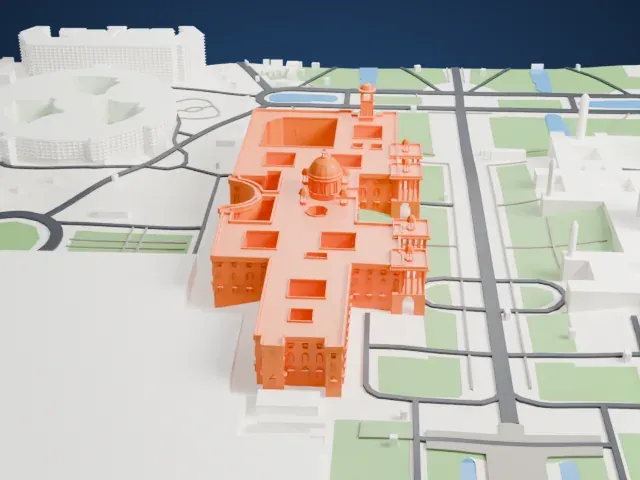 West
West
The model you print
Secretariat Building, New Delhi in 3D
The landmark on its own, at its size on a 160 mm print. Print friendly thickens thin parts for a 0.4 mm nozzle; Full detail keeps every part.
- On a 160 mm print
- 16 mm
- Scale
- 1:5,000
16 mm tall on a 160 mm print
Make this print opens the generator on a 800 m square around the landmark. Buildings print at close to true scale, so the landmark grows with the print size.
- Dome, drum and chhatris
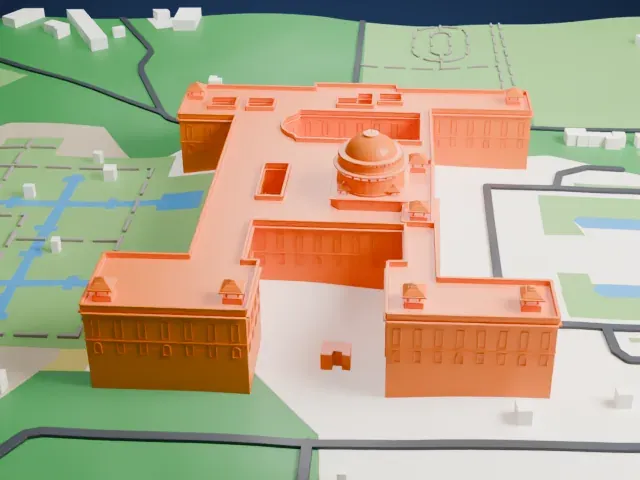
The central dome rises from an arched octagonal drum, with a lantern, finial and smaller domed pavilions at the corners. Print friendly adapts these fine parts; a larger print keeps the drum relief crisp.
- Colonnades and bell tower
Open colonnades, a tall belfry and deep window recesses carry the detail. Use 0.12–0.16 mm layers and Full detail on a bigger print so the columns stay separate.
- One piece with the ground
The Secretariat Building, New Delhi is joined to the ground in the exported file, and the four-side check found no floating parts, so nothing needs gluing.
- Pick the detail for your nozzle
In the Buildings settings, set Landmark detail to Print friendly to adapt thin parts and small details to the print scale. Full detail keeps every modeled feature, for larger prints or a finer nozzle.
- Colors
Buildings, roads, water and ground arrive as separate filament slots in the 3MF. The Secretariat Building, New Delhi takes the building color.
- File format
You get a 3MF for Bambu Studio, OrcaSlicer or PrusaSlicer. Any of them can save it as STL if you need one.
About the Secretariat Building, New Delhi
The Secretariat Building, also called the Central Secretariat, held the government's key offices and ministries, among them the Cabinet Secretariat, on Raisina Hill in New Delhi. Its two symmetrical blocks, North Block and South Block, face each other across the Rajpath axis and flank the Rashtrapati Bhavan, the President's House. Herbert Baker designed the buildings as part of Edwin Lutyens' plan for New Delhi.
Planning for New Delhi began after Delhi became the seat of the British Indian Empire's government in 1911. Lutyens took charge of the town plan and the Viceroy's House, while Baker joined as his second in command and designed the Secretariat, the only other building on Raisina Hill. Baker placed the hill so that it largely hid the Viceroy's House from the Rajpath, against Lutyens' wishes. Lutyens wanted the Secretariat lower than the Viceroy's House, but Baker wanted equal height, and Baker's view prevailed. Since independence the complex has housed central government ministries and secretariats.
The Secretariat was designed in Indo-Saracenic Revival style. The identical buildings each have four levels and about 1,000 rooms in their inner courtyards. The walls use Dholpur sandstone from Rajasthan in cream and red, with the red stone at the base. Broad corridors and wide stairways serve the floors, a giant dome crowns each building, and the wings end in colonnaded balconies. Mughal and Rajasthani motifs appear in the jali screens and chatri pavilions. The four dominion columns in front were gifts from Canada and Australia, plus New Zealand and South Africa.
About this model
The Secretariat Building, New Delhi is one of more than 4,900 landmark models in Mini Skyline. They are made with AI, and each one is checked from four sides in its real surroundings before release. Everything around it is built from OpenStreetMap and Overture map data. If you would rather print the shape from map data, turn off Landmark models in the Buildings settings.
Same skyline