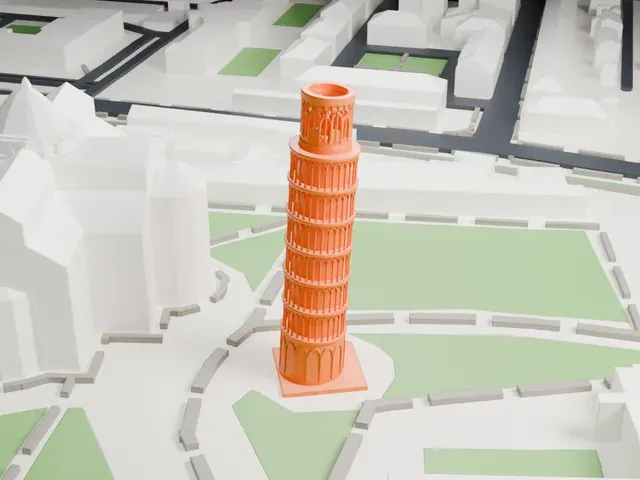
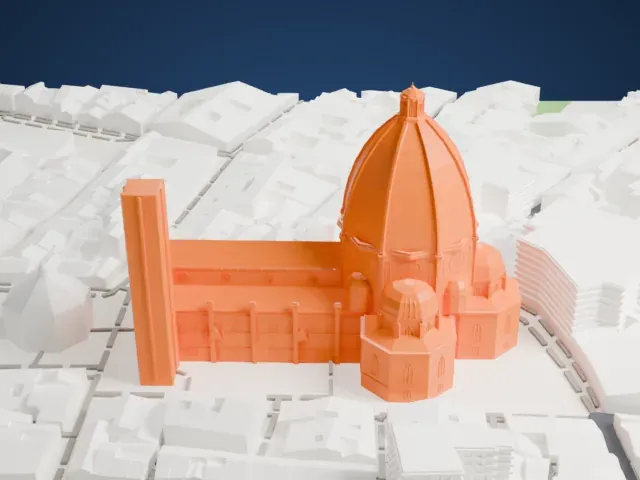
3D print Siena Cathedral
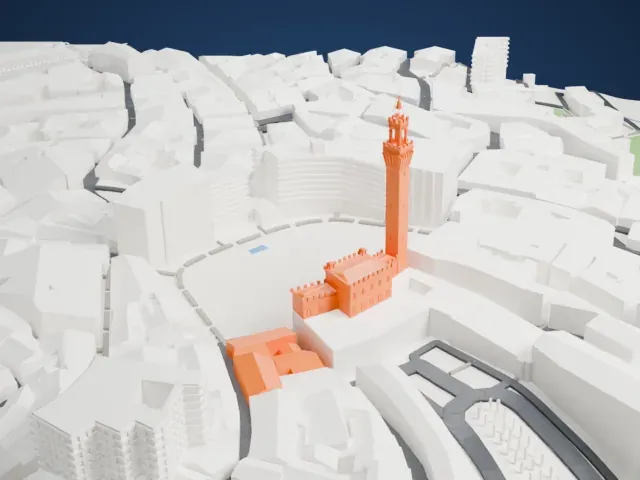
A free, printable model of the cathedral's bell tower, dome and gabled façade, with the dense buildings of the city around it, generated from real map data in your browser.
Free, in your browser. Exports a slicer-ready 3MF.
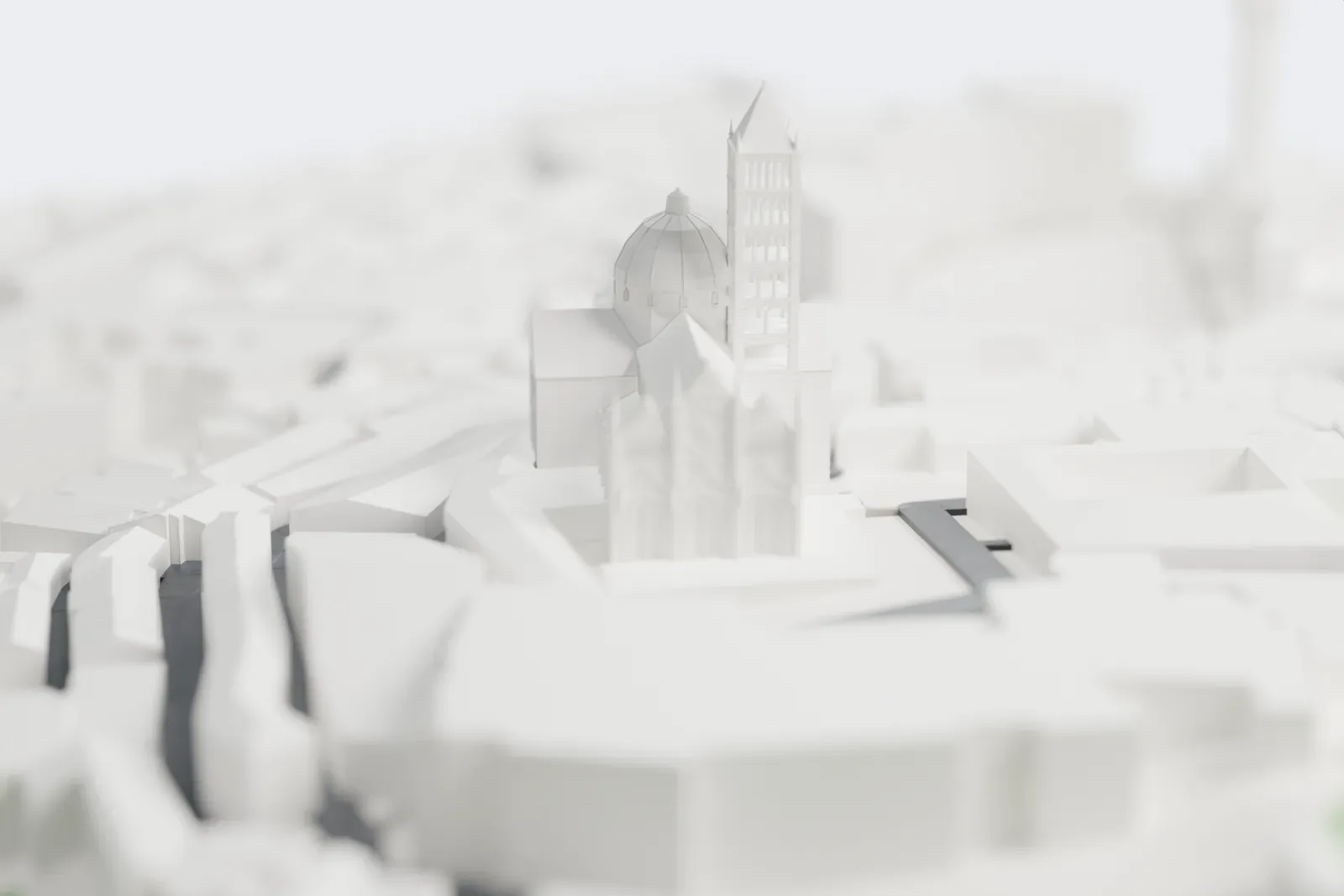
About Siena Cathedral
Siena's cathedral, the Duomo di Siena, is a church from the Middle Ages in the Italian city of Siena. Its dedication to Mary goes back to its earliest days, and the church is dedicated to the Assumption of Mary. Ever since it was begun in the early 13th century, it has been at the heart of Sienese identity. Between 1215 and 1263 it was designed and built on a site once occupied by an earlier structure. The complex kept growing, and construction stopped in 1348 when the Black Death struck.
The plan is a Latin cross with a transept that projects only slightly, topped by a dome and accompanied by a bell tower. A dome finished in 1264 sits on a six-sided base with supporting columns, and Gian Lorenzo Bernini added the lantern on top. The bell tower has six bells, the oldest cast in 1149. Stripes of white and greenish-black marble alternate on the walls outside and inside, and red marble was added to the façade. Siena's symbolic colors are black and white, which recall the black and white horses of its legendary founders, Senius and Aschius.
The west façade was started about 1284 in polychrome marble, under the supervision of Giovanni Pisano. Most scholars agree the upper façade was finished between 1360 and 1370. A second large addition, planned in 1339, would have made the building more than twice as big. The Black Death halted it in 1348, and the project was officially abandoned in 1355. The outer walls of that extension stand south of the Duomo, and narrow stairs up one of them lead to a high viewpoint over the city.
How it prints
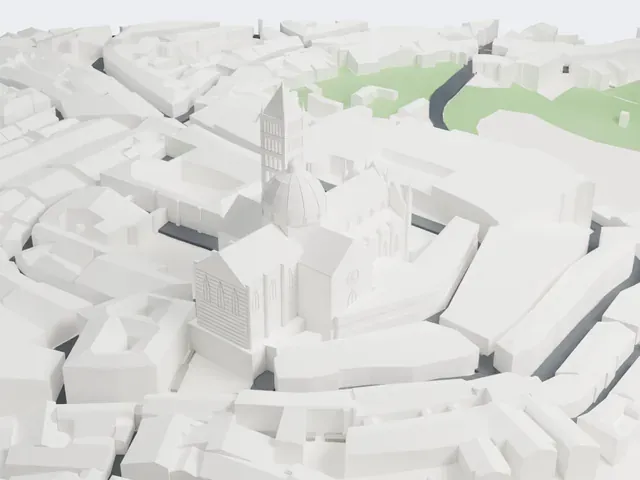
Make this print opens the generator on a 600 m square around the landmark. Buildings print at close to true scale, so the landmark grows with the print size.
| Print size | Landmark height | Scale |
|---|---|---|
| 160 mm default | 23 mm | 1:3,750 |
| 200 mm | 29 mm | 1:3,000 |
| 256 mm | 37 mm | 1:2,344 |
-
 North
North
-
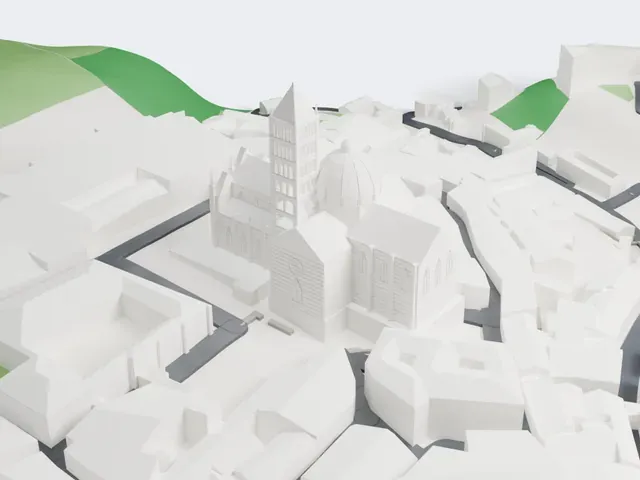 East
East
-
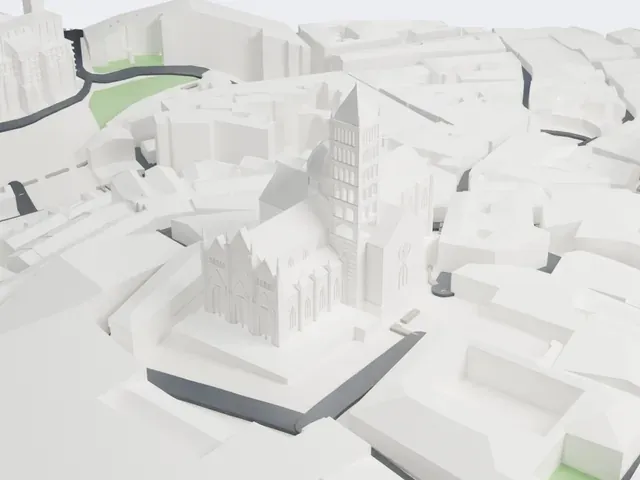 South
South
-
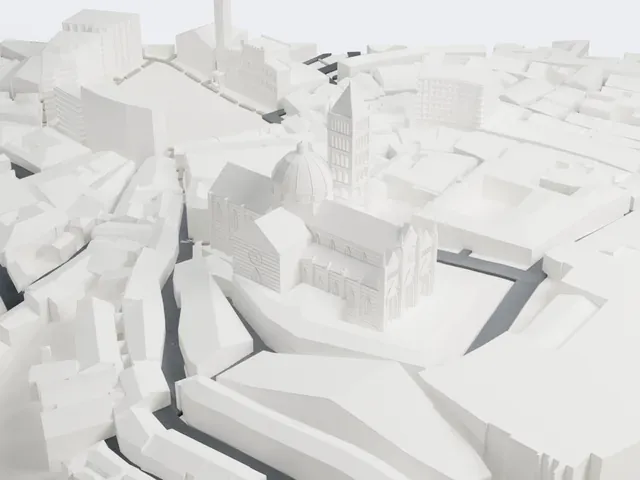 West
West
- Tall, narrow bell tower
- The bell tower is tall and narrow, with rows of small arched windows. Print friendly adapts these small openings to your print scale; Full detail keeps them, best on a larger print.
- Façade pinnacles and fine stripes
- The gabled façade carries slim pinnacles, a round window and many fine horizontal stripes. Layers of 0.12 to 0.16 mm keep them crisp, and a larger print keeps more of them.
- One piece with the ground
- Siena Cathedral is joined to the ground in the exported file, and the four-side check found no floating parts, so nothing needs gluing.
- Pick the detail for your nozzle
- In the Buildings settings, set Landmark detail to Print friendly to adapt thin parts and small details to the print scale. Full detail keeps every modeled feature, for larger prints or a finer nozzle.
- Colors
- Buildings, roads, water and ground arrive as separate filament slots in the 3MF. Siena Cathedral takes the building color.
- File format
- You get a 3MF for Bambu Studio, OrcaSlicer or PrusaSlicer. Any of them can save it as STL if you need one.
About this model
Siena Cathedral is one of more than 2,300 landmark models in Mini Skyline. They are made with AI, and each one is checked from four sides in its real surroundings before release. Everything around it is built from OpenStreetMap and Overture map data. If you would rather print the shape from map data, turn off Landmark models in the Buildings settings.
Common questions
Is there a Siena Cathedral STL I can download?
Mini Skyline builds the file for you in your browser and exports 3MF, which every major slicer opens. If you need an STL, open the 3MF in your slicer and export it from there.
How big can I print it?
Any print size from 40 mm across. Siena Cathedral grows with the print: about 23 mm tall on the default 160 mm print. For a model larger than your printer bed, Project Mode splits the area into tiles.
Is it free?
Yes. Generation runs in your browser, with no account and nothing behind a paywall.