3D print Skyline Tower, Queens
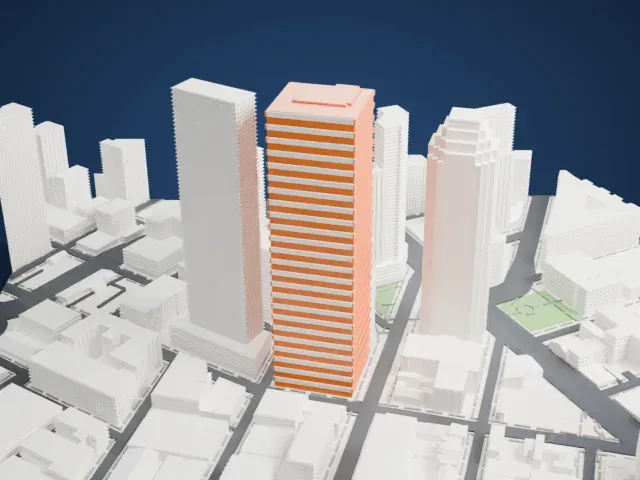
A free, printable model of Skyline Tower, a very tall, slim tower with a slanted, notched crown, among other tall buildings in Long Island City, generated from real map data in your browser.
Free, in your browser. Exports a slicer-ready 3MF.
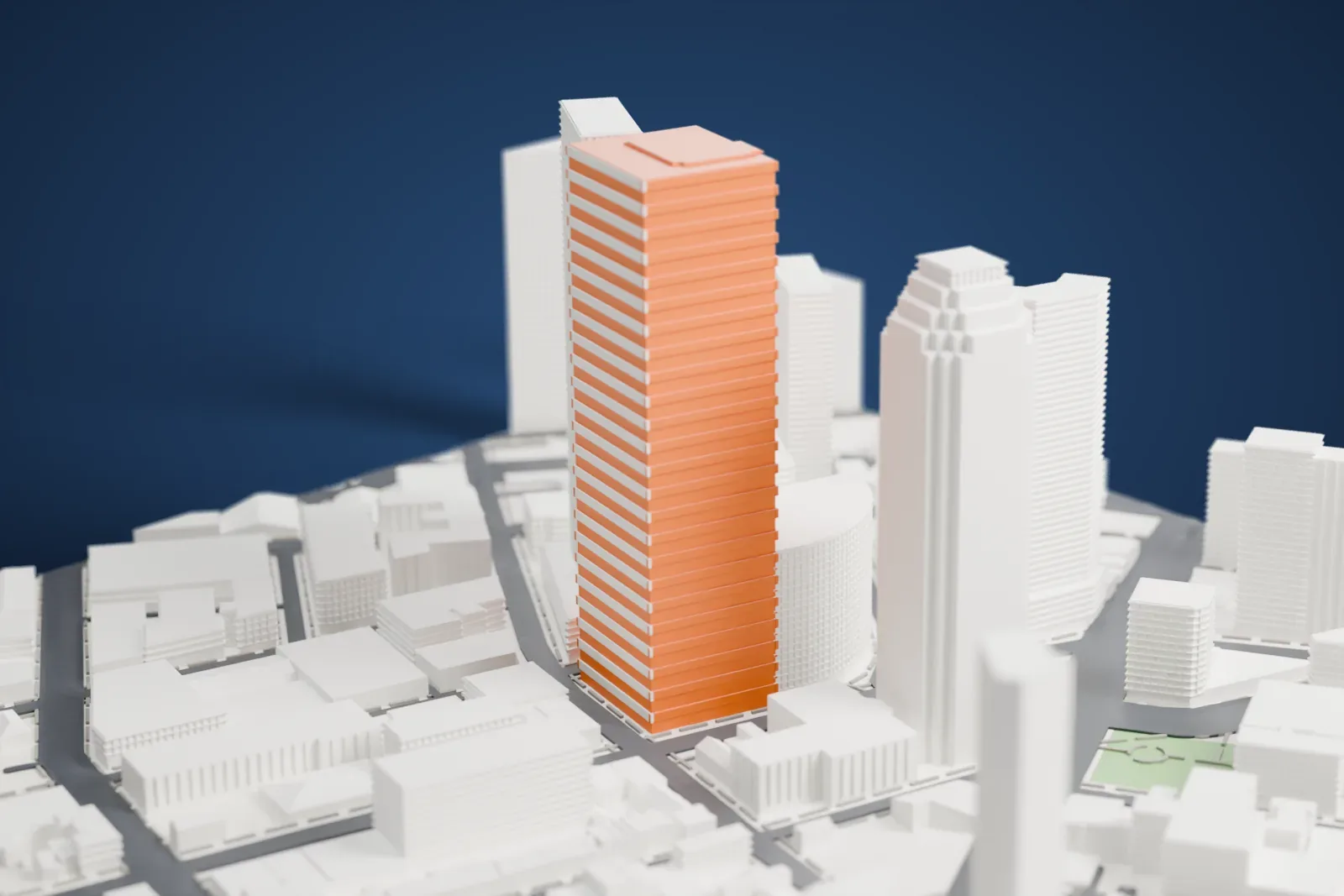
About Skyline Tower, Queens
In Queens, in the Long Island City area, Skyline Tower is a residential skyscraper that was formerly named Court Square City View Tower. It topped out in October 2019 and went past One Court Square, taking the title of the borough's tallest building at 232 m (762 ft). For two years it also stood tallest on Long Island, until Brooklyn Tower topped out in October 2021. It was completed in July 2021 and holds 802 condos across 68 floors.
Since the 1980s the site had been under the control of Citigroup. It once planned a third office tower there, but by 2015 it decided the land was worth more as a development site. Citi hired JLL to market it and then sold the parcel for $143 million to the developer Chris Xu. In February 2016 permits were filed for a 79-story tower of 294 m (963 ft). Since LaGuardia Airport is nearby, the Federal Aviation Administration said anything above 232 m (762 ft) would threaten landing airplanes, and the plan was cut down.
Work on the foundation started in late 2017. By July 2018 a group of banks led by JPMorgan Chase had provided $502 million in financing, the biggest sum for a private real estate project in Queens up to that point. Sales opened in May 2019. At the foot of the tower, the developers pledged $16 million toward a new entrance to the Court Square–23rd Street subway station.
How it prints
Make this print opens the generator on a 600 m square around the landmark. Buildings print at close to true scale, so the landmark grows with the print size.
| Print size | Landmark height | Scale |
|---|---|---|
| 160 mm default | 64 mm | 1:3,750 |
| 200 mm | 79 mm | 1:3,000 |
| 256 mm | 102 mm | 1:2,344 |
-
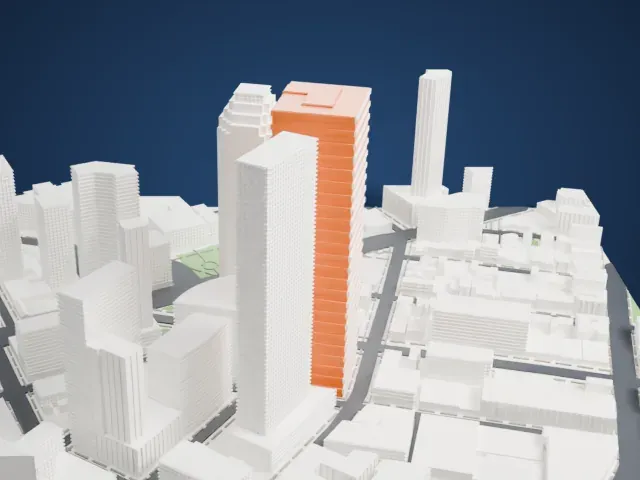 North
North
-
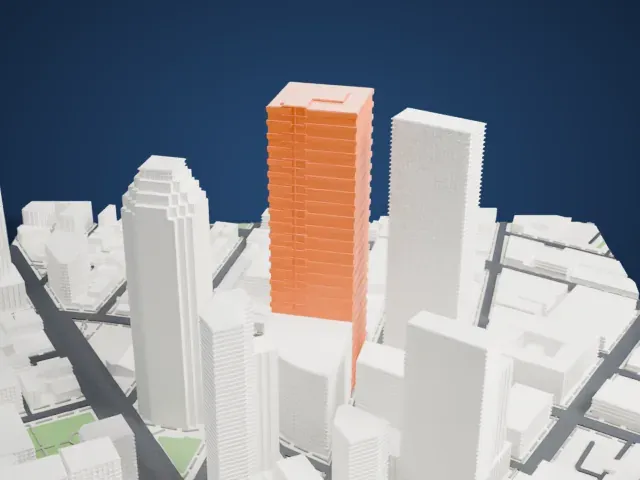 East
East
-
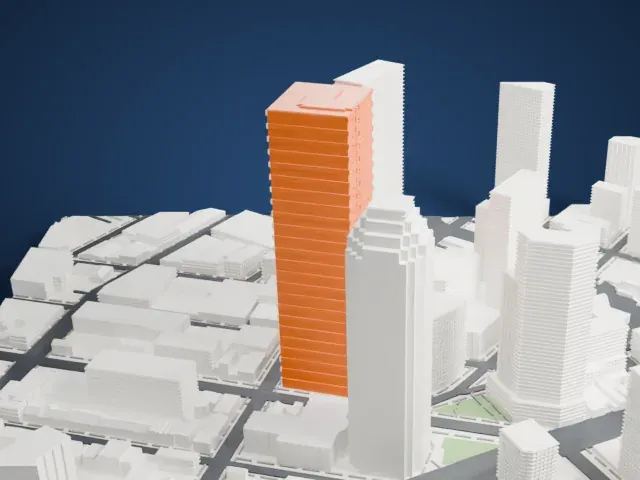 South
South
-
 West
West
- Slanted, notched crown
- The top is cut at angles and notched. Printing slowly with 0.12 to 0.16 mm layers helps those edges stay sharp.
- A very tall, slim shaft
- The shaft is tall and narrow. Cooling well and printing slowly keeps the upper floors clean, and a larger print size gives the shaft more width.
- One piece with the ground
- Skyline Tower, Queens is joined to the ground in the exported file, and the four-side check found no floating parts, so nothing needs gluing.
- Pick the detail for your nozzle
- In the Buildings settings, set Landmark detail to Print friendly to adapt thin parts and small details to the print scale. Full detail keeps every modeled feature, for larger prints or a finer nozzle.
- Colors
- Buildings, roads, water and ground arrive as separate filament slots in the 3MF. Skyline Tower, Queens takes the building color.
- File format
- You get a 3MF for Bambu Studio, OrcaSlicer or PrusaSlicer. Any of them can save it as STL if you need one.
About this model
Skyline Tower, Queens is one of more than 2,300 landmark models in Mini Skyline. They are made with AI, and each one is checked from four sides in its real surroundings before release. Everything around it is built from OpenStreetMap and Overture map data. If you would rather print the shape from map data, turn off Landmark models in the Buildings settings.
Common questions
Is there a Skyline Tower, Queens STL I can download?
Mini Skyline builds the file for you in your browser and exports 3MF, which every major slicer opens. If you need an STL, open the 3MF in your slicer and export it from there.
How big can I print it?
Any print size from 40 mm across. Skyline Tower, Queens grows with the print: about 64 mm tall on the default 160 mm print. For a model larger than your printer bed, Project Mode splits the area into tiles.
Is it free?
Yes. Generation runs in your browser, with no account and nothing behind a paywall.





