3D print the Studio Museum in Harlem
A free, printable model of the Studio Museum in Harlem, a boxy museum building with an open stair and terraces, set among mid-rise buildings, generated from real map data in your browser.
Free, in your browser. Exports a slicer-ready 3MF.
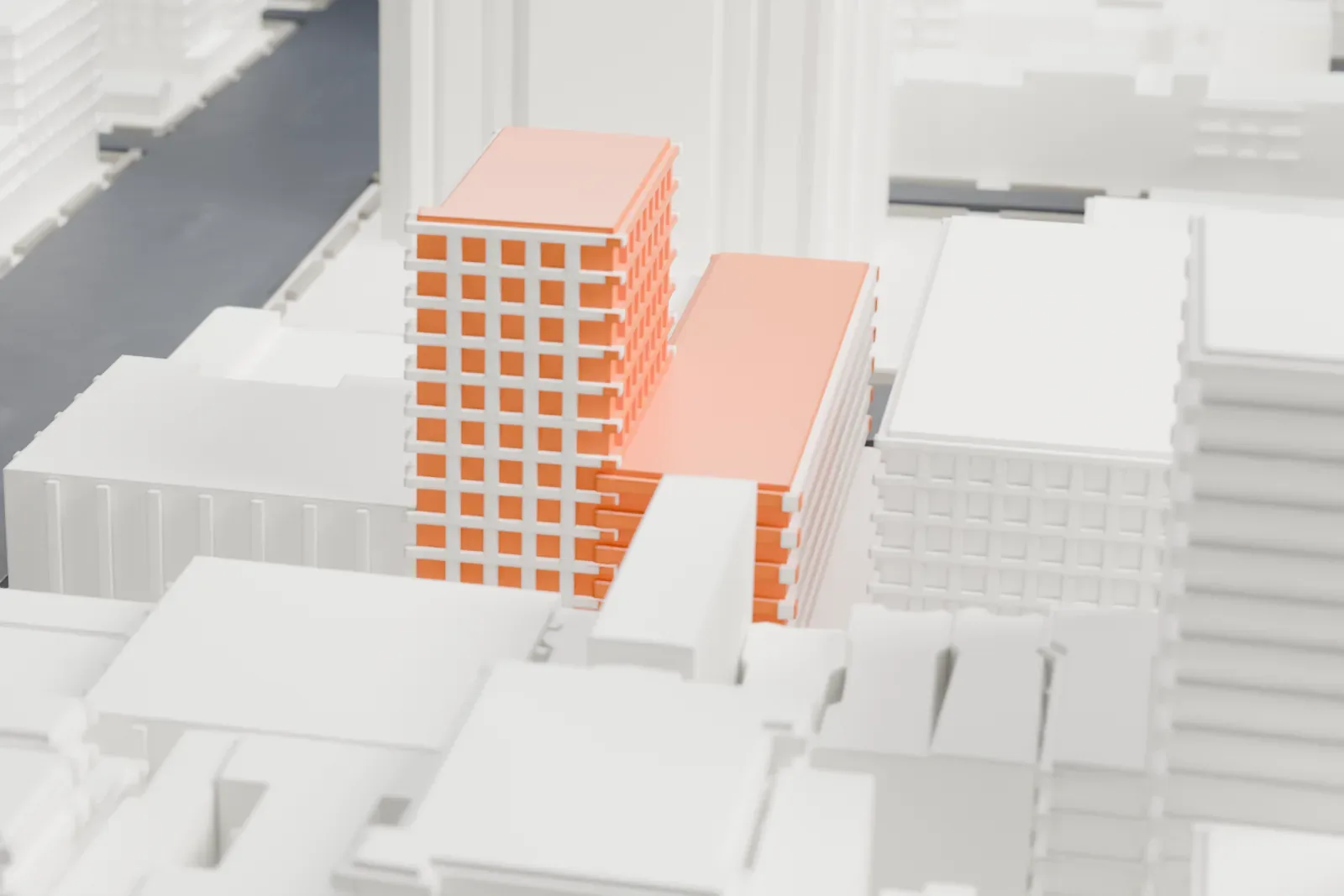
About the Studio Museum in Harlem
At 144 West 125th Street in Harlem, Manhattan, the Studio Museum in Harlem shows African-American art. Since its founding in 1968 it has gathered, preserved and interpreted work by African Americans, by people of the African diaspora and by artists from the African continent. The museum runs artist-in-residence programs, exhibitions, educational and public programs, and a permanent collection.
The museum began in a rented loft on Fifth Avenue at 125th Street (number 2033) and relocated in 1982. Its first exhibition, Electronic Refractions II, opened in September 1968 with works by Tom Lloyd, who made technology-driven light works. The Artist-in-Residence program grew out of early workshops and exhibitions; the painter William T. Williams wrote the proposal for the studio component, and Valerie Maynard was the first artist in the top floor studio.
The museum has earned recognition for promoting artists of African descent, and its Artist-in-Residence program has supported more than one hundred graduates who went on to highly regarded careers. Lectures, dialogues, panel discussions and performances are part of its public programs, and its exhibitions program has produced scholarly catalogues, brochures and pamphlets.
How it prints
Make this print opens the generator on a 600 m square around the landmark. Buildings print at close to true scale, so the landmark grows with the print size.
| Print size | Landmark height | Scale |
|---|---|---|
| 160 mm default | 12 mm | 1:3,750 |
| 200 mm | 15 mm | 1:3,000 |
| 256 mm | 19 mm | 1:2,344 |
-
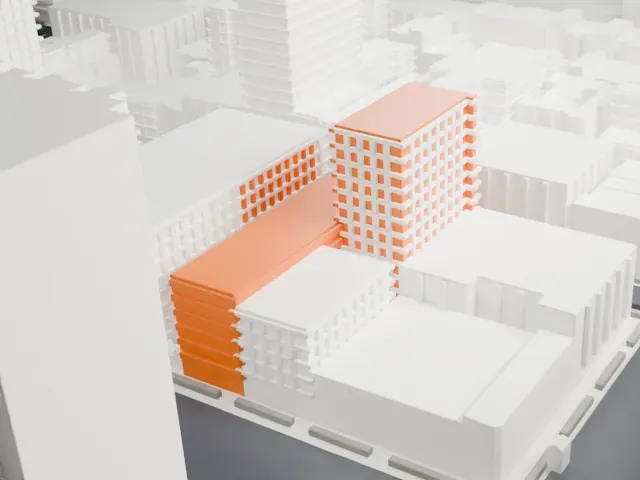 North
North
-
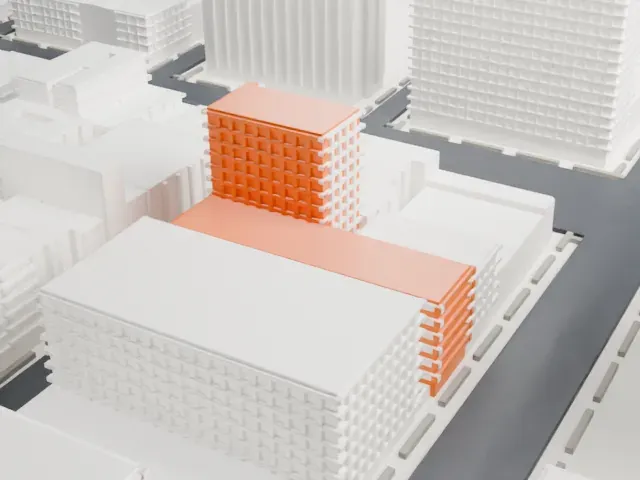 East
East
-
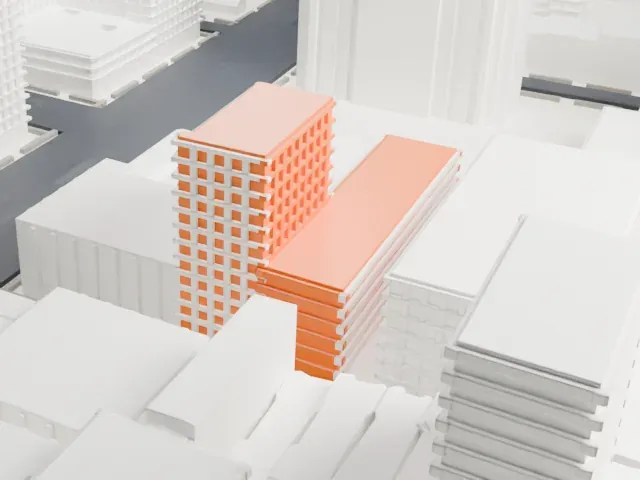 South
South
-
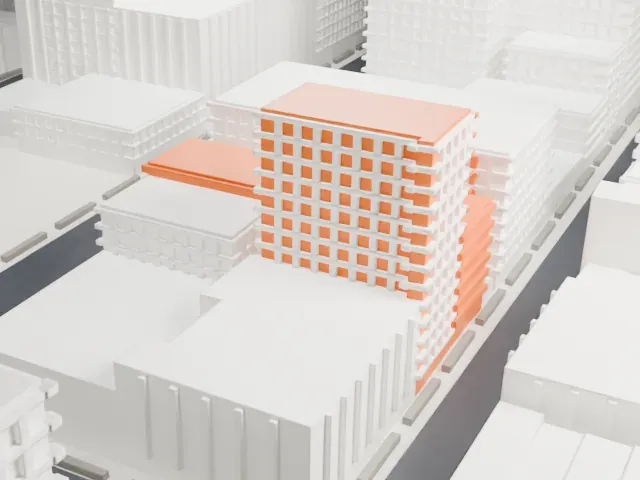 West
West
- Open stair and terraces
- The building is a set of boxes with an open stair and railing-like bars on its terraces. Print friendly adapts these thin parts to the print scale; a larger print size and Full detail keep more of them.
- One piece with the ground
- The Studio Museum in Harlem is joined to the ground in the exported file, and the four-side check found no floating parts, so nothing needs gluing.
- Pick the detail for your nozzle
- In the Buildings settings, set Landmark detail to Print friendly to adapt thin parts and small details to the print scale. Full detail keeps every modeled feature, for larger prints or a finer nozzle.
- Colors
- Buildings, roads, water and ground arrive as separate filament slots in the 3MF. The Studio Museum in Harlem takes the building color.
- File format
- You get a 3MF for Bambu Studio, OrcaSlicer or PrusaSlicer. Any of them can save it as STL if you need one.
About this model
The Studio Museum in Harlem is one of more than 2,300 landmark models in Mini Skyline. They are made with AI, and each one is checked from four sides in its real surroundings before release. Everything around it is built from OpenStreetMap and Overture map data. If you would rather print the shape from map data, turn off Landmark models in the Buildings settings.
Common questions
Is there a Studio Museum in Harlem STL I can download?
Mini Skyline builds the file for you in your browser and exports 3MF, which every major slicer opens. If you need an STL, open the 3MF in your slicer and export it from there.
How big can I print it?
Any print size from 40 mm across. The Studio Museum in Harlem grows with the print: about 12 mm tall on the default 160 mm print. For a model larger than your printer bed, Project Mode splits the area into tiles.
Is it free?
Yes. Generation runs in your browser, with no account and nothing behind a paywall.





