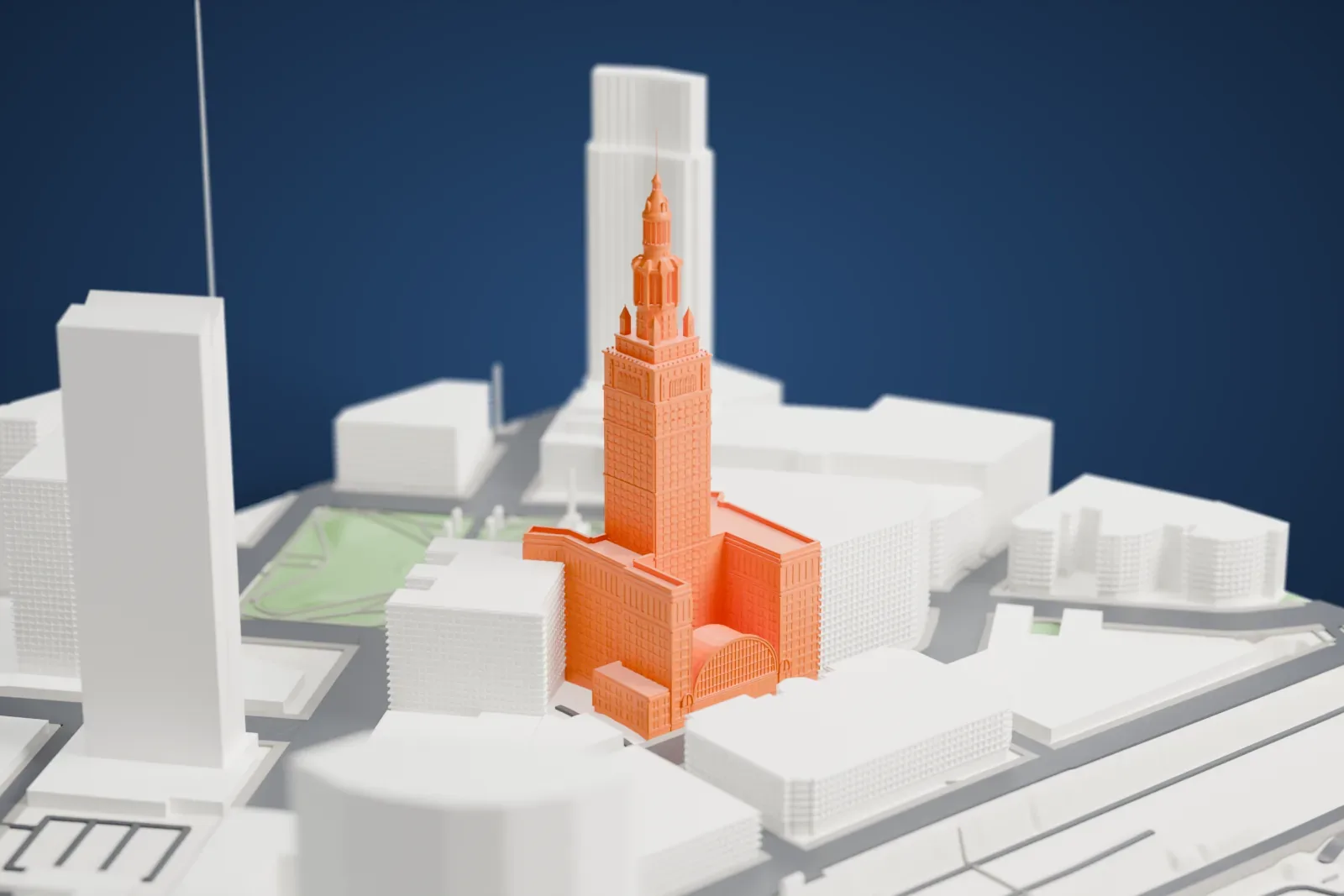
3D print the Terminal Tower
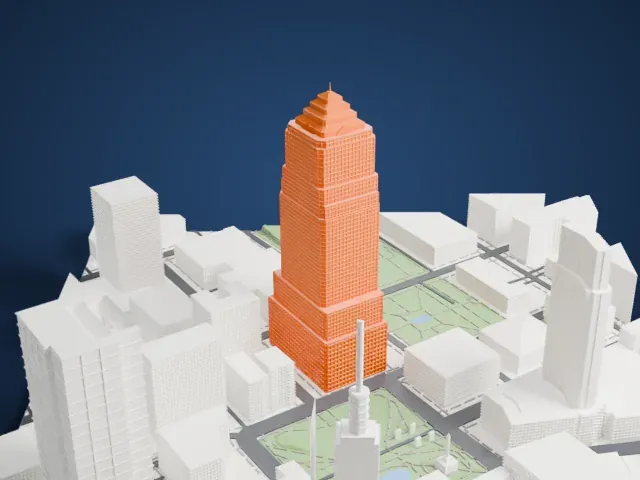
A free, printable model of the Terminal Tower on Public Square in Cleveland, with its stepped crown and the surrounding streets and buildings, generated from real map data in your browser.
-
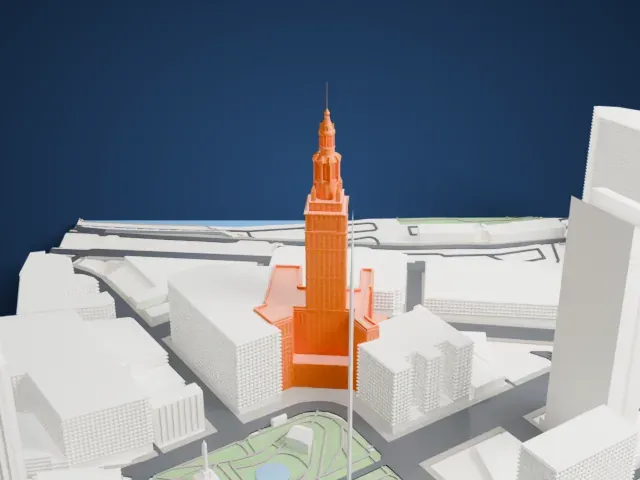 North
North
-
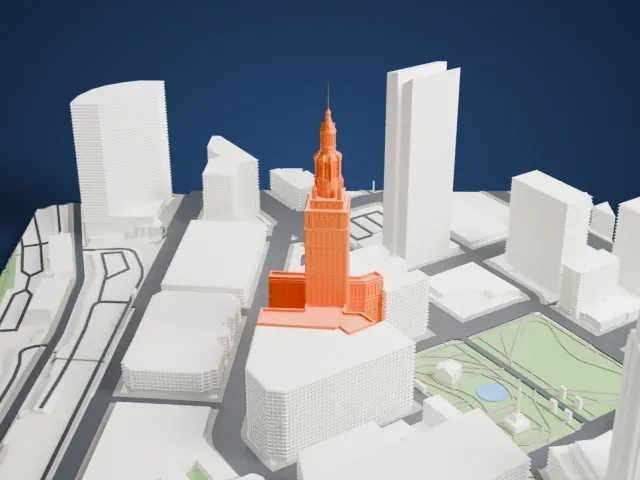 East
East
-
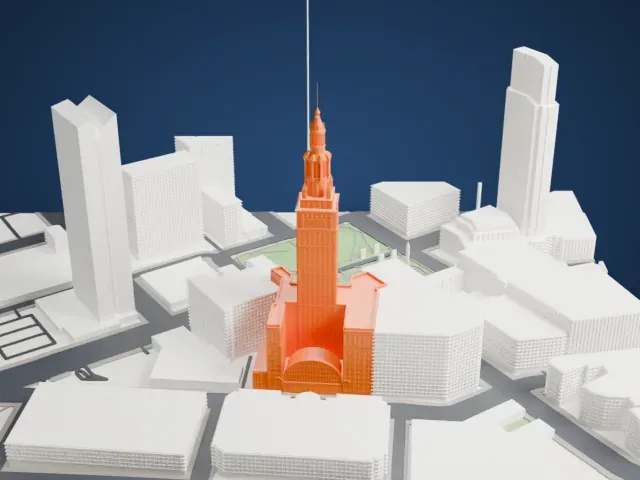 South
South
-
 West
West
The model you print
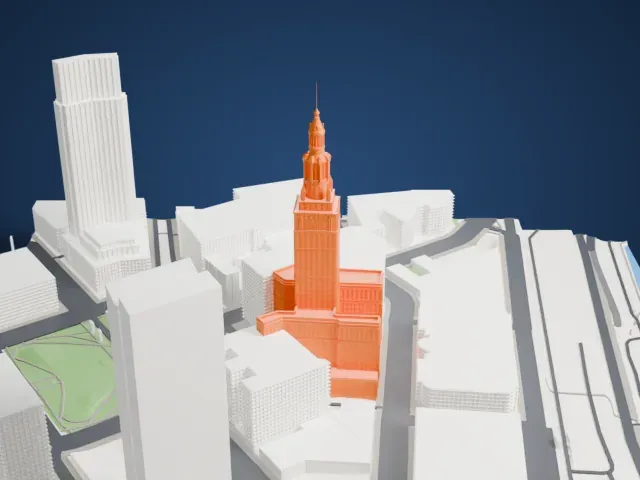
Terminal Tower in 3D
The landmark on its own, at its size on a 160 mm print. Print friendly thickens thin parts for a 0.4 mm nozzle; Full detail keeps every part.
- Real height
- 216 m
- On a 160 mm print
- 64 mm
- Scale
- 1:3,750
216 m of the Terminal Tower, 64 mm on your shelf
Make this print opens the generator on a 600 m square around the landmark. Buildings print at close to true scale, so the landmark grows with the print size.
- Crown, turrets and mast
The top steps through a colonnaded crown, four corner turrets and a thin mast. Print friendly adapts these small parts; a larger print and 0.12–0.16 mm layers keep the crown crisp.
- Window grid and wings
The shaft and wings carry many shallow window bays, and the rear has a broad vault. Full detail keeps the grid; print slowly around the thin mast and turret caps.
- One piece with the ground
The Terminal Tower is joined to the ground in the exported file, and the four-side check found no floating parts, so nothing needs gluing.
- Pick the detail for your nozzle
In the Buildings settings, set Landmark detail to Print friendly to adapt thin parts and small details to the print scale. Full detail keeps every modeled feature, for larger prints or a finer nozzle.
- Colors
Buildings, roads, water and ground arrive as separate filament slots in the 3MF. The Terminal Tower takes the building color.
- File format
You get a 3MF for Bambu Studio, OrcaSlicer or PrusaSlicer. Any of them can save it as STL if you need one.
About the Terminal Tower
Terminal Tower is a 52-story skyscraper on Public Square in downtown Cleveland, Ohio. It rises 708 ft (216 m) and went up during the 1920s and 1930s skyscraper boom. When completed in 1927 it ranked second in the world for height, and it remained the tallest in North America outside New York City until 1964. It was the tallest in Ohio until Key Tower was finished in 1991. The tower is part of Tower City Center.
The Van Sweringen brothers built it for $179 million as an office building above the city's new Cleveland Union Terminal rail station. The plan began at 14 stories but grew to 52, and 280-foot (85 m) caissons support it. Graham, Anderson, Probst & White designed it, taking McKim, Mead, and White's Beaux-Arts Municipal Building in New York as the model. It was completed in 1927, opened to tenants in 1928, and the Union Terminal complex was dedicated in 1930.
Forest City Realty Trust owned the tower from 1983. Cleveland's K&D Group paid $38.5 million for it on September 15, 2016 and converted 11 of the lower, larger floors into 293 one- and two-bedroom apartments. K&D keeps the upper floors as offices. Forest City Enterprises, a major tenant, had its headquarters there until 2018.
About this model
The Terminal Tower is one of more than 4,900 landmark models in Mini Skyline. They are made with AI, and each one is checked from four sides in its real surroundings before release. Everything around it is built from OpenStreetMap and Overture map data. If you would rather print the shape from map data, turn off Landmark models in the Buildings settings.
Same skyline