3D print the The San Remo
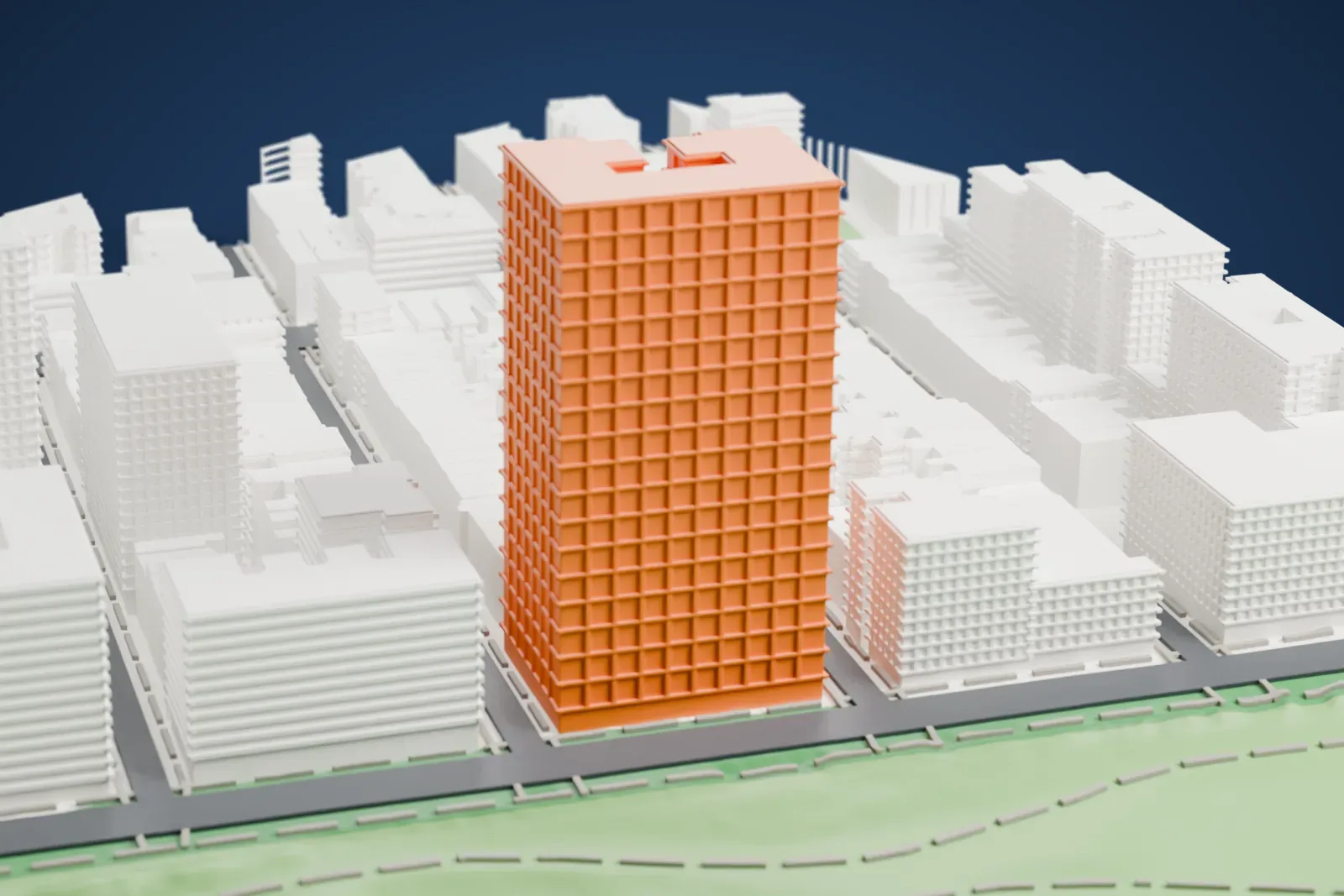
A free, printable model of The San Remo, its twin towers, and the park edge and Upper West Side blocks around it, generated from real map data in your browser.
Free, in your browser. Exports a slicer-ready 3MF.
About the The San Remo
Facing Central Park on Manhattan's Upper West Side, The San Remo is a co-op apartment house on Central Park West, covering numbers 145 and 146 on the block between 74th and 75th Streets. Emery Roth designed it in the Renaissance Revival style, and it was built from 1929 to 1930.
Its height is 27 stories: twin towers climb from a base of 17 stories. Each tower is topped by a "temple" ringed by a round colonnade, with a lantern above. Rusticated limestone blocks clad the first three stories, and above them the facade is light brick with terracotta ornament. Between the 14th and the 17th stories, setbacks form terraces.
The building opened in September 1930 and replaced an 11-story apartment building of the same name, built in 1891. It was the first on Central Park West with large twin towers. After the Bank of United States collapsed, it went into receivership, an investment syndicate acquired it in 1940, and it became a housing cooperative in 1972. It originally had 122 apartments of six to sixteen rooms. The building counts as a contributing property of the Central Park West Historic District, and New York City has also designated it a landmark.
How it prints
Make this print opens the generator on a 600 m square around the landmark. Buildings print at close to true scale, so the landmark grows with the print size.
| Print size | Landmark height | Scale |
|---|---|---|
| 160 mm default | 33 mm | 1:3,750 |
| 200 mm | 42 mm | 1:3,000 |
| 256 mm | 53 mm | 1:2,344 |
-
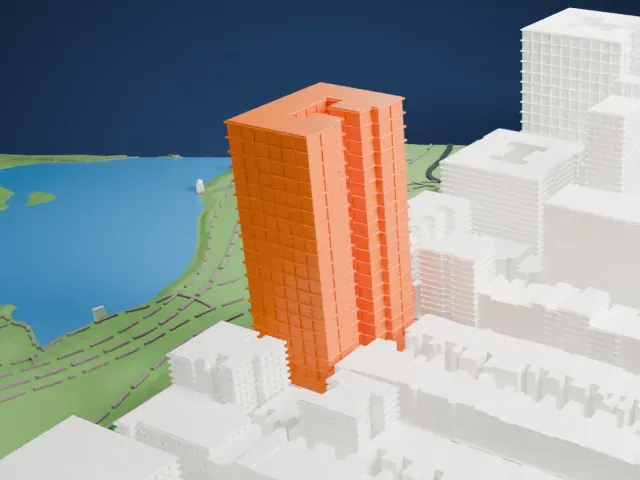 North
North
-
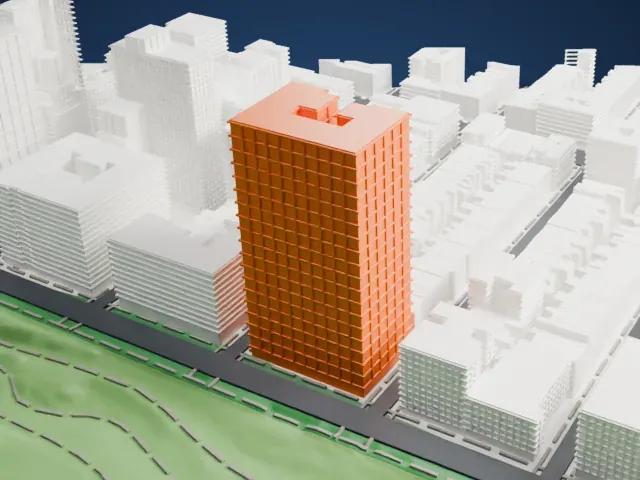 East
East
-
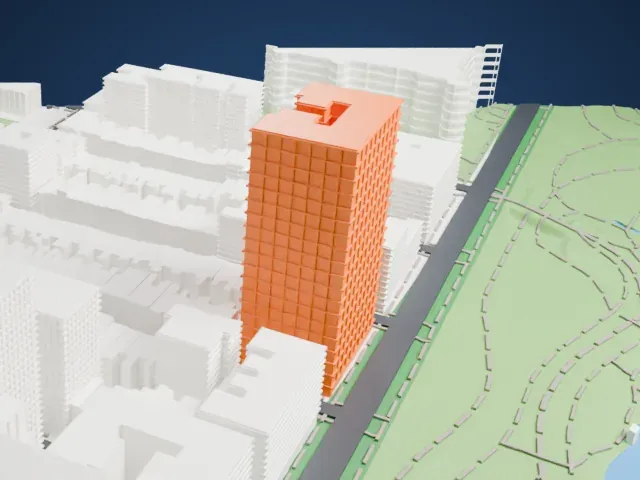 South
South
-
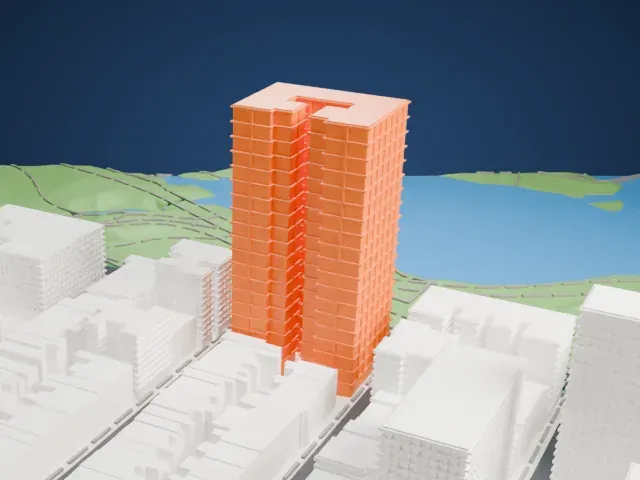 West
West
- Twin colonnaded crowns
- Each tower ends in a small round temple with a lantern. These are the most delicate parts: use Print friendly at small sizes, or Full detail on a larger print, and print slowly with cooling.
- Setback terraces
- The stepped terraces on the upper floors of the base reward a layer height of 0.12-0.16 mm.
- One piece with the ground
- The The San Remo is joined to the ground in the exported file, and the four-side check found no floating parts, so nothing needs gluing.
- Pick the detail for your nozzle
- In the Buildings settings, set Landmark detail to Print friendly to adapt thin parts and small details to the print scale. Full detail keeps every modeled feature, for larger prints or a finer nozzle.
- Colors
- Buildings, roads, water and ground arrive as separate filament slots in the 3MF. The The San Remo takes the building color.
- File format
- You get a 3MF for Bambu Studio, OrcaSlicer or PrusaSlicer. Any of them can save it as STL if you need one.
About this model
The The San Remo is one of more than 2,300 landmark models in Mini Skyline. They are made with AI, and each one is checked from four sides in its real surroundings before release. Everything around it is built from OpenStreetMap and Overture map data. If you would rather print the shape from map data, turn off Landmark models in the Buildings settings.
Common questions
Is there a The San Remo STL I can download?
Mini Skyline builds the file for you in your browser and exports 3MF, which every major slicer opens. If you need an STL, open the 3MF in your slicer and export it from there.
How big can I print it?
Any print size from 40 mm across. The The San Remo grows with the print: about 33 mm tall on the default 160 mm print. For a model larger than your printer bed, Project Mode splits the area into tiles.
Is it free?
Yes. Generation runs in your browser, with no account and nothing behind a paywall.





