3D print Tower 49
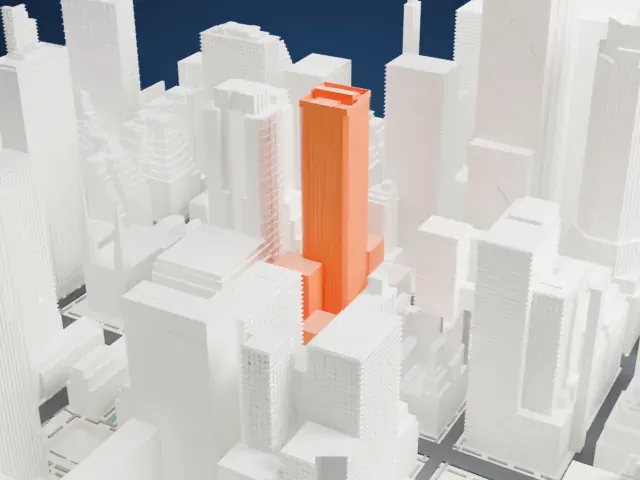
A free, printable model of Tower 49, a tall tower with chamfered corners and a stepped top, among dense high-rise buildings, generated from real map data in your browser.
Free, in your browser. Exports a slicer-ready 3MF.
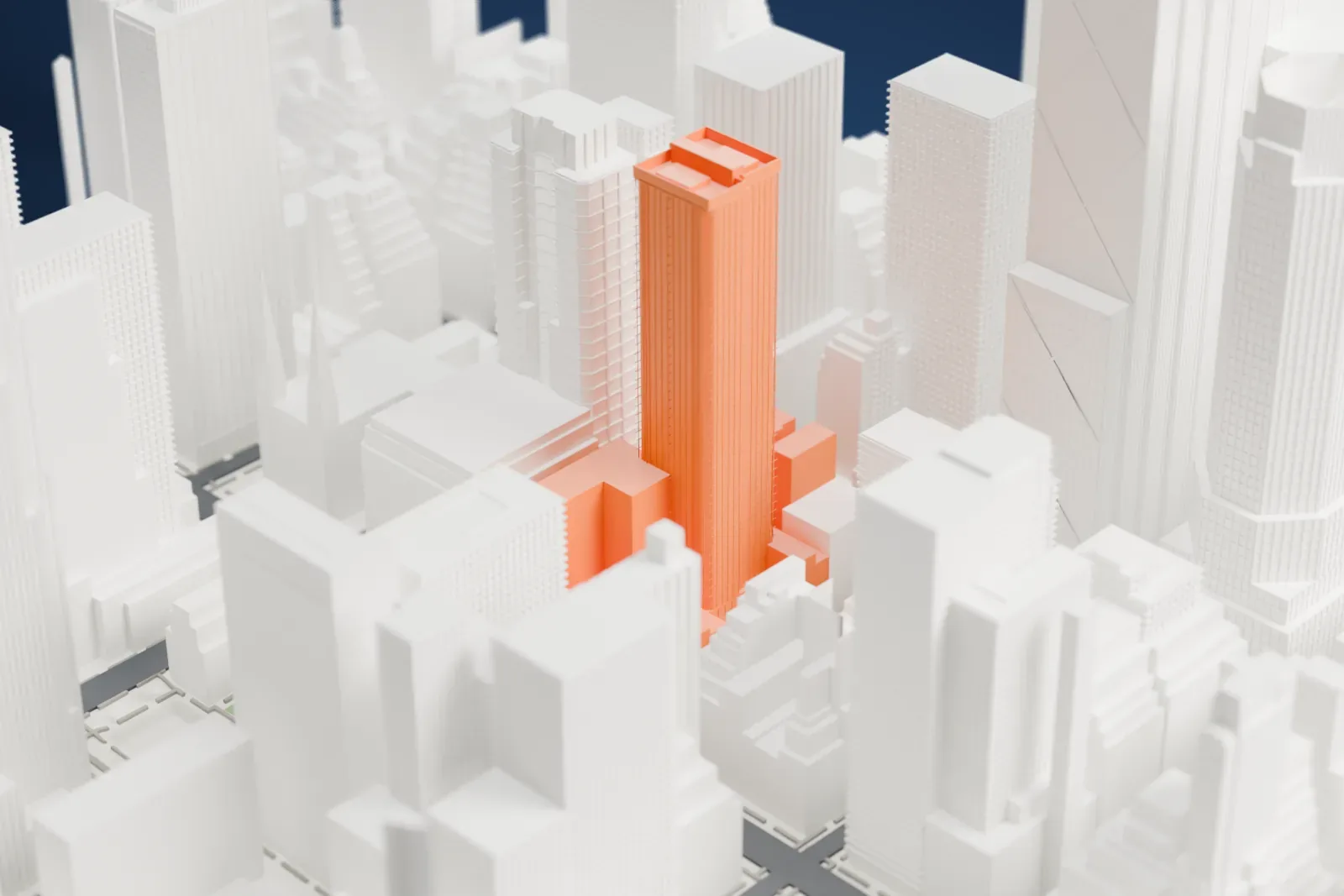
About Tower 49
Tower 49 rises in New York City's Midtown Manhattan as an office skyscraper. Its lot has frontage on both 48th Street and 49th Street, between Fifth Avenue and Madison Avenue, and the two street frontages are offset from each other by about the width of a brownstone lot on each side.
Skidmore, Owings and Merrill came up with a "simple crystalline form": blue-tinted mirror glass wrapped around two masses with chamfered corners, tied together by a core that holds the services. The official name of the building includes a registered trademark symbol, which few buildings can say.
Tower 49 Gallery works with artists on long-term exhibitions, usually inviting a curator to organize each show and write its catalog essay. Its aim is to let the public enjoy art in a space where people live and work. In 2002 the tower displayed five large paintings by Ronnie Landfield, an artist from New York, in its lobby.
How it prints
Make this print opens the generator on a 600 m square around the landmark. Buildings print at close to true scale, so the landmark grows with the print size.
| Print size | Landmark height | Scale |
|---|---|---|
| 160 mm default | 50 mm | 1:3,750 |
| 200 mm | 63 mm | 1:3,000 |
| 256 mm | 80 mm | 1:2,344 |
-
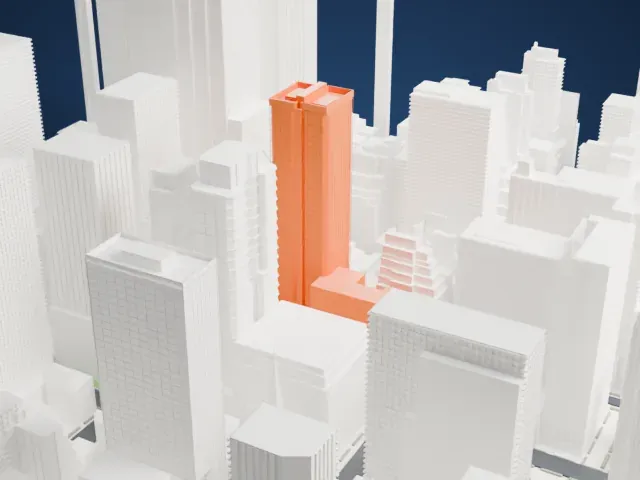 North
North
-
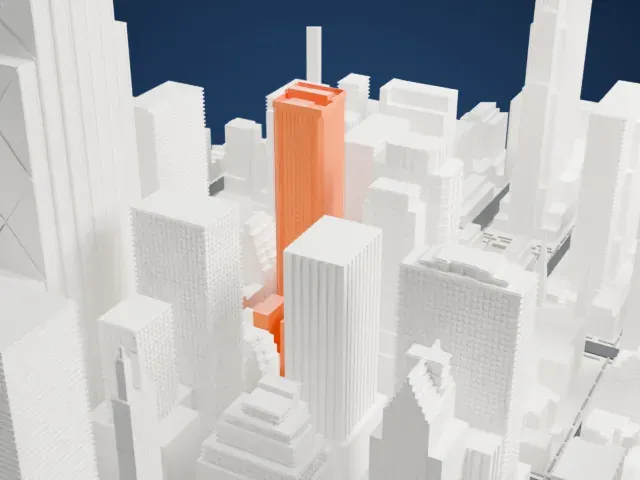 East
East
-
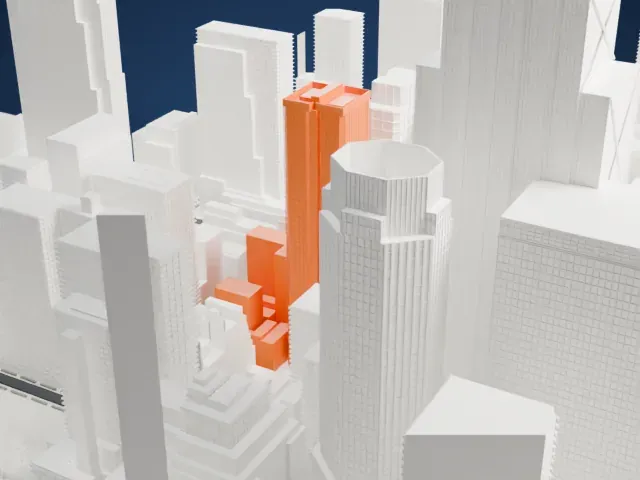 South
South
-
 West
West
- Chamfered corners
- The tower has cut (chamfered) corners and a stepped top. Printing slowly and using layers of 0.12 to 0.16 mm help keep the sharp edges crisp.
- Fine window lines
- Fine vertical lines run up the glass walls. Print friendly adapts them to the print scale; Full detail keeps them, which suits a larger print.
- One piece with the ground
- Tower 49 is joined to the ground in the exported file, and the four-side check found no floating parts, so nothing needs gluing.
- Pick the detail for your nozzle
- In the Buildings settings, set Landmark detail to Print friendly to adapt thin parts and small details to the print scale. Full detail keeps every modeled feature, for larger prints or a finer nozzle.
- Colors
- Buildings, roads, water and ground arrive as separate filament slots in the 3MF. Tower 49 takes the building color.
- File format
- You get a 3MF for Bambu Studio, OrcaSlicer or PrusaSlicer. Any of them can save it as STL if you need one.
About this model
Tower 49 is one of more than 2,300 landmark models in Mini Skyline. They are made with AI, and each one is checked from four sides in its real surroundings before release. Everything around it is built from OpenStreetMap and Overture map data. If you would rather print the shape from map data, turn off Landmark models in the Buildings settings.
Common questions
Is there a Tower 49 STL I can download?
Mini Skyline builds the file for you in your browser and exports 3MF, which every major slicer opens. If you need an STL, open the 3MF in your slicer and export it from there.
How big can I print it?
Any print size from 40 mm across. Tower 49 grows with the print: about 50 mm tall on the default 160 mm print. For a model larger than your printer bed, Project Mode splits the area into tiles.
Is it free?
Yes. Generation runs in your browser, with no account and nothing behind a paywall.





