3D print the Two Towers
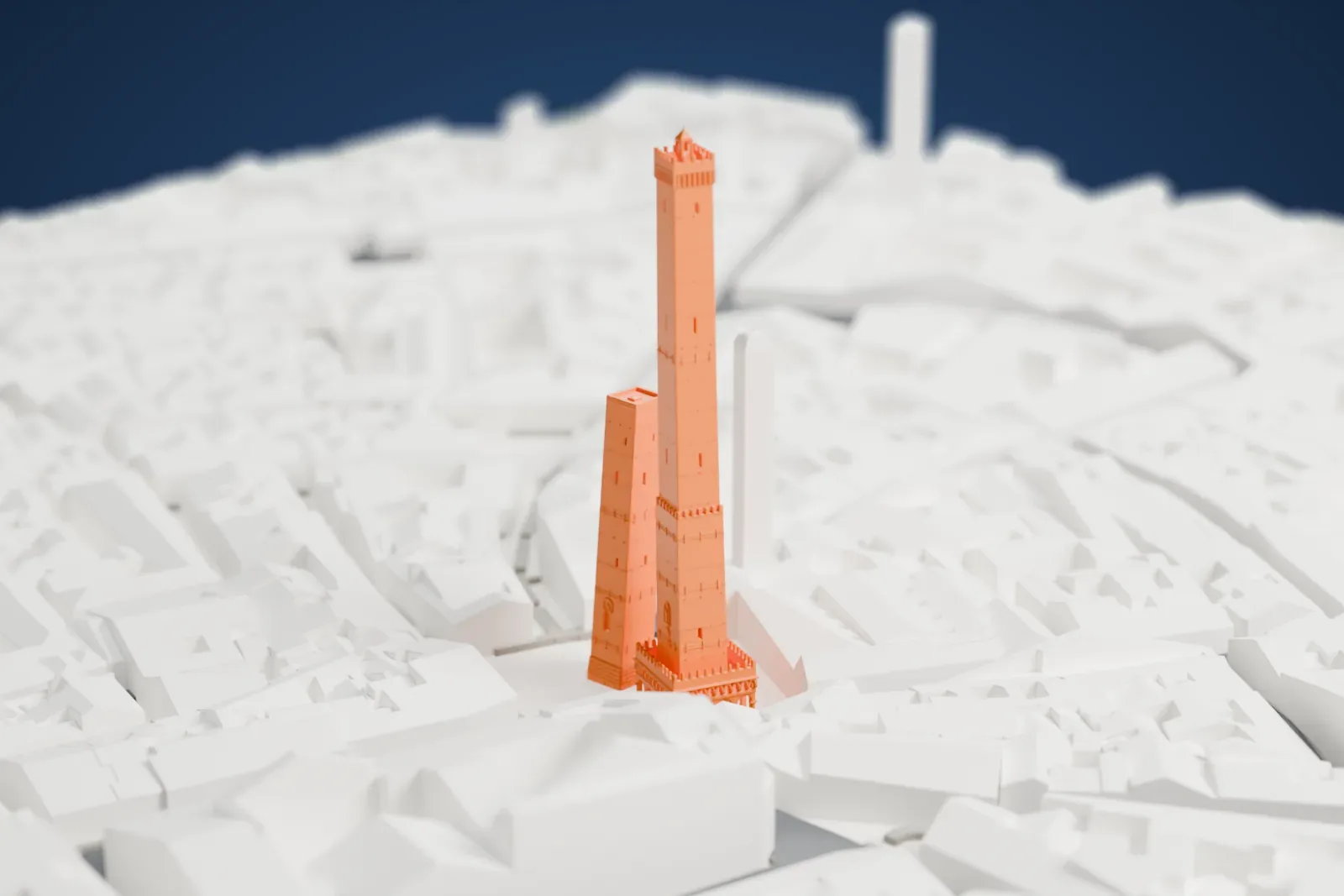
A free, printable model of Bologna's Two Towers, the tall Asinelli and the shorter Garisenda, with the dense buildings and streets around them, generated from real map data in your browser.
Free, in your browser. Exports a slicer-ready 3MF.
About the Two Towers
Bologna, Italy, counts the Two Towers among its symbols, and both of them lean. They are also the most prominent of the city's towers. They stand where roads leading to five gates in the old ring wall come together. The taller tower is the Asinelli. The smaller one, which leans more, is the Garisenda. Each carries the name of a family traditionally credited with building it, between 1109 and 1119. The towers may have been a contest between the two families over which was more powerful, though few documents survive from the period.
The Asinelli Tower is believed to have been about 70 meters (230 feet) high at first and to have been raised later to 97.2 meters (319 ft). In the 14th century it passed to the city, which turned it into a prison and small stronghold. In 1640 the scientist Giovanni Battista Riccioli used it for experiments, as did Giovanni Battista Guglielmini in the 1700s, to study how heavy bodies move and how the Earth rotates. Its battlement overhangs by 2.2 m (6.6 ft).
The Garisenda Tower stands 48 meters (157 feet) high, with a lean of 3.2 meters (10 ft). It was initially about 60 meters (about 200 feet) high, but it was lowered in the 14th century after the ground yielded and left it slanting and dangerous. The Arte dei Drappieri bought it in the early 15th century, and it passed into municipal ownership at the close of the 19th century. Dante cited it several times, in the Divine Comedy and in The Rhymes, and Goethe wrote of it in his Italian Journey.
How it prints
Make this print opens the generator on a 600 m square around the landmark. Buildings print at close to true scale, so the landmark grows with the print size.
| Print size | Landmark height | Scale |
|---|---|---|
| 160 mm default | 26 mm | 1:3,750 |
| 200 mm | 33 mm | 1:3,000 |
| 256 mm | 42 mm | 1:2,344 |
-
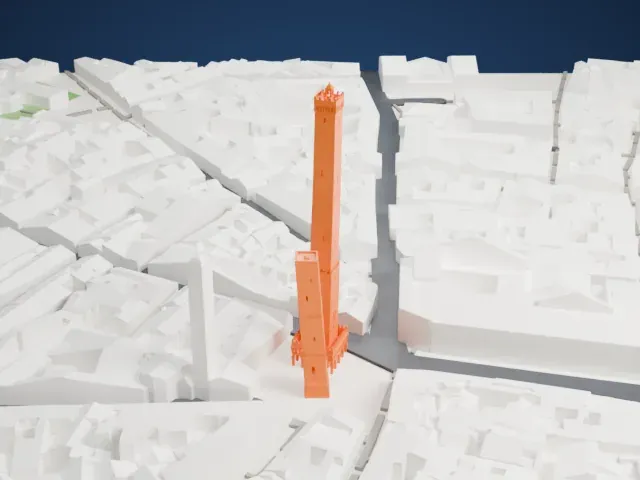 North
North
-
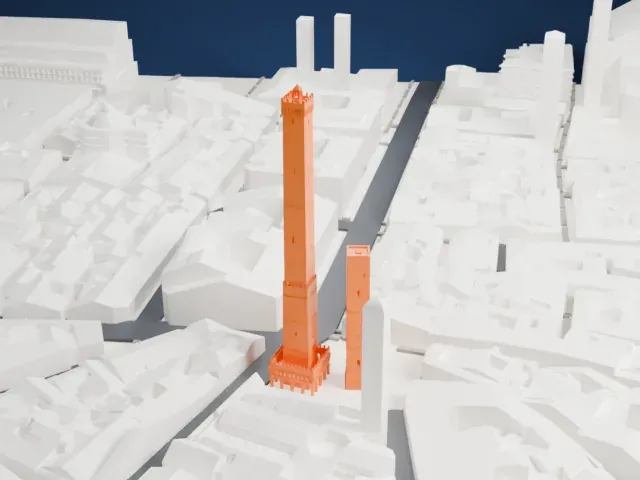 East
East
-
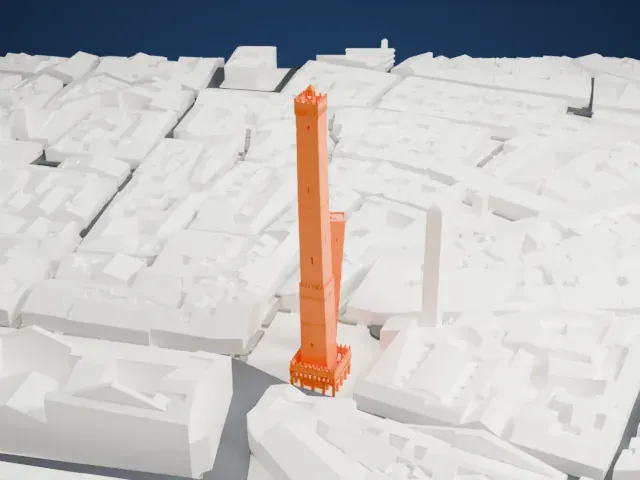 South
South
-
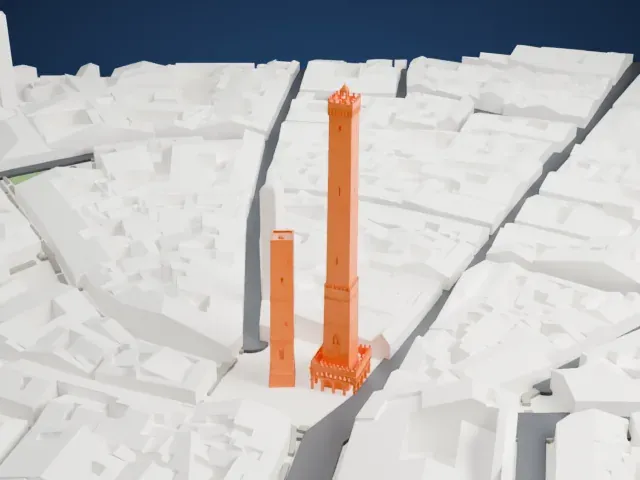 West
West
- Tall, narrow, leaning towers
- Both towers are tall and narrow, and both lean. Printing slowly and letting layers cool helps, and layers of 0.12 to 0.16 mm keep fine detail crisp.
- Arches below, battlements above
- The taller tower has a base of small arches and a battlemented top. A larger print size keeps more of this detail, and Print friendly adapts the smallest parts to the print scale.
- One piece with the ground
- The Two Towers is joined to the ground in the exported file, and the four-side check found no floating parts, so nothing needs gluing.
- Pick the detail for your nozzle
- In the Buildings settings, set Landmark detail to Print friendly to adapt thin parts and small details to the print scale. Full detail keeps every modeled feature, for larger prints or a finer nozzle.
- Colors
- Buildings, roads, water and ground arrive as separate filament slots in the 3MF. The Two Towers takes the building color.
- File format
- You get a 3MF for Bambu Studio, OrcaSlicer or PrusaSlicer. Any of them can save it as STL if you need one.
About this model
The Two Towers is one of more than 2,300 landmark models in Mini Skyline. They are made with AI, and each one is checked from four sides in its real surroundings before release. Everything around it is built from OpenStreetMap and Overture map data. If you would rather print the shape from map data, turn off Landmark models in the Buildings settings.
Common questions
Is there a Two Towers STL I can download?
Mini Skyline builds the file for you in your browser and exports 3MF, which every major slicer opens. If you need an STL, open the 3MF in your slicer and export it from there.
How big can I print it?
Any print size from 40 mm across. The Two Towers grows with the print: about 26 mm tall on the default 160 mm print. For a model larger than your printer bed, Project Mode splits the area into tiles.
Is it free?
Yes. Generation runs in your browser, with no account and nothing behind a paywall.