3D print the Williamsburgh Savings Bank Tower
A free, printable model of the Williamsburgh Savings Bank Tower, a stepped tower with a clock stage and domed top, among the surrounding buildings of Brooklyn, generated from real map data in your browser.
Free, in your browser. Exports a slicer-ready 3MF.
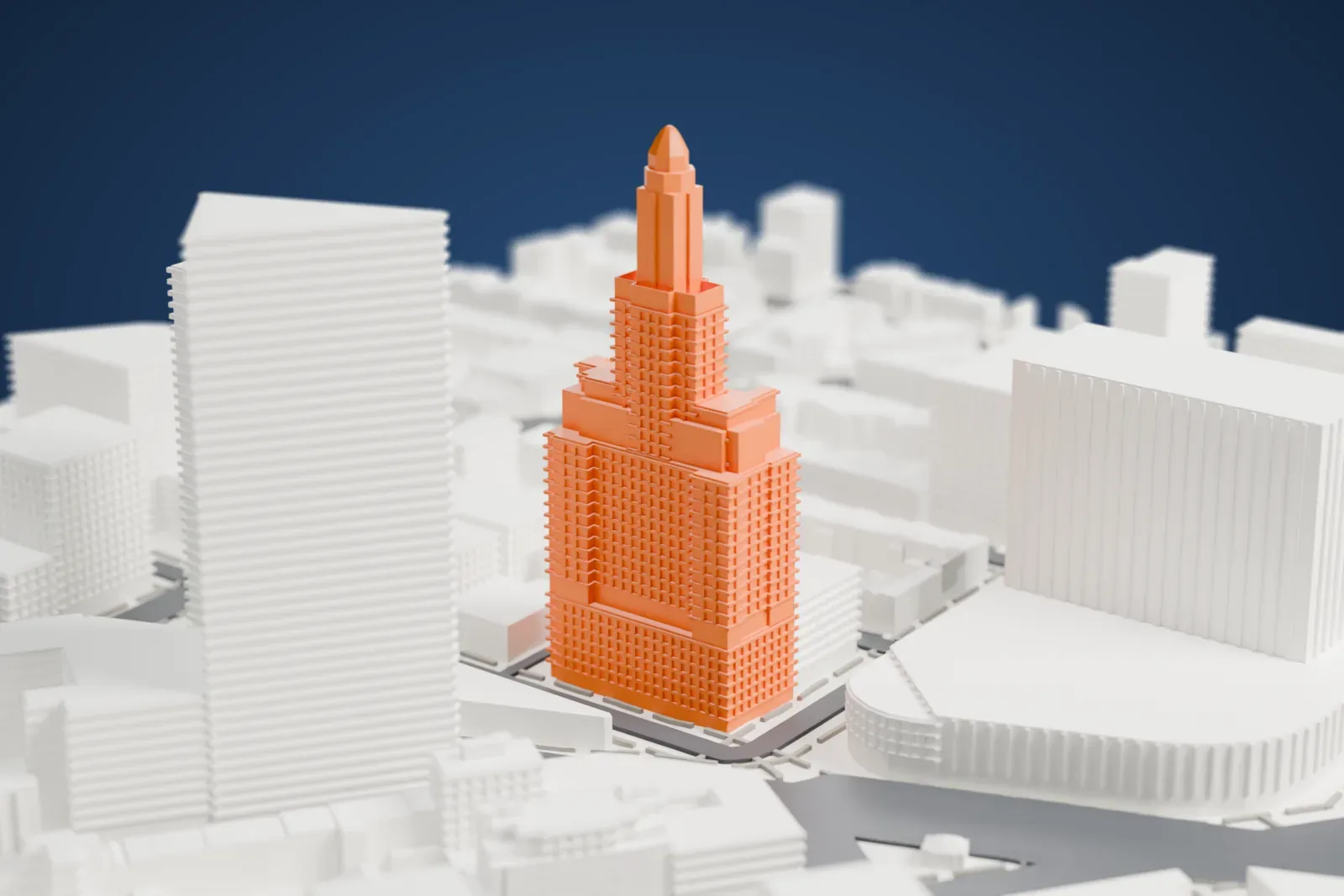
About the Williamsburgh Savings Bank Tower
Brooklyn's Fort Greene neighborhood is home to the Williamsburgh Savings Bank Tower, a skyscraper also called One Hanson Place. It rises on the northeast corner where Ashland Place meets Hanson Place, close to Downtown Brooklyn. The firm of Halsey, McCormack & Helmer designed it, and it was built over the years 1927 to 1929 as the new home office of the Williamsburgh Savings Bank. It has 41 stories and stands 156 m (512 ft) tall, and Brooklyn had no taller building until 2009.
A large arch on Hanson Place forms the main entrance. The ground level is limestone over a granite dado, and above the sixth story the walls are brick with terracotta decoration. Setbacks step the tower inward toward a clock tower with a domed roof. The 19 m (63 ft) banking room inside has a nave, aisles and a chancel, much as a church does, and the lobby is richly finished in marble and metalwork.
The tower opened on April 1, 1929. The bank took the lowest floors, and the other stories were let as offices. The city designated the exterior a landmark in 1977 and some interior spaces in 1996. HSBC Bank USA sold the tower in 2004. Between 2005 and 2007 the upper stories became luxury condominiums, while the banking hall turned into an event venue. Neighbors have long used it to tell the time and to give directions.
How it prints
Make this print opens the generator on a 600 m square around the landmark. Buildings print at close to true scale, so the landmark grows with the print size.
| Print size | Landmark height | Scale |
|---|---|---|
| 160 mm default | 42 mm | 1:3,750 |
| 200 mm | 53 mm | 1:3,000 |
| 256 mm | 67 mm | 1:2,344 |
-
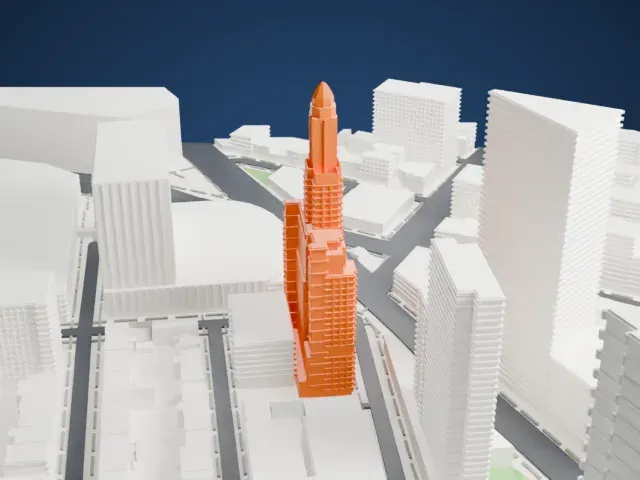 North
North
-
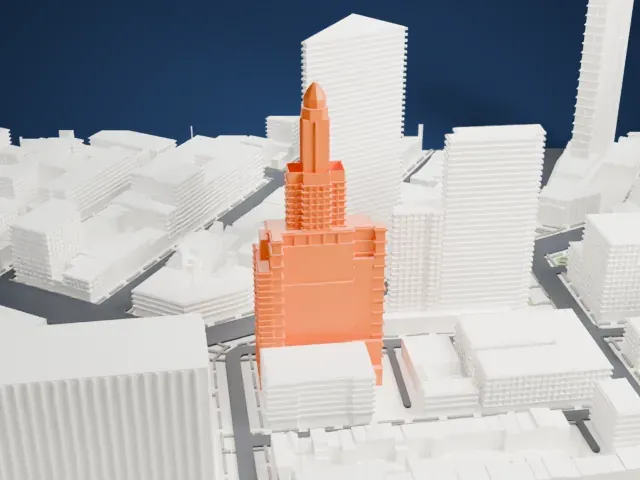 East
East
-
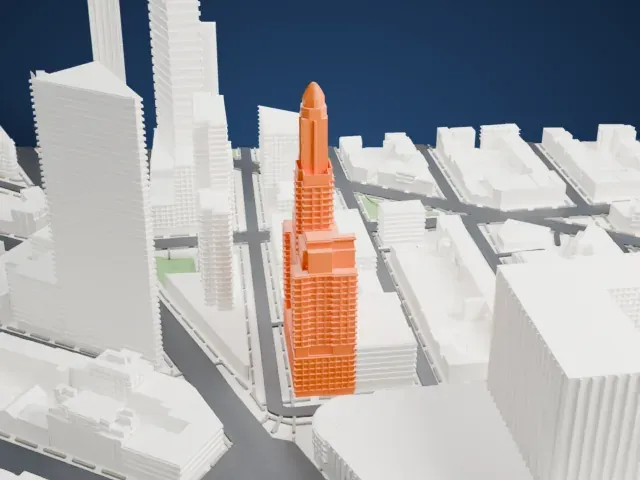 South
South
-
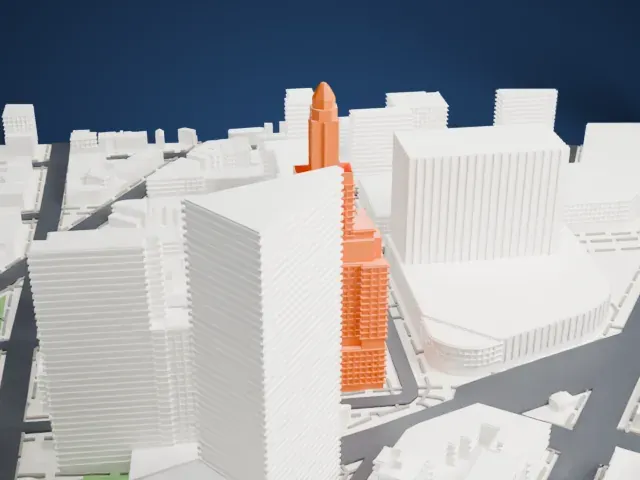 West
West
- Slender clock tower and dome
- The top narrows to a clock stage and a small dome. Printing slowly with 0.12 to 0.16 mm layers helps the slender crown stay clean.
- Setbacks and vertical ribs
- Stepped setbacks and fine vertical lines run up the shaft. A larger print size keeps them distinct, and Full detail keeps every one.
- One piece with the ground
- The Williamsburgh Savings Bank Tower is joined to the ground in the exported file, and the four-side check found no floating parts, so nothing needs gluing.
- Pick the detail for your nozzle
- In the Buildings settings, set Landmark detail to Print friendly to adapt thin parts and small details to the print scale. Full detail keeps every modeled feature, for larger prints or a finer nozzle.
- Colors
- Buildings, roads, water and ground arrive as separate filament slots in the 3MF. The Williamsburgh Savings Bank Tower takes the building color.
- File format
- You get a 3MF for Bambu Studio, OrcaSlicer or PrusaSlicer. Any of them can save it as STL if you need one.
About this model
The Williamsburgh Savings Bank Tower is one of more than 2,300 landmark models in Mini Skyline. They are made with AI, and each one is checked from four sides in its real surroundings before release. Everything around it is built from OpenStreetMap and Overture map data. If you would rather print the shape from map data, turn off Landmark models in the Buildings settings.
Common questions
Is there a Williamsburgh Savings Bank Tower STL I can download?
Mini Skyline builds the file for you in your browser and exports 3MF, which every major slicer opens. If you need an STL, open the 3MF in your slicer and export it from there.
How big can I print it?
Any print size from 40 mm across. The Williamsburgh Savings Bank Tower grows with the print: about 42 mm tall on the default 160 mm print. For a model larger than your printer bed, Project Mode splits the area into tiles.
Is it free?
Yes. Generation runs in your browser, with no account and nothing behind a paywall.





