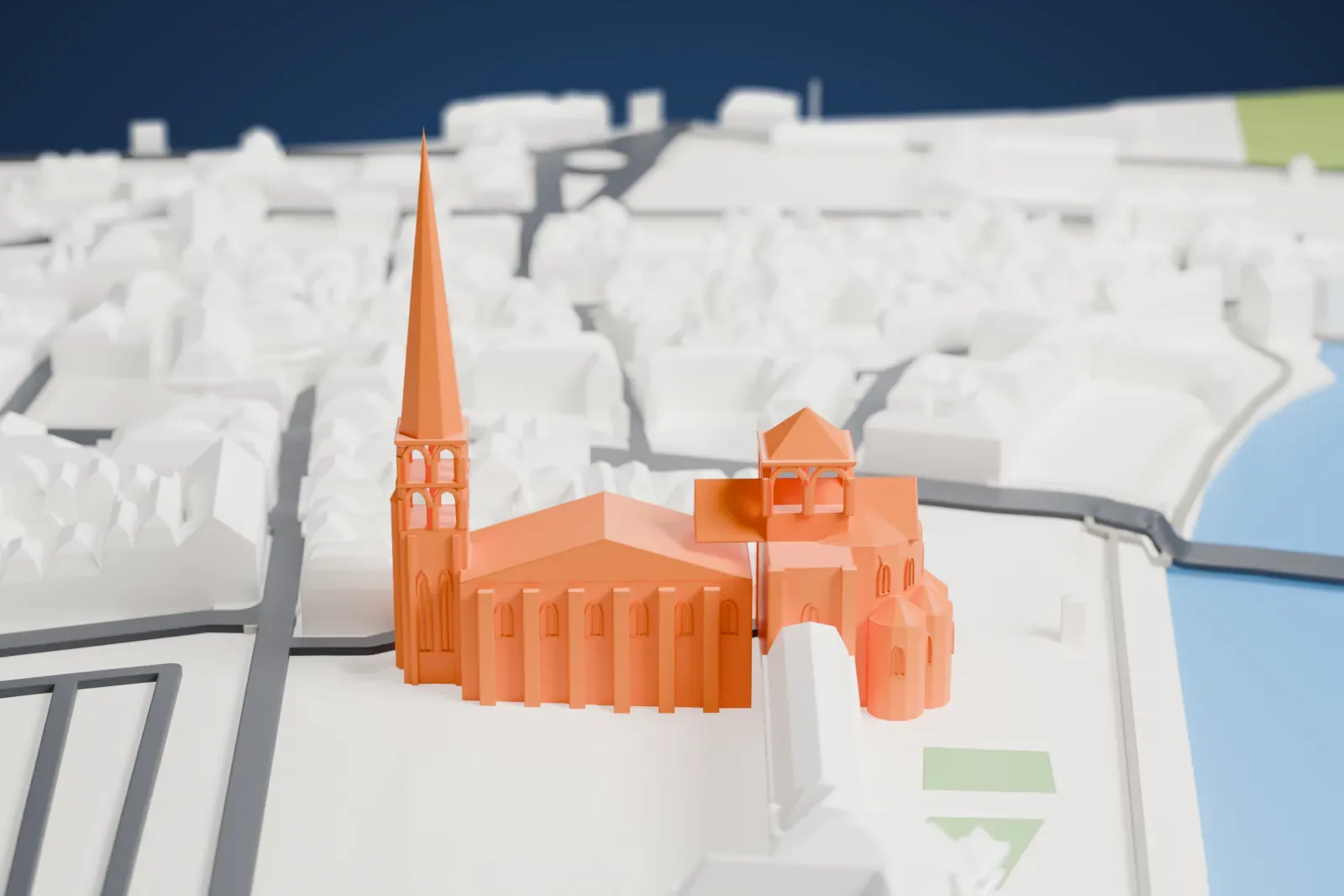
3D print the Abbey Church of Saint-Savin-sur-Gartempe
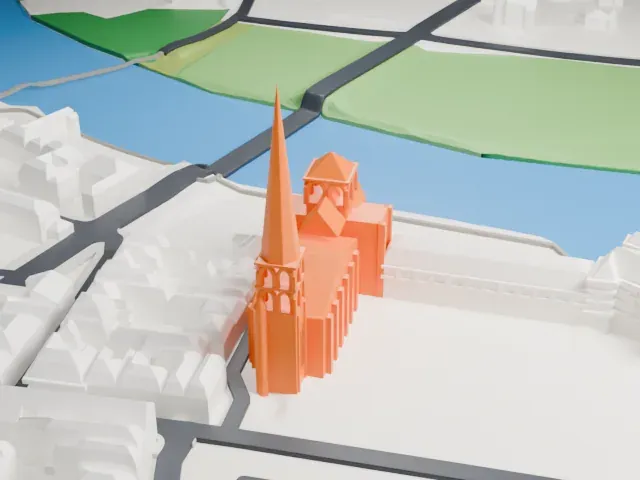
A free, printable model of the abbey church at Saint-Savin-sur-Gartempe with its tall slender spire, shown beside a river and among the town's buildings and generated from real map data in your browser.
-
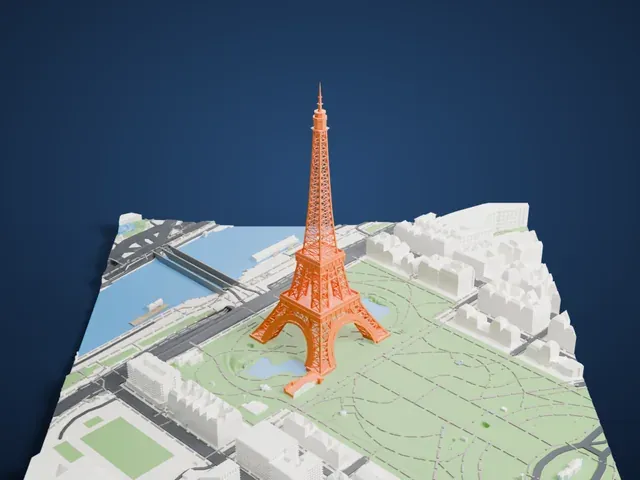
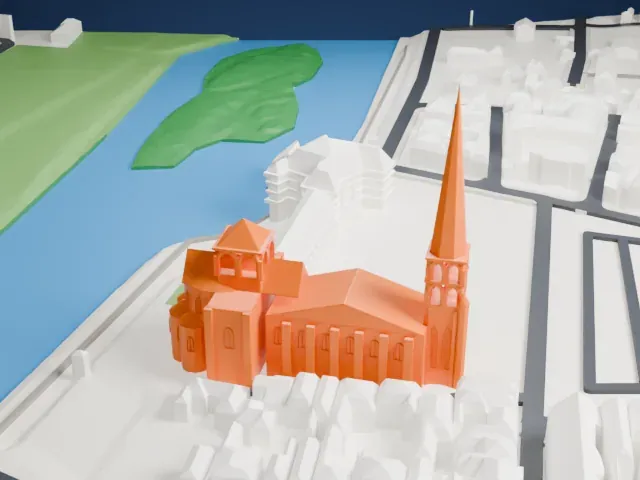 North
-
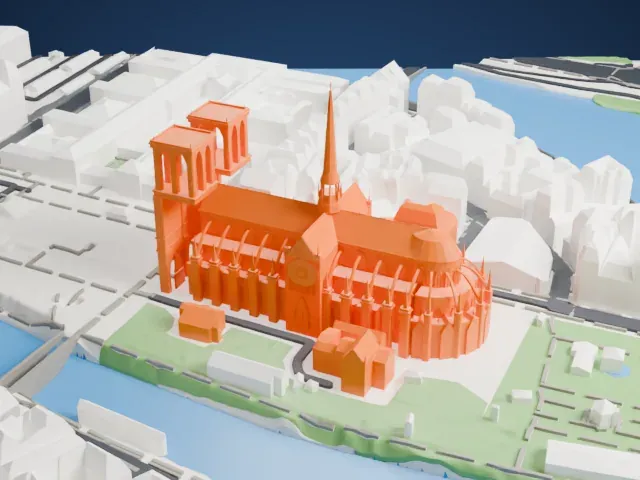
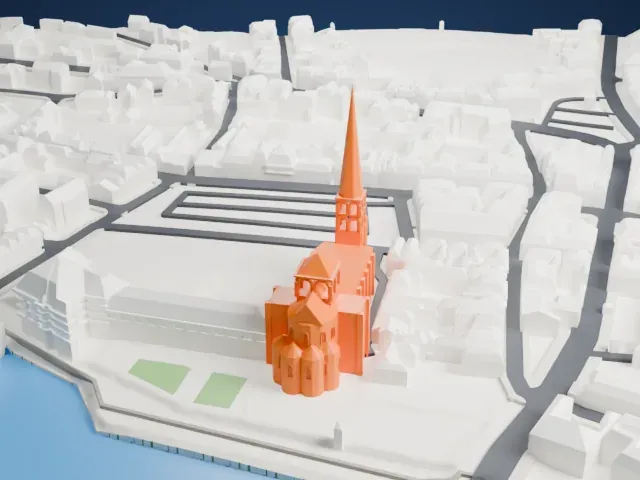 East
-
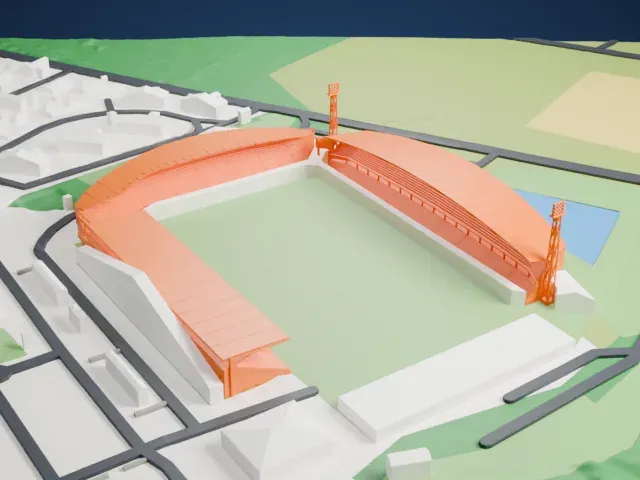
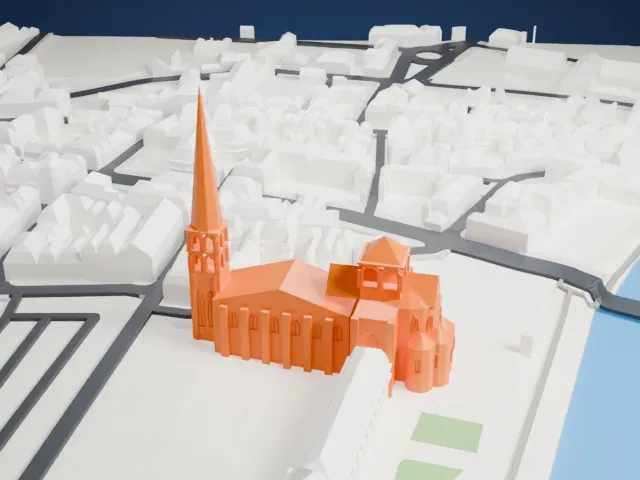 South
-
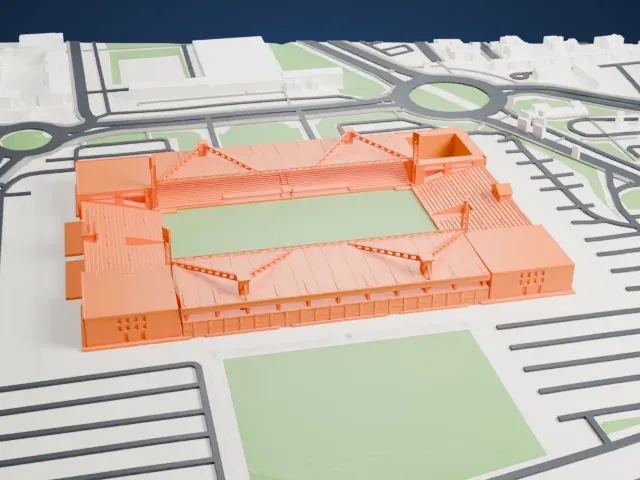
 West
The model you print
Abbey Church of Saint-Savin-sur-Gartempe in 3D
The landmark on its own, at its size on a 160 mm print. Print friendly thickens thin parts for a 0.4 mm nozzle; Full detail keeps every part.
- Real height
- 80 m
- On a 160 mm print
- 21 mm
- Scale
- 1:3,750
80 m of the Abbey Church of Saint-Savin-sur-Gartempe, 21 mm on your shelf
Make this print opens the generator on a 600 m square around the landmark. Buildings print at close to true scale, so the landmark grows with the print size.
- A very tall, thin spire
The stone spire is the tallest and thinnest part of the model, and its tip is easy to lose. Print slowly with good cooling, use 0.12 mm layers, and try Full detail on a larger print.
- One piece with the ground
The Abbey Church of Saint-Savin-sur-Gartempe is joined to the ground in the exported file, and the four-side check found no floating parts, so nothing needs gluing.
- Pick the detail for your nozzle
In the Buildings settings, set Landmark detail to Print friendly to adapt thin parts and small details to the print scale. Full detail keeps every modeled feature, for larger prints or a finer nozzle.
- Colors
Buildings, roads, water and ground arrive as separate filament slots in the 3MF. The Abbey Church of Saint-Savin-sur-Gartempe takes the building color.
- File format
You get a 3MF for Bambu Studio, OrcaSlicer or PrusaSlicer. Any of them can save it as STL if you need one.
About the Abbey Church of Saint-Savin-sur-Gartempe
The abbey church at Saint-Savin-sur-Gartempe, in France's Poitou region, is Roman Catholic and Romanesque in style. UNESCO has listed it as a World Heritage Site since 1983. It is cruciform, with a square tower over the crossing. Saint Benoît d'Aniane is thought to have founded the abbey, under Charlemagne's protection and that of his immediate successors, though its early history is obscure.
The church went up in stages. Builders began with the transept, then raised the choir, which has an ambulatory and five radial chapels around its polygonal apse. A later campaign added three nave bays and the bell tower with its porch, and the final six bays of the nave followed. The bell tower is topped by a stone spire of more than 80 meters, which dates from the 14th century and was restored in the 19th century. Its barrel-vaulted nave rests on columns with foliate capitals.
Nearly all of the church is covered in painted murals showing scenes from across the Bible, believed to date from between 1095 and 1115. The doorway murals show the Apocalypse, scenes from the Passion of Christ fill the gallery, and the vault shows Genesis and Exodus. The crypt beneath the church belongs to the martyred brothers St Savin and St Cyprian. People often call the church the "Romanesque Sistine Chapel".
About this model
The Abbey Church of Saint-Savin-sur-Gartempe is one of more than 6,500 landmark models in Mini Skyline. They are made with AI, and each one is checked in its real surroundings before release. Each model is written as code from public descriptions, plans, photographs and aerial views used only as references; no image or third-party model is copied into it. Everything around it is built from OpenStreetMap and Overture map data. Rights in the building itself, its name and any brands on it are not granted by Mini Skyline; clear them separately before you sell prints. If you would rather print the shape from map data, turn off Landmark models in the Buildings settings.
Mini Skyline is not affiliated with, or endorsed by, the owners of this building or its names and marks.
Keep exploring