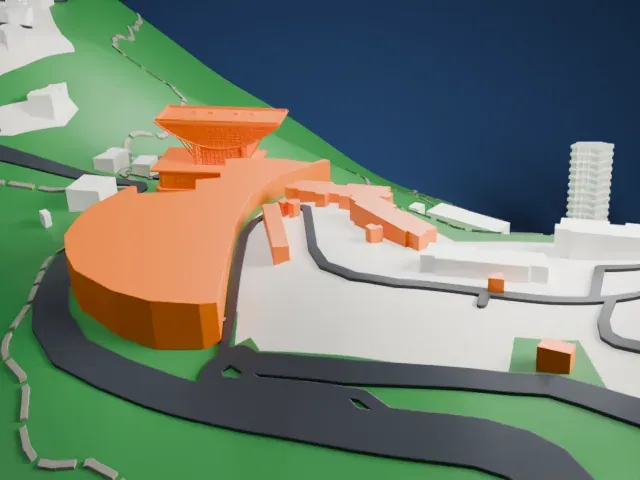
3D print the Bank of China Tower
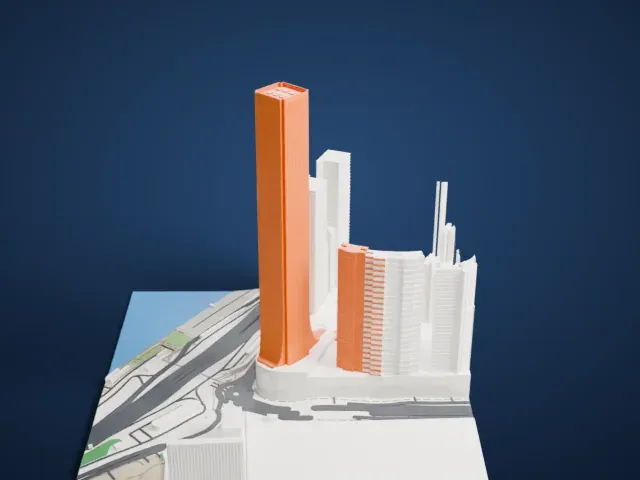
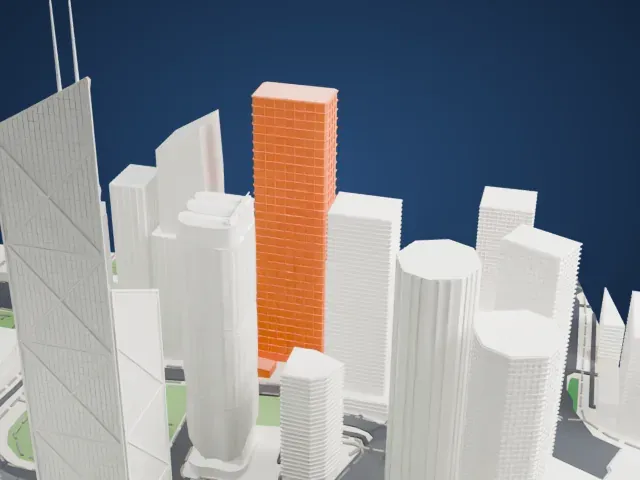
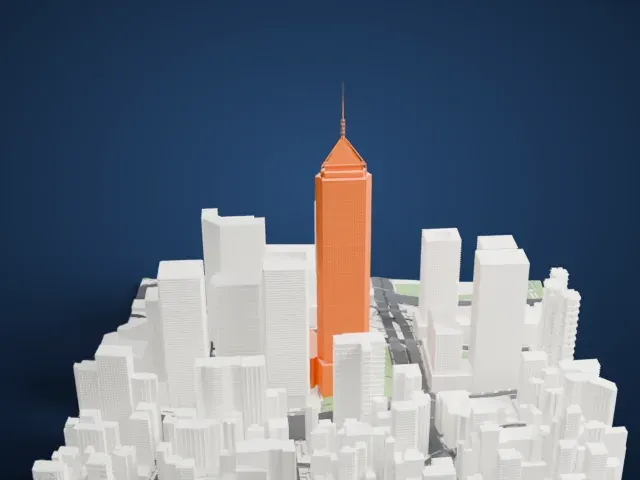
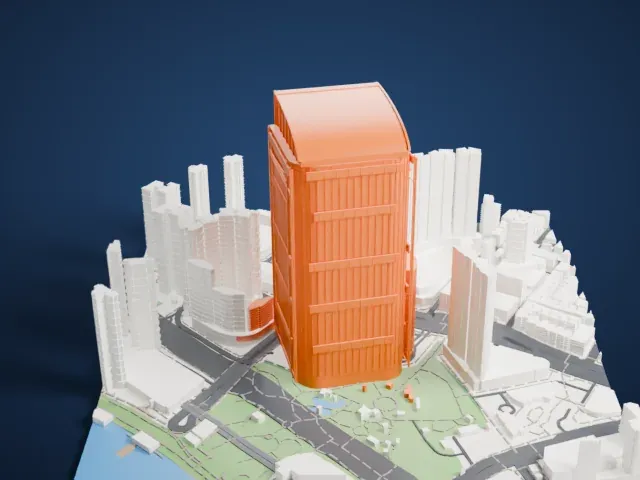
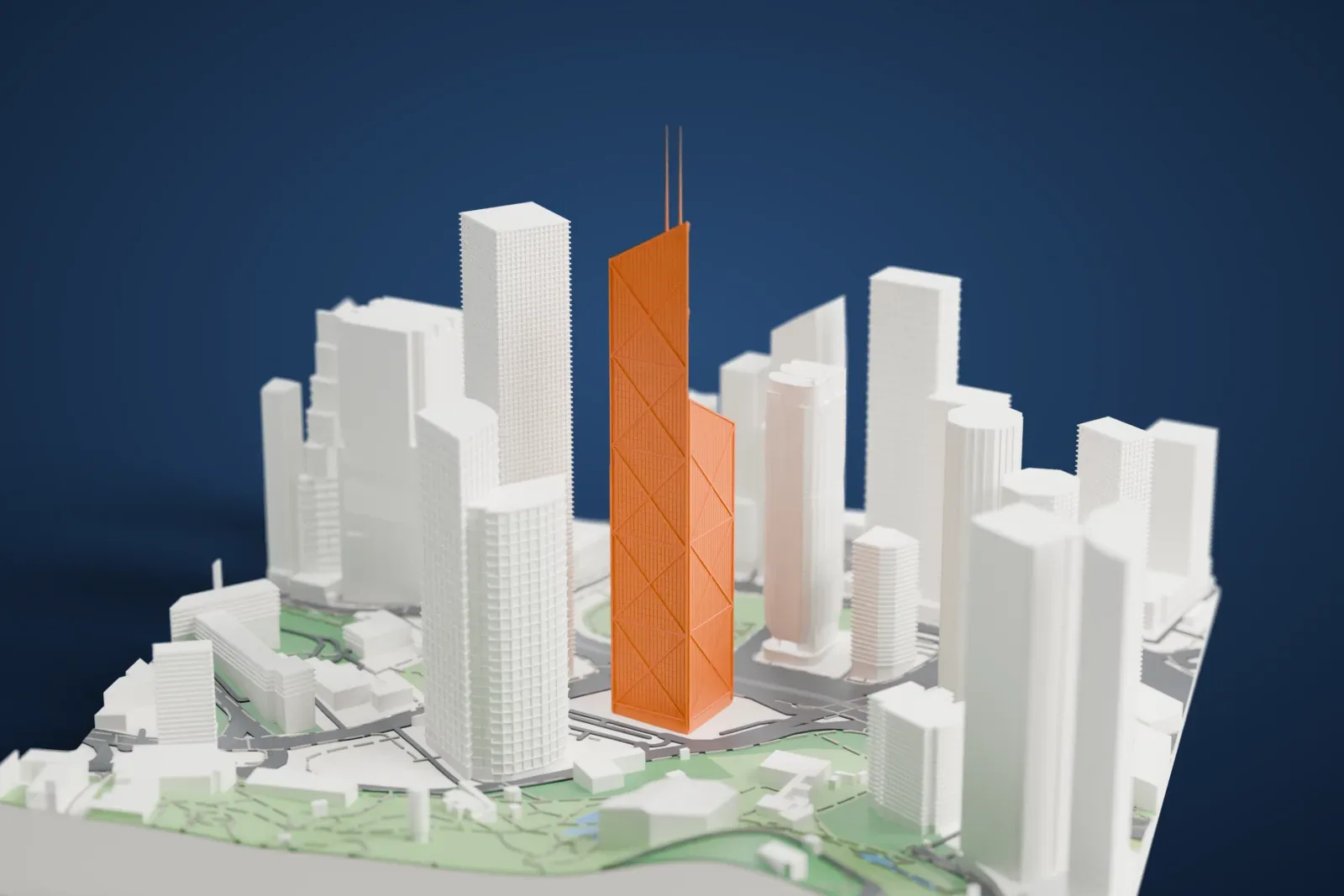
A free, printable model of the Bank of China Tower's triangular frames and twin masts, with the tall buildings, roads and small parks around it, generated from real map data in your browser.
Free, in your browser. Exports a slicer-ready 3MF.
About the Bank of China Tower
The Bank of China Tower, also called the BOC Tower, is a skyscraper at 1 Garden Road in Central, on Hong Kong Island, and houses the headquarters of Bank of China (Hong Kong) Limited. It is described as one of Hong Kong's most recognizable landmarks, notable for a distinctive shape made of triangular frameworks clad in glass curtain walls. The tower sits between Garden Road and Cotton Tree Drive and can be reached from the MTR's Central station.
I. M. Pei, a Chinese-American architect, designed the building together with L. C. Pei, of the firm I. M. Pei and Partners. The roof stands at 315 m (1,033.5 ft), and two masts take the total to 367.4 m, or 1,205.4 ft. The building has 72 stories. From 1990 to 1992 no building in Hong Kong or Asia was taller. It was also the first supertall skyscraper built beyond the United States: no building outside that country had reached 305 m (1,000 ft) before it. Central Plaza, on the same island, surpassed it in 1992.
In 1985, work began on the site where Murray House had stood, and it finished five years on, in 1990. The Japanese contractor Kumagai Gumi built the steel-frame tower. Four steel columns at the corners carry the weight, with the triangular frameworks transferring the load onto them. The structural engineer was Leslie E. Robertson, who is also known for working on the original World Trade Center's Twin Towers. From some angles the profile resembles a meat cleaver, and the tower is sometimes called a vertical knife.
How it prints
Make this print opens the generator on a 600 m square around the landmark. Buildings print at close to true scale, so the landmark grows with the print size.
| Print size | Landmark height | Scale |
|---|---|---|
| 160 mm default | 99 mm | 1:3,750 |
| 200 mm | 123 mm | 1:3,000 |
| 256 mm | 158 mm | 1:2,344 |
-
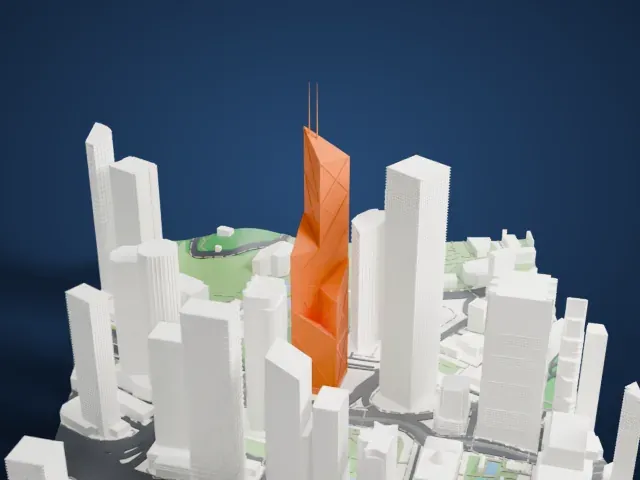 North
North
-
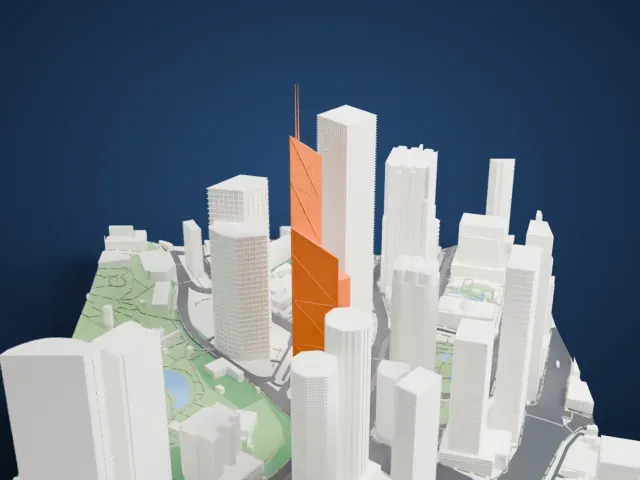 East
East
-
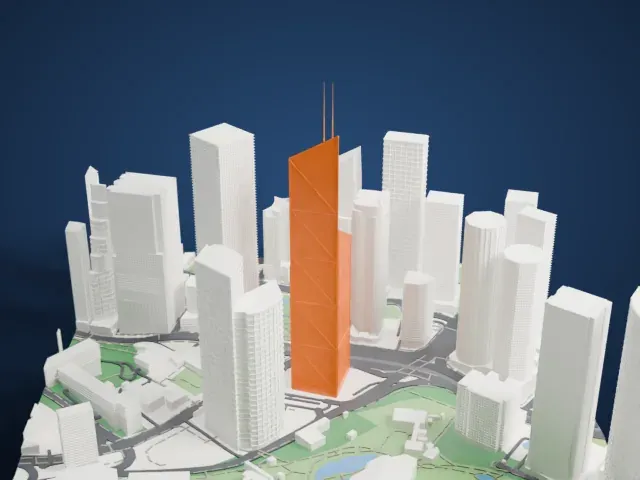 South
South
-
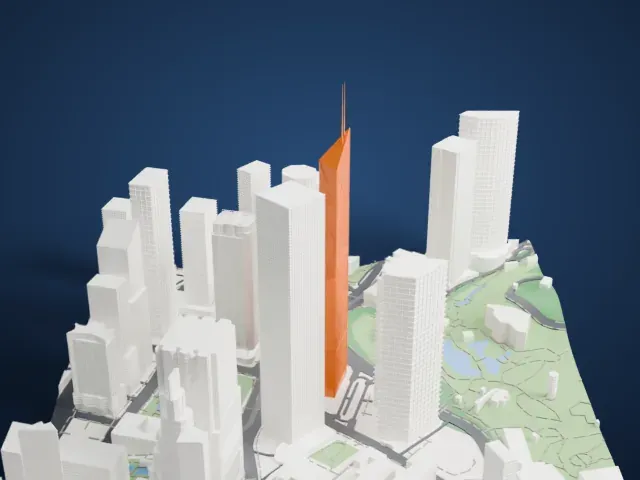 West
West
- Twin masts on top
- Two very thin masts rise from the roof and are the most delicate parts. Print friendly adapts them to the print scale; Full detail keeps them on larger prints, and printing slowly with cooling helps.
- Diagonal frame lines
- Diagonal frames cross the tower faces, and the tower steps in angled sections. A larger print keeps the frame lines clear, and 0.12 to 0.16 mm layers keep their edges crisp.
- One piece with the ground
- The Bank of China Tower is joined to the ground in the exported file, and the four-side check found no floating parts, so nothing needs gluing.
- Pick the detail for your nozzle
- In the Buildings settings, set Landmark detail to Print friendly to adapt thin parts and small details to the print scale. Full detail keeps every modeled feature, for larger prints or a finer nozzle.
- Colors
- Buildings, roads, water and ground arrive as separate filament slots in the 3MF. The Bank of China Tower takes the building color.
- File format
- You get a 3MF for Bambu Studio, OrcaSlicer or PrusaSlicer. Any of them can save it as STL if you need one.
About this model
The Bank of China Tower is one of more than 2,300 landmark models in Mini Skyline. They are made with AI, and each one is checked from four sides in its real surroundings before release. Everything around it is built from OpenStreetMap and Overture map data. If you would rather print the shape from map data, turn off Landmark models in the Buildings settings.
Common questions
Is there a Bank of China Tower STL I can download?
Mini Skyline builds the file for you in your browser and exports 3MF, which every major slicer opens. If you need an STL, open the 3MF in your slicer and export it from there.
How big can I print it?
Any print size from 40 mm across. The Bank of China Tower grows with the print: about 99 mm tall on the default 160 mm print. For a model larger than your printer bed, Project Mode splits the area into tiles.
Is it free?
Yes. Generation runs in your browser, with no account and nothing behind a paywall.