3D print the International Commerce Centre
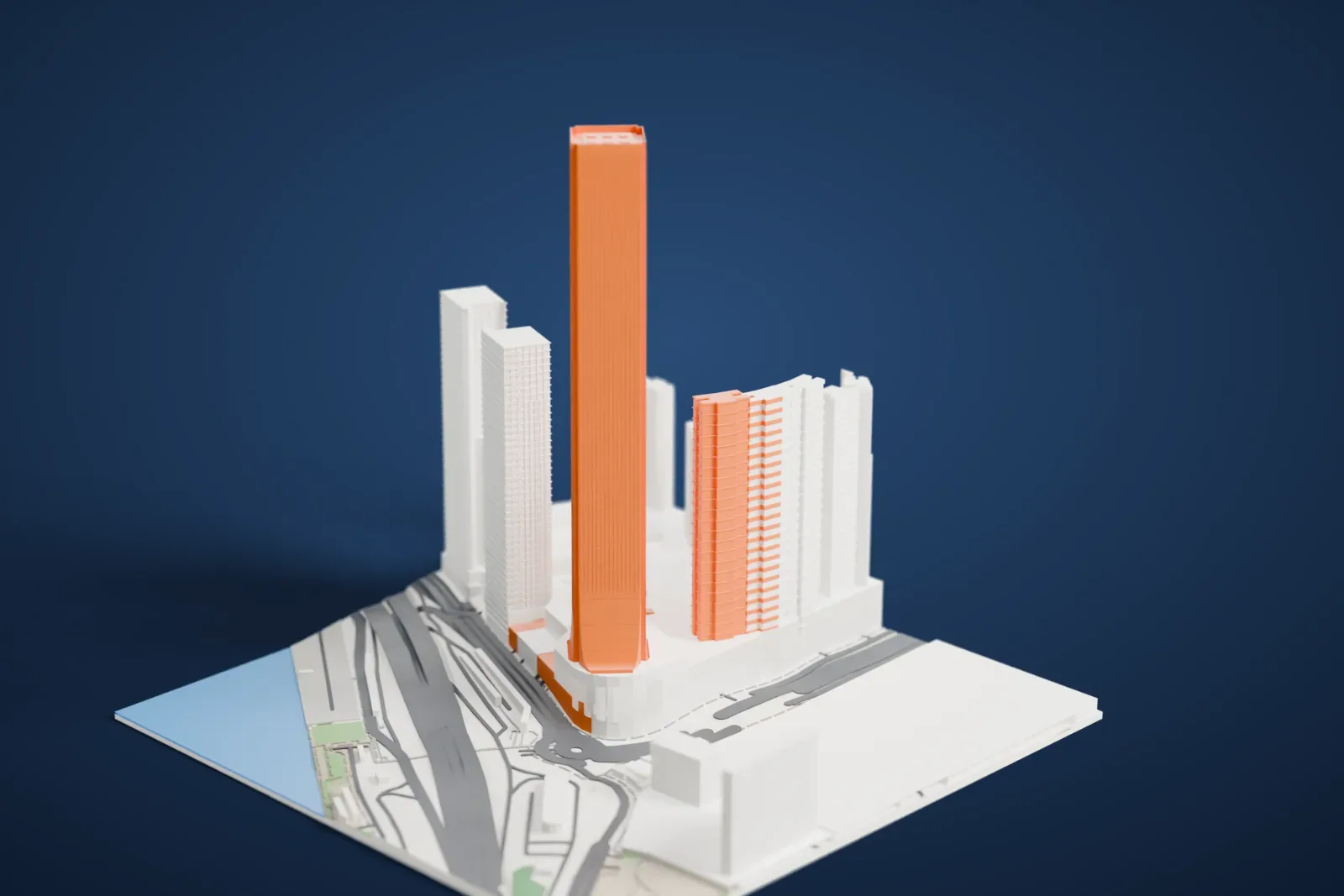
A free, printable model of the International Commerce Centre, a very tall slim tower with a flared base, with the neighboring towers and roads around it, generated from real map data in your browser.
Free, in your browser. Exports a slicer-ready 3MF.
About the International Commerce Centre
The International Commerce Centre is a supertall skyscraper of 108 stories in West Kowloon, Hong Kong. It rises from the Elements mall and stands close to two MTR stations, Kowloon and Austin. It officially measures 484 m (1,588 ft) high, a figure that includes the 6 m (20 ft) parapets on the roof. On completion in 2010, it ranked fourth among the world's tallest buildings. Victoria Harbour lies to the south, which is the side the tower faces.
Plans for the tower started out taller: the original proposal, called Kowloon Station Phase 7, would have reached 574 m (1,883 ft) with 108 floors. The height was reduced because regulations did not allow buildings to rise above the surrounding mountains. The American architecture firm Kohn Pedersen Fox Associates (KPF) designed the tower together with Wong & Ouyang. China State Construction Engineering Corporation built it, along with Sanfield, which serves as the construction arm of Sun Hung Kai Properties Limited.
The top floor carries the number 118. Floor numbers ending in 4 were skipped, because the number sounds like the word for "death" in Cantonese and Mandarin, and the numbering of the remaining floors shifted upward. The indoor observation deck, Sky100, is on level 100. The Ritz-Carlton hotel occupies floors 102 to 118, and the restaurants of Skydining 101 are on level 101, which sits at 399 m (1,309 ft). A Guinness World Record went to the tower's LED light show as the biggest light and sound show for any one building.
How it prints
Make this print opens the generator on a 600 m square around the landmark. Buildings print at close to true scale, so the landmark grows with the print size.
| Print size | Landmark height | Scale |
|---|---|---|
| 160 mm default | 136 mm | 1:3,750 |
| 200 mm | 170 mm | 1:3,000 |
| 256 mm | 217 mm | 1:2,344 |
-
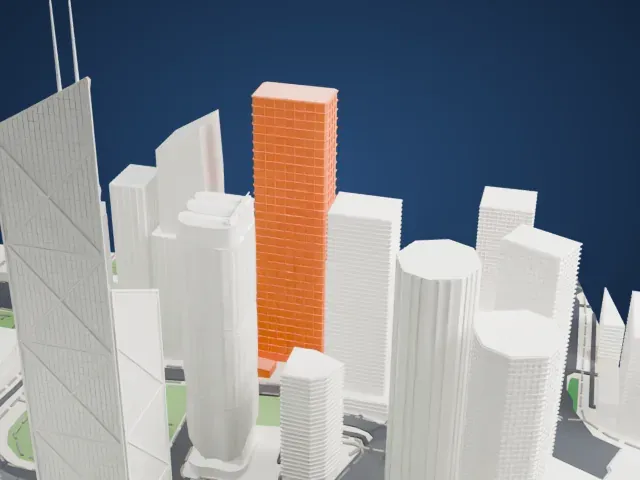
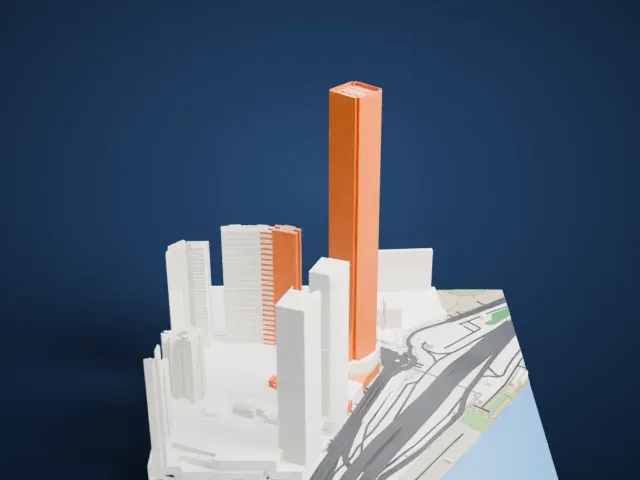 North
North
-
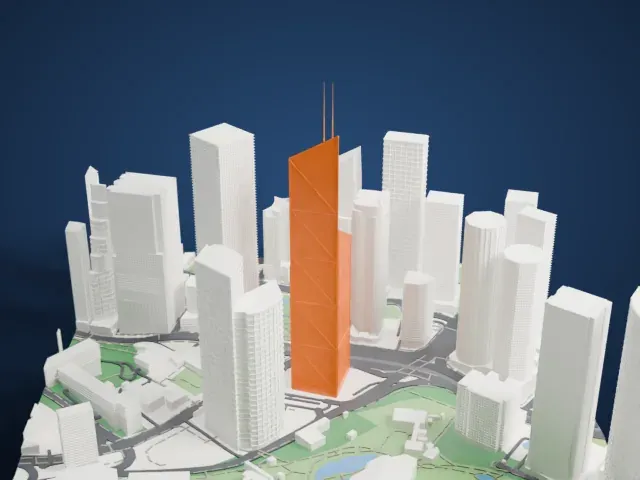
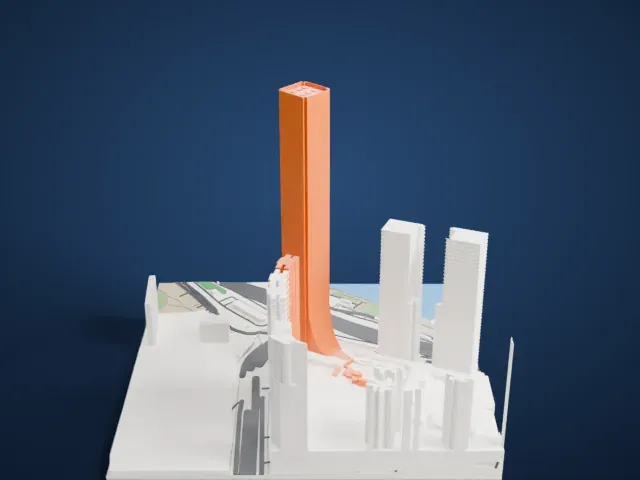 East
East
-
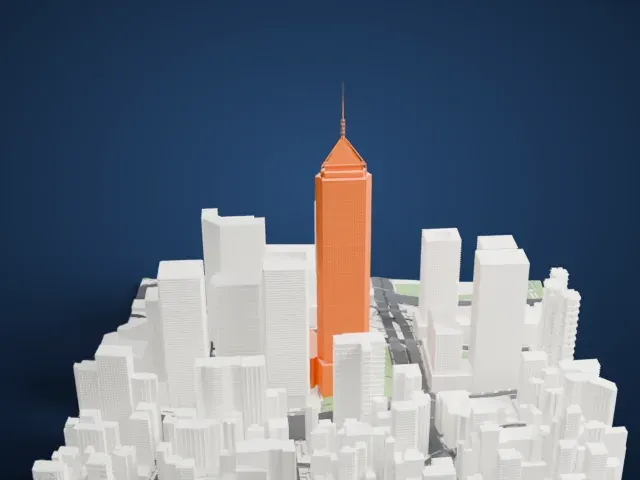
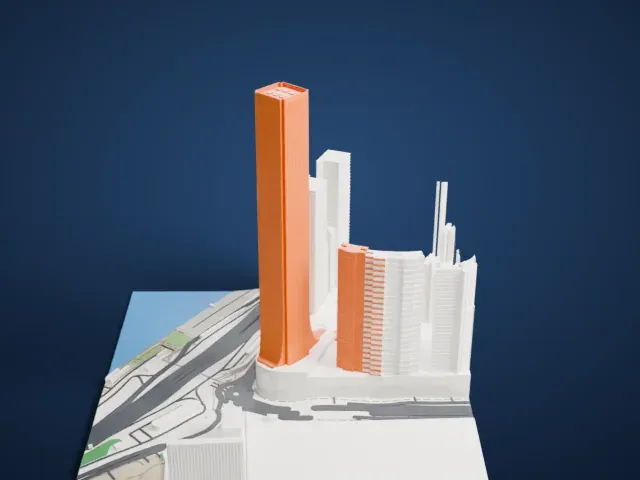 South
South
-
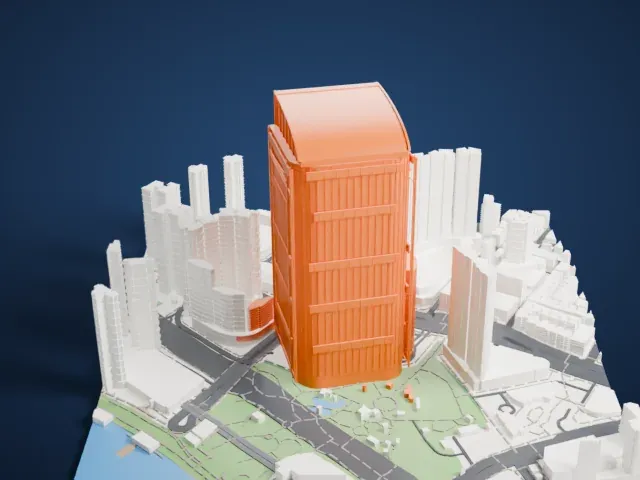
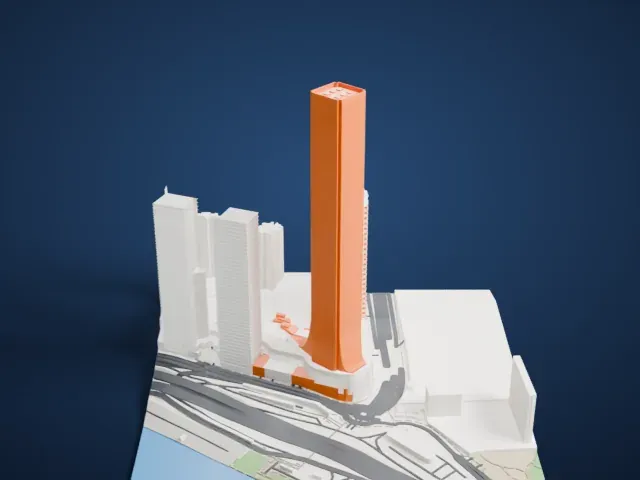 West
West
- A very tall, slim tower
- The tower is long and slim compared with everything around it. Printing slowly with good cooling and 0.12 to 0.16 mm layers keeps the upper floors clean.
- Flared base and fine facade lines
- The base widens in a smooth flare, and fine vertical lines run up the facade. Print friendly adapts small details like these to your print scale; Full detail keeps them and suits a larger print.
- One piece with the ground
- The International Commerce Centre is joined to the ground in the exported file, and the four-side check found no floating parts, so nothing needs gluing.
- Pick the detail for your nozzle
- In the Buildings settings, set Landmark detail to Print friendly to adapt thin parts and small details to the print scale. Full detail keeps every modeled feature, for larger prints or a finer nozzle.
- Colors
- Buildings, roads, water and ground arrive as separate filament slots in the 3MF. The International Commerce Centre takes the building color.
- File format
- You get a 3MF for Bambu Studio, OrcaSlicer or PrusaSlicer. Any of them can save it as STL if you need one.
About this model
The International Commerce Centre is one of more than 2,300 landmark models in Mini Skyline. They are made with AI, and each one is checked from four sides in its real surroundings before release. Everything around it is built from OpenStreetMap and Overture map data. If you would rather print the shape from map data, turn off Landmark models in the Buildings settings.
Common questions
Is there an International Commerce Centre STL I can download?
Mini Skyline builds the file for you in your browser and exports 3MF, which every major slicer opens. If you need an STL, open the 3MF in your slicer and export it from there.
How big can I print it?
Any print size from 40 mm across. The International Commerce Centre grows with the print: about 136 mm tall on the default 160 mm print. For a model larger than your printer bed, Project Mode splits the area into tiles.
Is it free?
Yes. Generation runs in your browser, with no account and nothing behind a paywall.