3D print China World Trade Center Tower III
A free, printable model of the Beijing skyscraper, with the surrounding buildings and streets, generated from real map data in your browser.
-
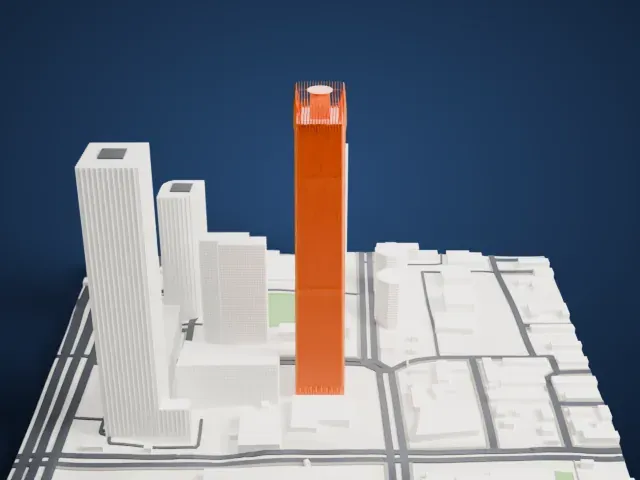 North
North
-
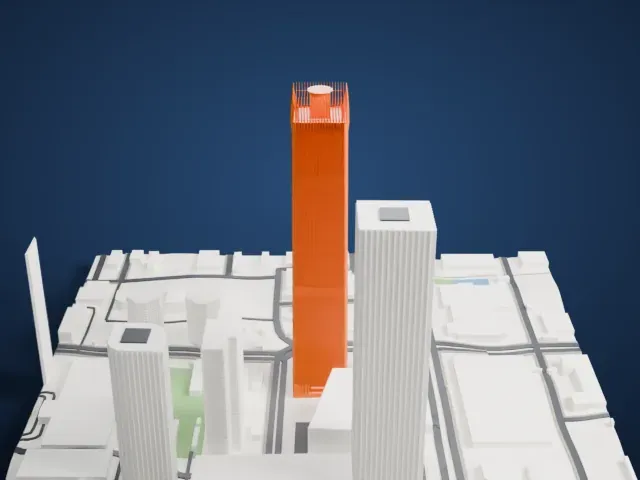 East
East
-
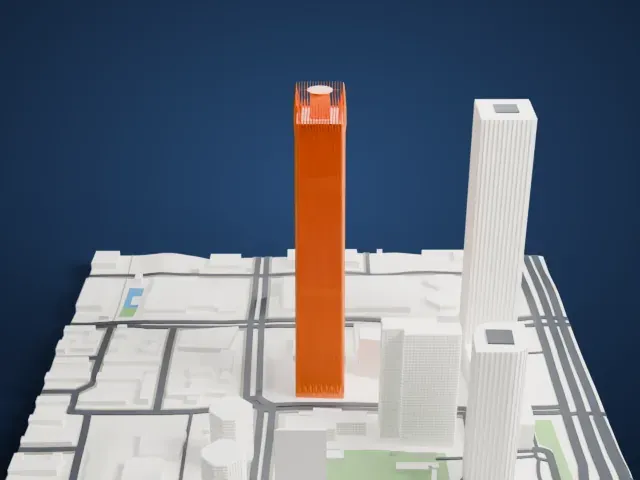 South
South
-
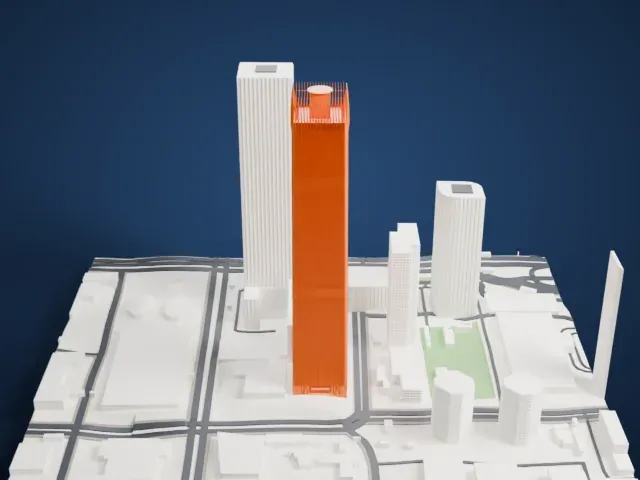 West
West
The model you print
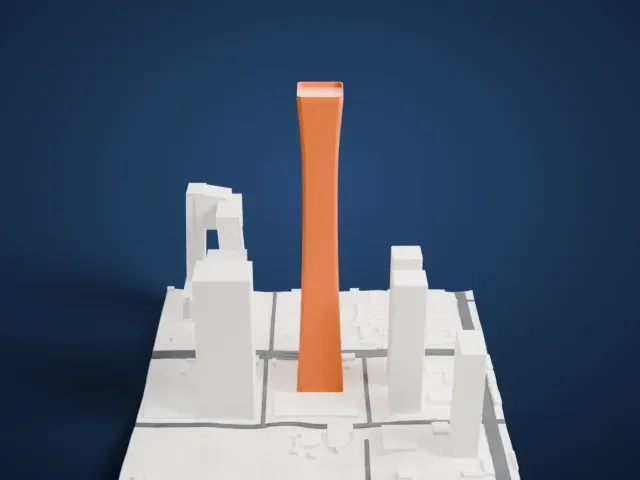
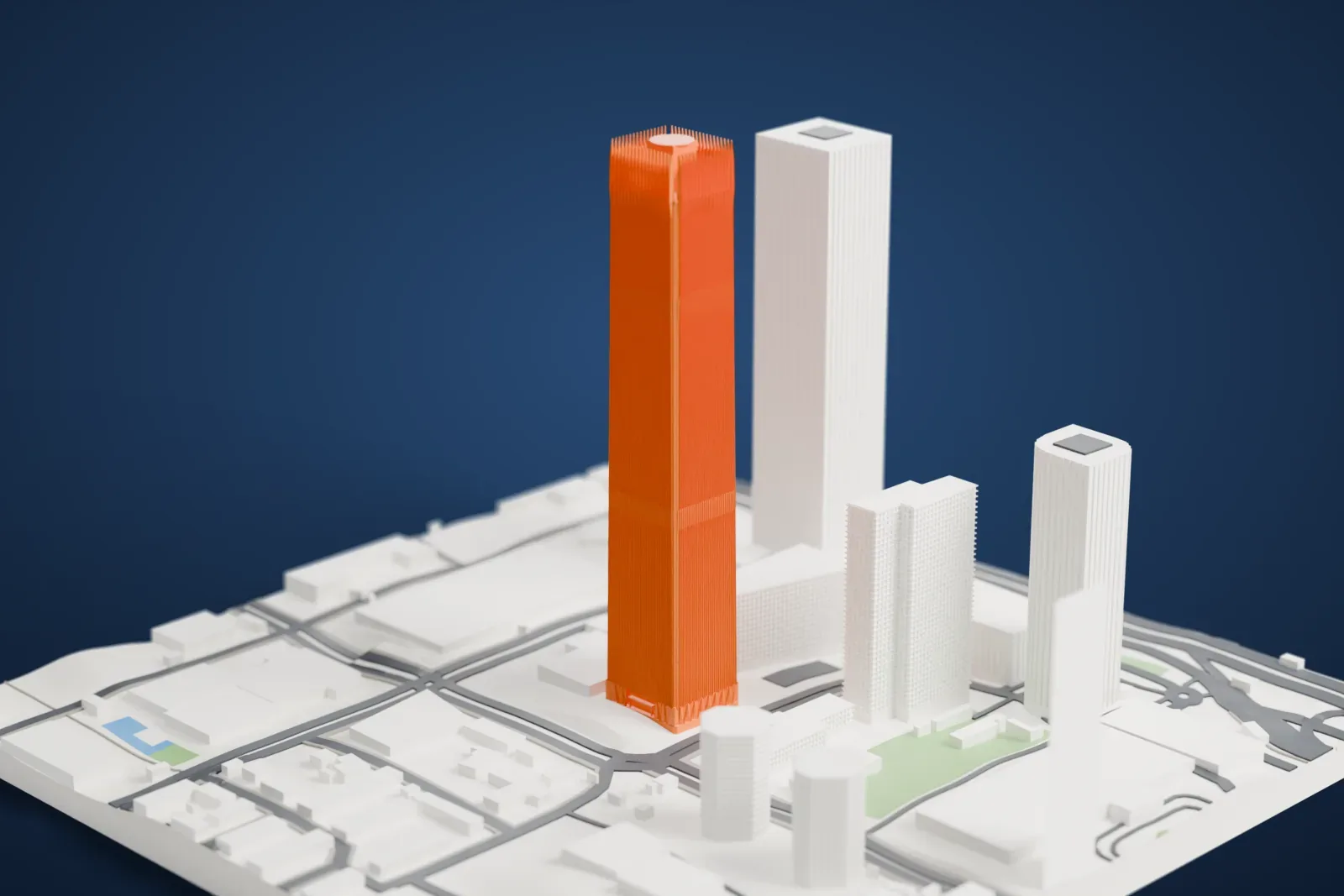
China World Trade Center Tower III in 3D
The landmark on its own, at its size on a 160 mm print. Print friendly thickens thin parts for a 0.4 mm nozzle; Full detail keeps every part.
- Real height
- 330 m
- On a 160 mm print
- 90 mm
- Scale
- 1:3,750
330 m of China World Trade Center Tower III, 90 mm on your shelf
Make this print opens the generator on a 600 m square around the landmark. Buildings print at close to true scale, so the landmark grows with the print size.
- Open crown and finned shaft
The crown is an open comb of thin blades above a slender finned shaft. Print friendly adapts those blades; Full detail keeps the open crown and fin rhythm for a larger print or a fine nozzle.
- Slow print for the tall shaft
Use 0.12–0.16 mm layers and a slower speed so the vertical fins, crown webs, and folded base stay crisp.
- One piece with the ground
China World Trade Center Tower III is joined to the ground in the exported file, and the four-side check found no floating parts, so nothing needs gluing.
- Pick the detail for your nozzle
In the Buildings settings, set Landmark detail to Print friendly to adapt thin parts and small details to the print scale. Full detail keeps every modeled feature, for larger prints or a finer nozzle.
- Colors
Buildings, roads, water and ground arrive as separate filament slots in the 3MF. China World Trade Center Tower III takes the building color.
- File format
You get a 3MF for Bambu Studio, OrcaSlicer or PrusaSlicer. Any of them can save it as STL if you need one.
About China World Trade Center Tower III
China World Trade Center Tower III, in Beijing, is a 74-story supertall skyscraper with five floors below ground and 30 elevators. It stands in the Chaoyang central business district, where the East Third Ring Road meets Jianguomen Outer Street. The tower is 330 m (1,083 ft) tall, topped out on October 29, 2007, and completed in 2010.
Offices, a hotel, and shops share the building, with retail on the lower levels. It has a 278-room five-star hotel, a carpark, and a 1,600-seat grand ballroom. Offices fill floors 1 to 55. The China World Summit Wing Hotel fills floors 64 to 77, and its lobby sits on the 64th floor. A restaurant and an observation deck occupy floors 79 to 81.
Four Schindler 7000 elevators link the lobby with the 64th floor, reaching up to 10 meters per second. Skidmore, Owings & Merrill, the architectural group that also constructed New York's One World Trade Center, built the tower. In 2010 it took the title of the tallest building in the world with a rooftop helipad from the U.S. Bank Tower.
About this model
China World Trade Center Tower III is one of more than 4,900 landmark models in Mini Skyline. They are made with AI, and each one is checked from four sides in its real surroundings before release. Everything around it is built from OpenStreetMap and Overture map data. If you would rather print the shape from map data, turn off Landmark models in the Buildings settings.
Same skyline