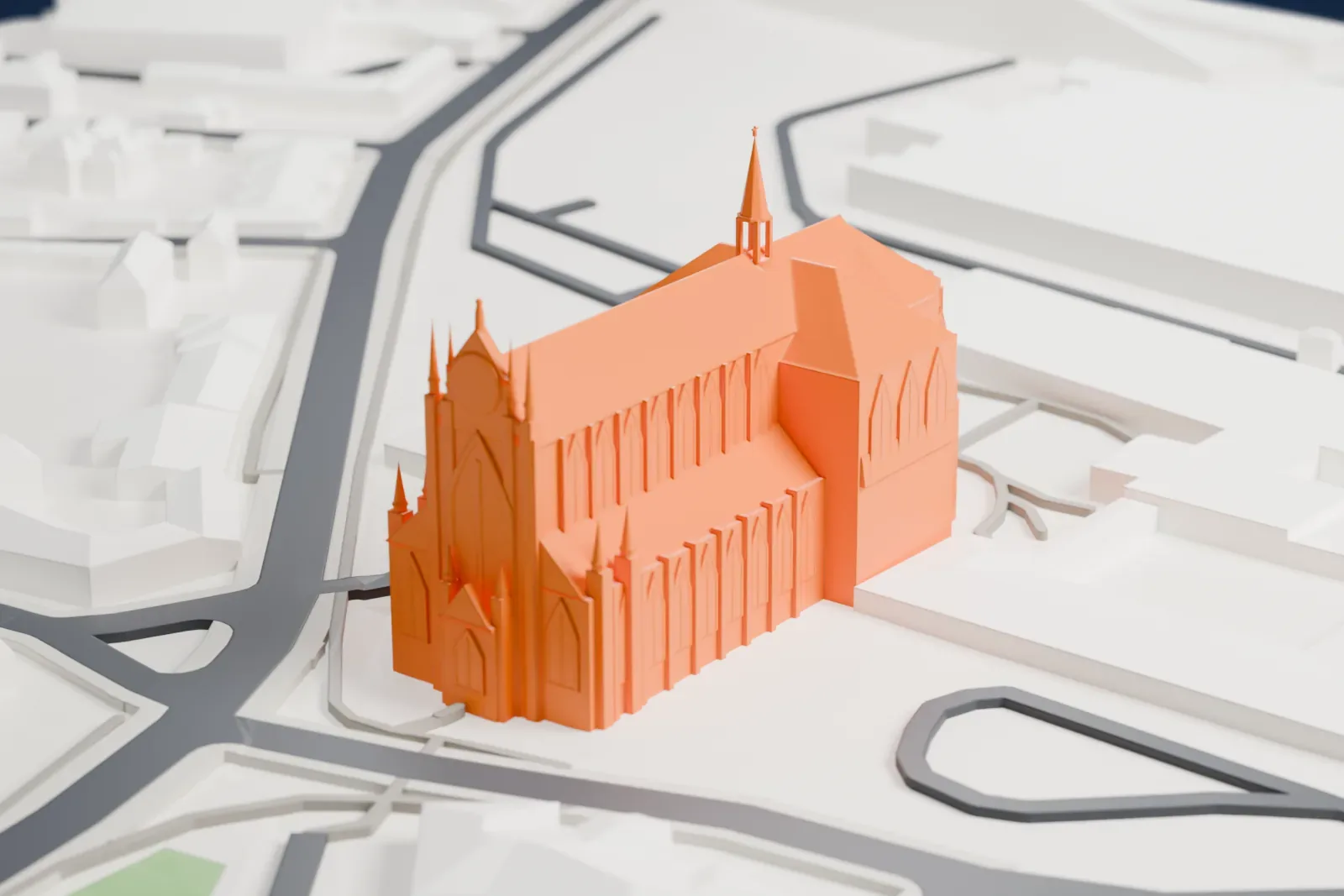
3D print the Church of the Assumption and St. John the Baptist
A free, printable model of the Church of the Assumption, with the roads and low buildings around it, generated from real map data in your browser.
-
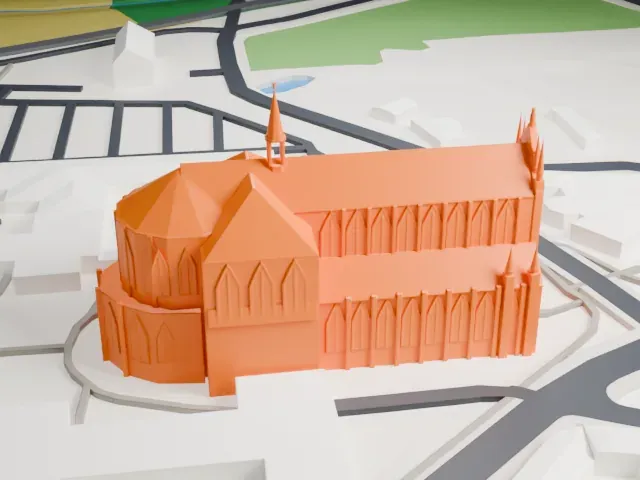 North
-
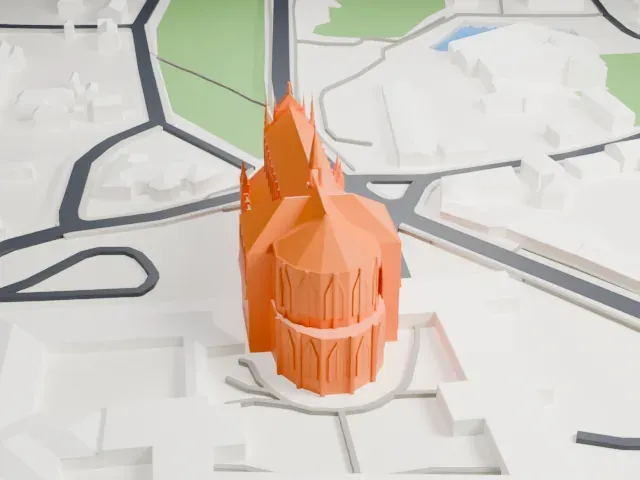 East
-
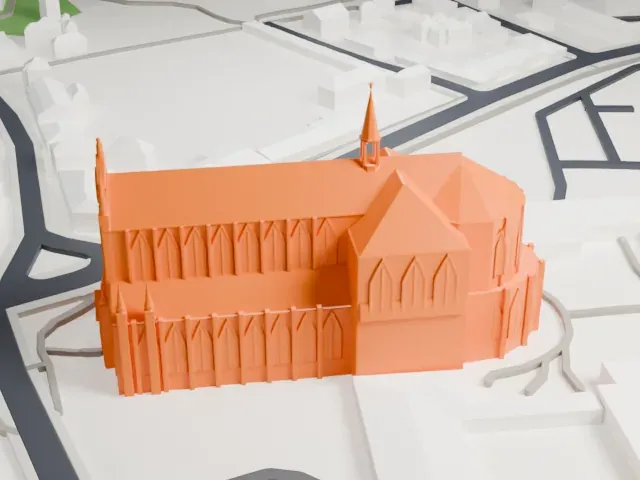 South
-
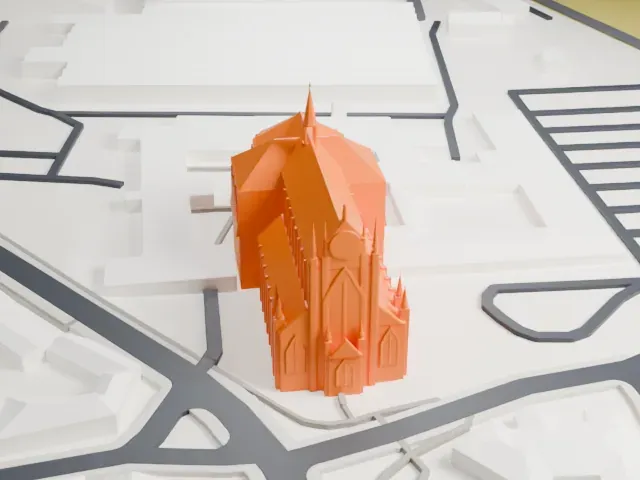 West
The model you print
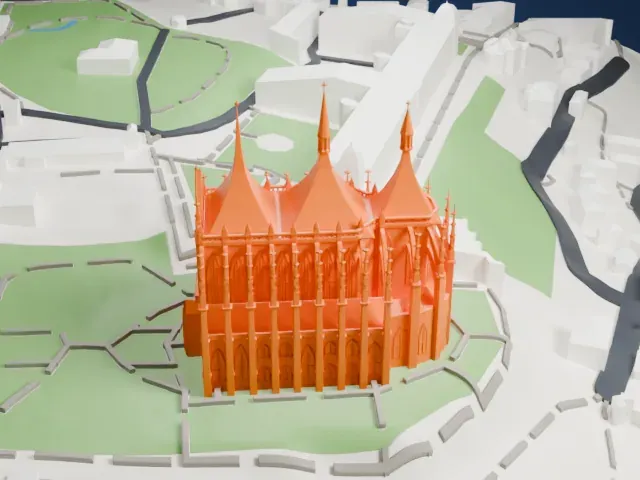
Church of the Assumption and St. John the Baptist in 3D
The landmark on its own, at its size on a 160 mm print. Print friendly thickens thin parts for a 0.4 mm nozzle; Full detail keeps every part.
- On a 160 mm print
- 15 mm
- Scale
- 1:3,750
15 mm tall on a 160 mm print
Make this print opens the generator on a 600 m square around the landmark. Buildings print at close to true scale, so the landmark grows with the print size.
- Spire and pinnacles
A slender spire rises from the roof ridge and small pinnacles crown the west front. Print slowly with good cooling, and use Full detail on a larger print to keep them.
- Pointed windows and buttresses
The long walls are lined with shallow pointed-arch windows and buttresses. A layer height of 0.12-0.16 mm keeps them crisp; Print friendly adapts them on a small print.
- One piece with the ground
The Church of the Assumption and St. John the Baptist is joined to the ground in the exported file, and the four-side check found no floating parts, so nothing needs gluing.
- Pick the detail for your nozzle
In the Buildings settings, set Landmark detail to Print friendly to adapt thin parts and small details to the print scale. Full detail keeps every modeled feature, for larger prints or a finer nozzle.
- Colors
Buildings, roads, water and ground arrive as separate filament slots in the 3MF. The Church of the Assumption and St. John the Baptist takes the building color.
- File format
You get a 3MF for Bambu Studio, OrcaSlicer or PrusaSlicer. Any of them can save it as STL if you need one.
About the Church of the Assumption and St. John the Baptist
Northeast of Kutná Hora in Czechia stands a Gothic and Baroque Gothic church that UNESCO lists with St. Barbara's Church and other Kutná Hora monuments. It counts among the most important Czech Gothic buildings from the era of the last Přemyslids, and it is one of the earliest examples of Baroque Gothic, a style tied to the Czech architect Johann Blasius Santini-Aichel.
Around 1300 the church was built, first in Gothic style, as one of the earliest High Gothic buildings in Bohemia and the first in the kingdom to resemble French Gothic cathedrals. It replaced an older church and belonged to the Cistercian Sedlec Abbey, founded in 1142 as the Czech lands' oldest Cistercian abbey. In 1421 Hussites burned the abbey down, and for the next two centuries the church lay in ruins.
Jindřich Snopek, abbot of Sedlec Abbey, resolved in 1700 to rebuild it. The architect Pavel Ignác Bayer led the work until Johann Santini-Aichel replaced him three years later. Santini-Aichel finished the church in his own Baroque Gothic style. The rebuilding was celebrated for its vaulting and facade, and for an antechamber with statues by Matěj Václav Jäckel. Consecration took place in 1708.
About this model
The Church of the Assumption and St. John the Baptist is one of more than 6,500 landmark models in Mini Skyline. They are made with AI, and each one is checked in its real surroundings before release. Each model is written as code from public descriptions, plans, photographs and aerial views used only as references; no image or third-party model is copied into it. Everything around it is built from OpenStreetMap and Overture map data. Rights in the building itself, its name and any brands on it are not granted by Mini Skyline; clear them separately before you sell prints. If you would rather print the shape from map data, turn off Landmark models in the Buildings settings.
Mini Skyline is not affiliated with, or endorsed by, the owners of this building or its names and marks.
Keep exploring