3D print the Copacabana Palace
A free, printable model of the hotel facing Copacabana beach, with its low front terrace and the surrounding streets and buildings, generated from real map data in your browser.
-
 North
North
-
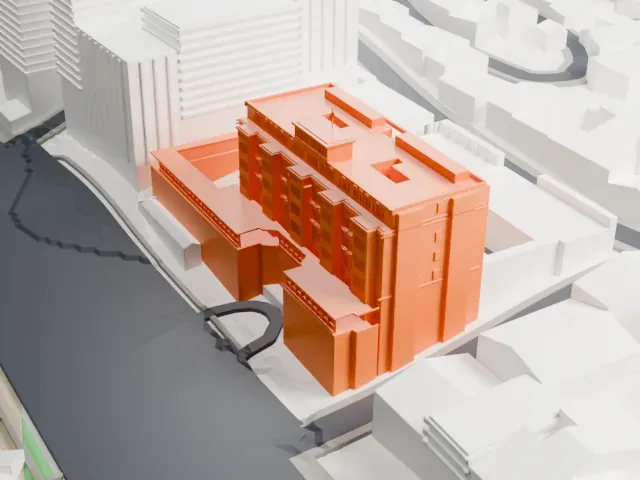 East
East
-
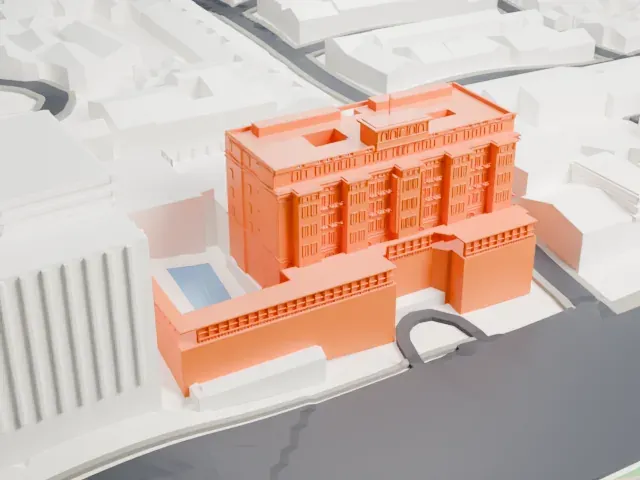 South
South
-
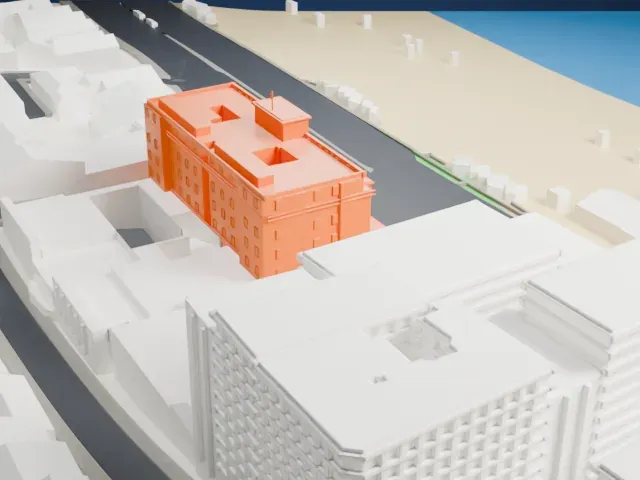 West
West
The model you print
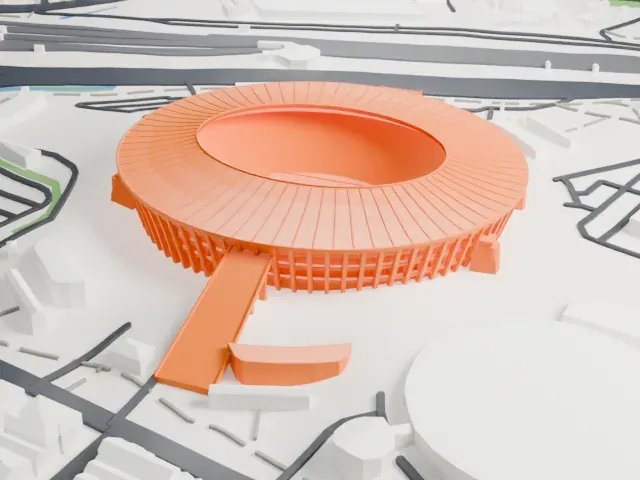
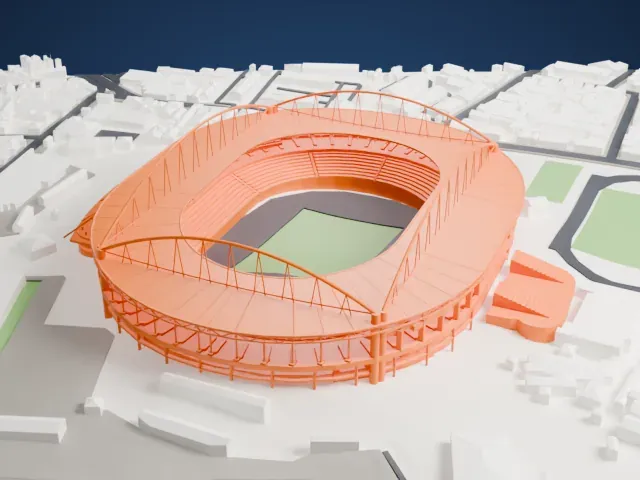
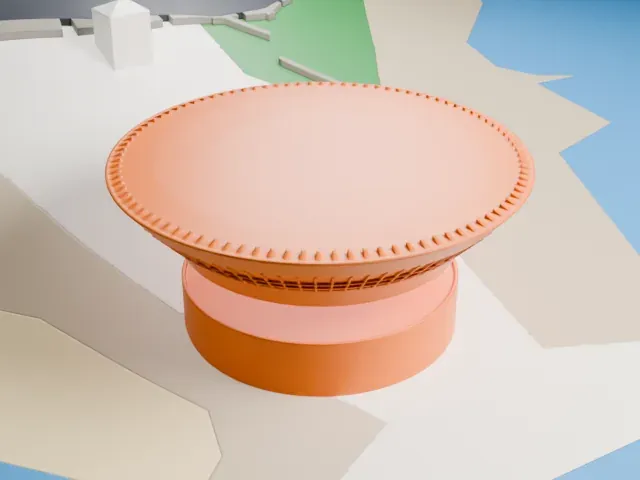
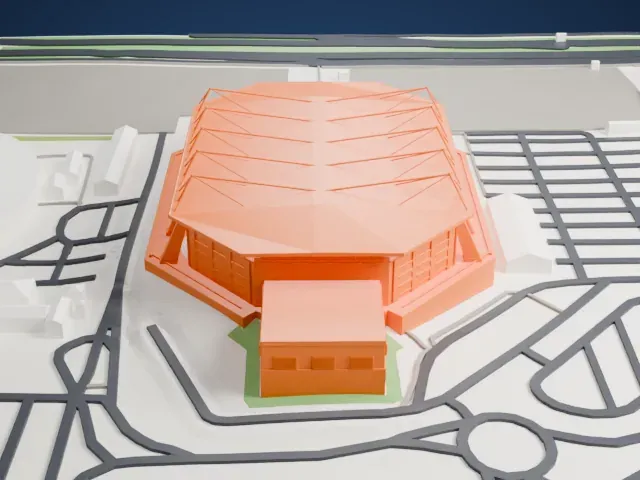
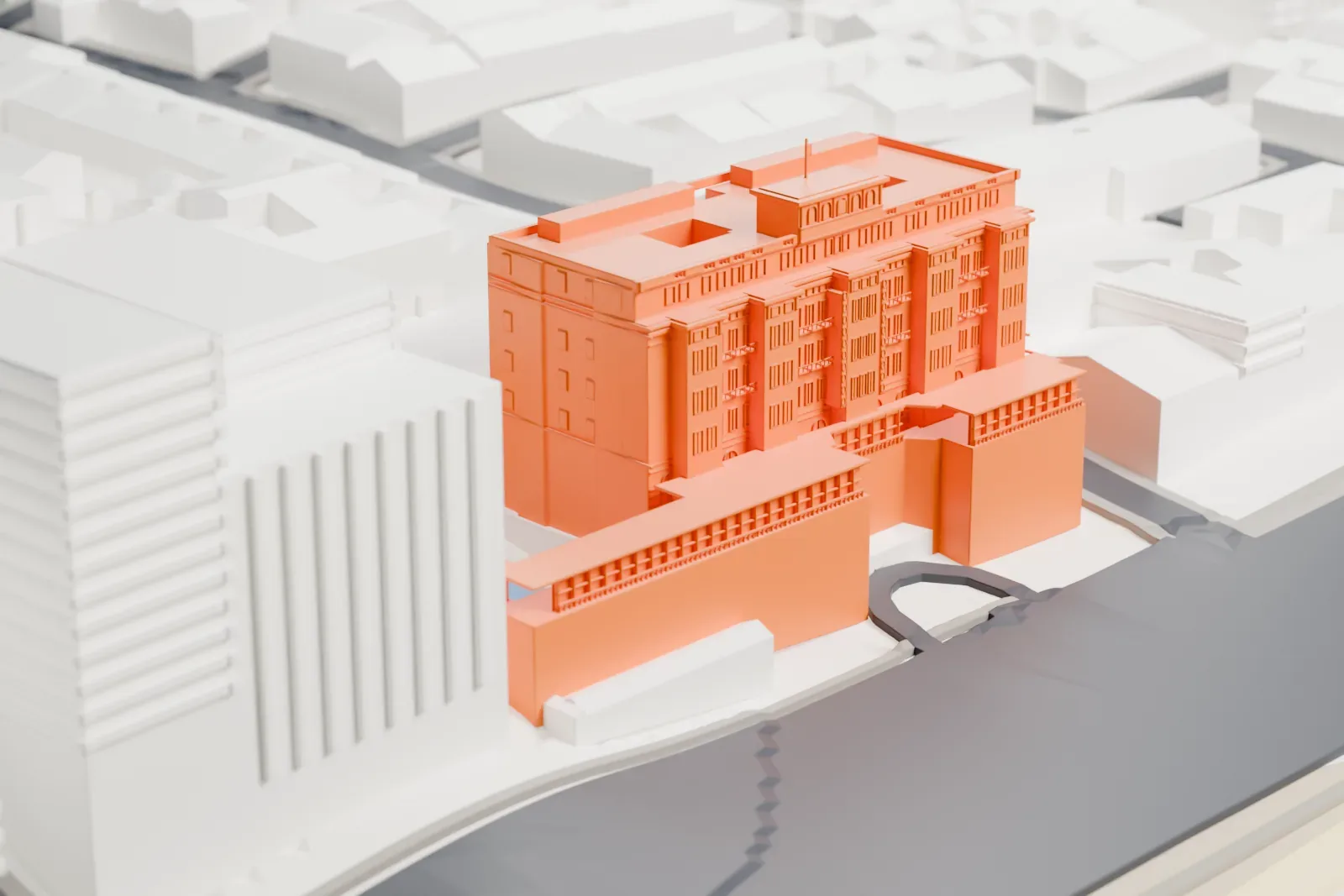
Copacabana Palace in 3D
The landmark on its own, at its size on a 160 mm print. Print friendly thickens thin parts for a 0.4 mm nozzle; Full detail keeps every part.
- On a 160 mm print
- 16 mm
- Scale
- 1:3,750
16 mm tall on a 160 mm print
Make this print opens the generator on a 600 m square around the landmark. Buildings print at close to true scale, so the landmark grows with the print size.
- Hotel above a low terrace
The model pairs the tall hotel with its low front terrace, balconies, and stepped central crown. Print friendly adapts the thin balcony rails and terrace supports; Full detail keeps them for a larger print.
- Layers for the crown relief
Use 0.12–0.16 mm layers so the crown arches, oval medallions, and balustrade stay crisp.
- One piece with the ground
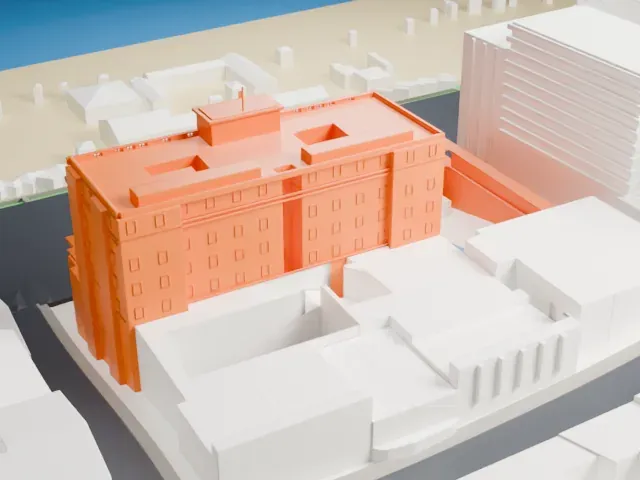
The Copacabana Palace is joined to the ground in the exported file, and the four-side check found no floating parts, so nothing needs gluing.
- Pick the detail for your nozzle
In the Buildings settings, set Landmark detail to Print friendly to adapt thin parts and small details to the print scale. Full detail keeps every modeled feature, for larger prints or a finer nozzle.
- Colors
Buildings, roads, water and ground arrive as separate filament slots in the 3MF. The Copacabana Palace takes the building color.
- File format
You get a 3MF for Bambu Studio, OrcaSlicer or PrusaSlicer. Any of them can save it as STL if you need one.
About the Copacabana Palace
A Belmond Hotel, the Copacabana Palace is a luxury hotel with a long history in Rio de Janeiro, Brazil, looking out on Copacabana beach. It opened on August 13, 1923; French architect Joseph Gire was responsible for its design. Belmond Limited owns it, and its 243 rooms comprise 116 apartments and 127 suites across the main and annex buildings.
Octavio Guinle and Francisco Castro Silva built the hotel between 1919 and 1923, on the initiative of President Epitacio Pessoa. He wanted a big hotel in the capital to host people in town for the Independence Centenary International Exposition, and the Federal Government granted tax incentives and a casino license to the builders.
It was Copacabana beach's first large building, facing Avenida Atlântica. Gire looked to the French Riviera for ideas, borrowing from Nice's Hotel Negresco and Cannes's Carlton Hotel. Engineer César Melo e Cunha erected the structure. Construction ran late because Carrara marble and Bohemia crystal were hard to import, the foundations had to go fourteen meters deep, and a violent undertow damaged the lower floors in 1922.
About this model
The Copacabana Palace is one of more than 4,900 landmark models in Mini Skyline. They are made with AI, and each one is checked from four sides in its real surroundings before release. Everything around it is built from OpenStreetMap and Overture map data. If you would rather print the shape from map data, turn off Landmark models in the Buildings settings.
Same skyline