3D print Fort Santo Domingo
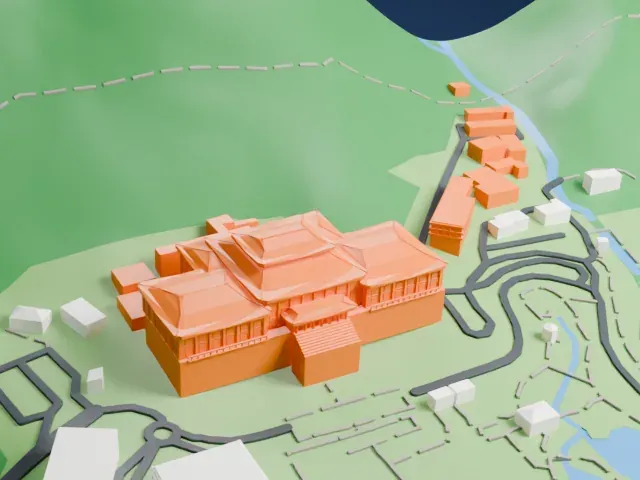
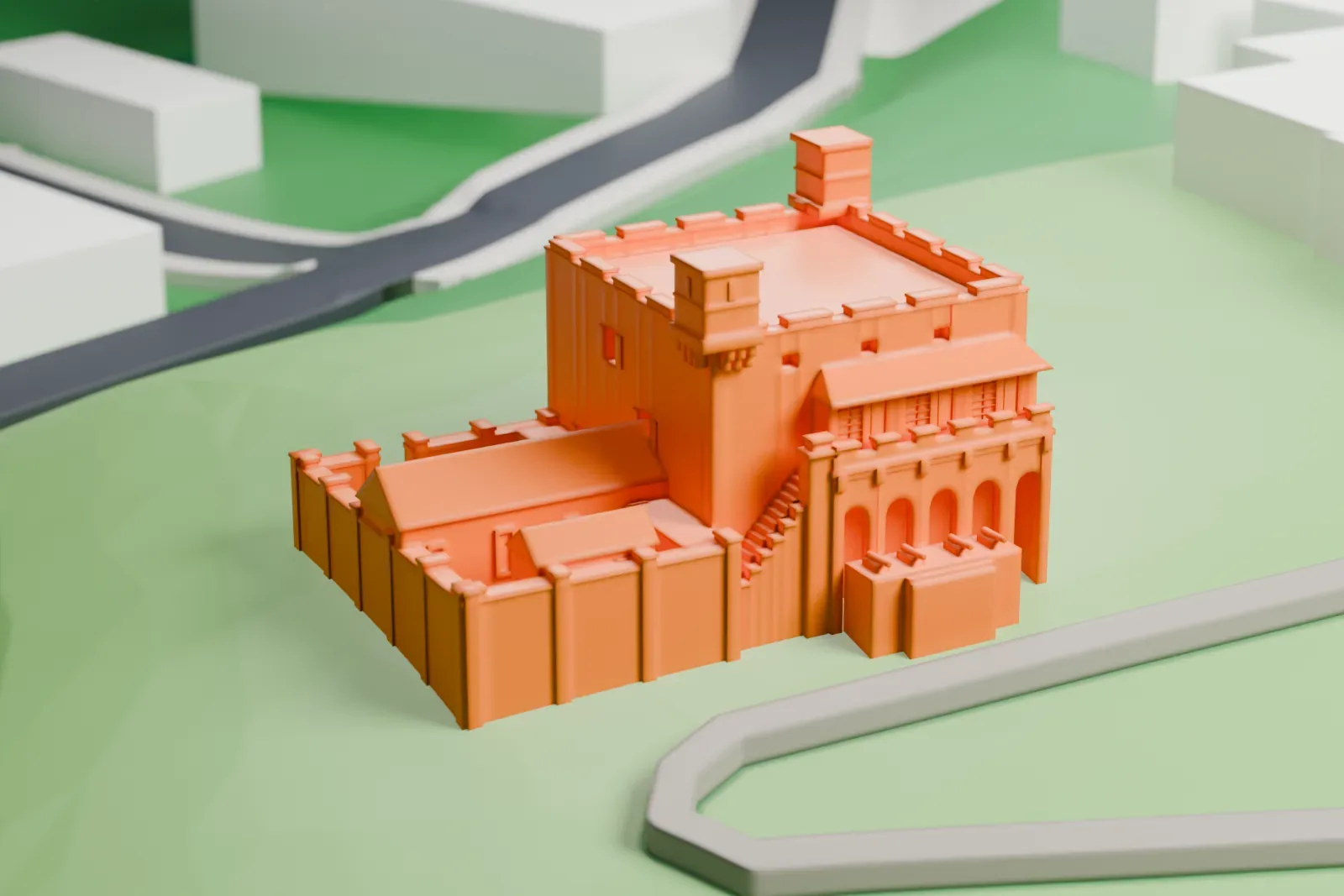
A free, printable model of Fort Santo Domingo, a squat fortress with a battlemented roof and low walls, set on green slopes near a road, generated from real map data in your browser.
-
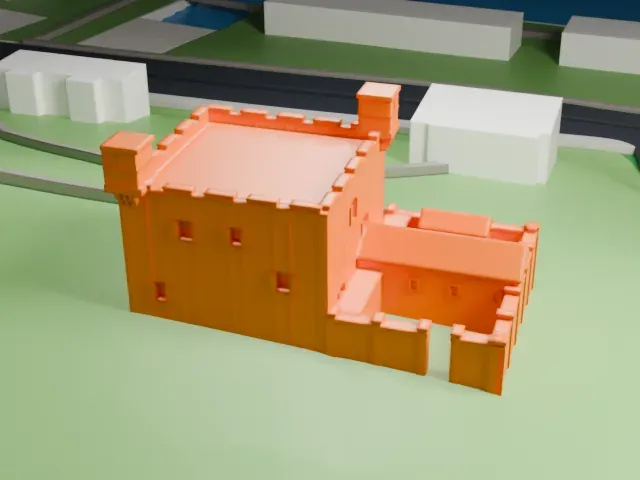 North
-
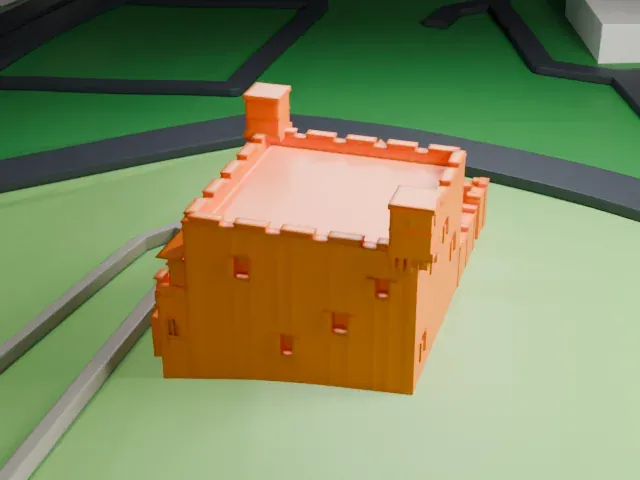 East
-
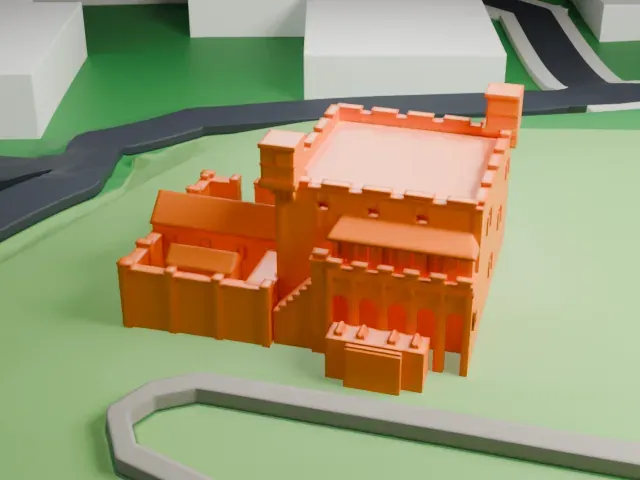 South
-
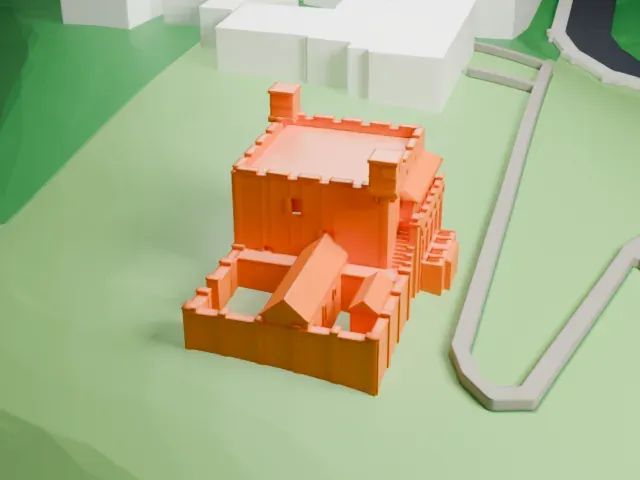 West
The model you print
Fort Santo Domingo in 3D
The landmark on its own, at its size on a 160 mm print. Print friendly thickens thin parts for a 0.4 mm nozzle; Full detail keeps every part.
- On a 160 mm print
- 4 mm
- Scale
- 1:3,750
4 mm tall on a 160 mm print
Make this print opens the generator on a 600 m square around the landmark. Buildings print at close to true scale, so the landmark grows with the print size.
- Small battlements on the roof
The roof edge carries a row of small notched battlements and two corner turrets. Print friendly adapts them to the print scale; a larger print size and a layer height of 0.12 to 0.16 mm keep them readable.
- Low walls around a courtyard
Thin low walls and small pitched roofs sit beside the main block. Full detail keeps every wall and roof as modeled, which suits a larger print.
- One piece with the ground
Fort Santo Domingo is joined to the ground in the exported file, and the four-side check found no floating parts, so nothing needs gluing.
- Pick the detail for your nozzle
In the Buildings settings, set Landmark detail to Print friendly to adapt thin parts and small details to the print scale. Full detail keeps every modeled feature, for larger prints or a finer nozzle.
- Colors
Buildings, roads, water and ground arrive as separate filament slots in the 3MF. Fort Santo Domingo takes the building color.
- File format
You get a 3MF for Bambu Studio, OrcaSlicer or PrusaSlicer. Any of them can save it as STL if you need one.
About Fort Santo Domingo
Fort Santo Domingo, a historical fortress, stands in Tamsui District of New Taipei City, Taiwan. It started as a wooden fort the Spanish East Indies built in 1628, and they named it el Fuerte de Santo Domingo, the Fort of Saint Dominic. Local people angered by taxes attacked and demolished it in 1636, and in 1637 the Spanish rebuilt it in stone. The Dutch East India Company took the fort in 1642 and rebuilt it on the original site in 1644, renaming it Fort Antonio after Antonio van Diemen, then its Governor-General. Han Chinese immigrants called the Dutch red-haired, so the fort picked up the nickname Red-hair fort.
The Qing government repaired the fort in 1724 and added a perimeter wall pierced by four gates. Beginning in 1868 the fort was leased to Britain for use as a consulate, with a new two-storey consul's residence built nearby. It served as the British consulate until 1972. It was then managed for a time by Australia and the United States, and it was returned to the government of the Republic of China (Taiwan) in 1980. It has been a National Historical Site since then.
The site has three parts: the main fortress, the former residence of the British consul, and a south gate dating from the Qing dynasty. The main fortress ranks among the oldest buildings anywhere on the island, and four cannons placed in front of it can be traced back to the Jiaqing era. The consul's residence stands on the east side of the fortress in an English style. Only the south gate is Chinese in style, and it is built of Guangin Stones.
About this model
Fort Santo Domingo is one of more than 6,500 landmark models in Mini Skyline. They are made with AI, and each one is checked in its real surroundings before release. Each model is written as code from public descriptions, plans, photographs and aerial views used only as references; no image or third-party model is copied into it. Everything around it is built from OpenStreetMap and Overture map data. Rights in the building itself, its name and any brands on it are not granted by Mini Skyline; clear them separately before you sell prints. If you would rather print the shape from map data, turn off Landmark models in the Buildings settings.
Mini Skyline is not affiliated with, or endorsed by, the owners of this building or its names and marks.
Keep exploring