3D print the Gate Tower Building
A free, printable model of the Gate Tower Building and the surrounding streets and buildings, generated from real map data in your browser.
-
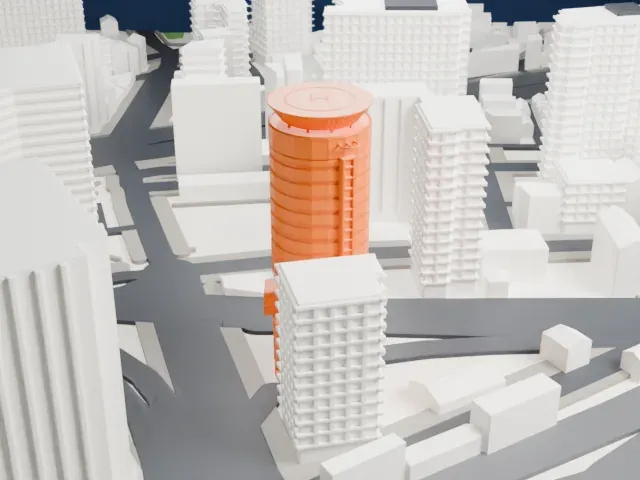 North
North
-
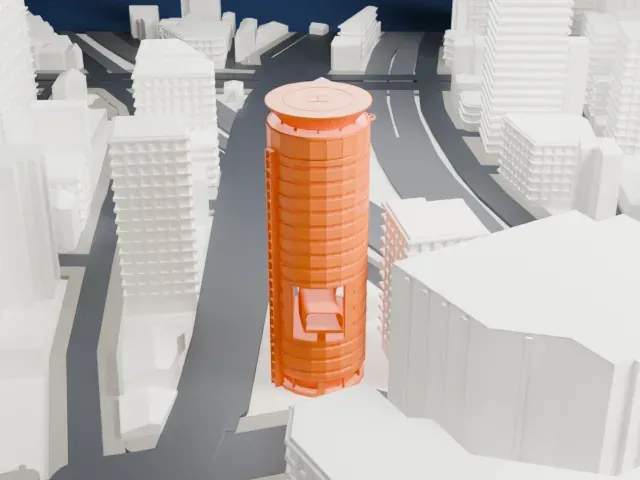 East
East
-
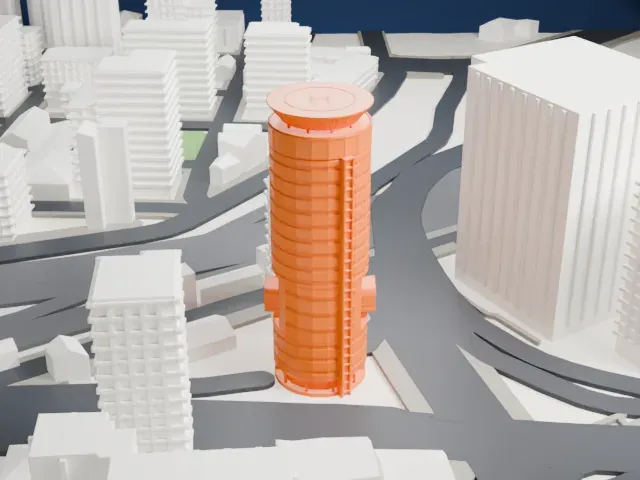 South
South
-
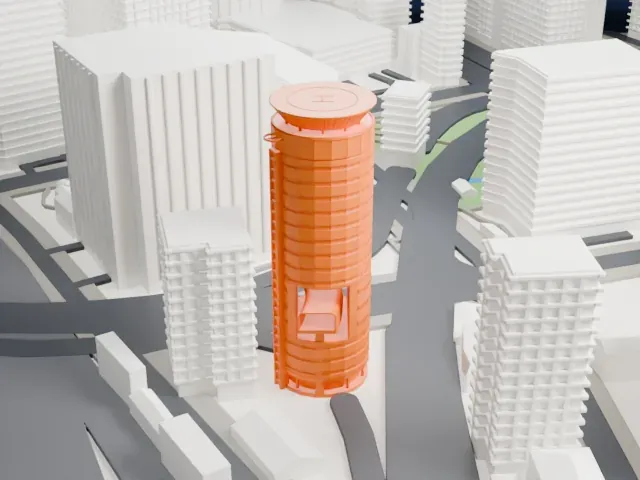 West
West
The model you print
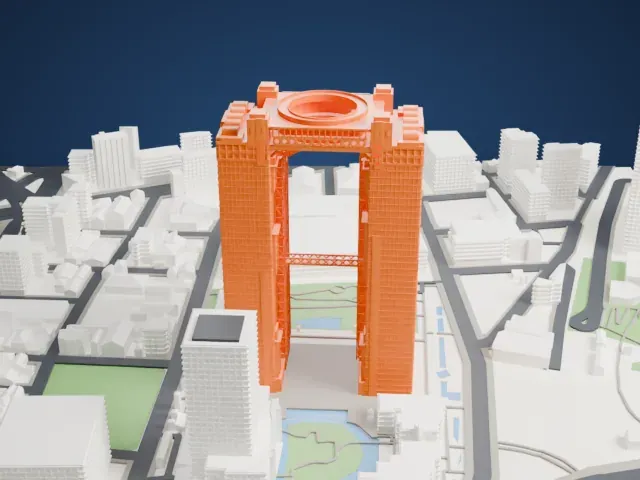
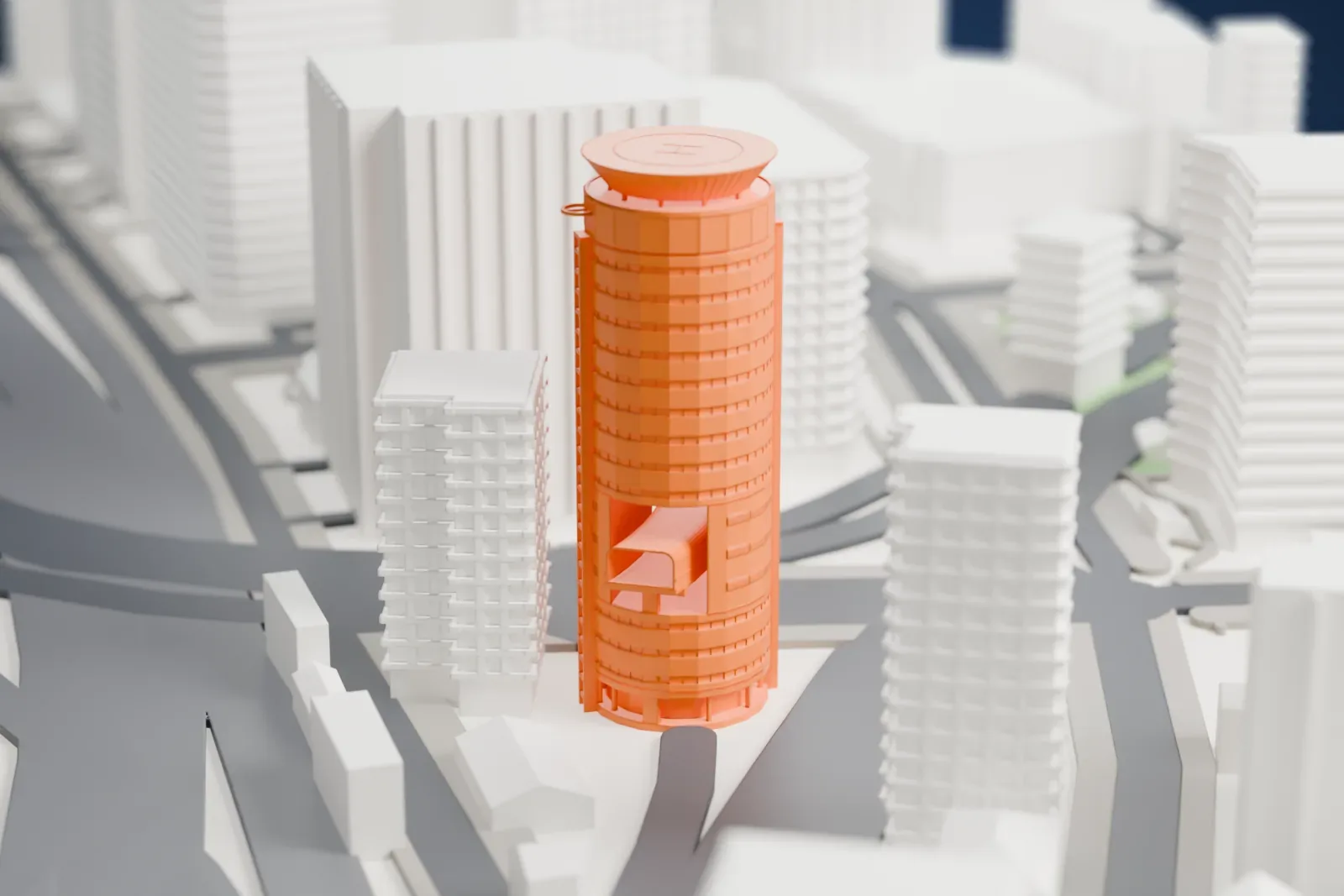
Gate Tower Building in 3D
The landmark on its own, at its size on a 160 mm print. Print friendly thickens thin parts for a 0.4 mm nozzle; Full detail keeps every part.
- Real height
- 72 m
- On a 160 mm print
- 19 mm
- Scale
- 1:3,750
72 m of the Gate Tower Building, 19 mm on your shelf
Make this print opens the generator on a 600 m square around the landmark. Buildings print at close to true scale, so the landmark grows with the print size.
- Highway through the tower
The model leaves a real three-floor opening for the highway, with the upper offices carried around it. Print friendly adapts the thin road deck and supports; Full detail keeps them on a larger print.
- Helipad on the roof
A flared circular helipad with radial ribs sits on top, held above the roof on exposed supports. Print friendly strengthens those fine parts; a larger print keeps the ribs clear.
- One piece with the ground
The Gate Tower Building is joined to the ground in the exported file, and the four-side check found no floating parts, so nothing needs gluing.
- Pick the detail for your nozzle
In the Buildings settings, set Landmark detail to Print friendly to adapt thin parts and small details to the print scale. Full detail keeps every modeled feature, for larger prints or a finer nozzle.
- Colors
Buildings, roads, water and ground arrive as separate filament slots in the 3MF. The Gate Tower Building takes the building color.
- File format
You get a 3MF for Bambu Studio, OrcaSlicer or PrusaSlicer. Any of them can save it as STL if you need one.
About the Gate Tower Building
The Gate Tower Building is an office block of 16 floors in Fukushima-ku, Osaka, Japan. A highway ramp shapes it: the Umeda offramp of the Ikeda Route, part of the Hanshin Expressway, runs right through the fifth, sixth and seventh floors. Those levels belong effectively to the road, and the elevator skips them, going from floor 4 to floor 8.
That stretch contains elevators, stairs and machinery. The building has a double core and a circular cross-section. The roadway never touches the structure; it spans the gap as a bridge on supports set beside the building, and a casing around it guards the offices against noise and vibration. A helipad sits on the roof.
From the early Meiji period a wood and charcoal firm owned the plot, and its buildings decayed as other fuels took over. Plans for redevelopment won approval in 1983, but permits were refused because the expressway was already on the drawing board. The rights holders bargained with the Hanshin Expressway corporation for roughly five years. Changes to highway, planning, redevelopment and building law in 1989 permitted roads and buildings to share the same space, and this became the first building in Japan with a highway running through it.
About this model
The Gate Tower Building is one of more than 4,900 landmark models in Mini Skyline. They are made with AI, and each one is checked from four sides in its real surroundings before release. Everything around it is built from OpenStreetMap and Overture map data. If you would rather print the shape from map data, turn off Landmark models in the Buildings settings.
Same skyline