3D print the Gyeongju National Museum
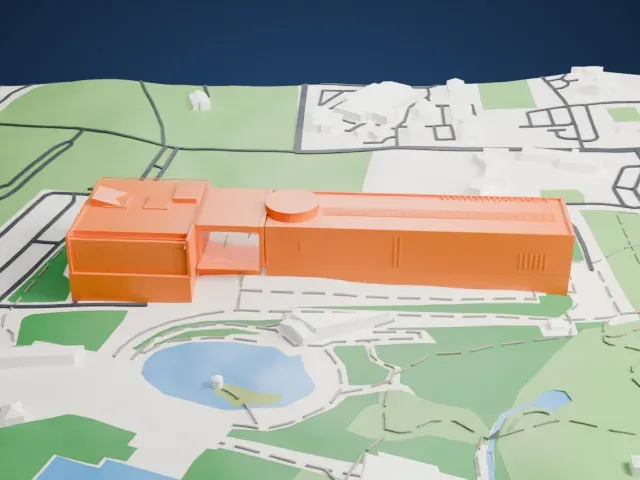
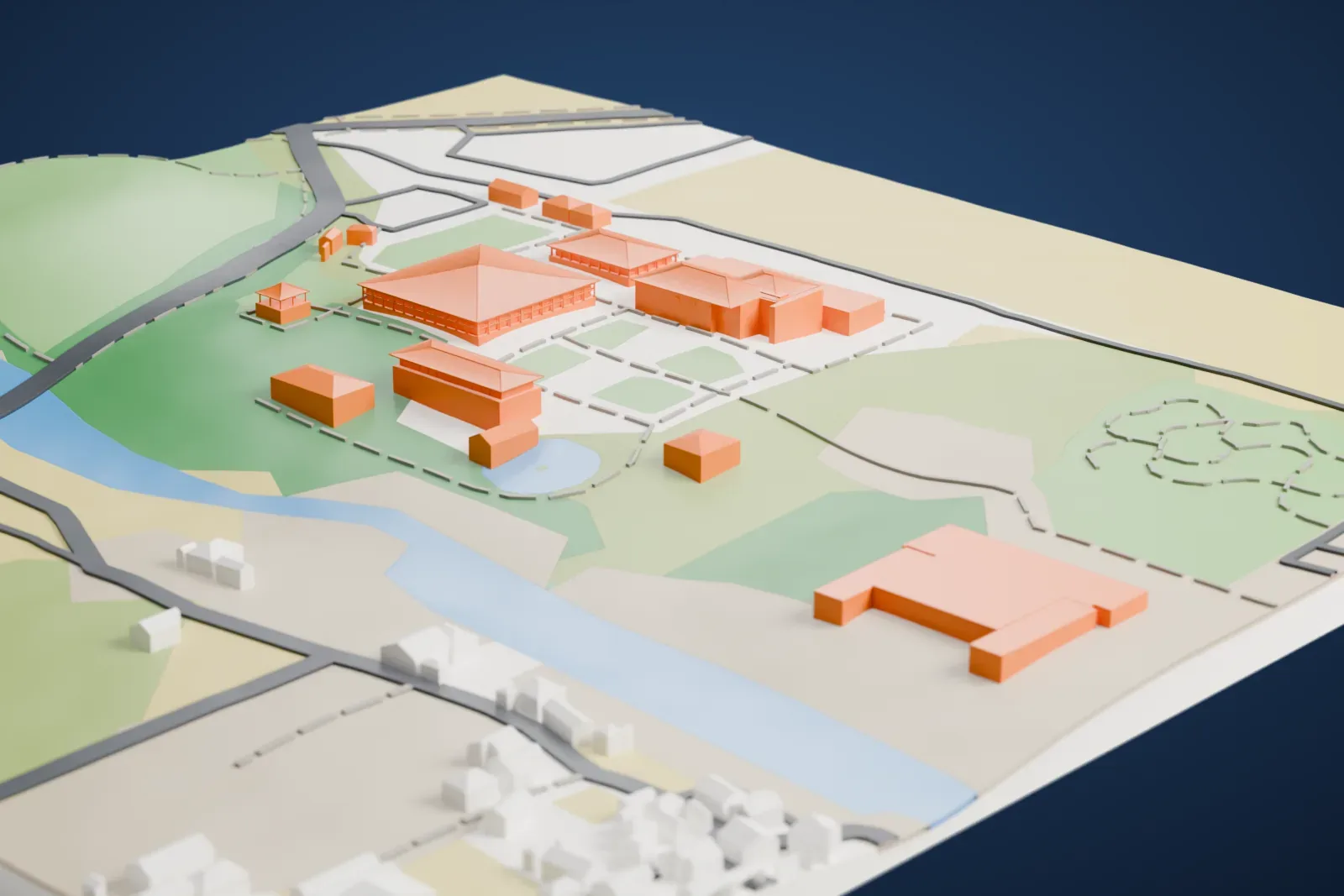
A free, printable model of the Gyeongju National Museum, a group of separate halls with broad hipped roofs set among lawns, paths and a pond, generated from real map data in your browser.
Free, in your browser. Exports a slicer-ready 3MF.
About the Gyeongju National Museum
Gyeongju was the capital of the Silla kingdom, and relics of that kingdom make up most of the collection at the Gyeongju National Museum in Gyeongju, South Korea. The royal tomb complex lies directly beside the museum, within an area that also holds Anapji Pond, Banwolseong palace, Cheomseongdae observatory and Gyerim forest.
Starting in 1945, it was the Gyeongju Branch of the National Museum of Korea. Its main building went up in 1968, and in 1975 the museum was upgraded to its present name, Gyeongju National Museum, and it has been expanding ever since.
The collection includes important items of national cultural heritage, among them the Emille Bell and several Silla crowns. Many artifacts dug up at Anapji Pond and at the Hwangnyongsa Temple site are held there too. The museum also shows many of its holdings outdoors, as Korean museums commonly do. So much archaeological material exists that most objects cannot be shown and are stored out of public view. Early in the 2000s, the government of Korea put up a big warehouse on the museum grounds to store archaeological finds from Gyeongju and the wider North Gyeongsang Province.
How it prints
Make this print opens the generator on a 600 m square around the landmark. Buildings print at close to true scale, so the landmark grows with the print size.
| Print size | Landmark height | Scale |
|---|---|---|
| 160 mm default | 8 mm | 1:3,750 |
| 200 mm | 9 mm | 1:3,000 |
| 256 mm | 12 mm | 1:2,344 |
-
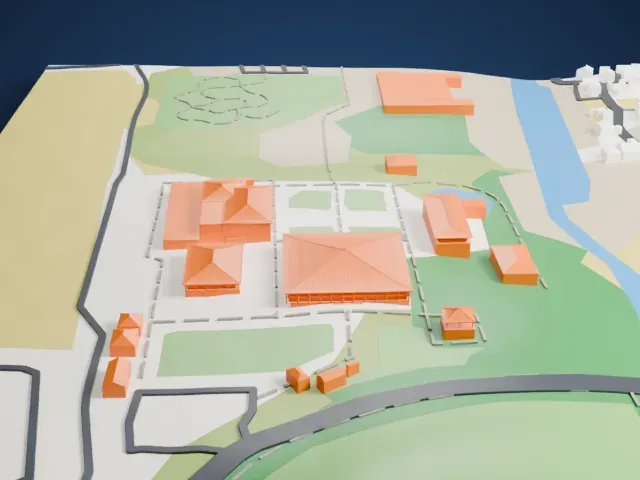 North
North
-
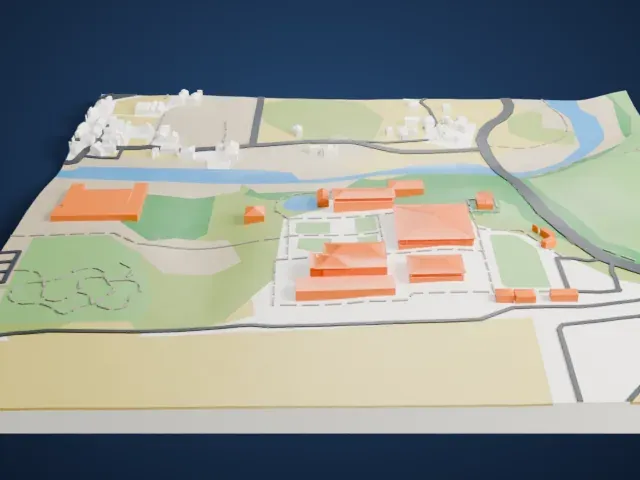 East
East
-
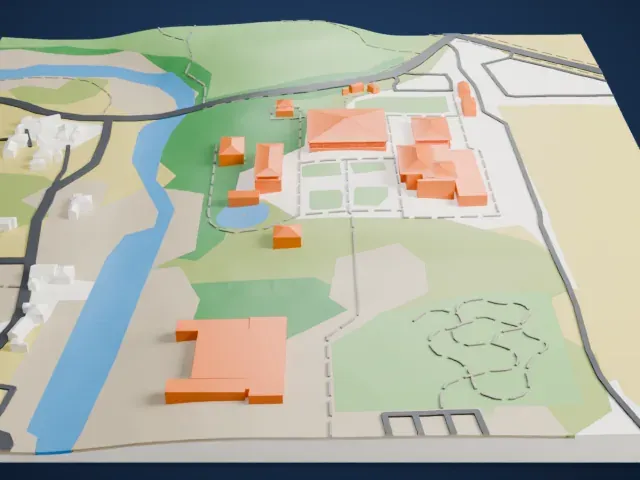 South
South
-
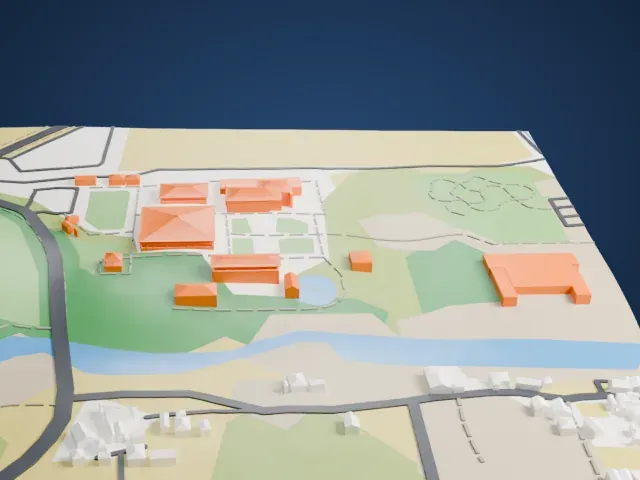 West
West
- Broad hipped roofs
- Each hall has a broad hipped roof with fine tile lines. Print friendly adapts the tile lines to the print scale; Full detail keeps them, which suits a larger print.
- Separate halls on open grounds
- The halls stand apart across lawns and paths, so the print is wide and low. Layers of 0.12 to 0.16 mm keep the roof edges crisp.
- Pick the detail for your nozzle
- In the Buildings settings, set Landmark detail to Print friendly to adapt thin parts and small details to the print scale. Full detail keeps every modeled feature, for larger prints or a finer nozzle.
- Colors
- Buildings, roads, water and ground arrive as separate filament slots in the 3MF. The Gyeongju National Museum takes the building color.
- File format
- You get a 3MF for Bambu Studio, OrcaSlicer or PrusaSlicer. Any of them can save it as STL if you need one.
About this model
The Gyeongju National Museum is one of more than 2,300 landmark models in Mini Skyline. They are made with AI, and each one is checked from four sides in its real surroundings before release. Everything around it is built from OpenStreetMap and Overture map data. If you would rather print the shape from map data, turn off Landmark models in the Buildings settings.
Common questions
Is there a Gyeongju National Museum STL I can download?
Mini Skyline builds the file for you in your browser and exports 3MF, which every major slicer opens. If you need an STL, open the 3MF in your slicer and export it from there.
How big can I print it?
Any print size from 40 mm across. The Gyeongju National Museum grows with the print: about 8 mm tall on the default 160 mm print. For a model larger than your printer bed, Project Mode splits the area into tiles.
Is it free?
Yes. Generation runs in your browser, with no account and nothing behind a paywall.