3D print the National Museum of Korea
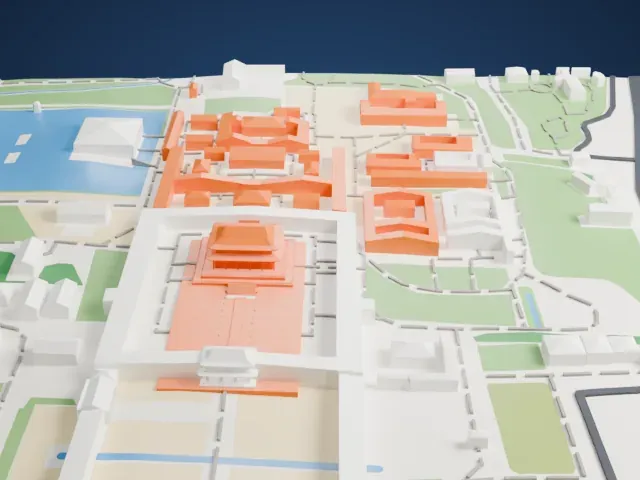
A free, printable model of the National Museum of Korea and the pond, park paths and roads around it in Seoul, generated from real map data in your browser.
Free, in your browser. Exports a slicer-ready 3MF.
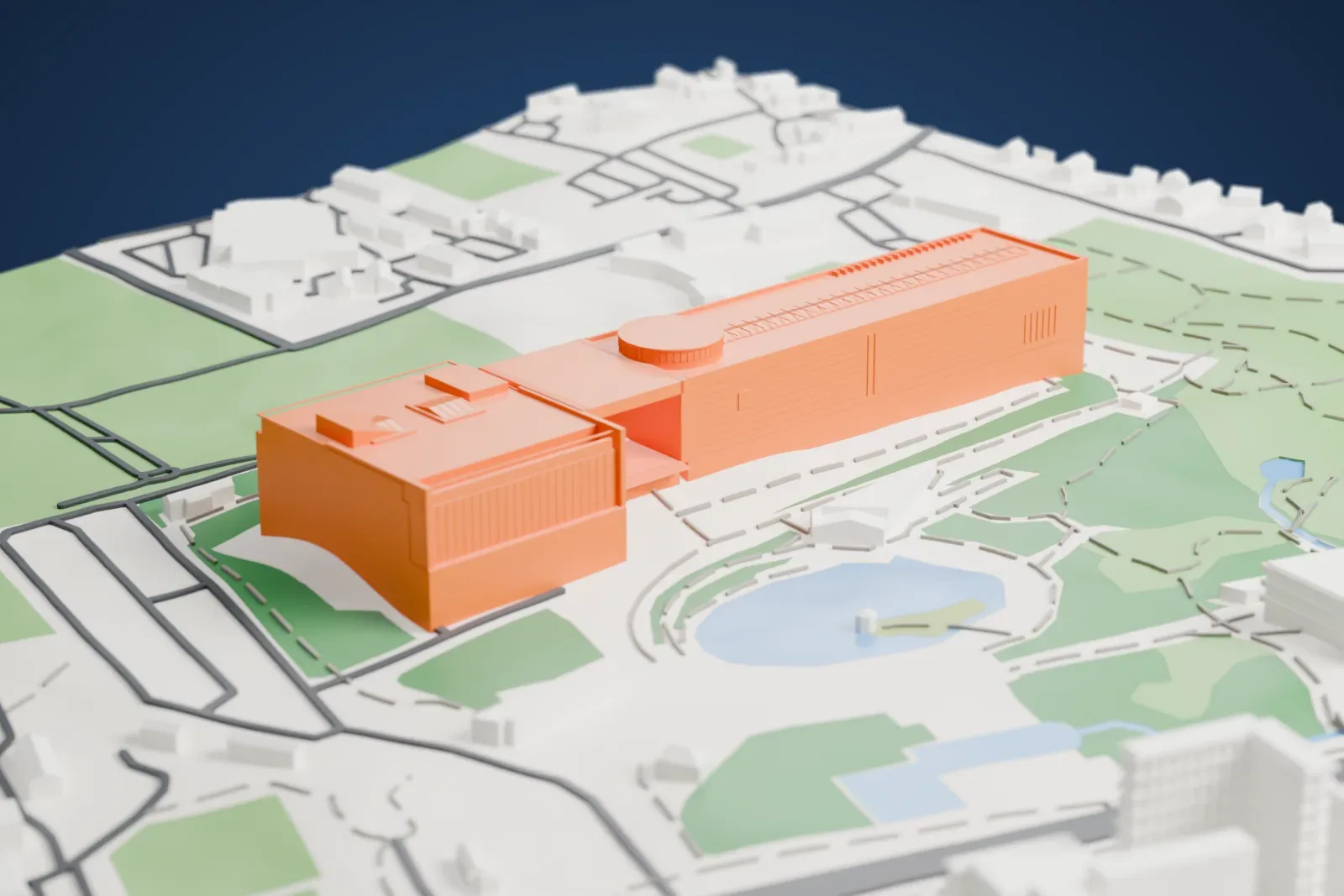
About the National Museum of Korea
The National Museum of Korea is South Korea's flagship museum for Korean history and art. Founded in 1945, it has devoted itself to studies and research in archaeology, history and art, while building up exhibitions and education programs. Its collection grew from earlier museum holdings, including those of the Imperial Household Museum, which Emperor Sunjong established in 1909 as Korea's first museum.
In the Korean War, its 20,000 pieces were taken to Busan, where they were safe from destruction. Back in Seoul after the war, the museum was housed at Gyeongbokgung and Deoksugung Palace, and in 1972 it moved to a new building within the Gyeongbokgung Palace grounds. The new building in Yongsan Family Park officially reopened the museum on October 28, 2005. The land was once a golf course within the Yongsan Garrison, and the US Army returned part of it to the Korean government in 1992.
The museum holds over 310,000 pieces, with about 15,000 on display at one time across six permanent exhibition galleries. It has three floors, and symbolically the left side represents the past while the right side represents the future. To protect the artifacts, the main building can withstand a magnitude 6.0 earthquake, the display cases sit on shock-absorbent platforms, and an imported natural lighting system uses sunlight instead of artificial lights.
How it prints
Make this print opens the generator on a 900 m square around the landmark. Buildings print at close to true scale, so the landmark grows with the print size.
| Print size | Landmark height | Scale |
|---|---|---|
| 160 mm default | 12 mm | 1:5,625 |
| 200 mm | 15 mm | 1:4,500 |
| 256 mm | 19 mm | 1:3,516 |
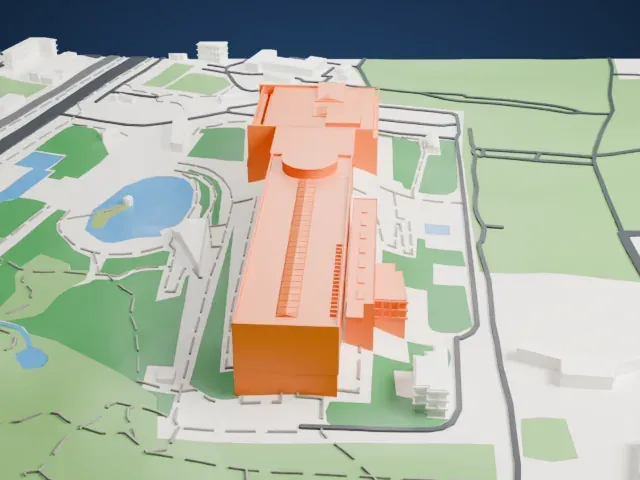
-
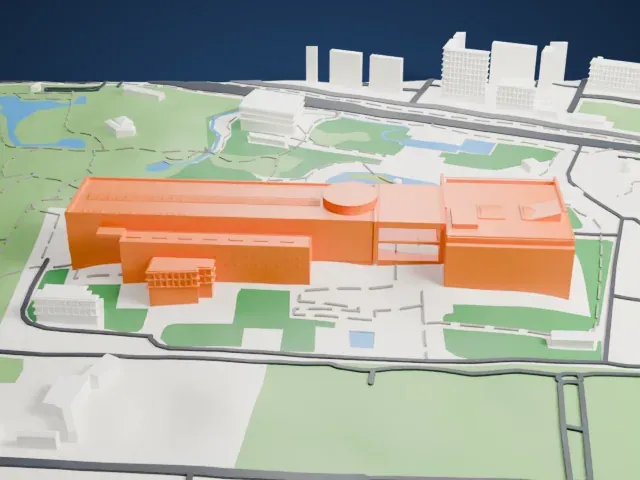 North
North
-
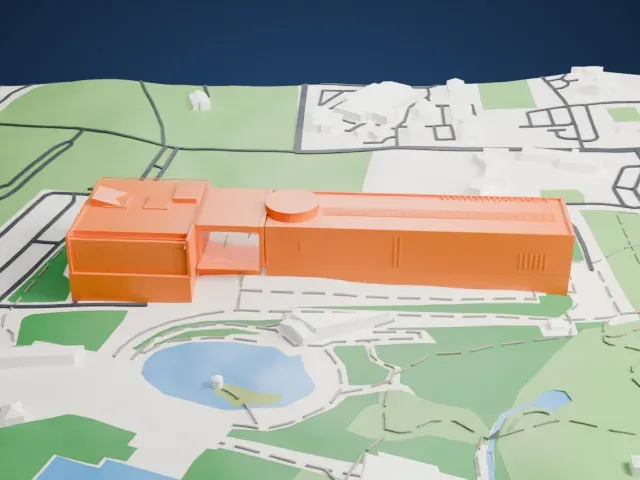
 East
East
-
 South
South
-
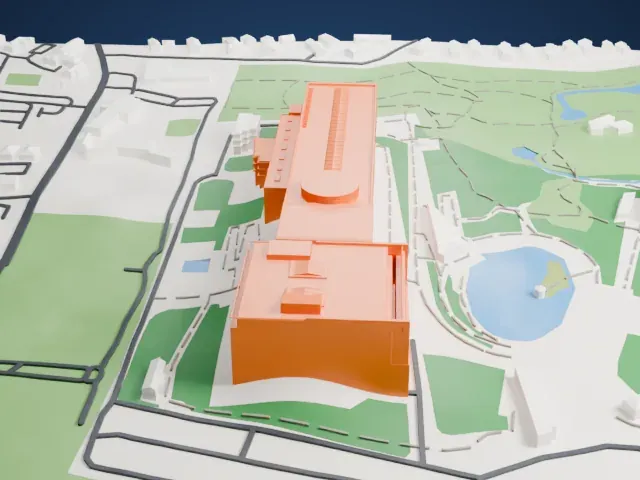 West
West
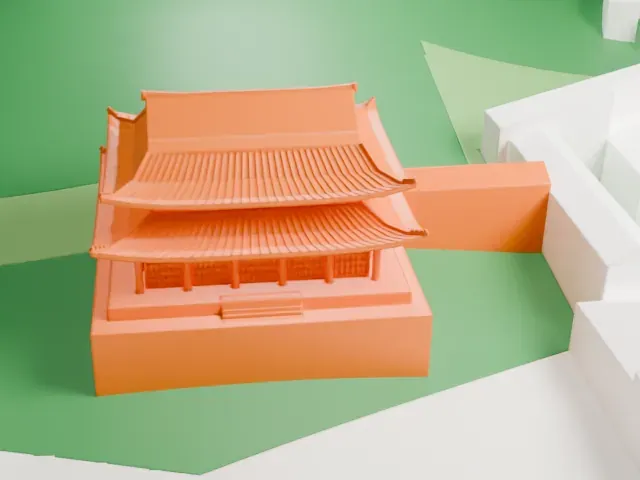
- Fine ridges on the roof
- Rows of fine ridges and small vents mark the roof, beside a round drum. Print friendly adapts them to the print scale; Full detail keeps them all, which suits a larger print or a fine nozzle.
- Long walls and a round drum
- The long, plain walls carry a round drum on top. Layers of 0.12 to 0.16 mm keep the drum's curve and the long edges crisp.
- One piece with the ground
- The National Museum of Korea is joined to the ground in the exported file, and the four-side check found no floating parts, so nothing needs gluing.
- Pick the detail for your nozzle
- In the Buildings settings, set Landmark detail to Print friendly to adapt thin parts and small details to the print scale. Full detail keeps every modeled feature, for larger prints or a finer nozzle.
- Colors
- Buildings, roads, water and ground arrive as separate filament slots in the 3MF. The National Museum of Korea takes the building color.
- File format
- You get a 3MF for Bambu Studio, OrcaSlicer or PrusaSlicer. Any of them can save it as STL if you need one.
About this model
The National Museum of Korea is one of more than 2,300 landmark models in Mini Skyline. They are made with AI, and each one is checked from four sides in its real surroundings before release. Everything around it is built from OpenStreetMap and Overture map data. If you would rather print the shape from map data, turn off Landmark models in the Buildings settings.
Common questions
Is there a National Museum of Korea STL I can download?
Mini Skyline builds the file for you in your browser and exports 3MF, which every major slicer opens. If you need an STL, open the 3MF in your slicer and export it from there.
How big can I print it?
Any print size from 40 mm across. The National Museum of Korea grows with the print: about 12 mm tall on the default 160 mm print. For a model larger than your printer bed, Project Mode splits the area into tiles.
Is it free?
Yes. Generation runs in your browser, with no account and nothing behind a paywall.