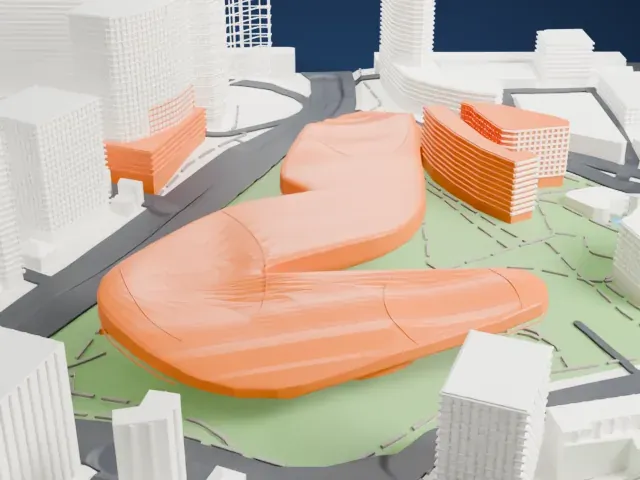
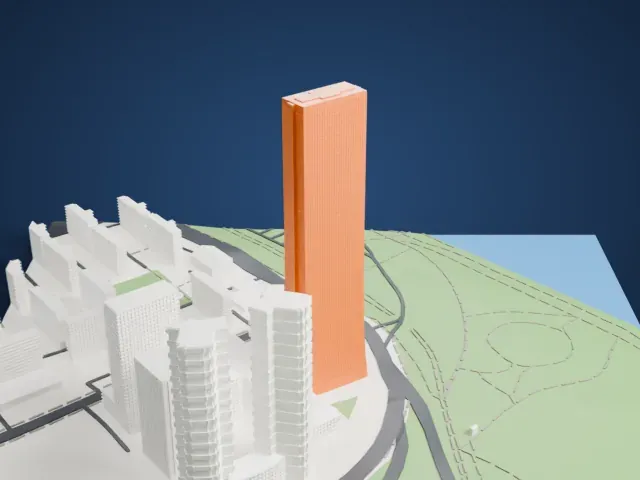
3D print Changdeokgung
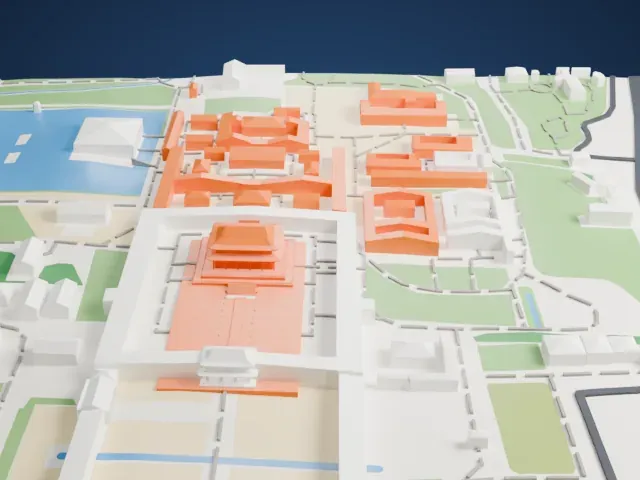
A free, printable model of a two-tier palace hall at Changdeokgung, with its tiled roofs and raised platform, and the lawns and city buildings around it, generated from real map data in your browser.
Free, in your browser. Exports a slicer-ready 3MF.
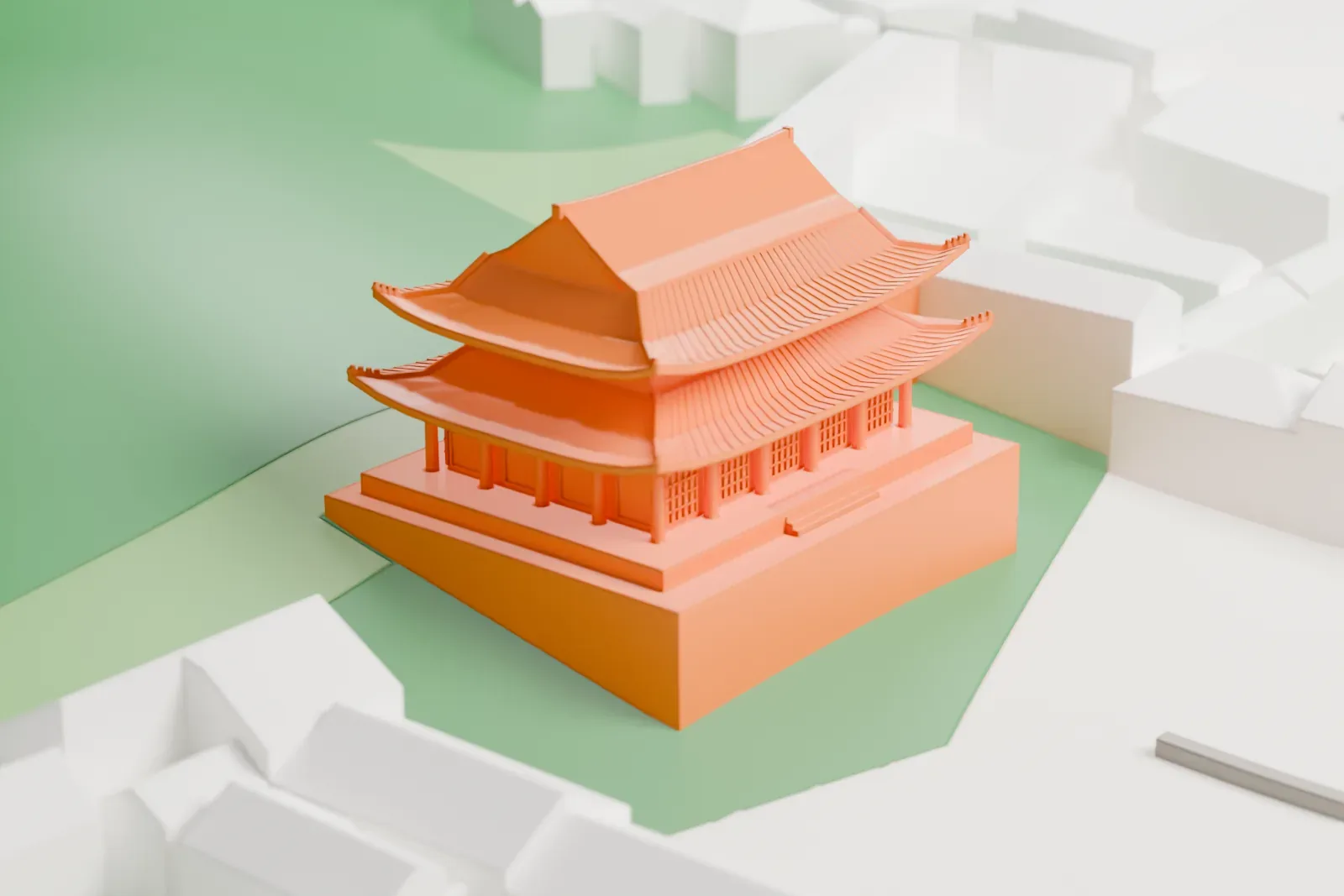
About Changdeokgung
Changdeokgung, in Seoul, South Korea, is a former royal palace listed as a UNESCO World Heritage Site and as a Historic Site of South Korea. Its name means "Palace of Prospering Virtue". It is counted as one of the best preserved Korean palaces, and together with its neighbor Changgyeonggung it has been called the "East Palace". King Taejong ordered it built as a secondary palace, and it was established in 1405, the second palace in Seoul after Gyeongbokgung. Even though Gyeongbokgung ranked higher legally, a majority of kings preferred to live at Changdeokgung.
In 1592, during the Imjin War, it was destroyed completely along with every other palace in Seoul. After the war, budget limits meant Gyeongbokgung went unrepaired while Changdeokgung and Changgyeonggung were restored, so for several centuries Changdeokgung was in practice Joseon's main palace. In 1623, during a coup, rebels burned down almost all of its buildings. Construction resumed in 1647 and finished after five months in 1648, and by then the palace had around 735 rooms.
During the reign of Gojong, the penultimate Korean monarch, in the late 19th century, Gyeongbokgung was rebuilt, with the royal family moving there. In 1907, Japan forced Gojong to abdicate, and his son Sunjong, the final Korean monarch, made Changdeokgung his official palace. Japan colonized Korea in 1910 and heavily altered the palace. The Korean royal family kept residing in the palace after the 1945 liberation and into the late 20th century. The palace's Secret Garden was long beloved by Korean monarchs, and in 1997 the palace became a UNESCO World Heritage Site.
How it prints
Make this print opens the generator on a 600 m square around the landmark. Buildings print at close to true scale, so the landmark grows with the print size.
| Print size | Landmark height | Scale |
|---|---|---|
| 160 mm default | 7 mm | 1:3,750 |
| 200 mm | 9 mm | 1:3,000 |
| 256 mm | 12 mm | 1:2,344 |
-
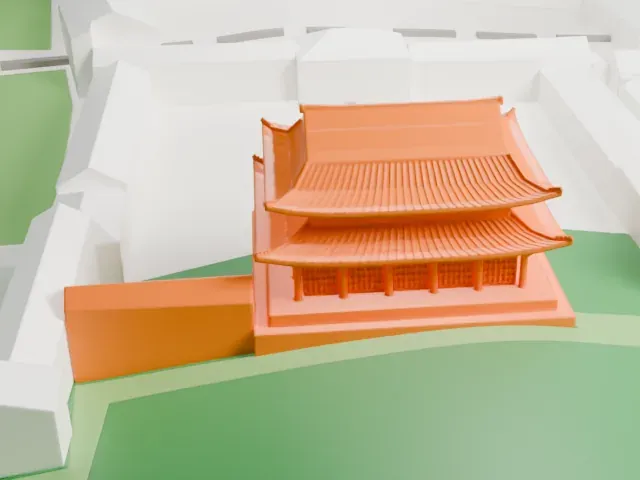 North
North
-
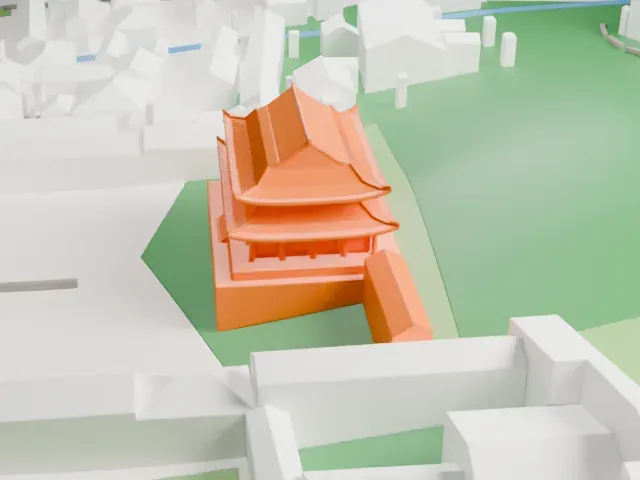 East
East
-
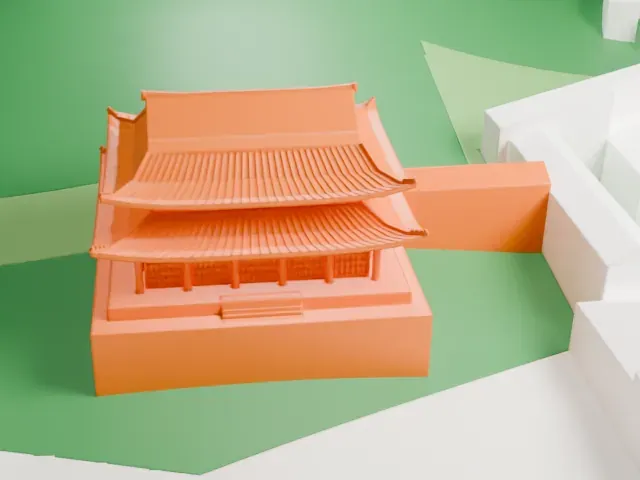 South
South
-
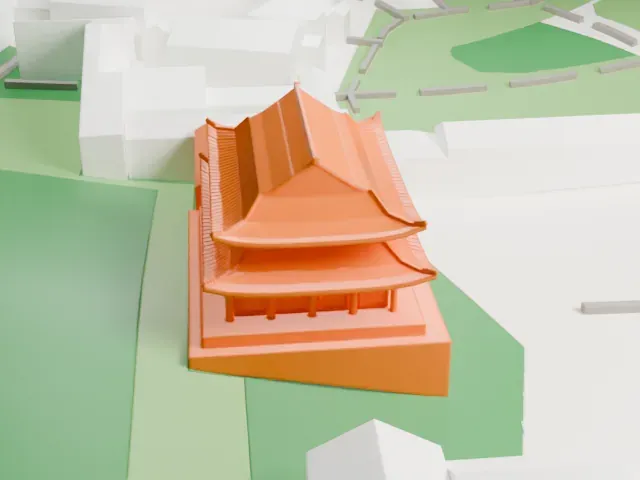 West
West
- Upswept eaves and tiled roofs
- Both roof tiers curve upward at the corners and carry rows of fine tiles. Print friendly adapts the overhangs; Full detail keeps the tile lines on a larger print, ideally with 0.12–0.16 mm layers.
- Slim columns under the eaves
- A row of slim columns holds up the lower roof. Print slowly with good cooling, and choose a larger print size to keep them sturdy.
- One piece with the ground
- Changdeokgung is joined to the ground in the exported file, and the four-side check found no floating parts, so nothing needs gluing.
- Pick the detail for your nozzle
- In the Buildings settings, set Landmark detail to Print friendly to adapt thin parts and small details to the print scale. Full detail keeps every modeled feature, for larger prints or a finer nozzle.
- Colors
- Buildings, roads, water and ground arrive as separate filament slots in the 3MF. Changdeokgung takes the building color.
- File format
- You get a 3MF for Bambu Studio, OrcaSlicer or PrusaSlicer. Any of them can save it as STL if you need one.
About this model
Changdeokgung is one of more than 2,300 landmark models in Mini Skyline. They are made with AI, and each one is checked from four sides in its real surroundings before release. Everything around it is built from OpenStreetMap and Overture map data. If you would rather print the shape from map data, turn off Landmark models in the Buildings settings.
Common questions
Is there a Changdeokgung STL I can download?
Mini Skyline builds the file for you in your browser and exports 3MF, which every major slicer opens. If you need an STL, open the 3MF in your slicer and export it from there.
How big can I print it?
Any print size from 40 mm across. Changdeokgung grows with the print: about 7 mm tall on the default 160 mm print. For a model larger than your printer bed, Project Mode splits the area into tiles.
Is it free?
Yes. Generation runs in your browser, with no account and nothing behind a paywall.