3D print Gyeongbokgung Palace
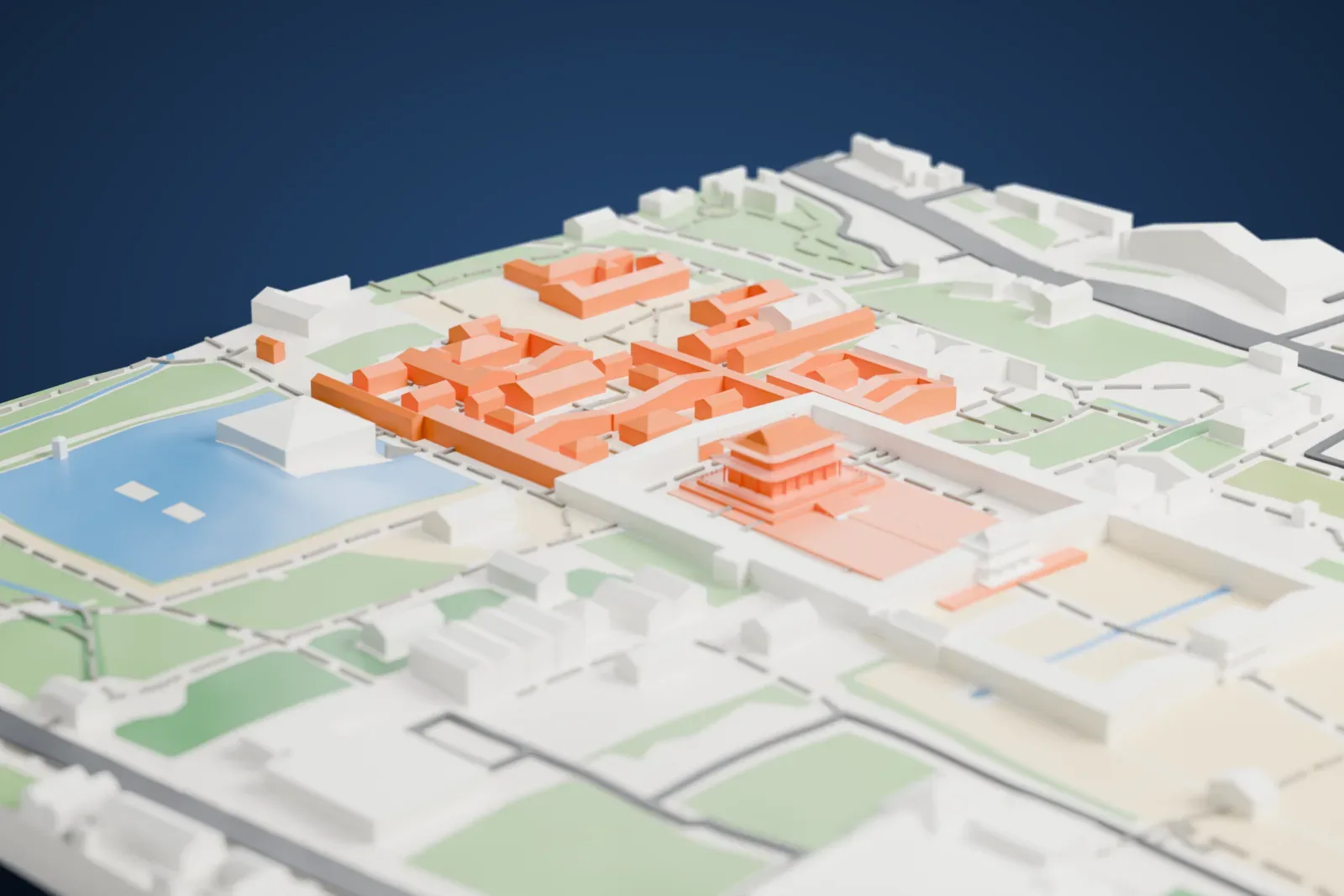
A free, printable model of Gyeongbokgung Palace, with its tiered-roof halls and courtyard, and the grounds and buildings around it, generated from real map data in your browser.
Free, in your browser. Exports a slicer-ready 3MF.
About Gyeongbokgung Palace
Gyeongbokgung, in Seoul, South Korea, is a former royal palace. Established in 1395, it served as the Joseon dynasty's first royal palace and was among the earliest landmarks established in the city. The name means "great blessings palace". The official Chŏng Tojŏn named it around the time of its establishment, drawing on the last two characters of a verse in the Classic of Poetry. It has also been called Bukgwol, meaning "north palace", a name used relative to the city's other palaces.
The palace flourished during the reign of Sejong the Great, from 1418 to 1450. Under Sejong it hosted scientific devices: the Borugak Jagyeongnu water clock, the astronomical observatory Ganuidae and a movable-type printing facility. Sejong led the creation of Hangul, the Korean script, at the palace. In 1592, during the Imjin War, it was completely burned down, and for around 270 years afterward it went mostly unused and undeveloped. Queen Sinjeong ordered its reconstruction in 1865, and the work was finally completed in 1888.
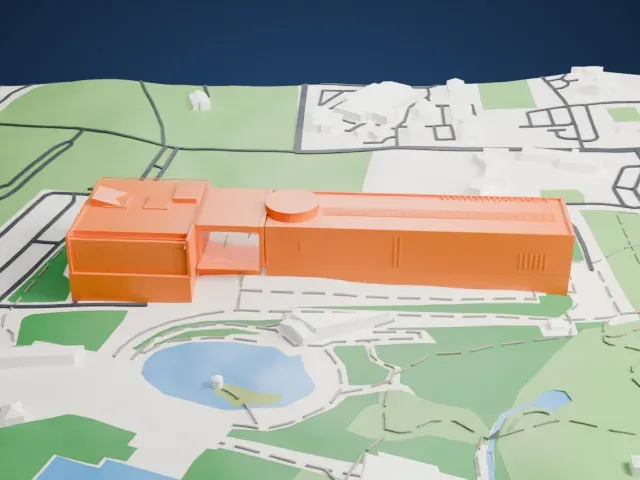
In 1887, Korea's first electric light was switched on in the palace. After Japan colonized Korea in 1910, the palace, which stood for the authority of the Korean monarchy, was systematically demolished and altered. Of its around 500 structures, only 40 pre-colonial buildings remained by the 1945 liberation. Work to bring the palace back toward its condition before colonial rule began in the 1980s, and dozens of buildings have been recreated. Two museums are inside its grounds: the National Palace Museum of Korea and the National Folk Museum of Korea.
How it prints
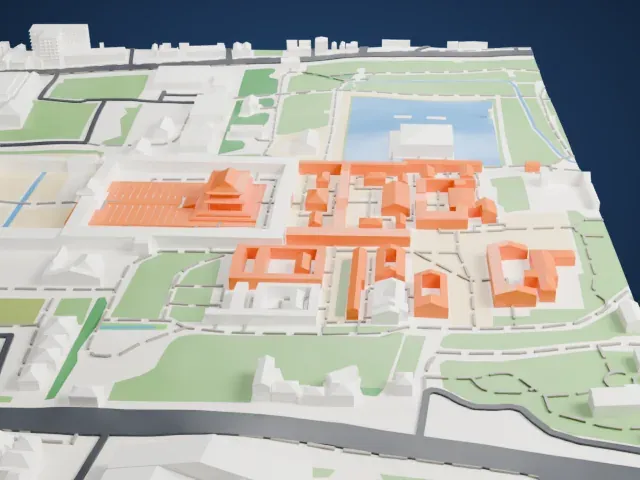
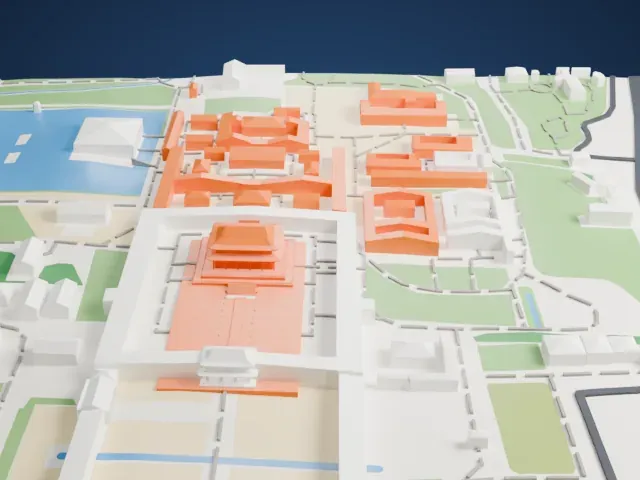
Make this print opens the generator on a 600 m square around the landmark. Buildings print at close to true scale, so the landmark grows with the print size.
| Print size | Landmark height | Scale |
|---|---|---|
| 160 mm default | 7 mm | 1:3,750 |
| 200 mm | 8 mm | 1:3,000 |
| 256 mm | 11 mm | 1:2,344 |
-
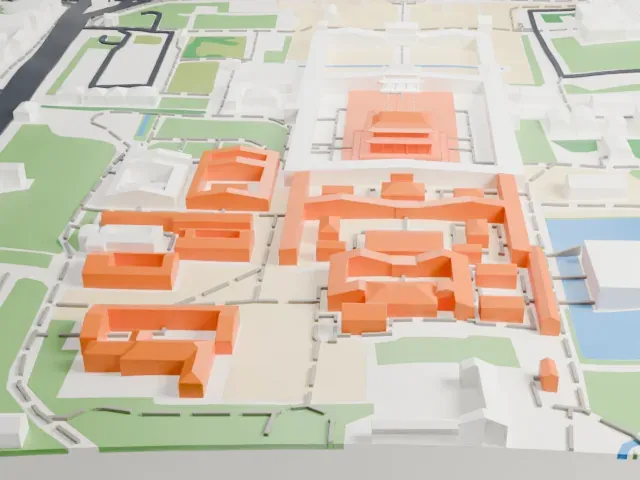 North
North
-
 East
East
-
 South
South
-
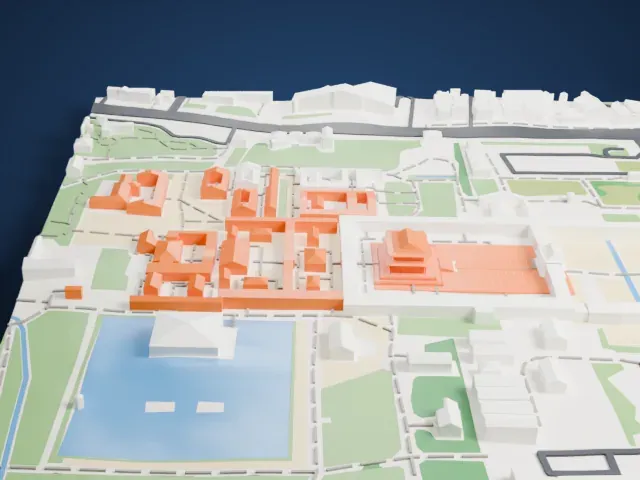 West
West
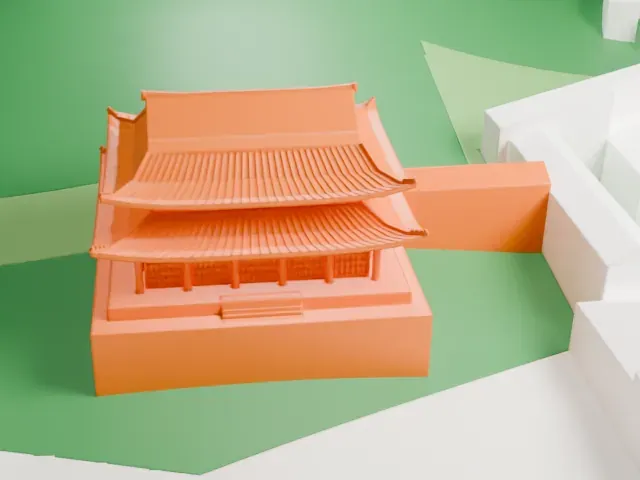
- Sweeping eaves and layered roofs
- The curved, layered roofs overhang the walls below them. Print friendly adapts thin overhangs and small details to the print scale; Full detail keeps them on a larger print.
- Fine lines on the courtyard
- The paved courtyard and stepped platform carry fine lines. Layers of 0.12–0.16 mm in the slicer keep them crisp.
- Pick the detail for your nozzle
- In the Buildings settings, set Landmark detail to Print friendly to adapt thin parts and small details to the print scale. Full detail keeps every modeled feature, for larger prints or a finer nozzle.
- Colors
- Buildings, roads, water and ground arrive as separate filament slots in the 3MF. Gyeongbokgung Palace takes the building color.
- File format
- You get a 3MF for Bambu Studio, OrcaSlicer or PrusaSlicer. Any of them can save it as STL if you need one.
About this model
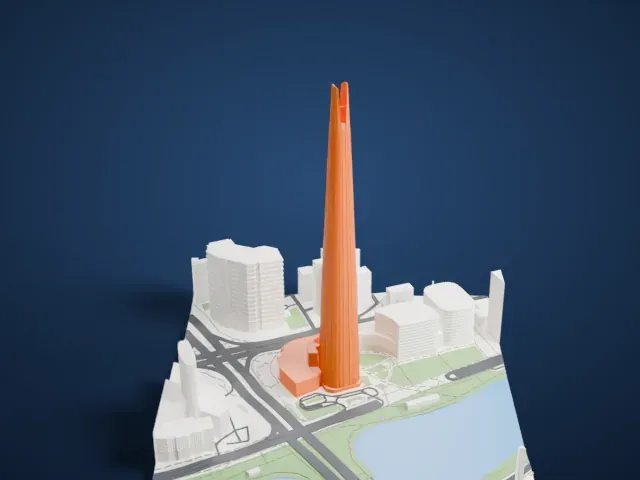
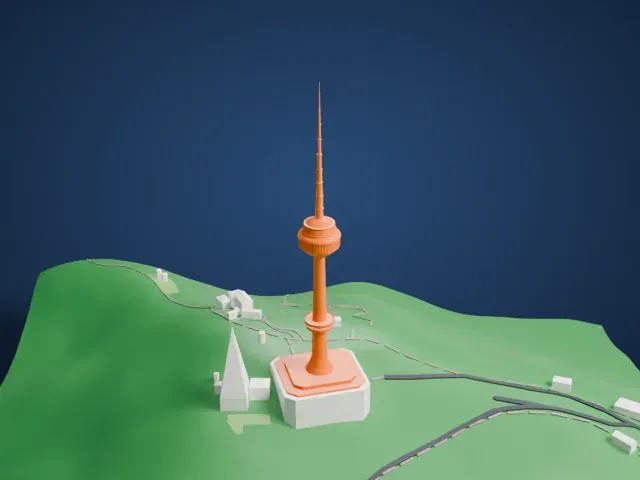
Gyeongbokgung Palace is one of more than 2,300 landmark models in Mini Skyline. They are made with AI, and each one is checked from four sides in its real surroundings before release. Everything around it is built from OpenStreetMap and Overture map data. If you would rather print the shape from map data, turn off Landmark models in the Buildings settings.
Common questions
Is there a Gyeongbokgung Palace STL I can download?
Mini Skyline builds the file for you in your browser and exports 3MF, which every major slicer opens. If you need an STL, open the 3MF in your slicer and export it from there.
How big can I print it?
Any print size from 40 mm across. Gyeongbokgung Palace grows with the print: about 7 mm tall on the default 160 mm print. For a model larger than your printer bed, Project Mode splits the area into tiles.
Is it free?
Yes. Generation runs in your browser, with no account and nothing behind a paywall.