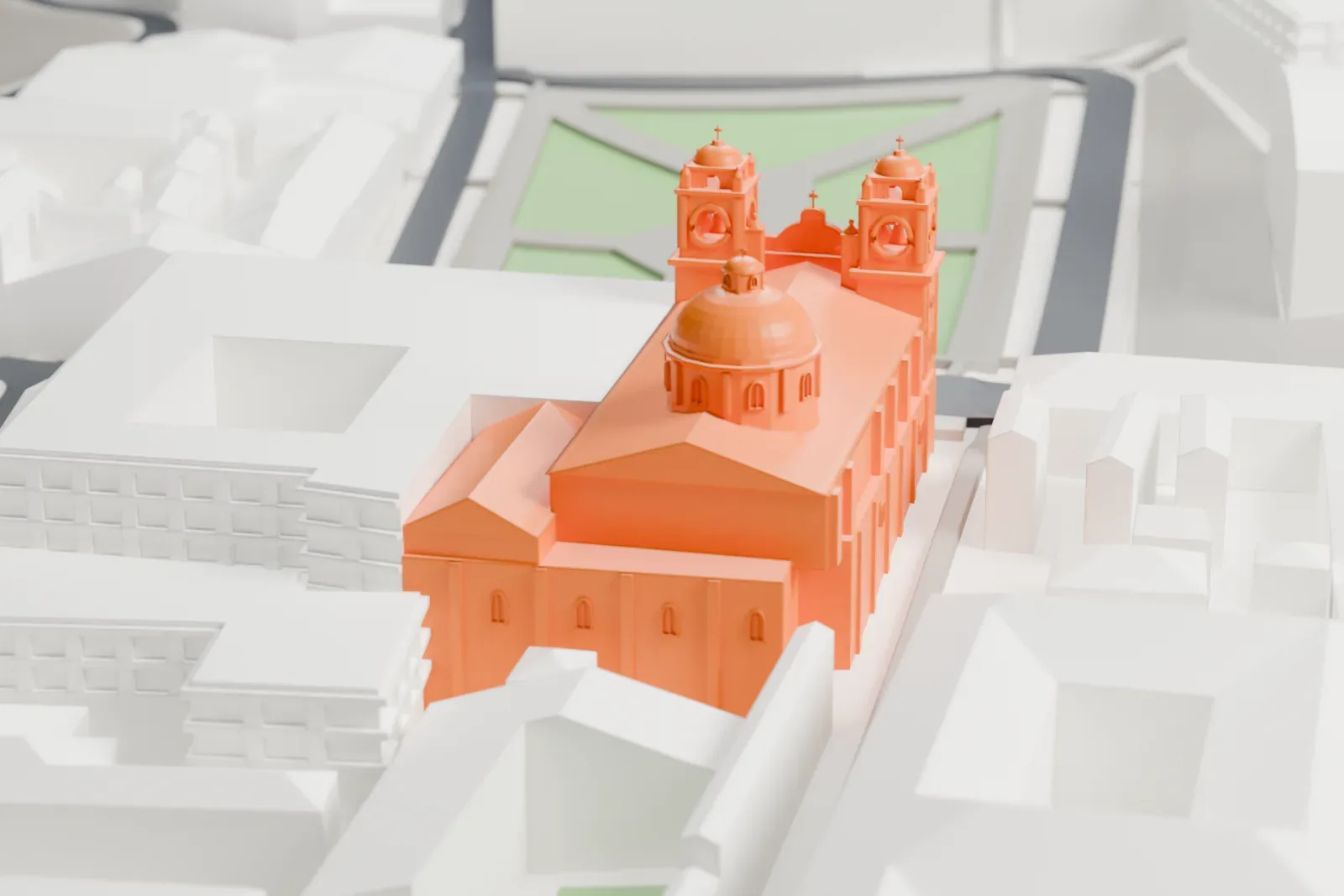
3D print the Church of the Society of Jesus, Cusco
A free, printable model of the Church of the Society of Jesus in Cusco, with its twin bell towers and dome, among the surrounding streets and buildings, generated from real map data in your browser.
-
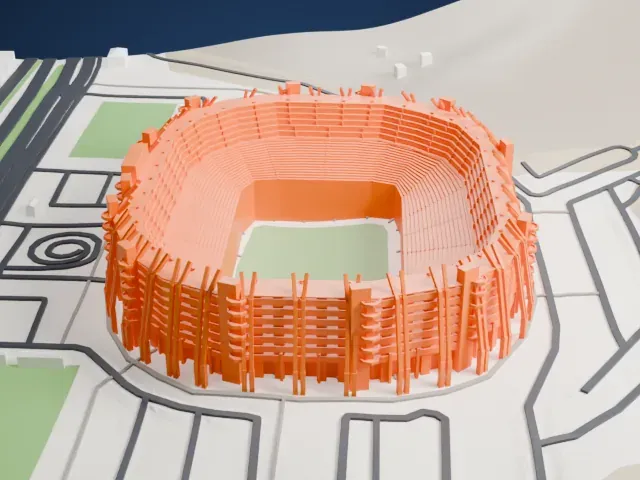
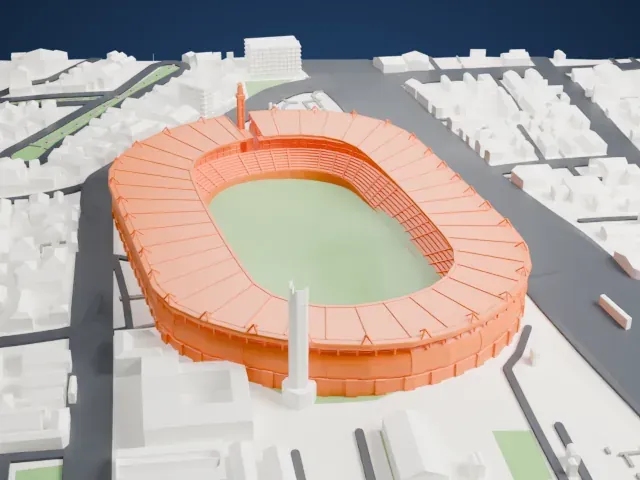
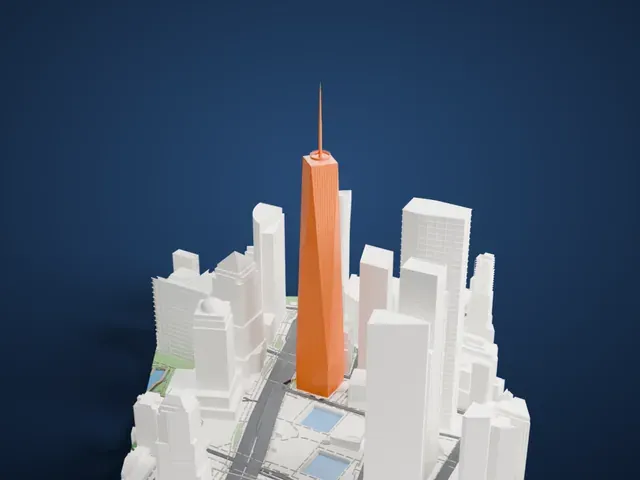
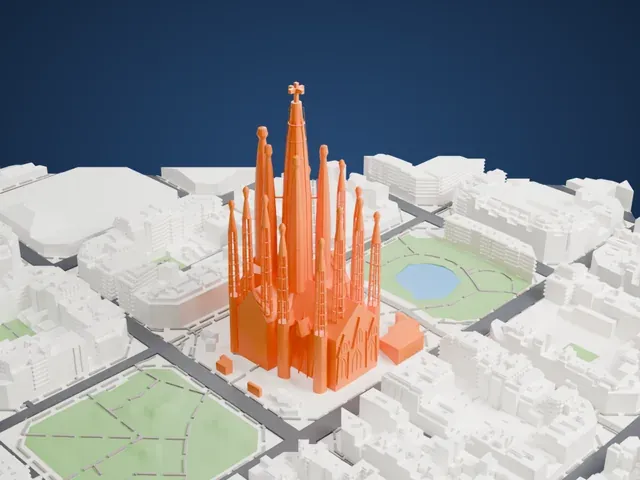
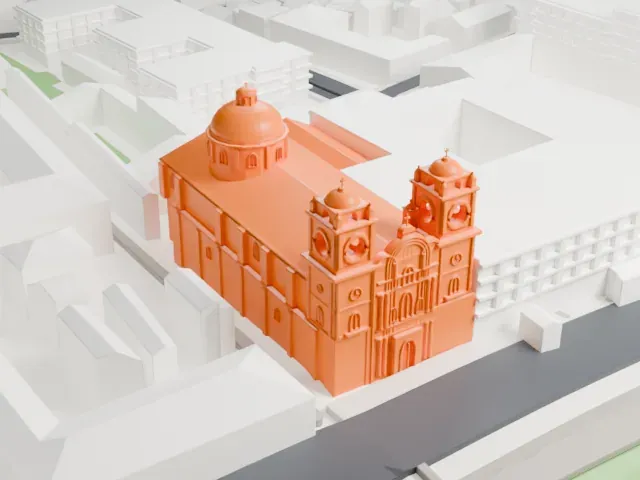 North
-
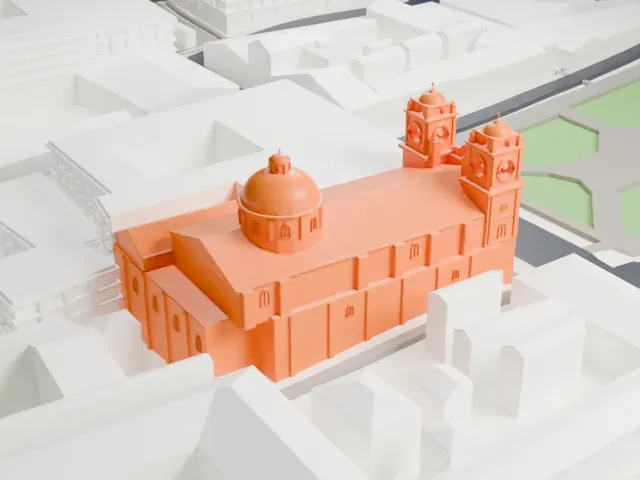 East
-
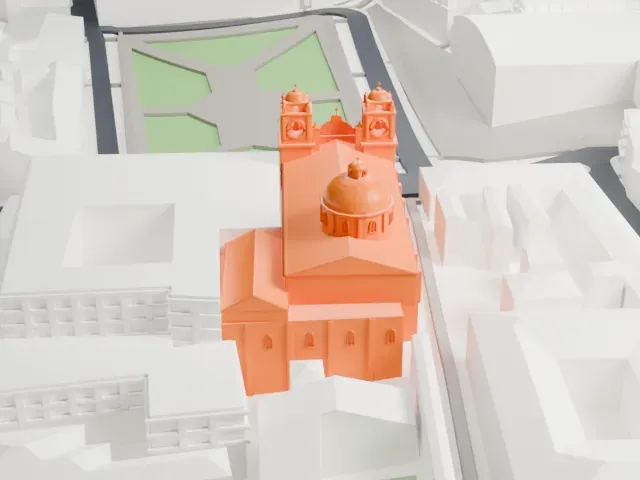 South
-
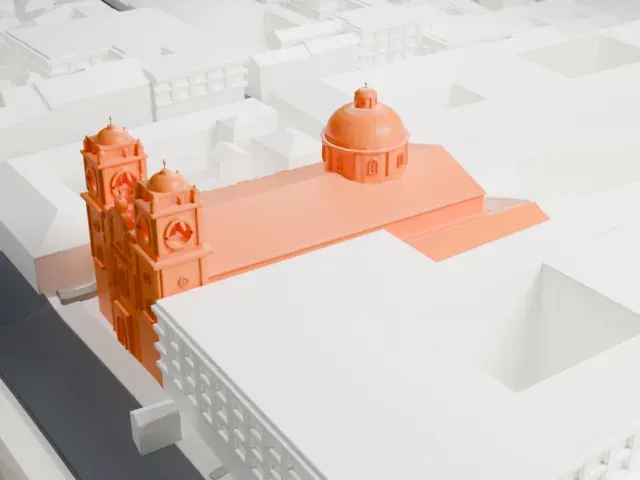 West
The model you print
Church of the Society of Jesus, Cusco in 3D
The landmark on its own, at its size on a 160 mm print. Print friendly thickens thin parts for a 0.4 mm nozzle; Full detail keeps every part.
- On a 160 mm print
- 11 mm
- Scale
- 1:3,750
11 mm tall on a 160 mm print
Make this print opens the generator on a 600 m square around the landmark. Buildings print at close to true scale, so the landmark grows with the print size.
- Twin bell towers and lanterns
The two front towers carry small domes, urns and crosses, and a lantern tops the main dome. Print friendly adapts these small parts to the print scale; Full detail keeps them on a larger print.
- Carved front and round dome
The facade between the towers is busy with columns and niches, and the dome is a smooth curve. A layer height of 0.12–0.16 mm keeps both the carving and the dome's curve clean.
- One piece with the ground
The Church of the Society of Jesus, Cusco is joined to the ground in the exported file, and the four-side check found no floating parts, so nothing needs gluing.
- Pick the detail for your nozzle
In the Buildings settings, set Landmark detail to Print friendly to adapt thin parts and small details to the print scale. Full detail keeps every modeled feature, for larger prints or a finer nozzle.
- Colors
Buildings, roads, water and ground arrive as separate filament slots in the 3MF. The Church of the Society of Jesus, Cusco takes the building color.
- File format
You get a 3MF for Bambu Studio, OrcaSlicer or PrusaSlicer. Any of them can save it as STL if you need one.
About the Church of the Society of Jesus, Cusco
The Church of the Society of Jesus (Iglesia de la Compañía de Jesús) is a historic Jesuit church on the Plaza de Armas, the center of Cusco, Peru, once the capital of the Inca Empire. It stands on Amarucancha, once a palace of Huayna Capac, the Inca ruler, which Viceroy Francisco de Toledo let the Jesuits occupy after they reached the city on January 12, 1571. It is counted among Peru's best examples of Spanish Baroque architecture, and its design shaped many Baroque buildings in the South Andes.
The first church on the site was founded on July 17, 1571. It had a Plateresque facade and grew into the largest church of the Society of Jesus anywhere in the viceroyalty, but the earthquake of 1650 damaged it so badly that it was completely demolished. Work on a larger replacement began on August 22, 1651. Critics called the plans daring and argued they would diminish the nearby Cathedral, but the viceroy ruled for the Jesuits.
The Flemish Jesuit architect Jean-Baptiste Gilles designed the new church, and Diego Martínez de Oviedo directed the work on its facade. Built entirely of stone, using pink basalt and andesite, the church has one nave and a pair of side chapels, with a main facade framed by two bell towers. The Jesuits held it until King Charles III of Spain expelled the order; they left Cusco on September 14, 1767.
About this model
The Church of the Society of Jesus, Cusco is one of more than 6,500 landmark models in Mini Skyline. They are made with AI, and each one is checked in its real surroundings before release. Each model is written as code from public descriptions, plans, photographs and aerial views used only as references; no image or third-party model is copied into it. Everything around it is built from OpenStreetMap and Overture map data. Rights in the building itself, its name and any brands on it are not granted by Mini Skyline; clear them separately before you sell prints. If you would rather print the shape from map data, turn off Landmark models in the Buildings settings.
Mini Skyline is not affiliated with, or endorsed by, the owners of this building or its names and marks.
Keep exploring