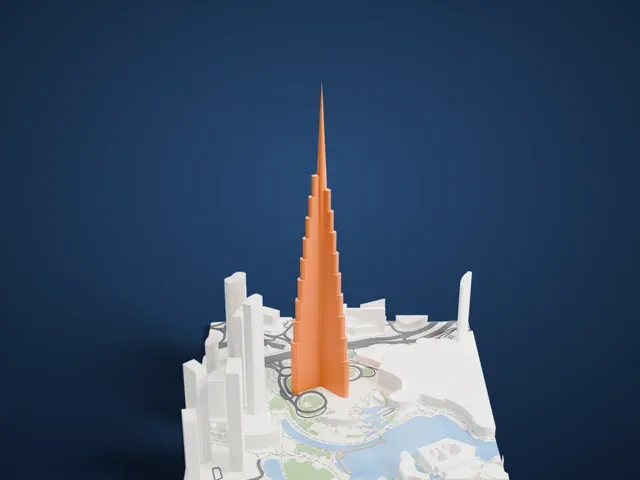
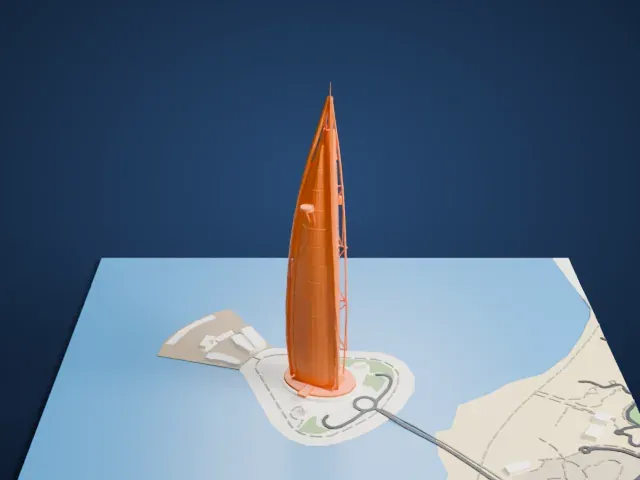
3D print the Index Tower
A free, printable model of the tall tower and the high-rise buildings, roads and green spaces around it, generated from real map data in your browser.
Free, in your browser. Exports a slicer-ready 3MF.
About the Index Tower
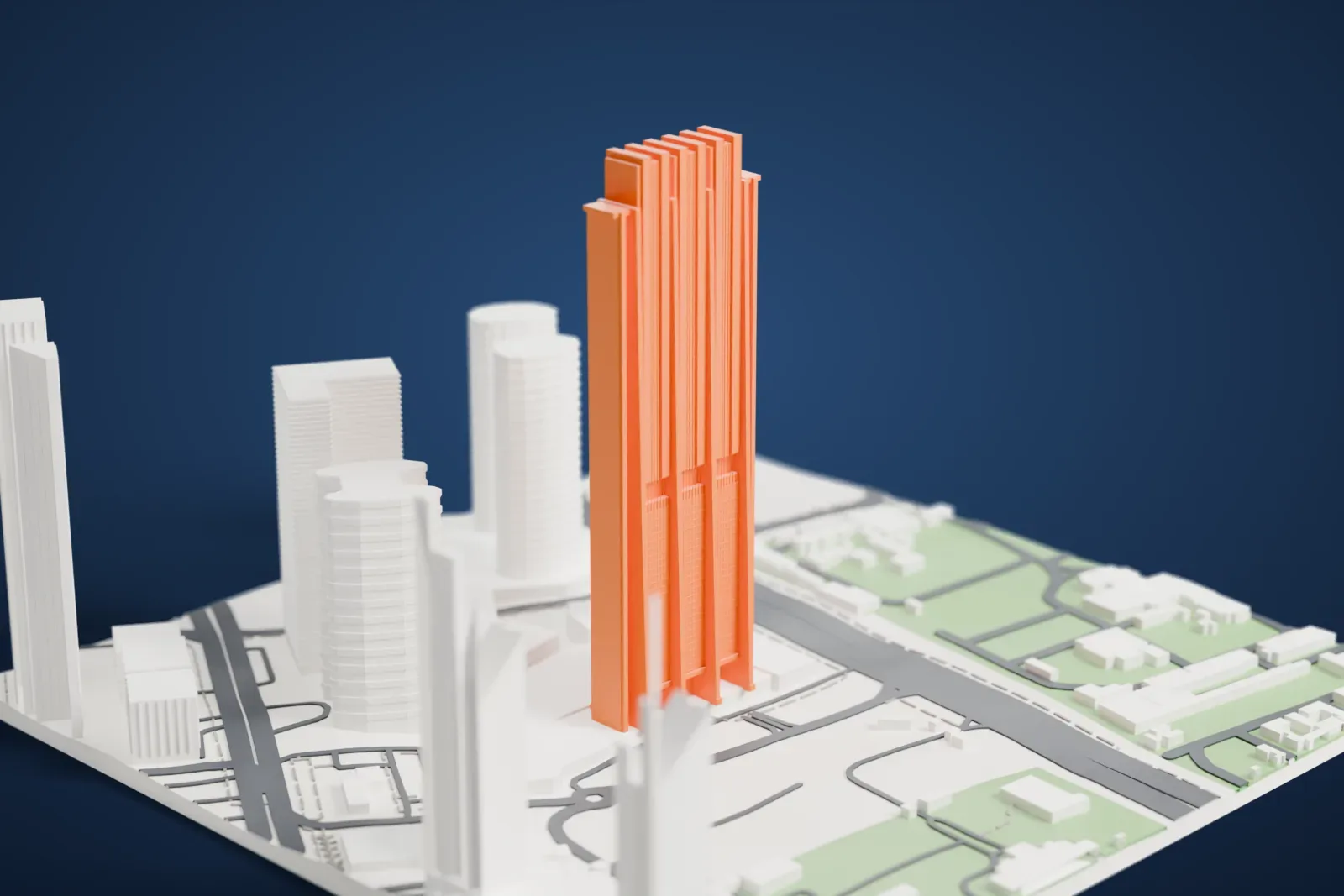
Rising 328 m (1,076 ft) in Dubai, United Arab Emirates, The Index has 80 stories. Service floors take up its lowest four levels, while above them are offices and apartments, topped by duplex and triplex penthouses. A sky lobby of double height separates the offices from the apartments, and among the tower's recreational facilities are a swimming pool and a gym.
The tower was designed for its climate. Its alignment is exactly east to west, so the concrete cores at its eastern and western sides protect the floors from the low, strong morning and evening sun. Only the south facade faces the high midday sun, and large sun shades there reduce solar gain.
This strategy significantly lowers the need for air conditioning and reduces energy costs for tenants. At the height of summer, without air conditioning, internal temperatures will stay under 28 °C (82 °F). The tower offers parking for 2,442 cars. In June 2011 it won the 2011 award for Best Tall Building in Middle East & Africa.
How it prints
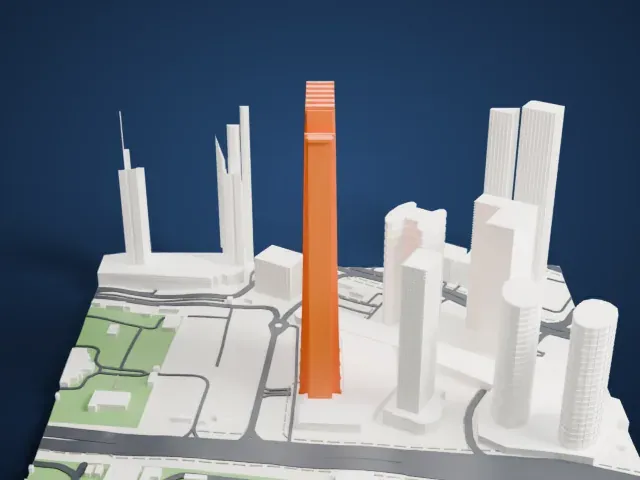
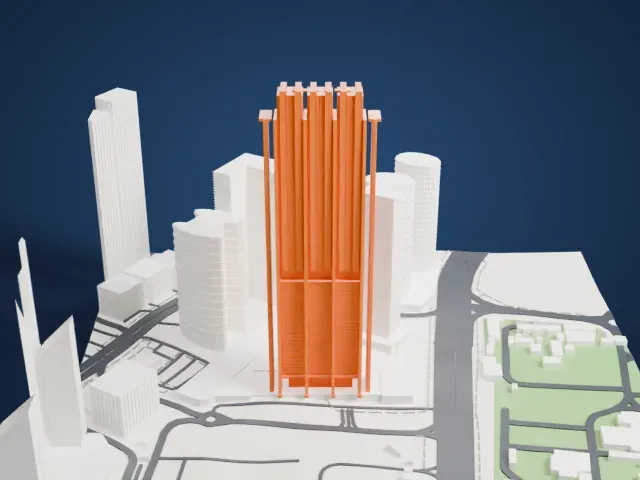
Make this print opens the generator on a 600 m square around the landmark. Buildings print at close to true scale, so the landmark grows with the print size.
| Print size | Landmark height | Scale |
|---|---|---|
| 160 mm default | 89 mm | 1:3,750 |
| 200 mm | 112 mm | 1:3,000 |
| 256 mm | 143 mm | 1:2,344 |
-
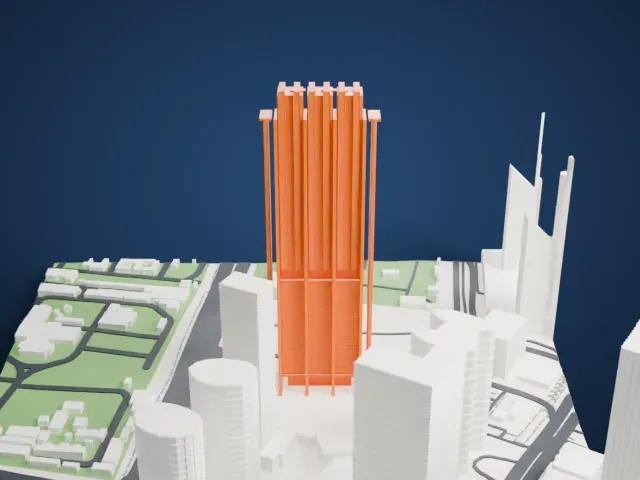 North
North
-
 East
East
-
 South
South
-
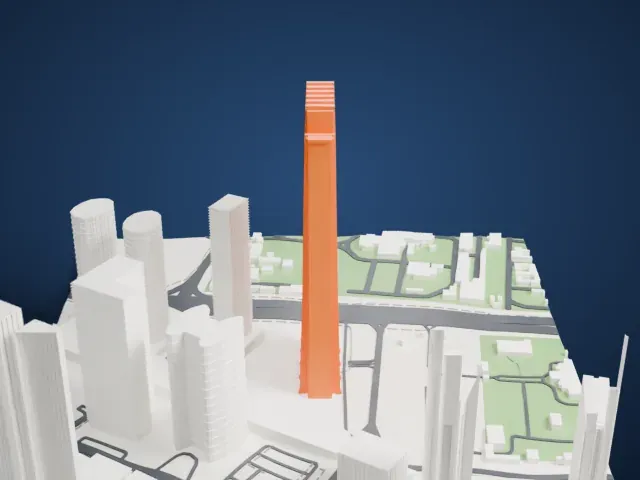 West
West
- Thin poles by the crown
- Two very thin poles rise beside the top of the tower. Print friendly thickens them for the print scale; Full detail keeps them slim, so print slowly.
- Notched crown and shafts
- The top is notched with several narrow shafts. A larger print size and 0.12-0.16 mm layers keep these crisp.
- One piece with the ground
- The Index Tower is joined to the ground in the exported file, and the four-side check found no floating parts, so nothing needs gluing.
- Pick the detail for your nozzle
- In the Buildings settings, set Landmark detail to Print friendly to adapt thin parts and small details to the print scale. Full detail keeps every modeled feature, for larger prints or a finer nozzle.
- Colors
- Buildings, roads, water and ground arrive as separate filament slots in the 3MF. The Index Tower takes the building color.
- File format
- You get a 3MF for Bambu Studio, OrcaSlicer or PrusaSlicer. Any of them can save it as STL if you need one.
About this model
The Index Tower is one of more than 2,300 landmark models in Mini Skyline. They are made with AI, and each one is checked from four sides in its real surroundings before release. Everything around it is built from OpenStreetMap and Overture map data. If you would rather print the shape from map data, turn off Landmark models in the Buildings settings.
Common questions
Is there an Index Tower STL I can download?
Mini Skyline builds the file for you in your browser and exports 3MF, which every major slicer opens. If you need an STL, open the 3MF in your slicer and export it from there.
How big can I print it?
Any print size from 40 mm across. The Index Tower grows with the print: about 89 mm tall on the default 160 mm print. For a model larger than your printer bed, Project Mode splits the area into tiles.
Is it free?
Yes. Generation runs in your browser, with no account and nothing behind a paywall.